
If a customer reports failed API requests, you might need help with more than the reply. Someone has to check the error, understand the account’s setup, choose the best solution, and decide whether to involve the dev team. A well-written answer only helps once you have enough evidence to explain the problem and present a fix.
Both agentic AI and generative AI (GenAI) offer tools to streamline your support workflows. GenAI can turn information into a useful response, while agentic AI can pursue an investigation across tools and choose steps within limits you set. Each model uses LLMs, and you can combine them in the same processes.
In this article, we’ll explain the similarities and differences between agentic AI versus generative AI. And we’ll discuss how you can apply these technologies to build stronger customer relationships.
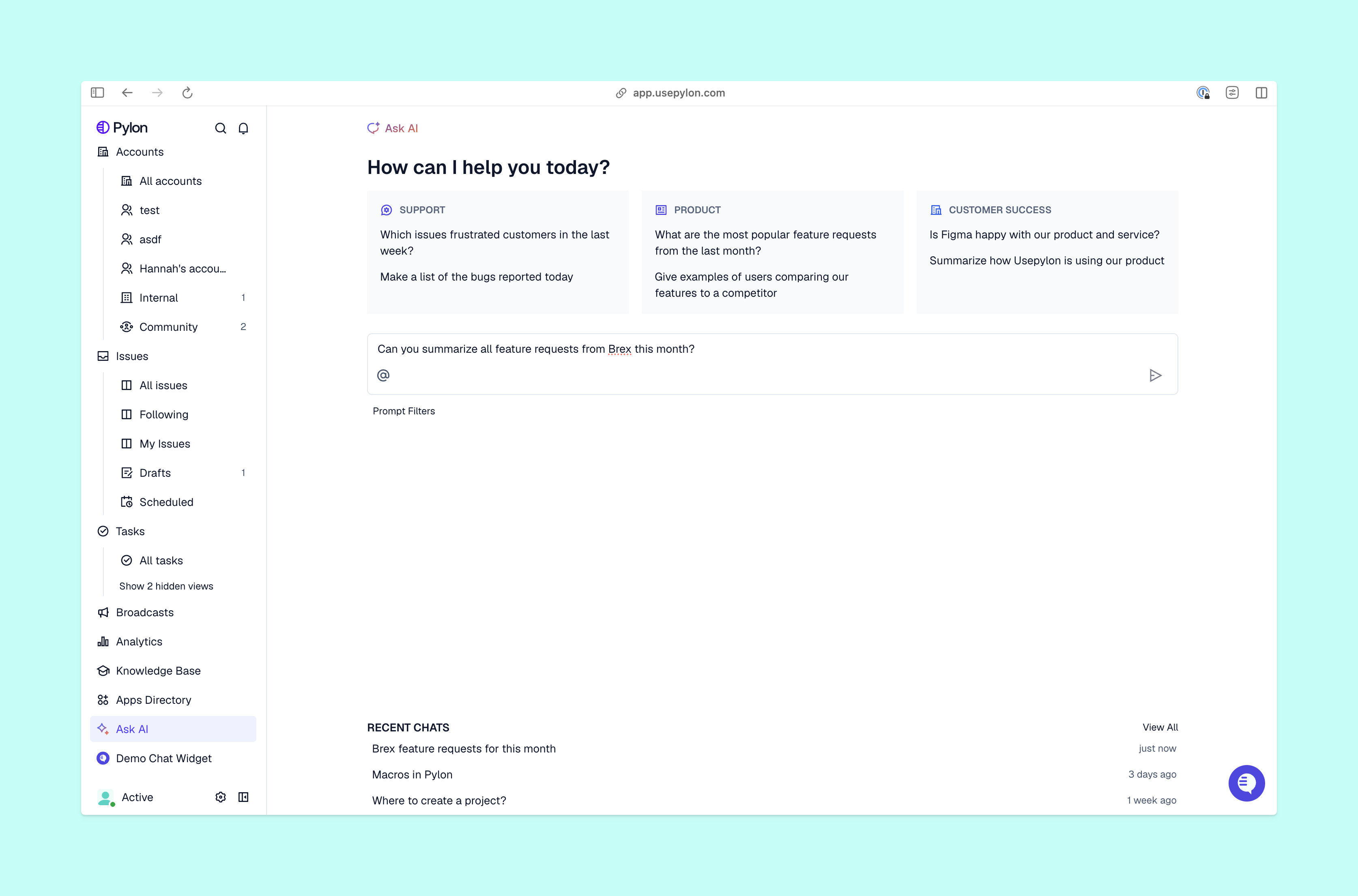
GenAI creates or transforms content, while agentic AI works toward a goal, using feedback to decide what to do next. These types of AI can also work in combination: An agent could use a generative model to interpret your request, then select a tool for investigation and explain its findings.
Here’s what each technology can offer for your support workflows.
Let’s take a closer look at how these two types of AI, generative and agentic, can be useful in a B2B customer support context.
Once you’ve established the cause of an issue, GenAI can turn your technical notes into a clear customer explanation. Just give your model the verified findings and approved troubleshooting steps, then let it know what level of detail your customer needs.
Once the draft is ready, you can make sure it preserves the facts and uses the right tone before you send it. The same technology can summarize a long issue for your dev team or turn a resolved question into an article draft.
If the cause of an issue is unknown, your agentic support workflow can step in to gather evidence. With the right tools and context enabled, an AI agent could retrieve the latest error to compare it with known issues, and check the account configuration.
If the agent finds a matching engineering issue, that could lead to an escalation with evidence attached. An unfamiliar error could mean you need more information from the customer. At that point, the agent could use GenAI to draft the appropriate message, while your team reviews consequential actions.
To start adding AI into your support workflows, start with one simple and repeatable task. If a summary or suggested reply is all you need, GenAI could be enough. Add agentic steps when they remove investigation work or rote tasks your team would otherwise handle manually.
Before you set up an AI agent, clearly define the evidence it should return and where it should stop. Test past issues, then compare human effort, results, corrections, and escalations with your current process to see if AI is making a true difference.
A shared workspace makes that review stage easier. Pylon’s agentic support platform brings conversations from channels like Slack, Teams, email, and chat together with customer context. This means both your team and AI agents have access to everything they need in one place.
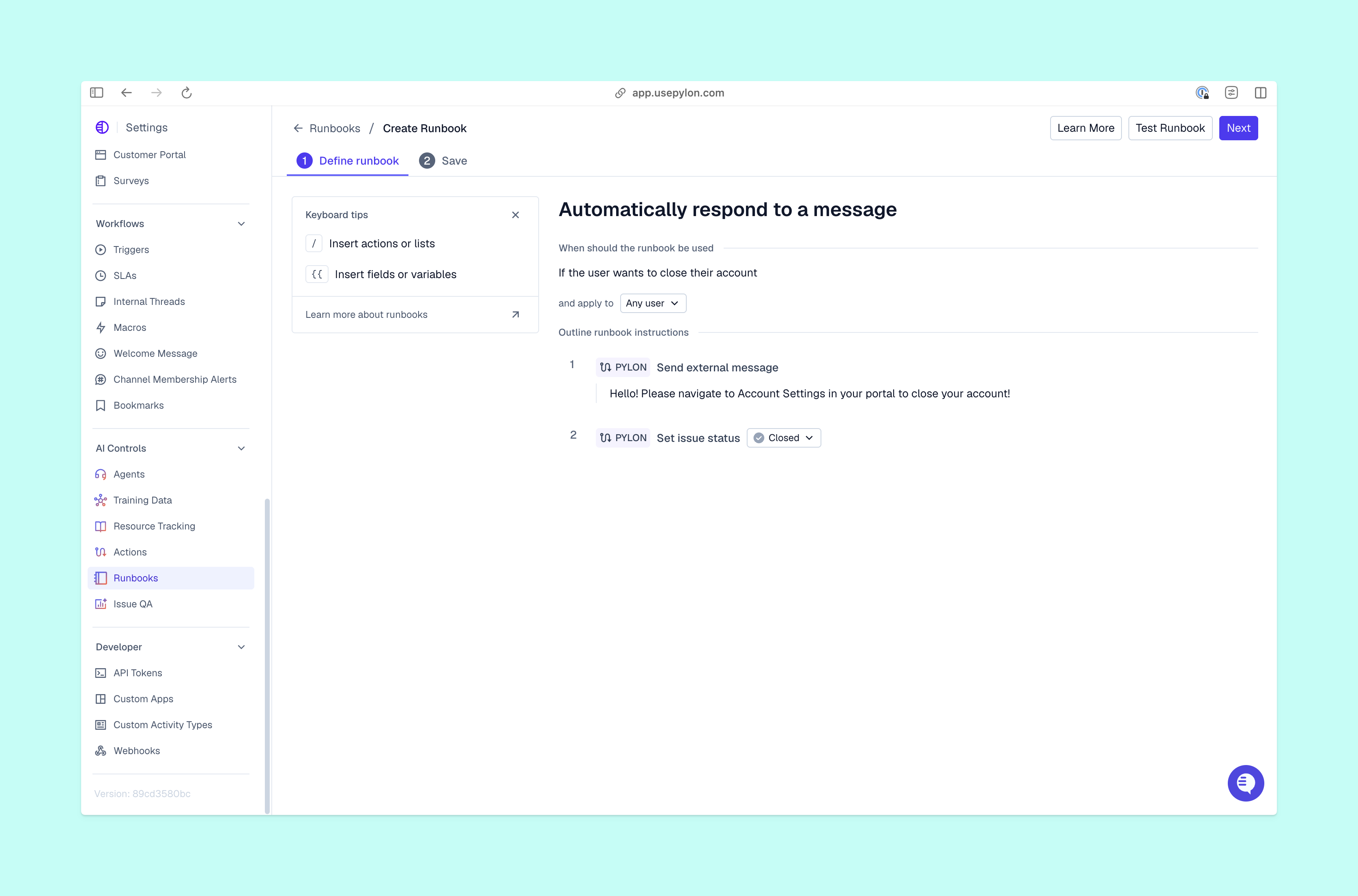
Pylon’s approach to agentic support keeps your team focused on directing investigations and reviewing outcomes. All AI agents work with shared customer context, but each type has a different role in moving issues forward:
One of the biggest risks when using any type of AI is trusting an answer that sounds correct. GenAI can invent details and reflect biases, and its explanation may not show how it reached that conclusion.
An agent that uses the same base model can inherit those problems. So always ask for supporting sources, and check consequential claims against the underlying evidence. That might mean verifying an error and the affected configuration before recommending a fix.
Action permissions add operational risk, because a mistaken conclusion could cause an incorrect change in a live system. Retrieved material can also contain instructions that redirect the agent, creating security and privacy problems.
To reduce these risks, limit the AI’s access. Keep sensitive findings internal, and add review checkpoints before consequential changes. Assign someone to correct mistakes and monitor escalations. Otherwise, automation can move an issue forward while no one checks to see whether the customer’s problem was resolved to their satisfaction.
Neither GenAI nor agentic AI is “better;” they excel at different work and can both play a crucial role in great support operations. If the first task you need help with is expressing verified information, start with generative AI. If you want an investigation process that adapts as evidence arrives, test an AI agent with clear context and review points.
Pylon is the Agentic Support Platform built for B2B support teams. It brings conversations across Slack, Teams, email, chat, and other channels into one place, giving AI the context to help resolve customer issues and continuously improve your knowledge base. Pylon can identify missing or outdated documentation, generate new content from real support conversations, and help your team keep knowledge accurate as your product evolves.
Four common GenAI output categories are text, image, audio, and video. Many models can also generate code and combine multiple formats into complex outputs.
Which AI technology is best, agentic AI or generative AI, depends on the task you need it to perform. Generative AI may be enough for a proposed draft or a summary of existing information. Agentic AI fits work that requires investigation and decisions across multiple steps, provided you can supply reliable tools and appropriate oversight.
Pylon’s Assist Agent, Automations, and Support Agent are three examples of agentic AI that can improve B2B customer support. These agents offer direct assistance for your team, trigger work based on defined workflows, and even handle some customer-facing resolutions autonomously.
Agentic AI performs best with human oversight. You’ll want to carefully define the AI’s scope and review its overall performance, even when individual steps run automatically. Built-in human review checkpoints can pause a workflow for your review before the AI continues.
Pylon Workforce Management is available now. See it in action with a live demo.