














Choose the trigger conditions that determine when an Automation runs and the tools and context it can use, from your knowledge base and account data to connected integrations, codebases, MCP servers, logs, and internal APIs.

Define what you want an Automation to do in plain English or use a Skill to define a repeatable process. Investigate issues, triage requests, create engineering tickets, generate reports, update systems, and more.

Automations can use Skills, customer context, support history, and connected tools to complete work across your support operation.

Automations aren't just for pre-work. Create Linear issues when feature requests come in, analyze response quality when tickets close, identify knowledge gaps, generate recurring reports, or automate other workflows your team repeats today.
A new issue, customer message, SLA risk, incident, scheduled event, or other trigger starts the right Automation.
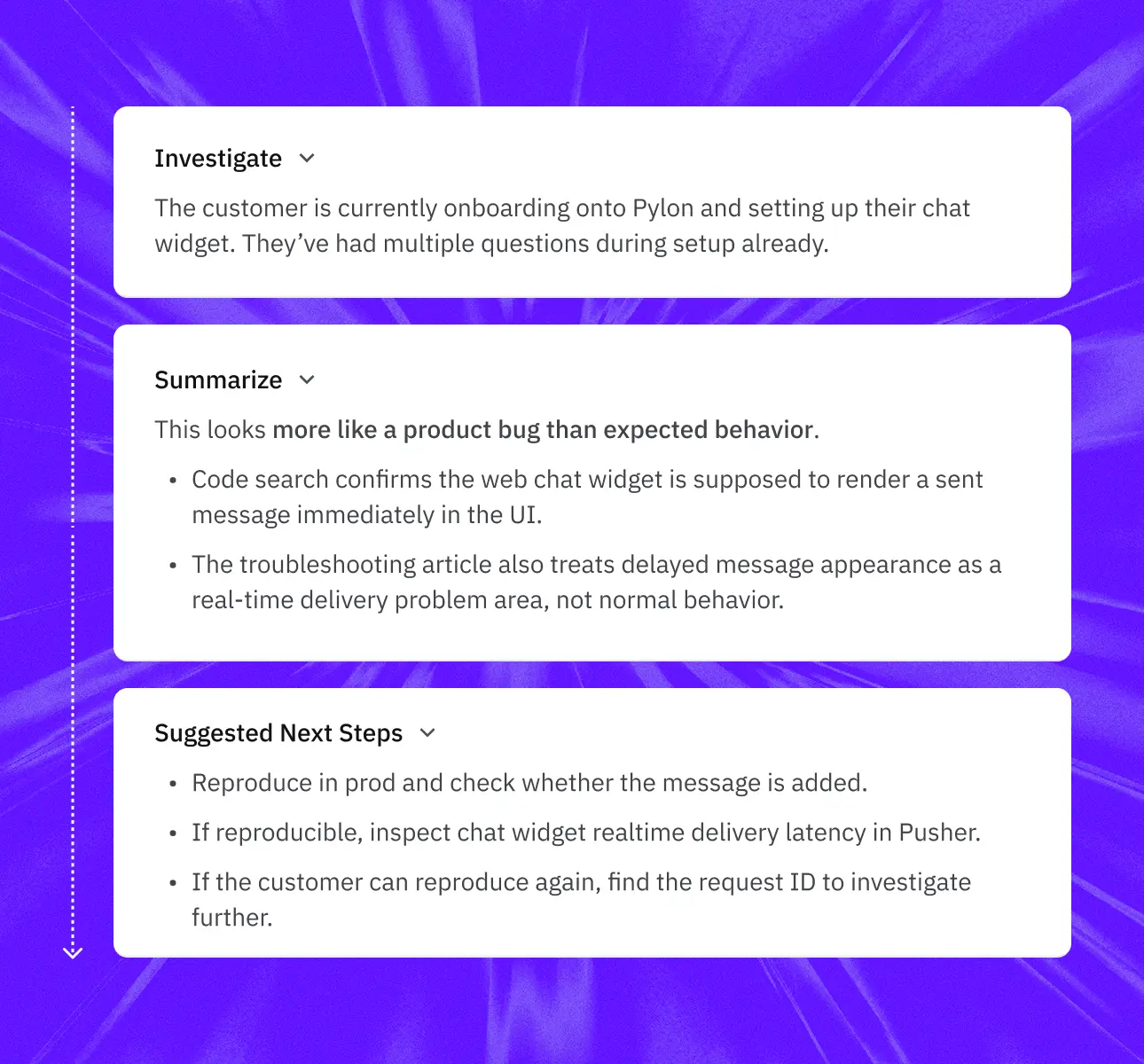
The Automation follows your AI instructions or Skills, gathers the context it needs, and uses connected tools to complete the task.
Automations can search support history, CRM data, engineering tools, logs, code, and internal systems to investigate, update records, create tickets, and take action.
See the work completed, the context and evidence used, and the actions taken, so your team can review the results and step in when judgment is needed.



Automations are trigger-based AI workflows that perform repeatable work automatically. They can follow instructions or Skills, use context from Pylon and your connected systems, and take action without someone manually starting the work.
Automations can run when an issue arrives, a customer responds, an SLA approaches, an incident begins, or on a recurring schedule, and many more. Choose the trigger that matches each workflow.
Automations can investigate issues, triage and route requests, create and link engineering tickets, review quality, update records, generate reports, identify knowledge gaps, and handle follow-up. Any repeatable support process is a good candidate for an Automation.
Automations run workflows based on triggers or schedules. Assist Agent is the agent teammates work with directly to ask questions, investigate issues, and take action.
Yes. Your team can see when an Automation runs, the context and tools it uses, and the results or actions it produces.
Define when an Automation should run, what work it should perform, the context and tools it can use, and what should happen when the work is complete.


