














Agents understand the work in front of them and run the Skills required to complete it. An investigation might use one Skill to search past issues, another to check Linear, and another to update the customer.

Your team can invoke the same Skills directly from Assist Agent. Ask in natural language or use a / command to run a known process without completing every step manually.
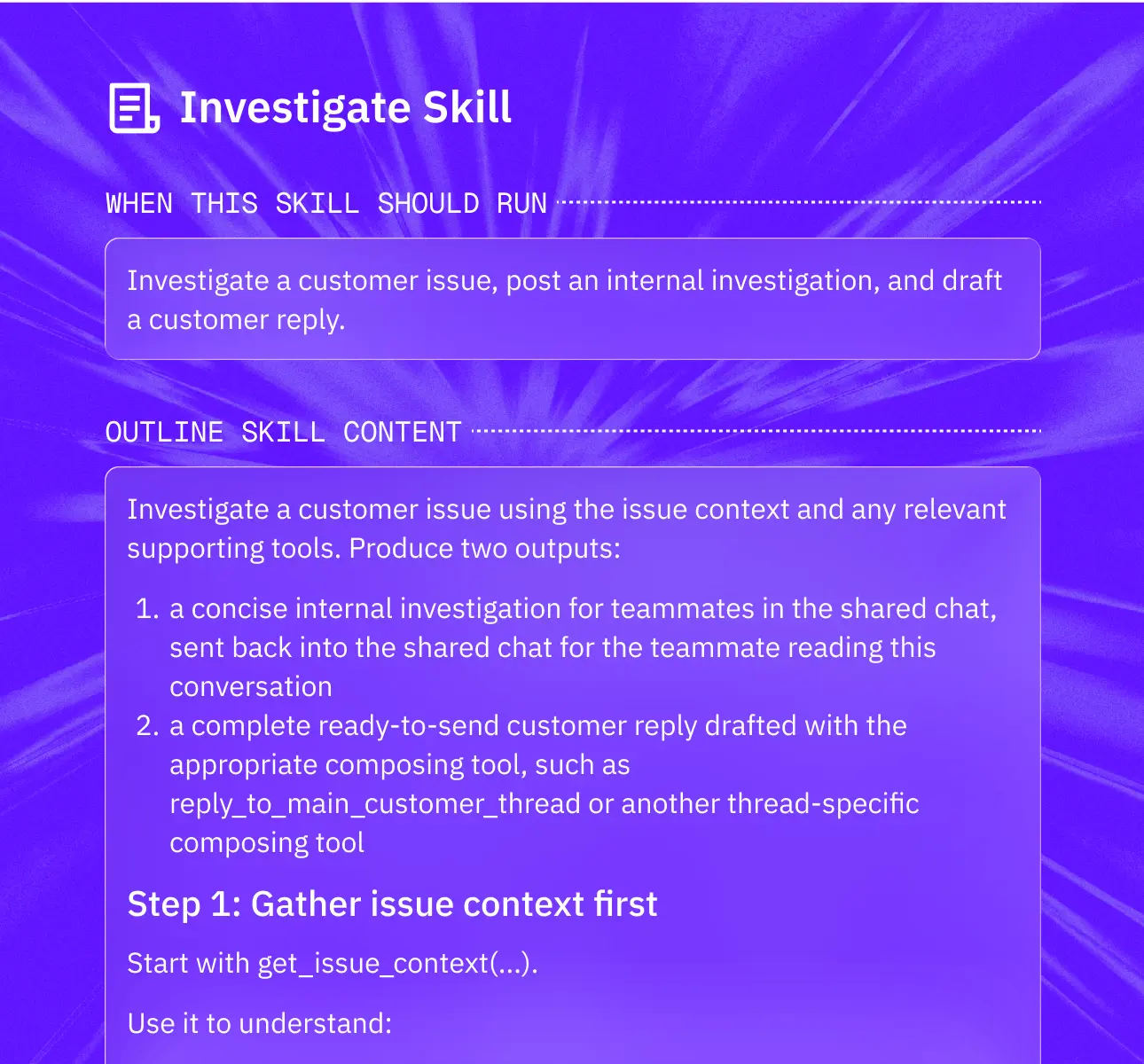
Describe the outcome, the steps to follow, the systems to check, and the actions to take. Pylon turns those instructions into a Skill that humans and agents can run.
Every agent and teammate uses the same Skill library. Update a process once and the latest version becomes available everywhere it is used.
Skills aren't just for AI. Human agents in the Assist Agent panel can search and trigger any Skill with a / command. The same process that your Support Agent runs autonomously at 2am is the same process your human agent runs at 10am. Consistency across your whole team, not just your AI.
Skills can call Connectors — any MCP-compatible tool or APIs your team uses. A Skill can call your internal API, create a Linear ticket, check a Stripe subscription, query your codebase, or read a Notion doc. You define the process and connectors give it reach.
.png)


A Skill is a reusable set of instructions and tools for completing a specific type of work. It defines what to check, how to make decisions, which actions to take, and when to ask for human approval.
Agents decide what work needs to be done. Skills give them a repeatable way to do it. One agent can use many Skills, and the same Skill can be used by many agents and people.
Describe the process in natural language. Include the intended outcome, relevant systems, decision rules, actions, and approval requirements. You can test the Skill, refine its instructions, and make it available to your team.
Yes. Teammates can ask Assist Agent to run a Skill in natural language or invoke one with a command. Humans and agents use the same instructions and tools.
Yes. Skills can use native integrations, APIs, custom tools, and Model Context Protocol servers to search information and take actions across your stack.
Pylon uses the results of investigations, decisions, and actions to suggest improvements to Skills. Your team can review and apply those changes so the process reflects how your team actually works.


