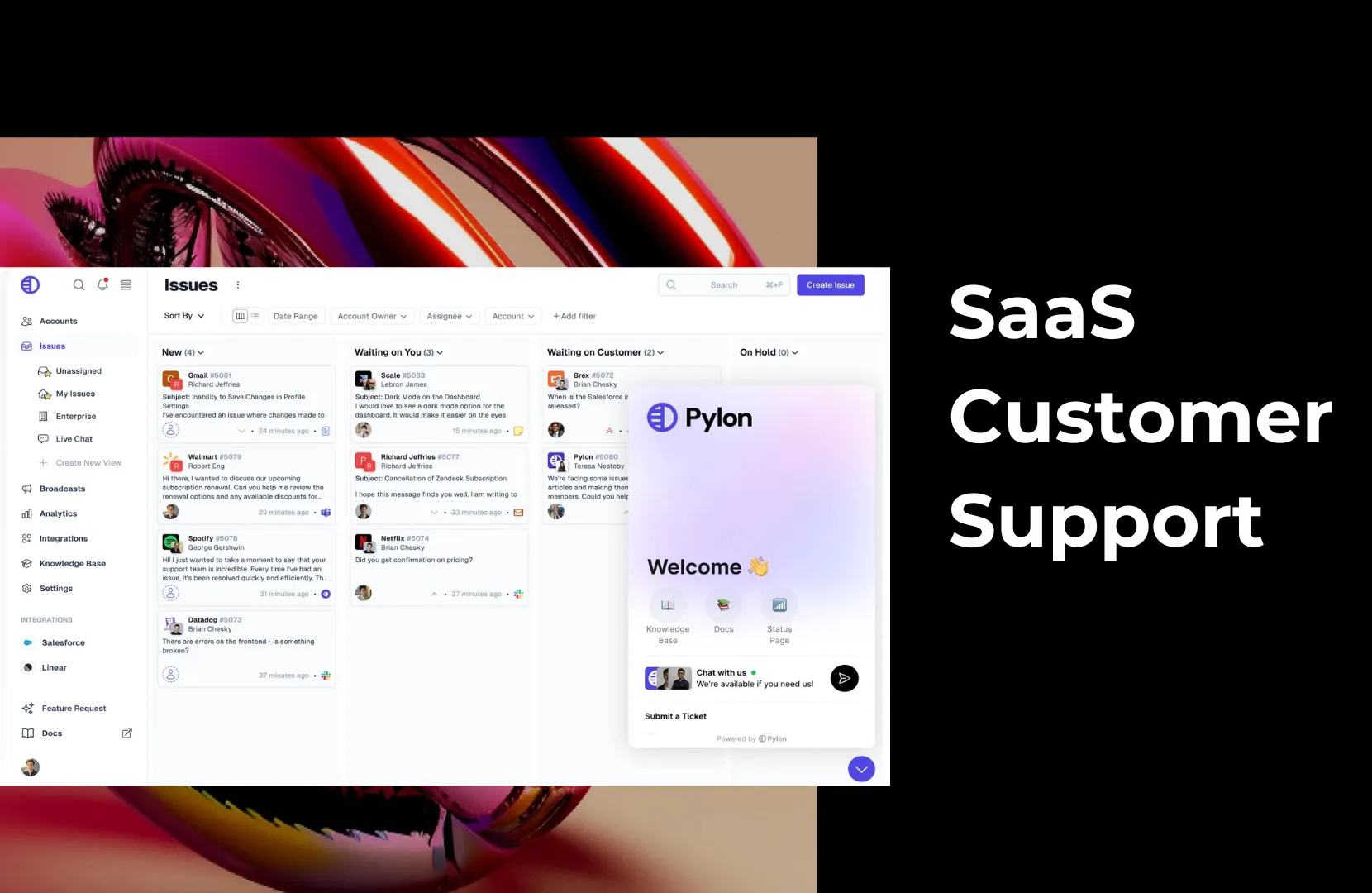
Today’s SaaS users expect more than just bug fixes and password resets; they expect fast, knowledgeable help that evolves with their needs. Whether onboarding, troubleshooting, or explaining how to get the most out of a new feature, SaaS customer support is crucial to keeping users engaged and successful.
In the B2B space, this support needs to be accessible, accurate, and deeply aligned with customers' workflows. When done well, SaaS customer support can improve retention, reduce churn, and become a differentiator that drives growth.
In this article, we’ll discuss what makes SaaS customer support unique, its core components, and best practices. We’ll show you how platforms like Pylon help B2B teams deliver effective support and how you can measure the success of your company’s strategy.
SaaS customer support refers to the ongoing assistance of software-as-a-service (SaaS) product users. Unlike one-time software installs, SaaS products live online, receive regular updates, and often require configuration across multiple teams or systems. That means support teams must be available during setup and throughout the customer lifecycle.
The scope of support is broad. Some users may need basic help, like resetting passwords or navigating the UI, while others require in-depth technical guidance on APIs, integrations, or security settings. Support teams must be equipped to handle this full spectrum of needs, often with tiered or specialized roles.
Support in SaaS is also ongoing by nature. Because users continuously interact with and evolve alongside the product, support can’t be reactive alone. Many SaaS companies now offer proactive guidance, onboarding workflows, and real-time help within the product.
Delivery methods vary widely. SaaS support may happen through live chat, email, ticketing systems, Slack, embedded widgets, or knowledge bases. The best teams adopt an omnichannel support strategy that lets users reach out on their preferred platforms and ensures agents see the full conversation history across all of them.
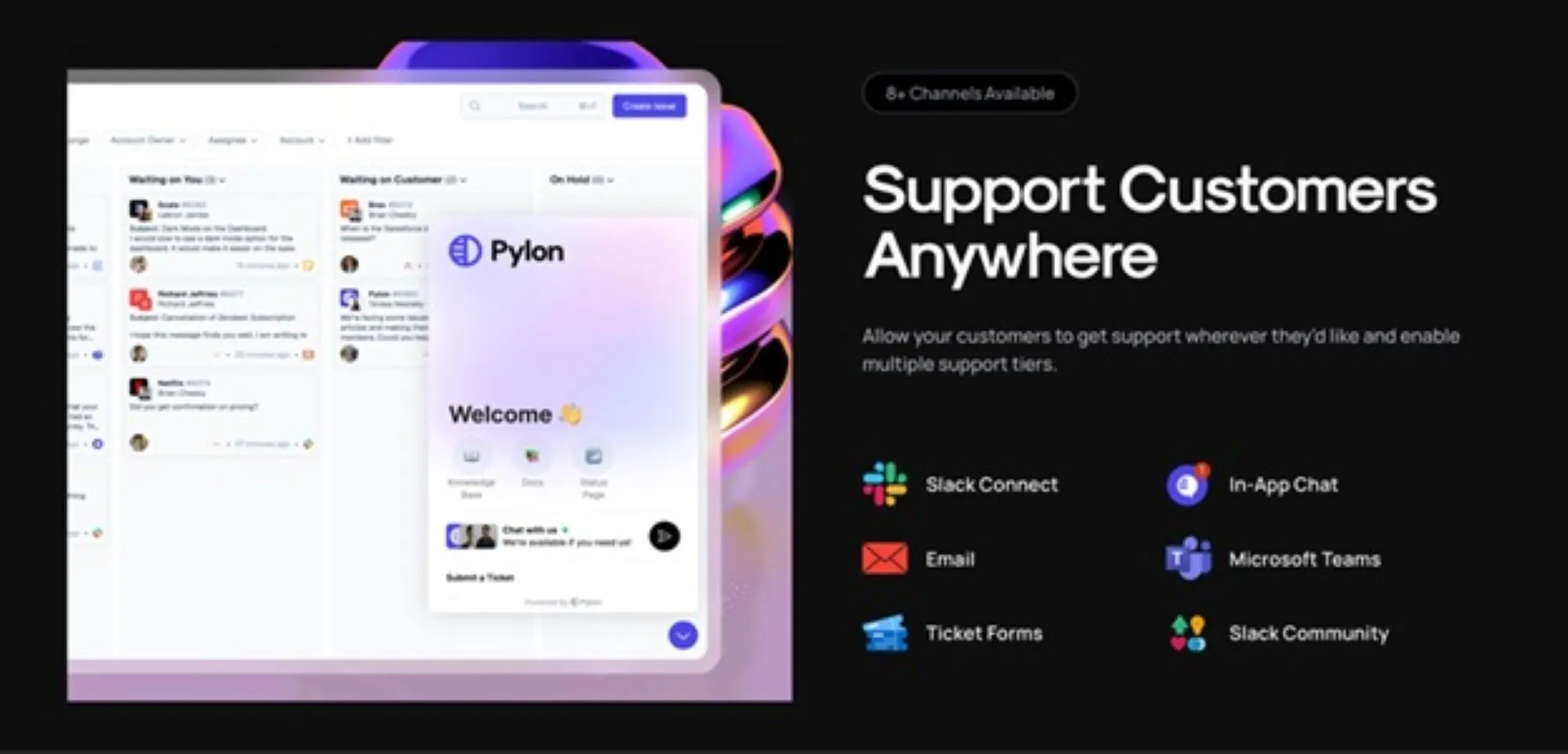
Most importantly, SaaS support teams aren’t just solving problems; they’re helping customers achieve outcomes. That’s why SaaS support often overlaps with customer success, sharing the goal of assisting users to realize long-term value and adoption.
In this model, answering questions is only part of the job; driving engagement and satisfaction is the real mission.
A strong SaaS support function isn’t built on one feature or channel; it’s an interconnected system. The following components form the foundation of high-performing SaaS customer support teams and ensure consistent, scalable service.
Onboarding is a critical moment in the SaaS customer lifecycle. It’s when customers learn how to use your product and begin to realize its value. The faster they see results, the more likely they are to stay.
Effective onboarding includes:
Support shouldn’t wait for users to hit roadblocks. Monitoring product usage and reaching out to help before issues escalate builds trust and shortens time to value.
Your users live on multiple platforms, and so should your support. Email, Slack, in-app chat, and self-service portals all play a role in meeting users where they are.
Omnichannel support means:
With an omnichannel support strategy, teams can consolidate conversations across channels to work faster and more collaboratively.
Many customers prefer to find answers on their own. Creating a B2B knowledge base that follows best practices reduces ticket volume and empowers users to solve simple issues immediately.
Key self-service features include:
>> Read More: B2B Knowledge Base Examples
Even with automation and self-service, great human support still matters. Your agents are the front line for product questions, bug reports, and complex technical conversations.
Invest in:
Regular training helps ensure every agent is confident, consistent, and aligned with your brand voice.
Support is not a cost center; it’s a growth lever. The best SaaS companies build cultures where everyone, from engineering to execs, is aligned around customer outcomes.
To foster a support-first culture:
When customers feel heard and valued, they stay longer and advocate more.
Support generates rich data that can improve products, reduce churn, and inform future roadmaps. But only if that data is captured, shared, and analyzed.
Make use of:
Teams that track and act on common support metrics build better products and stronger relationships.
In the B2B SaaS environment, in particular, support doesn’t work in isolation. Agents need to escalate bugs to engineering, share feedback with the product, and align with customer success on account health.
To make collaboration seamless:
Scattered tools lead to missed messages and context switching. SaaS support requires a platform that combines channels, customer history, workflows, and knowledge.
Essential platform features include:
B2B customer support isn’t just a safety net; it’s a core driver of product success and customer retention. In the SaaS world, where subscriptions are renewed month-to-month or year-to-year, poor support can quickly lead to churn, while great support can be a reason customers stick around.
SaaS customer support plays a pivotal role in long-term growth by providing:
No matter the size of your support team, delivering excellent service consistently requires the right strategies, tools, and mindset. These best practices help SaaS companies build scalable, high-performing support operations that delight customers and drive retention.
>> Read More: Examples of Great B2B Customer Support
While many platforms claim to offer “modern” support tools, few are built specifically for the way B2B SaaS teams work today. Pylon is a support platform that blends ticketing, collaboration, knowledge management, and automation. It is designed for fast-moving teams that support customers across Slack, email, chat, and more.
Pylon consolidates messages from Slack, email, in-app chat, and widgets into a single inbox. Support teams can triage, assign, and reply to tickets from all channels in one view, no tab switching or siloed tools.
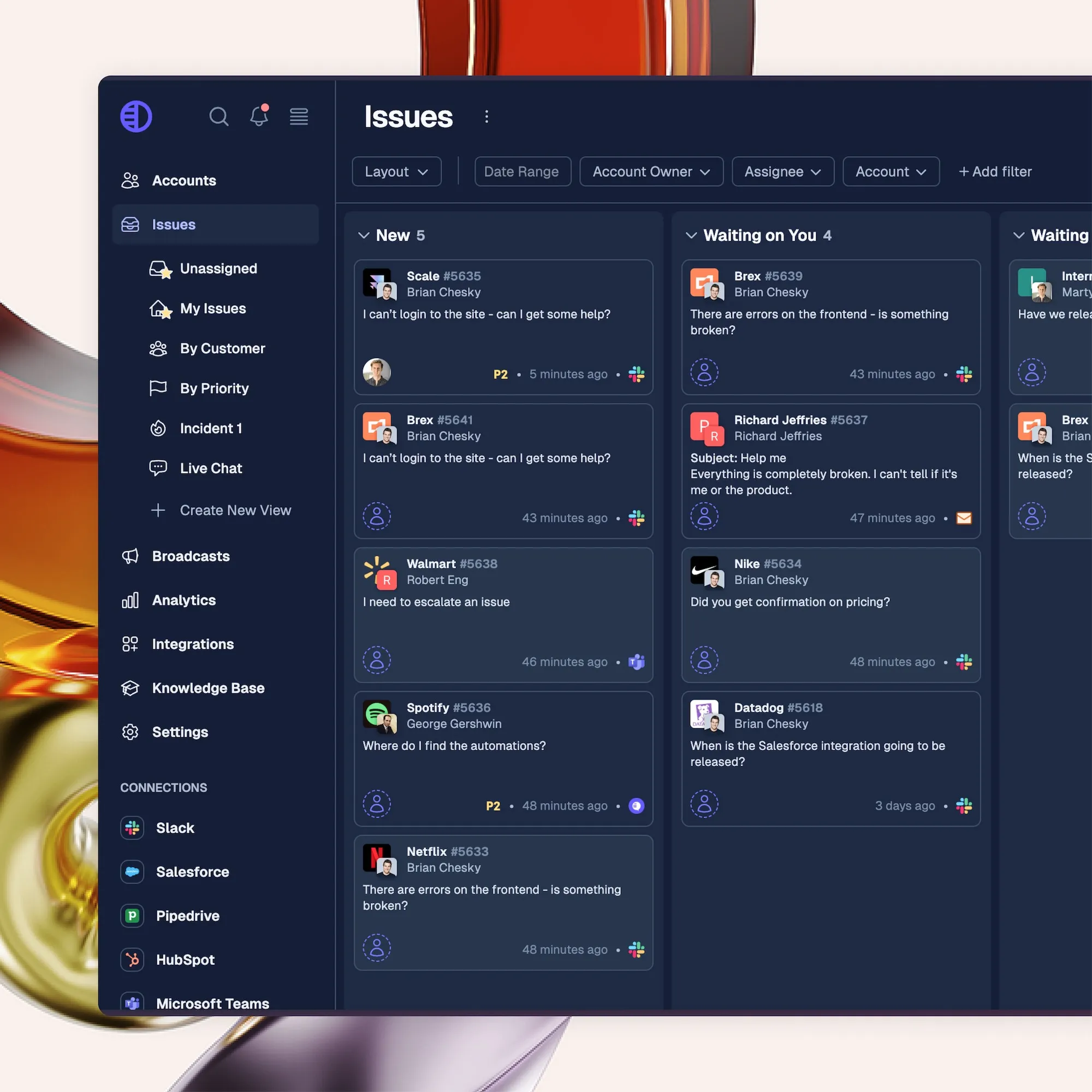
Every message thread includes context: user data, previous conversations, ticket status, and linked documentation. This allows agents to respond quickly and confidently, even in complex accounts with multiple stakeholders.
Pylon includes a built-in, AI-powered knowledge base that helps teams create and surface articles in real time. You can draft content using templates, pull from past tickets, and apply visibility rules to ensure each audience sees the correct information. This allows your team to shift from reactive ticketing to proactive education, while reducing repeated questions over time.
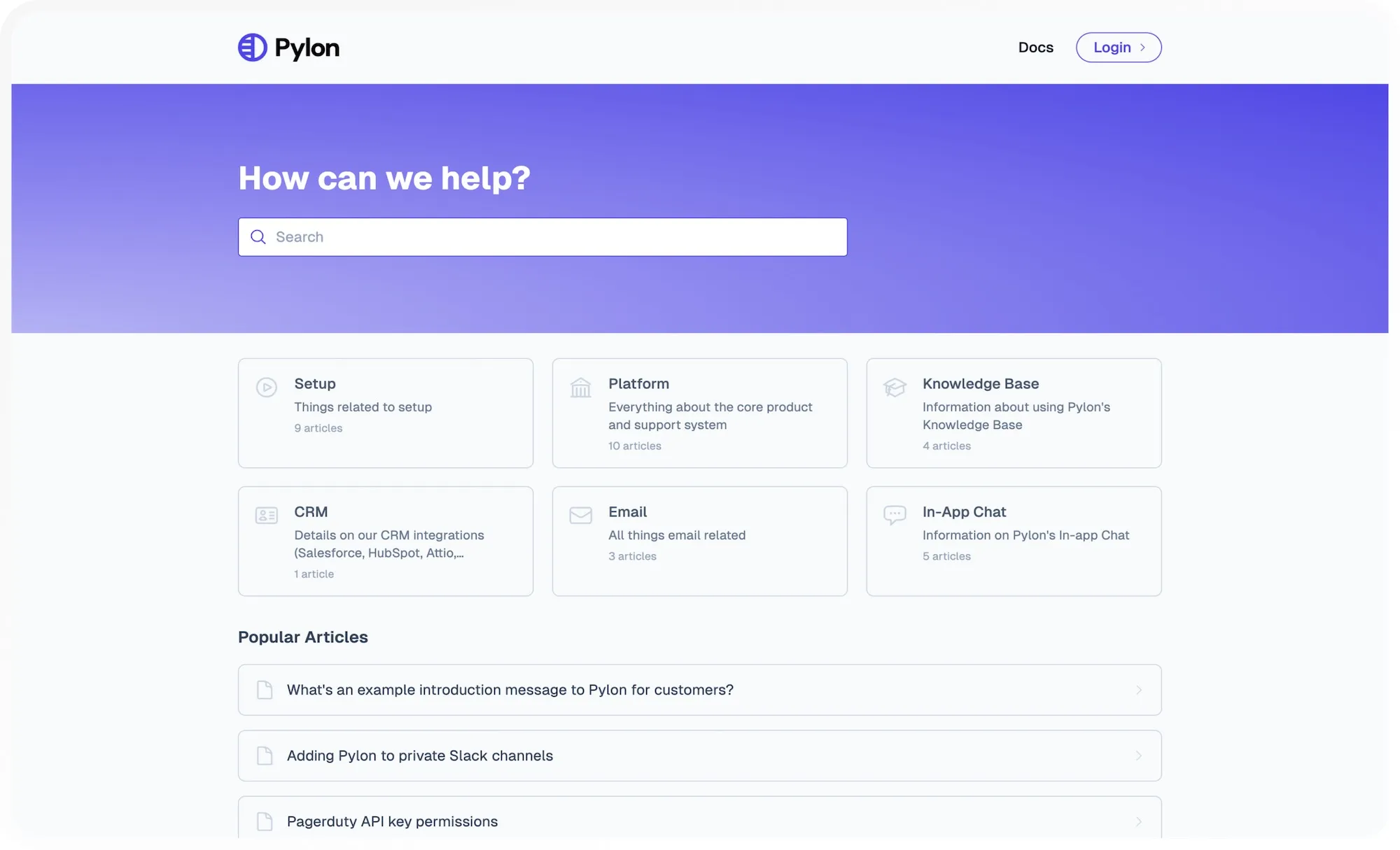
Pylon's Knowledge Gaps feature uses AI to find missing articles based on customer tickets and Slack threads, so you know exactly what to write next.
If you choose to write one of those missing topics, you can use AI Copilot to generate it based on those same customer conversations and the solutions you provided.
You can also ask Copilot to rewrite sections, adjust tone, or suggest edits directly within the editor. It’s like having a built-in writing assistant for every agent and content manager.
From tagging and routing to surfacing related articles or generating summaries, Pylon’s automation features reduce the busywork that slows teams down. You can trigger workflows based on ticket content, channel, or customer data.
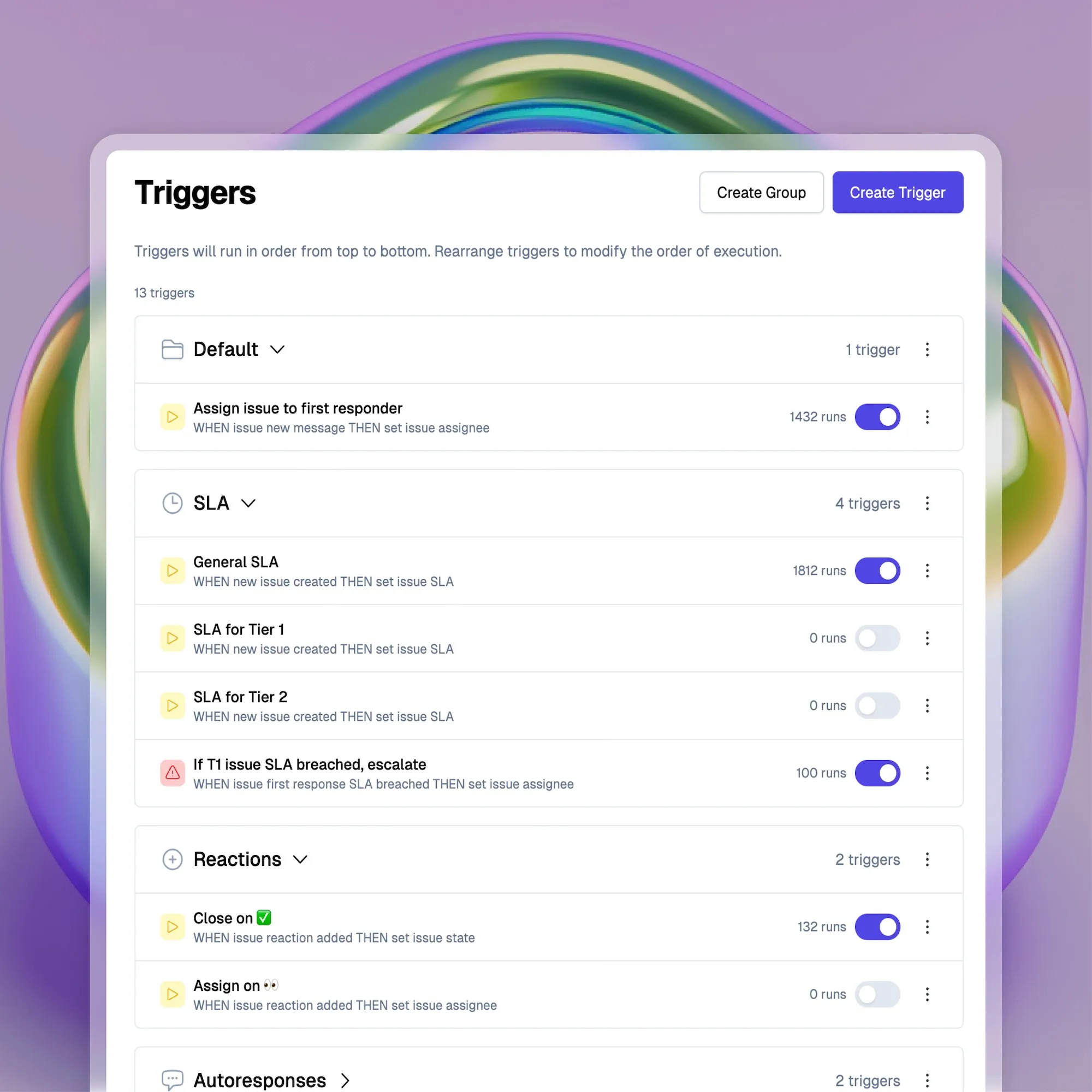
Automation helps your team stay responsive without compromising quality.
Many B2B support tickets involve more than one person, whether an engineer diagnosing a bug, a product manager reviewing feedback, or a customer success rep offering context. Pylon lets teams comment, tag, assign, and escalate tickets without losing visibility or creating duplicate threads.
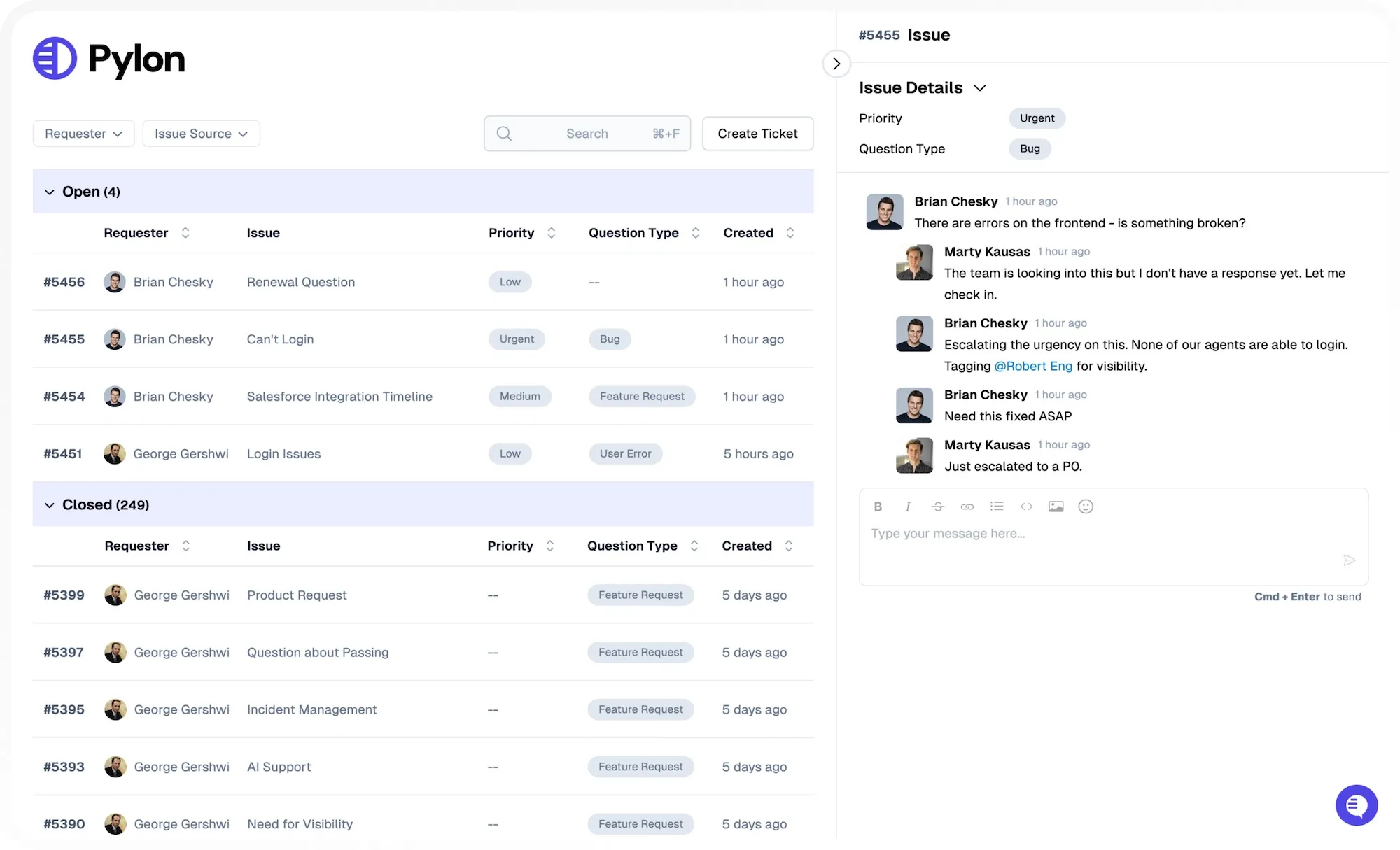
Account management has collaboration built in, so the entire team can contribute to support without stepping on each other’s toes.
Pylon provides powerful dashboards and analytics for tracking response time, CSAT, message volume, knowledge base usage, and more. You can drill into data by channel, team member, or customer segment.
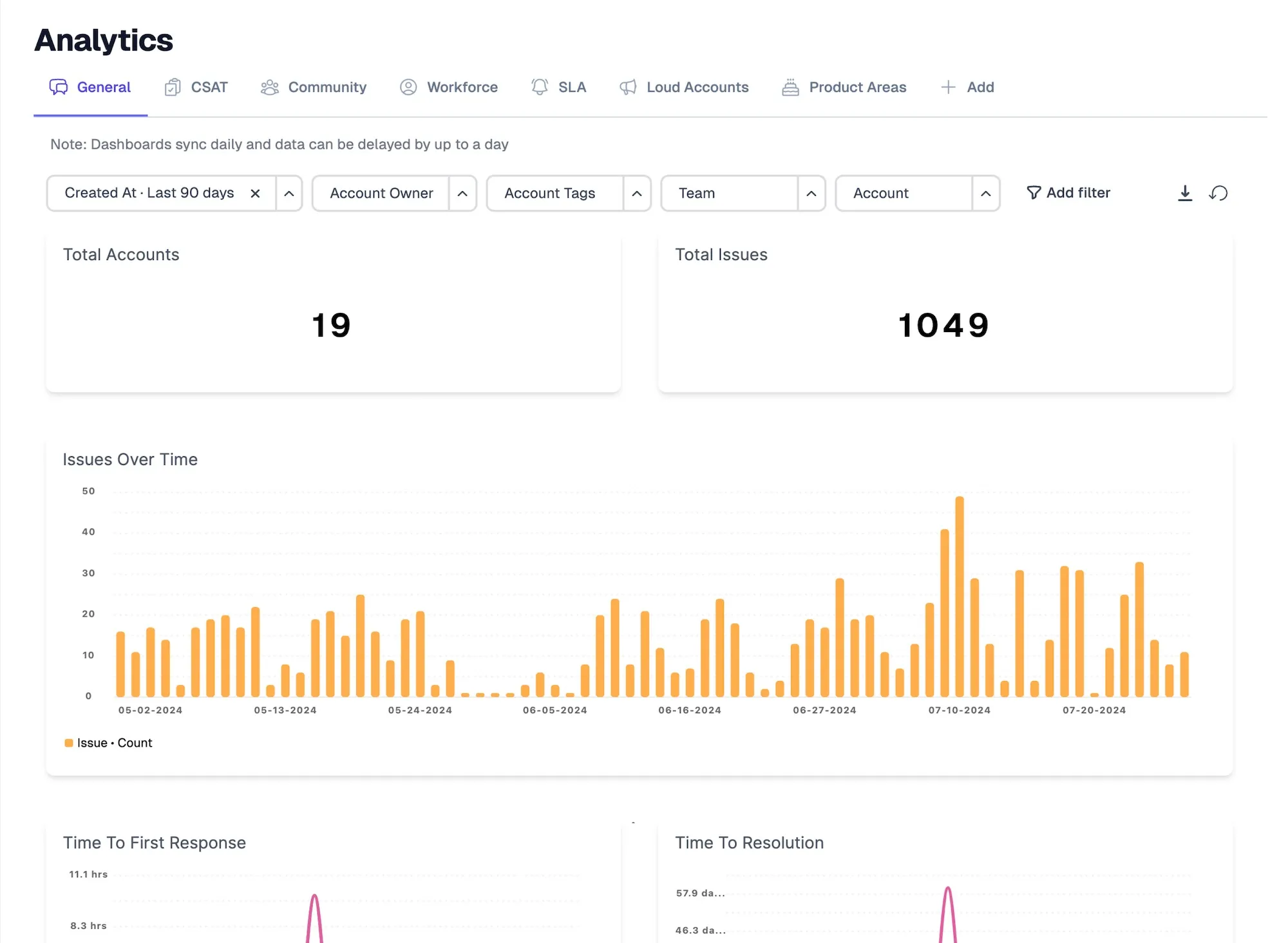
This helps you make data-driven decisions, forecast staffing needs, and improve operations over time.
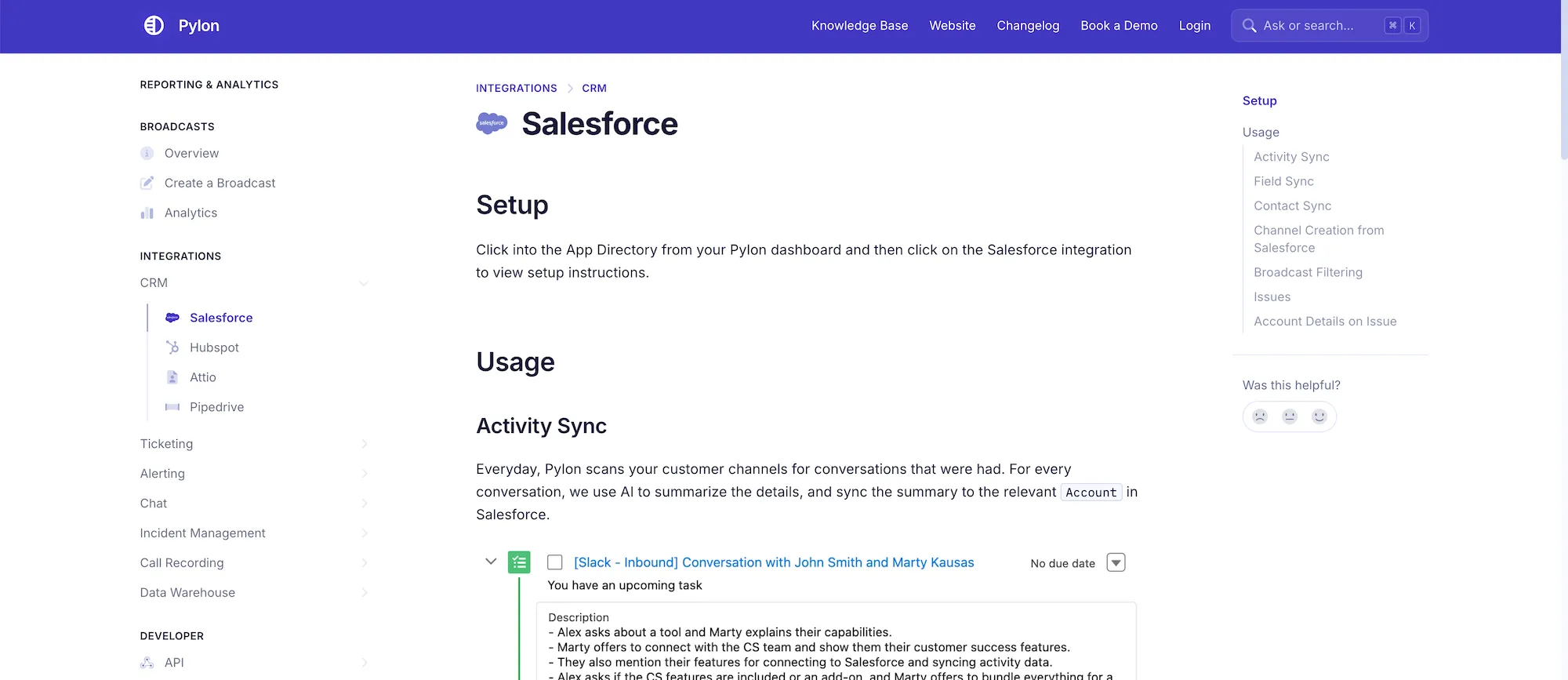
Every SaaS company works a little differently. Pylon supports custom ticket workflows, flexible tagging, and integrations with tools like Salesforce, HubSpot, and Jira. You can configure support flows that match your product, customer journey, and internal org chart
Companies that deliver great customer support keep a close watch on their own performance. Monitoring support metrics ensures your team stays on track, uncovers areas for improvement, and makes data-driven decisions. These metrics should be reviewed regularly, not just during QBRs or when something breaks.
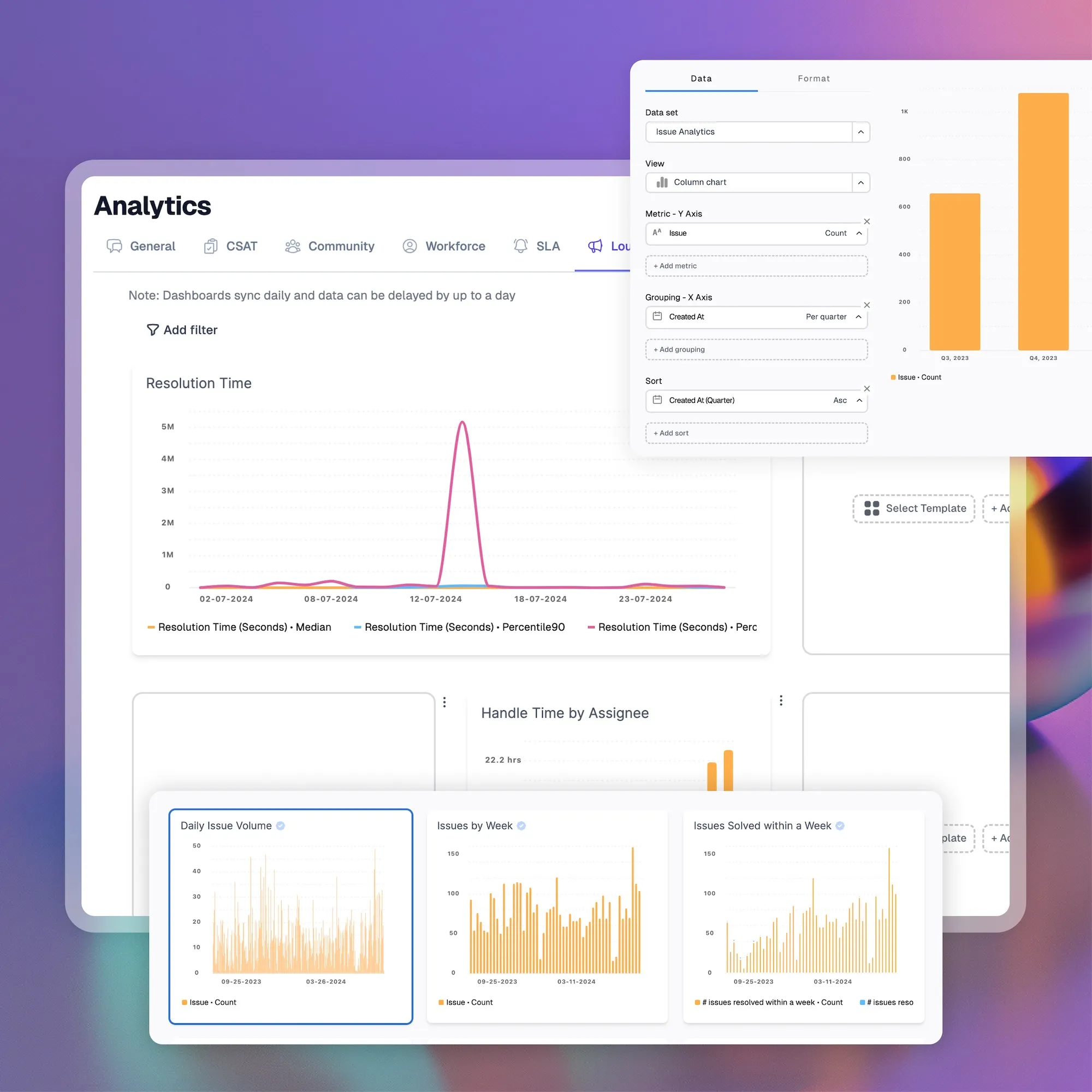
Here are the most critical metrics for SaaS support teams to monitor:
CSAT scores come from short surveys after support interactions, usually asking how satisfied the customer was on a scale from 1 to 5. High CSAT scores indicate that users feel heard, helped, and respected.
NPS measures long-term loyalty by asking how likely a user is to recommend your product. While typically a company-wide metric, NPS can be impacted heavily by the support quality.
First response time tracks how quickly your team replies to a new ticket. Resolution time measures how long it takes to solve an issue entirely. Both are crucial to ensuring a smooth, timely support experience.
FCR shows the percentage of tickets that are resolved during the first interaction. A high FCR rate means your agents are well-trained, your tools are working, and your documentation is helping close cases quickly.
CES asks users how easy it was to get their issue resolved. Reducing customer effort is a direct way to boost retention and satisfaction, especially in complex SaaS environments.
Support influences whether customers renew or leave. Monitor retention alongside ticket trends to spot early signs of churn risk and take proactive action.
By tracking these metrics and tying them to your onboarding, knowledge base, and product usage data, you can make support not just reactive but a proactive force for growth.
Pylon Workforce Management is available now. See it in action with a live demo.