A help desk is more than just a place for customers to submit support requests; it’s the operational backbone of customer service, IT, and internal support teams.
The best help desk software makes managing conversations, tracking tickets, assigning ownership, and automating repetitive tasks easier. Basically, your help desk ensures that nothing falls through the cracks.
For growing companies, especially those scaling their support operations, choosing the right help desk software is critical. The wrong tool can slow your team down, create visibility issues, or force you to overhaul your workflows later.
The right tool becomes your single source of truth for tickets, communication, knowledge, and performance metrics. Modern tools are also integrated with AI, using agents to automate responses and reduce the need for human support.
This guide reviews the best help desk software and ticketing systems, including the top features and biggest drawbacks of each, to help you find your fit.
There’s no one-size-fits-all when it comes to help desk tools.
Some platforms are built for large teams managing thousands of tickets across channels. Others cater to small businesses that need simplicity, affordability, and fast setup. Some focus on customer support; others double as internal IT ticketing systems.
What works for a B2B SaaS company might not fit an e-commerce brand or a mobile app.
That’s why it’s worth putting in the research before you commit. Migrating systems later can be time-consuming, expensive, and disruptive.
In the sections below, we’ll walk through 10 of the best help desk software options, starting with Pylon, and break down what each one offers, what it does best, and where it might fall short.

Best for: B2B companies looking to offer omnichannel support in a modern, collaborative platform
Pylon is a modern help desk built from the ground up for B2B support teams who live in tools like Slack, Microsoft Teams, and email. Instead of forcing reps into a standalone ticketing platform, Pylon brings customer support directly into the tools where teams already communicate. It combines omnichannel ticketing, CRM integrations, internal collaboration, and reporting, all in one unified inbox.
Unlike traditional help desk platforms, Pylon isn’t just about closing tickets. It’s about aligning cross-functional teams on the customer journey, from onboarding and support to renewals and upsell.
Whether scaling a high-touch customer support team or supporting product-led growth across multiple teams, Pylon is designed to streamline collaboration without sacrificing visibility.

Pylon centralizes customer messages across Slack, Microsoft Teams, and email. Agents can triage and respond in real time without switching platforms. It also supports shared inboxes for conversational ticketing and cross-team collaboration, ensuring that every message has an owner and nothing gets missed.

Pylon includes built-in AI tools that suggest replies, categorize issues, auto-draft responses based on previous ticket history, and find missing knowledge base topics and auto-generate articles based on customer conversations.
These features reduce response time and allow your team to focus on complex requests instead of repetitive problems. You can also customize rules to automate low-touch workflows.

Teams can create intelligent workflows to route, tag, and prioritize tickets based on customer type, topic, or channel. These automations help reduce noise and ensure that high-value requests go to the right people. You can also build queue-based views and assign SLAs by segment.
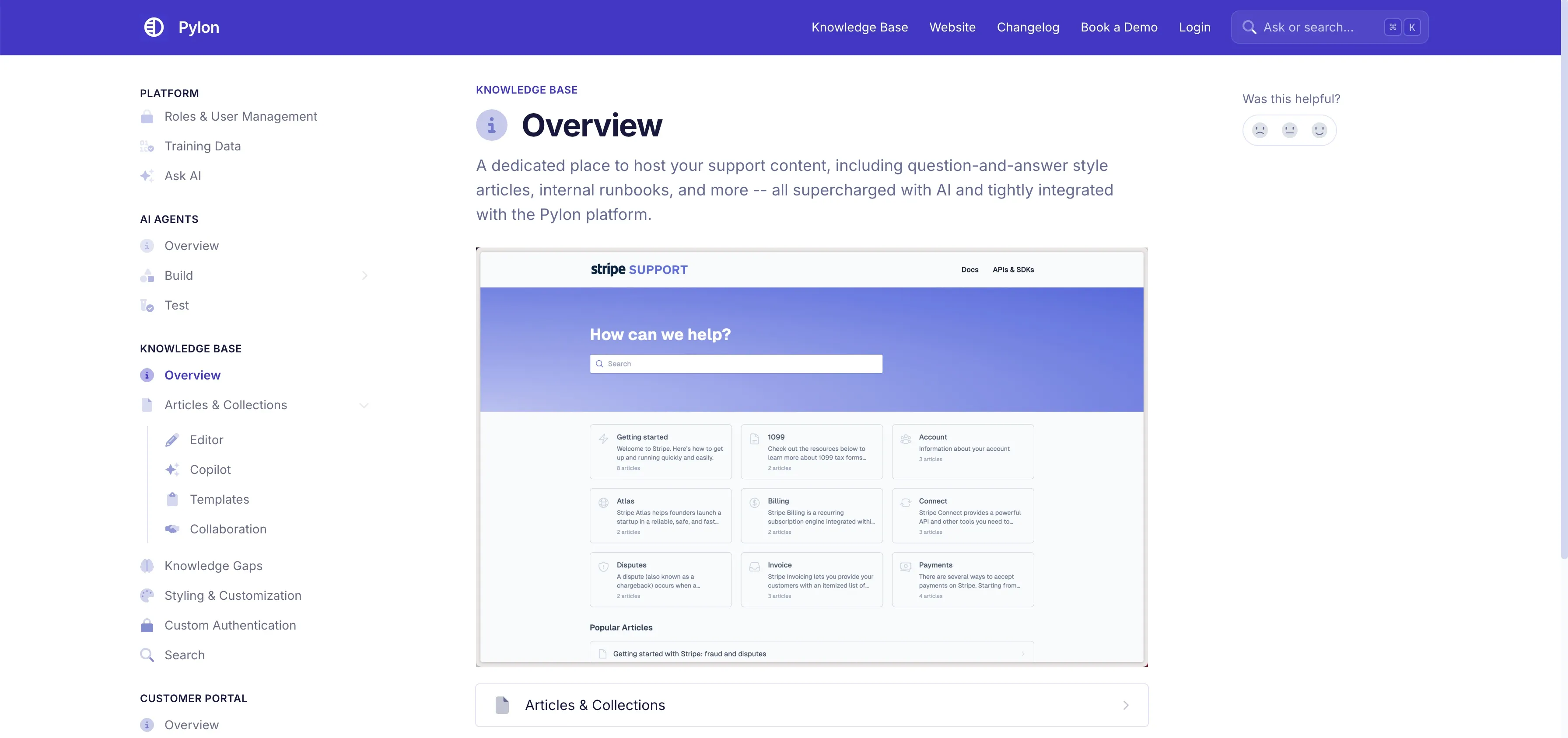
Pylon has a built-in knowledge base that integrates directly with the help desk. Agents can search, insert, and link to help docs without leaving the conversation.
Pylon can surface articles based on keywords or related canned responses to streamline support.
To take things even further, Pylon can automatically identify topics missing in your knowledge base and automatically generate articles based on your customer requests and conversations.
Pylon offers an in-app chatbot that can surface help docs, answer common questions, or direct users to the right team.
It can even connect directly to Slack, so you can answer support requests directly from there. This is especially useful for internal support or customer-facing channels where speed matters.
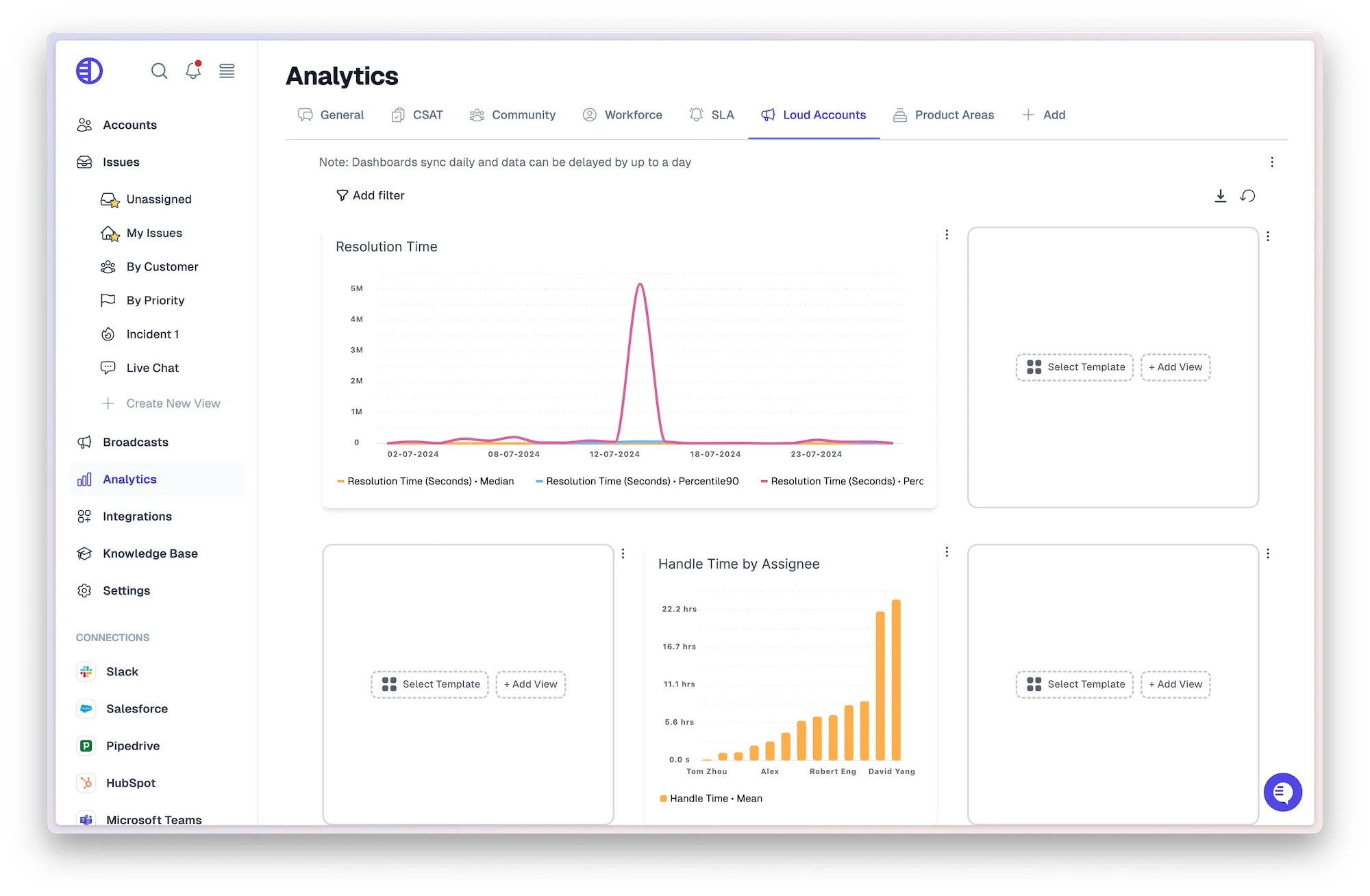
Pylon offers robust reporting, including CSAT tracking, SLA adherence, workload distribution, and response times.
Dashboards can be filtered by customer segment, agent, or channel, helping you identify performance trends and optimize team capacity.
You can also export data or set up recurring reports for leadership.

Pylon connects natively to CRMs like Salesforce, HubSpot, Pipedrive, and Attio. Your support team can view customer context, deal stage, owner, and renewal date directly inside the help desk.
You can also trigger workflows based on CRM data or automatically sync updates to customer records.
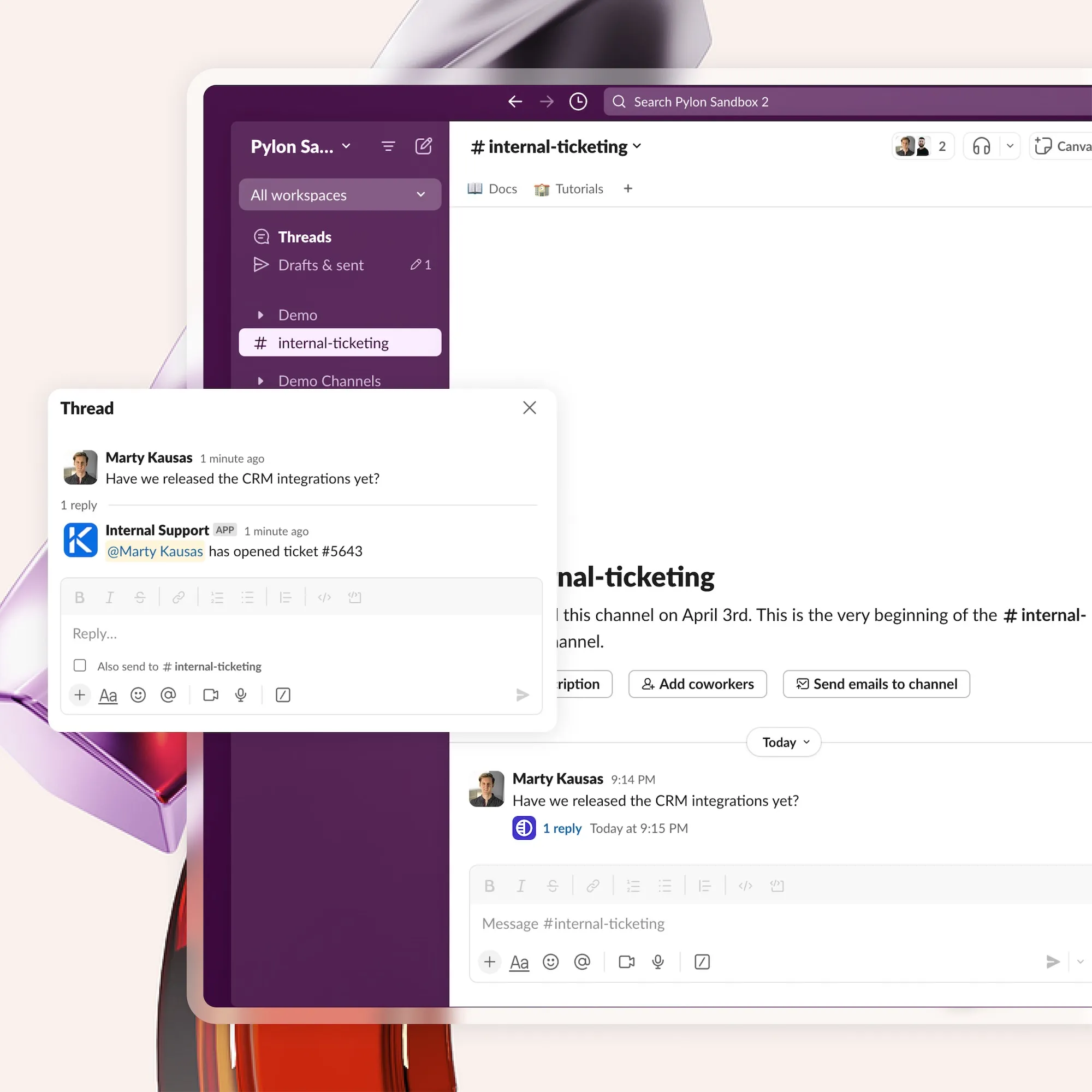
Pylon supports internal threads, mentions, ownership assignments, and team triage, all within the same message thread.
Everyone stays on the same page, whether you're working a ticket solo or coordinating across CS, product, and sales. No need to duplicate context or jump between threads.
Best features:
Biggest drawbacks:
Pricing:
Pylon offers tiered pricing based on team size and channels. Entry-level plans are available for small teams, while enterprise plans include full CRM integration and advanced analytics.
Want to see if Pylon is right for your team? Book a demo here.
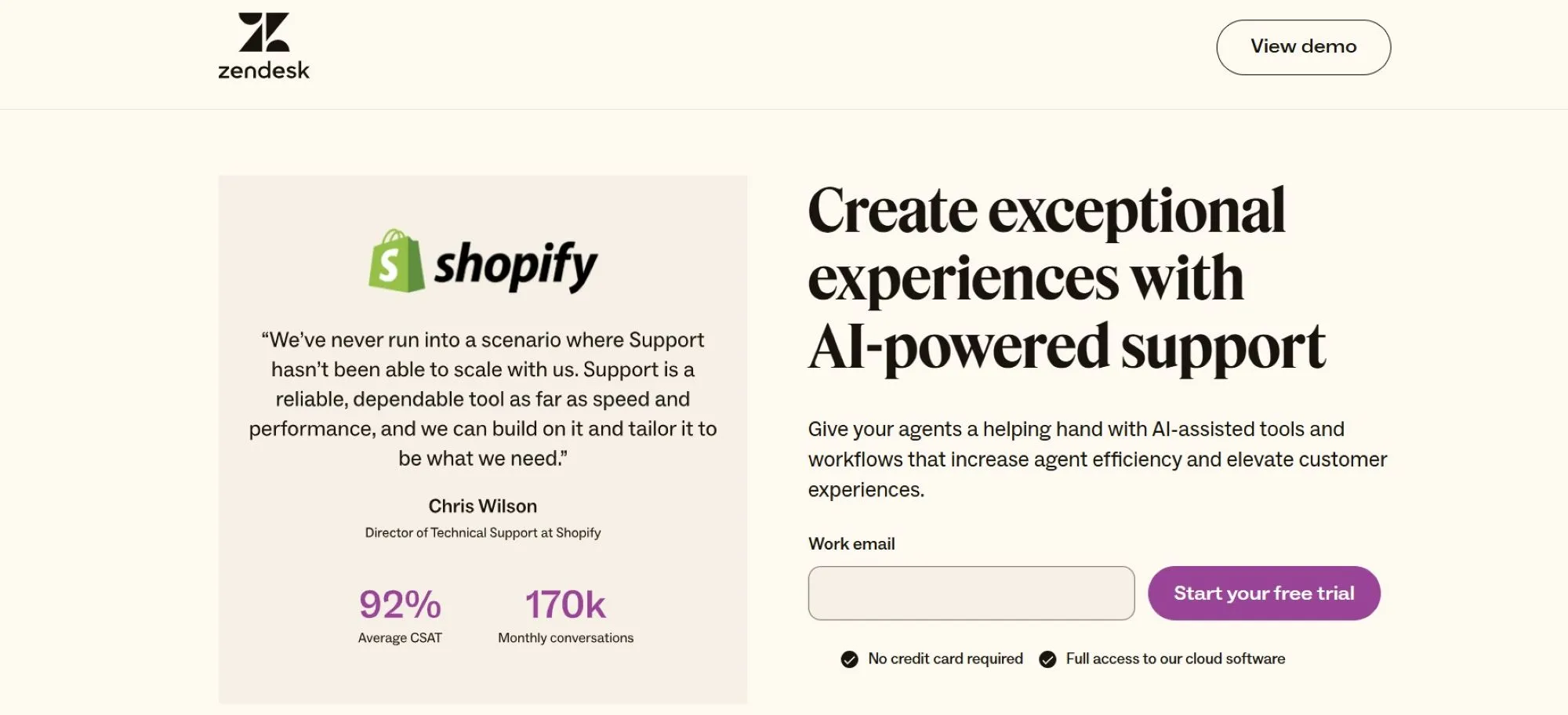
Best for: Large teams that need robust multichannel support and advanced automation
Zendesk is one of the most established names in the help desk software space. It offers a powerful, feature-rich platform to serve high-volume support teams across industries.
Zendesk’s strength lies in its scalability; it handles everything from ticket queues to omnichannel messaging to AI-powered workflows.
The platform supports various channels, including email, chat, phone, social media, and web. It also features a flexible ticketing system, extensive automation options, and a mature app marketplace with hundreds of integrations.
For enterprise organizations that need deep customization and advanced analytics, Zendesk delivers a strong foundation.
However, Zendesk can be overbuilt for smaller teams and often requires significant setup and admin time. It also leans heavily on its UI, which means support teams must work out of Zendesk rather than through more collaborative tools like Slack or Teams.
Best features:
Biggest drawbacks:
Pricing:
Zendesk offers several pricing tiers, ranging from a basic Support plan at $55/seat/month to Enterprise plans which require talking to sales. Features like advanced reporting and AI require higher-level plans.
Best for: Small to mid-sized businesses looking for a user-friendly, affordable help desk with strong automation features
Freshdesk is a well-rounded help desk platform that balances ease of use with strong automation tools. It’s designed for support teams that need a quick, intuitive setup without sacrificing core functionality.
With a clean interface and built-in workflow tools, it’s a favorite for small to mid-sized companies looking for fast ROI.
The platform supports email, chat, phone, and social media channels. It also includes ticket SLAs, canned responses, collision detection, and automations based on ticket properties or customer type.
Its Freddy AI tools (available on higher-tier plans) offer smart suggestions, predictive ticket assignment, and self-service recommendations.
Freshdesk isn’t quite as customizable as enterprise-grade tools like Zendesk, and some features, like advanced reporting or sandbox environments, are locked behind higher tiers. Still, for teams looking for a balance of usability, functionality, and cost, Freshdesk is a strong contender.
Best features:
Biggest drawbacks:
Pricing:
Freshdesk offers a free plan with basic ticketing and paid tiers starting at $15/agent/month. Pro and Enterprise plans include more advanced features like SLAs, custom roles, and AI tools.
Best for: Customer-centric teams that want a shared inbox with a personal, email-like experience
Help Scout is a help desk platform designed to feel more like email than a traditional ticketing system. It’s especially popular with customer experience teams that want to prioritize personalization and conversational support.
With a focus on ease of use and human-centered communication, it’s ideal for teams that manage fewer tickets but value tone, consistency, and brand experience.
The shared inbox allows teams to collaborate behind the scenes using notes and mentions, while maintaining a seamless experience for the customer.
Help Scout includes live chat, a knowledge base, reporting, and light automation tools like workflows and saved replies. It integrates with popular tools like HubSpot, Salesforce, and Slack, making it easy to work across systems.
Help Scout is less suitable for IT or enterprise teams who need granular routing, advanced SLA tracking, or multichannel support beyond email and chat. However, it offers an intuitive, purpose-built platform for support teams focused on simplicity and a human touch.
Best features:
Biggest drawbacks:
Pricing:
Help Scout offers plans starting at $25/user/month, with higher tiers unlocking custom fields, advanced reporting, and integration limits. A free trial is available.
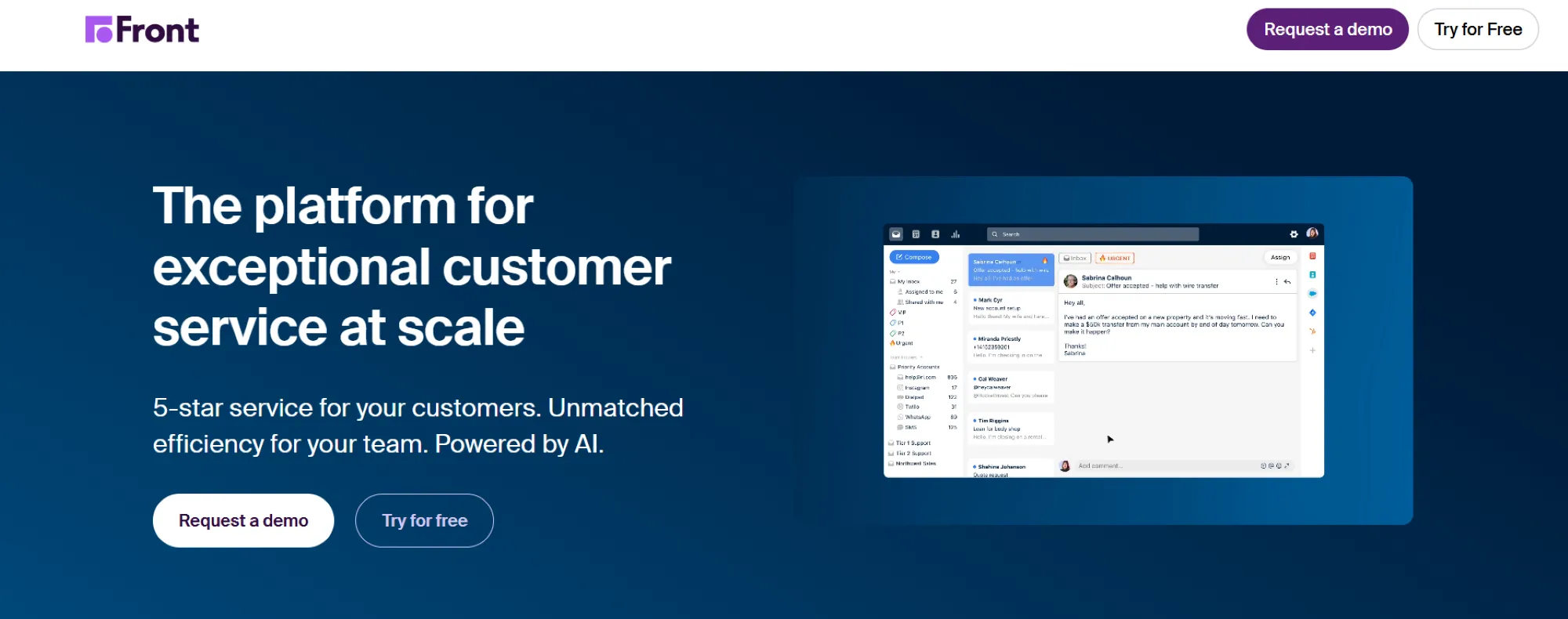
Best for: Teams that want to manage email, SMS, and other channels in one shared inbox with internal collaboration built in
Front combines the familiarity of email with the structure and power of a modern help desk. It’s designed for teams that rely heavily on external communication, whether by email, SMS, or chat, and need a way to collaborate internally without stepping on each other’s toes.
Front’s shared inboxes, internal comments, and real-time collision detection make it easy for multiple team members to manage conversations together.
Front supports a range of channels, including email, SMS, chat, social media, and voice integrations. It offers workflow tools like automated routing, rules, SLAs, and analytics to track response times and agent activity.
To streamline triage and resolution, you can also build custom workflows based on tags, customer attributes, or message content.
Front really shines in blended team communication. Sales, account management, and support teams can all use the platform to manage high-touch customer conversations.
However, it lacks some of the more advanced ticketing and IT-specific features in traditional help desk systems, and pricing can get expensive as your team grows.
Best features:
Biggest drawbacks:
Pricing:
Front starts at $19/user/month for basic collaboration and scales to higher-tier plans with automation, analytics, and advanced integrations.

Best for: Businesses already using the Zoho suite or those seeking extensive customization at a low cost
Zoho Desk is part of the larger Zoho ecosystem, making it a natural fit for companies already using Zoho CRM, Zoho Mail, or other tools in the suite.
It offers a full-featured help desk platform with multichannel support, automation, and reporting, all at a competitive price. Zoho Desk delivers substantial value for growing businesses that want deep customization without the enterprise price tag.
The platform supports email, chat, social media, telephony, and web forms. It includes SLAs, time tracking, AI-assisted ticket responses via Zia (Zoho’s AI tool), and role-based dashboards. Zoho Desk supports multi-brand help centers, custom layouts, and blueprint workflows for advanced ticket lifecycle management.
While feature-rich, the interface can feel cluttered, especially for first-time users. Additionally, teams not using other Zoho products may need to invest time in integration or customization to get full value from the platform.
Best features:
Biggest drawbacks:
Pricing:
Zoho Desk starts at $14/user/month, with tiered pricing up to $40/user/month for full automation, AI, and customization features. A free plan is also available with limited functionality.
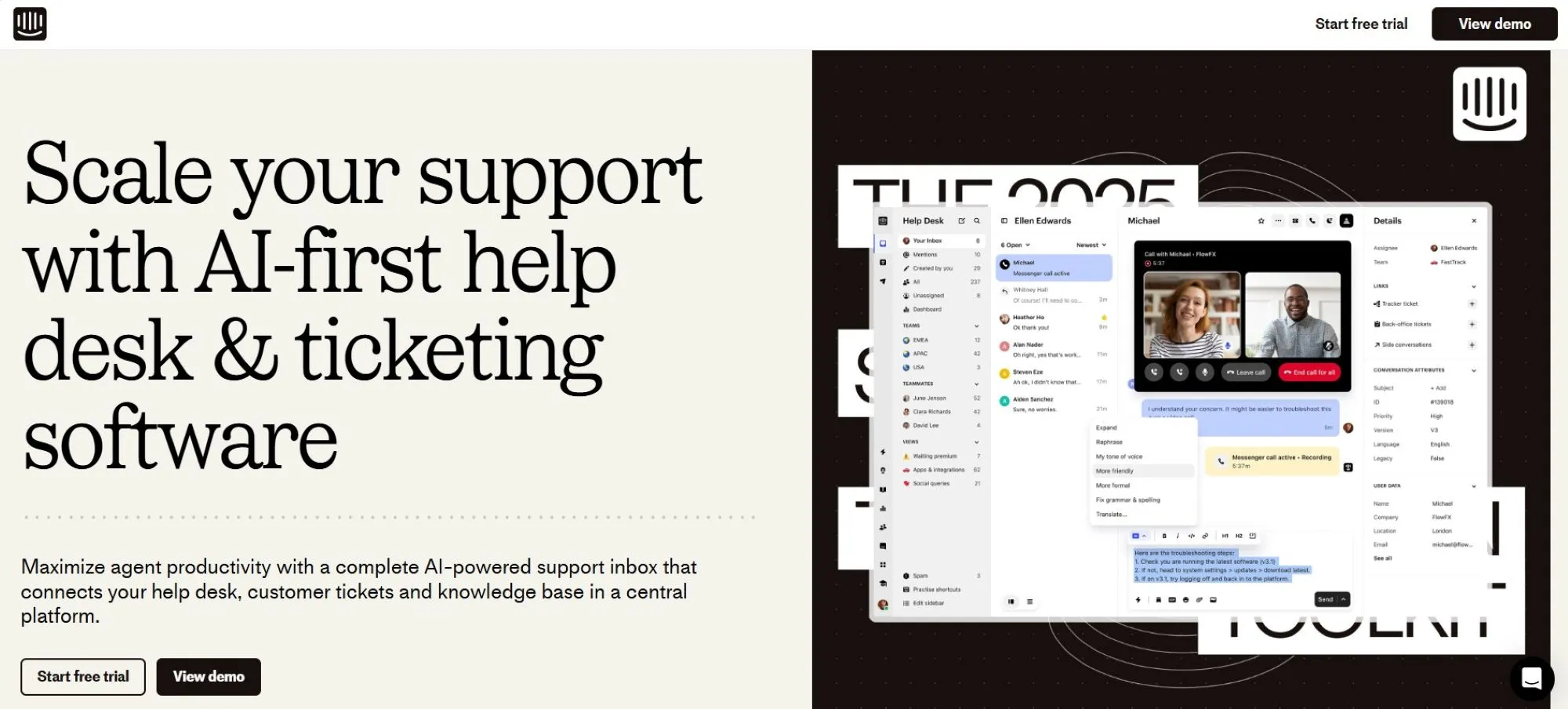
Best for: Product-led growth companies that want live chat, bots, and onboarding tools all in one place
Intercom is a customer communications platform known for its sleek in-app chat widget and powerful automation features. While it started as a messaging tool, it’s evolved into a full-service help desk for companies prioritizing real-time support and product engagement.
Intercom is especially popular with SaaS companies focused on onboarding, conversion, and customer education at scale.
The platform offers live chat, email, help center tools, bots, and outbound messaging, all tightly integrated into a single interface. Its automation capabilities include chatbot flows, custom triggers, and behavior-based messages.
Support teams can collaborate with sales or success to guide users through onboarding or resolve issues directly within the product experience.
Intercom’s pricing and feature complexity may not suit smaller teams or those with limited technical resources. It also leans heavily into real-time and asynchronous chat, making it less ideal for traditional ticket-based workflows or internal IT support.
Best features:
Biggest drawbacks:
Pricing:
Intercom pricing varies by seat and feature usage. For basic access, plans start around $74/month, but most teams will need to speak with sales for a custom quote based on features and usage volume.

Best for: IT and DevOps teams that need powerful issue tracking, SLAs, and internal ticketing workflows
Jira Service Management (JSM), developed by Atlassian, is a robust IT ticketing system for technical teams managing service requests, incidents, and internal support. It’s ideal for organizations that need detailed workflow configuration, approval paths, and strong SLA enforcement.
JSM is often used with Jira Software, making it a natural choice for engineering-driven companies or IT departments already operating in the Atlassian ecosystem.
JSM includes service request management, change management, asset tracking, and incident response, many of which follow ITIL best practices. Support agents can collaborate with developers via linked Jira tickets, ensuring tight communication between support and engineering.
Its powerful automation engine and customizable workflows give teams fine-grained control over ticket creation, triage, and resolution.
That said, JSM is more complex than many customer-facing help desks. The interface can feel technical for non-engineering teams and is less suited to external customer support unless you're layering in additional tools or portals.
Best features:
Biggest drawbacks:
Pricing:
Jira Service Management offers a free tier for up to 3 agents, with paid plans starting at $21/agent/month for the Standard plan. Premium and Enterprise tiers add features like asset management, change calendars, and more advanced support options.
Best for: E-commerce stores (especially those on Shopify) that want to connect a help desk, order data, and macros
Gorgias is a help desk platform designed specifically for e-commerce support. It integrates directly with platforms like Shopify, BigCommerce, and Magento to bring customer, order, and shipping data into the support experience.
This allows agents to manage conversations and perform actions like issuing refunds or editing orders, without switching tabs or tools.
Gorgias supports email, chat, SMS, social media, and voice channels, making it easy to centralize support across your storefronts. It also includes automation tools like macros, intent detection, and rules-based routing to handle common requests quickly. It offers a streamlined way to combine service and operations for high-volume retail support teams.
While excellent for e-commerce use cases, Gorgias lacks the flexibility and extensibility of broader help desk platforms. It’s not ideal for IT ticketing or B2B workflows and may feel limiting if your business model shifts outside direct-to-consumer retail.
Best features:
Biggest drawbacks:
Pricing:
Gorgias starts at $10/month for up to 50 tickets, with usage-based pricing tiers after that. Automation and integrations increase with the plan level, and custom pricing is available for enterprise e-commerce operations.
Best for: Teams that need a straightforward omnichannel support tool with built-in live chat
Kayako is a help desk platform focused on simplicity, real-time support, and an easy-to-use omnichannel experience. It combines email, live chat, social messaging, and web forms into a unified inbox, helping small to mid-sized teams manage conversations without juggling multiple tools.
Kayako is especially popular among companies that want to offer live chat without investing in a more complex customer service platform.
One of Kayako’s key strengths is its single-view timeline, which shows a complete history of each customer’s interactions across all channels. This helps agents respond with better context and reduces the time spent digging for past messages. Kayako also includes basic automation, internal notes, a help center builder, and integrations with tools like Zapier and Salesforce.
While solid for simple workflows, Kayako may not scale well for teams needing advanced ticketing logic, SLAs, or IT-specific features. Its customization options are also more limited than platforms like Zendesk or Pylon, which offer deeper workflow and reporting flexibility.
Best features:
Biggest drawbacks:
Pricing:
Kayako offers a single pricing tier at $30/user/month, which includes full omnichannel support, live chat, and basic automation features. A free trial is available.
Each tool differs depending on your size, workflows, and industry. Here’s a side-by-side look at the top help desk platforms to help you compare features at a glance.
| Company | Best For | G2 Rating | Features | Pricing |
|---|---|---|---|---|
| Pylon | B2B teams needing CRM-integrated, collaborative support | 4.9 | Slack/Teams/email, CRM sync, knowledge base, chatbot, workflows, CSAT, AI | Starts at $59/seat/month |
| Zendesk | Large teams needing multichannel support & automation | 4.3 | Email/chat/voice/social, macros, automation, SLA tracking | Starts at $19/agent/month |
| Freshdesk | SMBs need a user-friendly, affordable help desk | 4.4 | Email/chat/voice, automation, Freddy AI, ticket SLAs | Free plan + paid from $15/user |
| Help Scout | Teams wanting a simple, email-like support experience | 4.4 | Shared inbox, knowledge base, live chat, light workflows | Starts at $25/user/month |
| Front | Teams focused on email/SMS in a collaborative inbox | 4.7 | Shared inbox, omnichannel, tagging, internal notes, automation | Starts at $19/user/month |
| Zoho Desk | Teams already in the Zoho ecosystem | 4.4 | Multichannel, Zia AI, customizable workflows, multi-brand support | Free plan + paid from $14/user |
| Intercom | SaaS companies using chat and onboarding flows | 4.4 | In-app chat, bots, outbound messages, product tours | Starts at ~$74/month |
| Jira Service Mgmt | IT/DevOps teams managing internal tickets | 4.2 | SLAs, incident/change mgmt., asset tracking, Jira integration | Free tier + paid from $21/user |
| Gorgias | E-commerce brands (esp. Shopify) | 4.6 | Order actions, macros, Shopify/BigCommerce integration, SMS | Starts at $10/month (volume) |
| Kayako | Simple omnichannel support with live chat | 4.0 | Email/chat/social, single view inbox, automations | Starts at $30/agent/month |
Choosing the right help desk software isn't just about picking the most features; it’s about finding the tool that fits your team’s structure, tech stack, and growth stage.
A good help desk should support your workflows today and scale with you as your customer base and internal complexity grow.
Here are the key factors to consider before making your decision.
Small support teams often need simplicity, while larger organizations may require role-based permissions, SLAs, and queue-based routing. Some platforms are purpose-built for IT teams or internal triage, while others, like Pylon, are ideal for cross-functional B2B teams working in Slack or Teams.
Your help desk should support the same channels your customers use: email, chat, SMS, Slack, or Microsoft Teams. If your team relies on internal collaboration, platforms like Pylon and Front that integrate messaging with support workflows offer a significant advantage.
A help desk becomes far more powerful when it connects to your CRM, analytics, or internal systems.
For B2B teams, Pylon’s native CRM integrations (with Salesforce, HubSpot, Pipedrive, and Attio) reduce the need for tab-switching and context gathering.
Automation helps your team move faster and avoid repetitive tasks. That includes tagging, routing, assigning, responding, and escalating tickets. While most platforms offer automation, the ease of setup and granularity vary widely.
Some platforms (like Jira Service Management) are built for internal IT workflows, while others (like Help Scout or Zendesk) focus more on customer-facing use cases. Pylon supports both external and internal support, especially in Slack-based organizations.
Many tools charge per user and offer tiered access to features. What seems affordable now may get expensive as you scale. Ensure the platform can grow with you, and that you won’t hit critical feature limits early.
Analytics help you measure team performance, track ticket trends, and justify headcount. Pylon, Zendesk, and Intercom offer robust dashboards with SLA, CSAT, and workload views.
From branding to workflows to role-based permissions, flexibility matters, especially in B2B. If your process is unique or evolving, rigid platforms may slow you down.
Even great software needs a solid rollout. Some platforms offer white-glove onboarding and support, while others expect teams to self-serve. Pylon includes onboarding guidance and responsive support for growing teams.
Don’t rely on screenshots or marketing pages; test the software. Most platforms offer a free trial, and some (like Pylon) will work with you directly to create a guided pilot.
A smooth setup is key to long-term success once you’ve selected a help desk platform. Here are some practical steps to ensure your system is organized, efficient, and ready for scale, whether using Pylon, Zendesk, or any other tool.
Pylon Workforce Management is available now. See it in action with a live demo.