
Support tickets constantly stream in through Slack, email, chat, and Microsoft Teams, and each one needs a timely response. While multichannel support gives B2B customers more ways to get help, it also makes it harder for your team to track all those requests.
Service level objectives (SLOs) can give your support team clear targets when responding to tickets. In this guide, you’ll learn what an SLO is, the benefits it offers, why manual workflows fall short, and how to streamline tracking with Pylon.
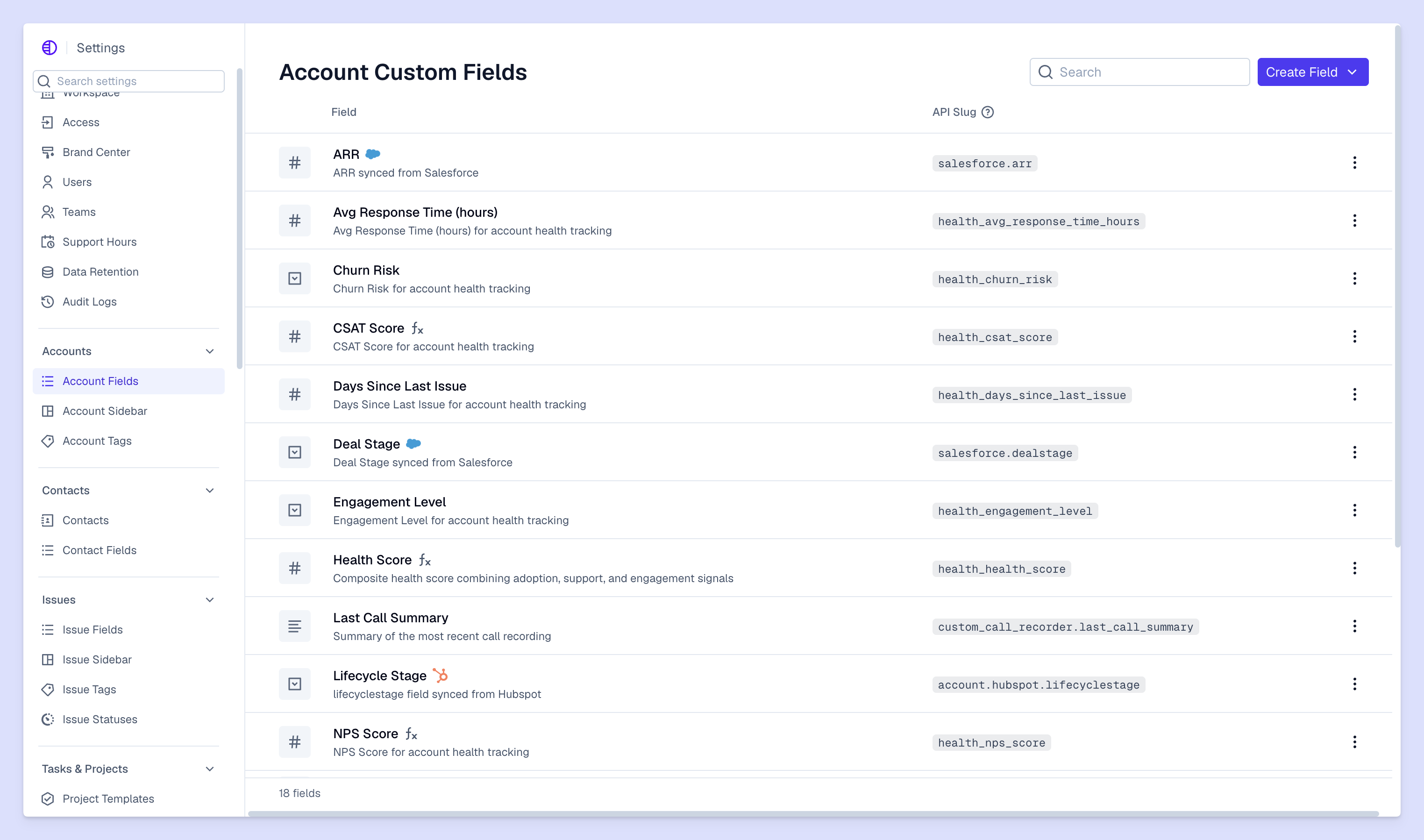
An SLO (which means service level objective) is an internal performance goal that defines the level of service a support team aims to deliver. Every useful SLO has three components: a support metric, a target, and a time window. For example, your team might set an SLO to respond to 90% of customer tickets in an average of 45 minutes over the next month.
SLOs are part of a broader support framework that also includes:
Together, these metrics show what the support team aims to achieve, how performance is measured, and what customers have been promised. For a more detailed comparison, check out our guide on SLOs versus SLAs and SLIs.
Tracking business objectives through performance metrics shows your team what works and what needs to improve. This concept is common in site reliability engineering, where engineers use SLOs to track metrics like uptime and latency to keep systems running correctly.
The same concept applies to B2B customer support, but instead of tracking system performance, support teams set SLOs to spot delays and inefficiencies. Here are some common targets:
SLO targets should be shaped by factors like ticket priority and customer tier. An urgent issue, like a customer losing access to their account, could require a response within 15 minutes. On the other hand, a routine billing question may have a four-hour response target. And an enterprise-level customer on a premium support plan might need even stricter turnarounds.
Pylon automatically measures SLO performance across every ticket, so your support team can see what targets they meet and where response times fall behind. You can set different SLA targets based on priority level, customize support hours, set up Slack alerts, and use reporting features to diagnose recurring issues.
It’s easy to lose track of response time targets when your team fields requests across Slack, Teams, email, and chat conversations. Without a shared view of incoming tickets, response deadlines can get overlooked, which makes it hard to consistently meet SLOs.
Disconnected channels also create confusion for complex B2B customer accounts. Without a shared record of earlier interactions, your team could waste time repeating work and hunting down context. And when data sits in separate systems, managers have to manually pull together response times and ticket counts.
Pylon brings conversations from all your support channels into one queue, which offers a more complete picture of SLO performance. With reliable reporting, you can identify repeat delays and see which types of requests consistently miss targets. Then, you can make informed decisions about staffing and ticket priorities to improve the customer experience.
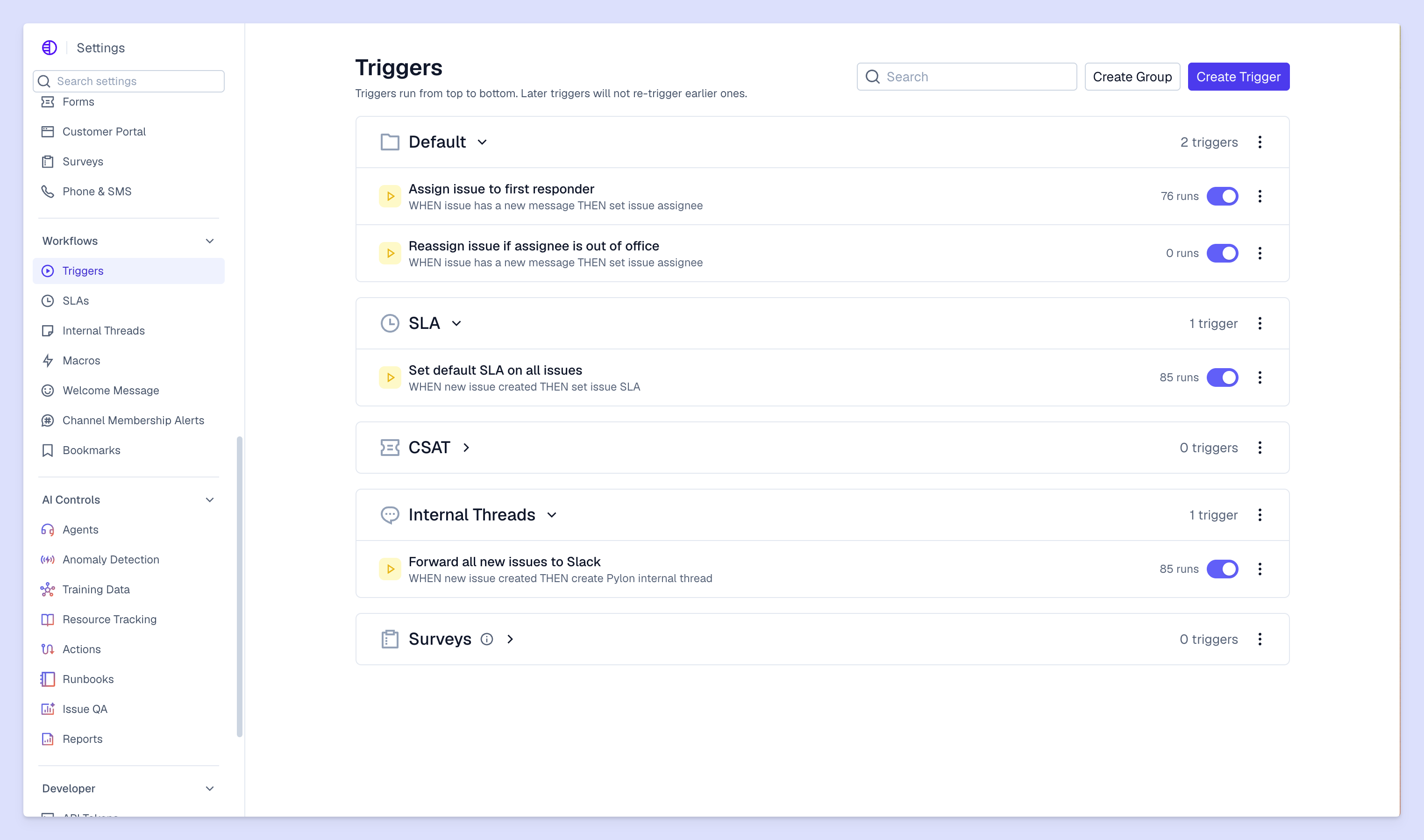
With Pylon’s Team SLAs, you set the timers to your own targets, so you can track internal SLOs as well as customer-facing commitments. On Advanced and Enterprise plans, Team SLAs also track how long each team holds an issue.
Here’s how our platform handles measurements and reporting.
Pylon automatically starts and updates SLA timers as tickets progress. This lets you track response and resolution times without the need for manual status checks.
Replies from AI agents also count toward first-response targets. Of course, a fast response doesn't mean a fixed problem, so you should track resolution times as well to see if your agentic workflows help customers.
You can use Pylon to track SLAs across Slack, email, chat, and (on Advanced and Enterprise plans) Microsoft Teams, so you don’t have to manage separate timers for each channel. For Microsoft Teams group chats, which don't have separate threads, Pylon keeps one open ticket per chat at a time so requests are still tracked.
Pylon’s SLA dashboard shows which targets your team meets and which tickets breach deadlines. This data helps you track SLA adherence, compare response and resolution times, and dig into individual issues.
Managers can also filter reports by criteria like account and time period to get a closer look at service reliability. If your team keeps missing the target outlined in a specific customer SLA, you can filter key metrics by customer and assignee to find the problem. From there, you can identify whether the delay is tied to a particular workflow or ticket type.
Missed response deadlines are frustrating, but they’re also opportunities to understand what slows your team down and how to improve performance. Pylon gives your support team a clear view of performance across every channel, along with the reporting they need to spot recurring problems and build strong customer relationships.
Pylon is the Agentic Support Platform built for B2B support teams. It brings conversations across Slack, Teams, email, chat, and other channels into one place, giving AI the context to help resolve customer issues and continuously improve your knowledge base. Pylon can identify missing or outdated documentation, generate new content from real support conversations, and help your team keep knowledge accurate as your product evolves.
Missing an internal SLO doesn’t automatically breach an SLA, but repeated delays can put your compliance commitments at risk. Your team should review which targets they consistently miss, then use key metrics to find out if the problem involves staffing, ticket volume, data silos, or inefficient workflows.
Choose SLIs that reflect a fast, high-quality customer experience, and base them on the kinds of requests you get. For a support team handling urgent technical issues, resolution time may be more useful than first response time.
SLOs are measurable targets you can use to track support performance. For instance, your team might aim to respond to 95% of urgent tickets within 10 minutes. To measure progress toward that goal, track when each ticket arrives and when the first customer-visible response is sent, then calculate the percentage of replies that meet the SLO.
An SLA breach happens when a provider fails to meet a customer commitment. Depending on the agreement terms, the consequences might include service credits or contractual penalties. Teams should diagnose the cause of each breach and address the issue across accounts to avoid repeats.
Pylon Workforce Management is available now. See it in action with a live demo.