


A service level agreement (SLA) typically sets the expectations for how you interact and work with customers. But team SLAs help you do the same internally. With a shared understanding of how cross-functional teams collaborate and deliver services together, you’ll see smoother handoffs and more efficient workflows.
In this guide, we’ll cover the definition of a service level agreement, how to build a practical team SLA you’ll follow, and how to improve it over time.
A team SLA is an internal document that defines what a team commits to providing other teams and customers, and how they plan to do it. Unlike general SLAs that are often set up like contracts between companies and their customers, a team SLA is less formal and more focused on internal operational alignment.
When your internal teams have a strong level of service agreement, they won’t waste time figuring out who owns what. Clear SLAs mean faster handoffs between teams and fewer escalations because ownership is defined upfront. And smoother internal experiences means it’s easier to fulfill the broader promises and SLAs you’ve made with customers.
A good support service level agreement considers both internal customers (other teams) and your end customers. For example, the customer support team might have an SLA with the dev team that states bug fixes need to be completed within eight hours, which lets the support team meet their 24-hour resolution time SLA with the end customer.
SLAs work best for defined, repeatable services where you can measure performance numerically. Think ticket response times, bug fix turnaround times, or new user provisioning.
For more collaborative and less predictable work, a lightweight playbook or working agreement is often better than a team SLA. Rigid SLA standards in creative processes can quiet collaboration for lower-quality results, so prioritize clarity and task ownership in these working relationships.
Here’s what effective team SLAs can bring:
Improperly executed team SLAs can have a few problems:
There are a few terms used interchangeably with SLAs, but they mean different things. SLOs are goals. SLIs measure your services. SLAs are the promises you make to others. And OLAs are internal agreements that support SLAs.
Let’s thread them together using a critical bug report as an example:

An effective team SLA is clear and concise, and covers what your team needs and what others can expect of them.
Be explicit about what services are covered. Set hours of operation and how other teams should reach out (like tickets, Slack, or email) to prevent scope creep.
Think about how your teams should make requests. You should specify which ticket fields and templates they should use, and how incomplete requests are handled. This ensures the receiving team has what they need to act without a lot of back and forth.
Response time is how quickly you acknowledge the request, while resolution time is how quickly you solve it. For some services, a fast response is all that’s needed, but resolution time improves customer satisfaction. Define the difference clearly.
Specify the triggers for escalation (like a high-priority ticket open for more than four hours), who is on point at each stage, and the expected response times.
Define the cadence for status updates and where that communication happens. It could mean giving updates in Slack or Teams every two hours for critical issues and daily for less time-sensitive tickets, for instance. Regular updates keep everyone in the loop and hold the team accountable for completing their task.
Determine what you’ll measure, how you’ll report on it, and how often you’ll review the SLA itself. It should be a living document, so make sure it’s still relevant at regular intervals (like quarterly or every six months).
Here’s a step-by-step process for creating a team SLA that works for your company.
Start by listing the services your team provides to other parts of the company. Who are your “internal customers”? What teams do you depend on?
You can’t set realistic targets without data, so find out how long it takes to respond to and resolve different request types. Use your ticketing system’s data to find the median and 95th percentile for your key services to set ideal and upper limits.
Pick a small number of customer support metrics that actually matter, like response time, resolution time, and ticket backlog. Then, decide what tasks need to be prioritized. A P1 critical issue should have a much faster response and resolution time than a P5 low-priority request.
A team SLA needs to put everyone on the same page. If another team wants a one-hour response time for all requests, talk to their lead about the capacity you’ll need to meet that. Faster response times might mean less time for planned project work or a bigger team to share the workload.
Once you have the most important details, write a one-page summary of your decisions and definitions. Keep it simple, use plain language, and avoid jargon so that anyone in your company can read and understand it.
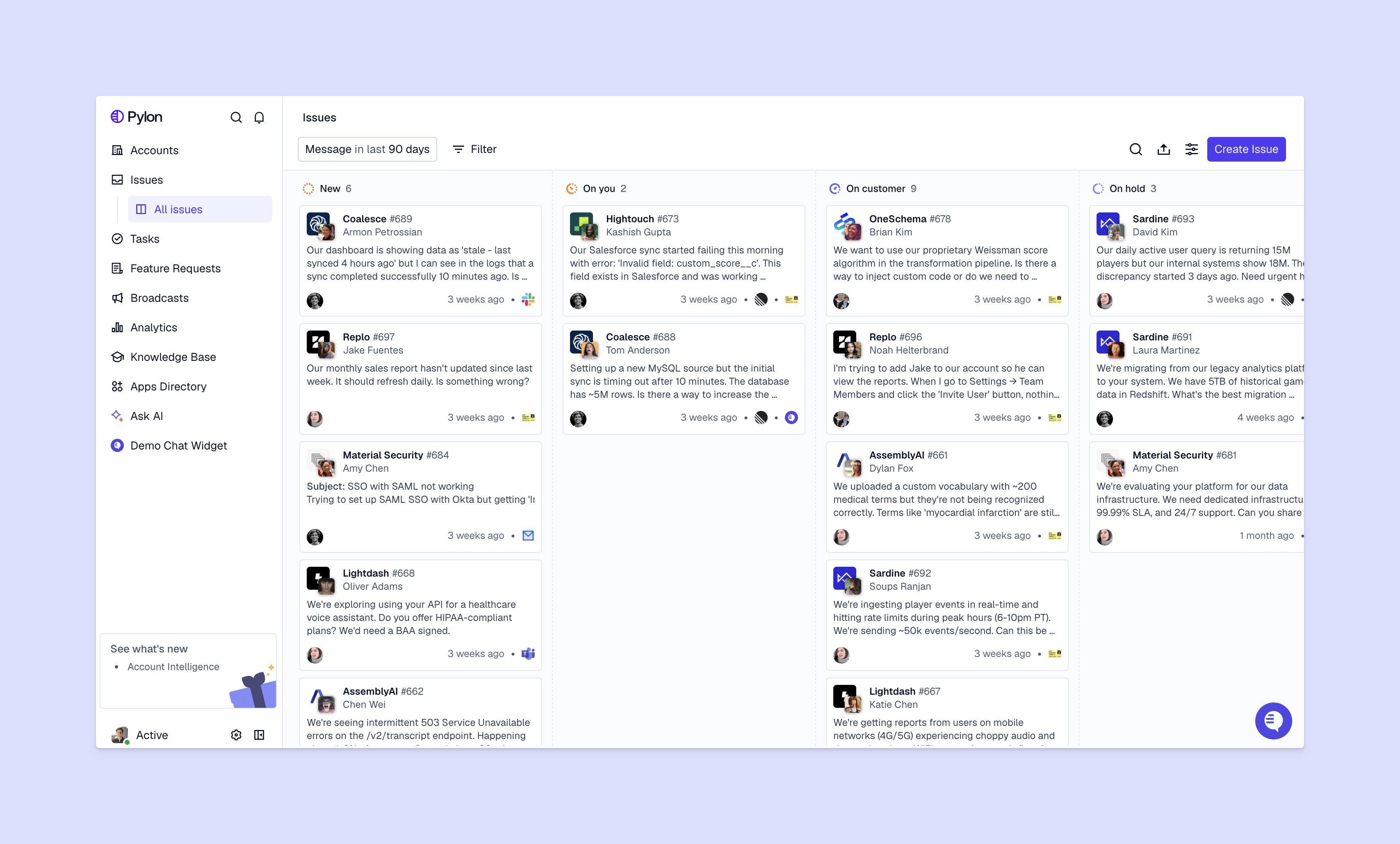
Make sure you have the right tools to track performance against the SLA, like triggers to notify you ahead of SLA breaches, custom ticket fields, or automated tagging. Build a clear feedback process to help your team improve over time. If someone feels like the SLA isn’t working, how do they bring attention to that, and how can they expect your team to respond?
Here’s how to keep your team SLAs relevant as processes and priorities change:
A team SLA is a tool for building a more efficient, aligned, and customer-focused organization. It clarifies what team members need to do when and provides the data you need to have honest conversations about priorities and capacity — with them and other leaders. By setting clear expectations between teams, you’ll create a more predictable and reliable experience for your customers.
Pylon is the modern B2B support platform that offers true omnichannel support across Slack, Teams, email, chat, ticket forms, and more. Our AI Agents and Assistants automate busywork and reduce response times. Plus, with Account Intelligence that unifies scattered customer signals to calculate health scores and identify churn risk, we're built for customer success at scale.
A common example is a 99.9% uptime guarantee for cloud services or a commitment that 90% of support tickets receive a response within six hours. In 2026, Microsoft offers a 99.99% SLA for Azure AD authentication and Teams Phone services.
An SLA checklist ensures no critical terms are missed, covering service scope, performance metrics, monitoring tools, penalties, and review terms. It helps align provider capabilities with stakeholder needs while establishing clear ownership.
Most organizations use a scale from P1 (critical) for full system outages to P5 (planning/minor) for "nice-to-have" requests. For instance, a P1 might need a 15 to 30-minute response, while a P5 may allow up to 10 business days for resolution.
The three common types are customer-based (tailored to one account), service-based (standard for all users), and multi-level (splitting standards across different tiers or corporate levels).
Pylon Workforce Management is available now. See it in action with a live demo.





