


Support metrics show the speed of your replies, the quality of your answers, and the effects these interactions have on your customers. And by measuring customer service KPIs, you can turn everyday conversations into trends you can act on.
This guide defines the top customer service performance metrics and how to track support metrics effectively.
Support metrics are the data you use to understand your team’s performance. They show things like first response wait times, how long it took to resolve an issue, and when tickets needed help from senior team members.
The term “KPI” is often used interchangeably with “metric” in this context, although KPIs are usually more tightly connected to things like renewals and revenue. Examples of key performance indicators are customer satisfaction scores and net promoter scores — both of which link closely to customer loyalty and retention.

You don’t need a laundry list of data points to gauge your performance. Start with the ones that show your team’s workload, the pace of your daily work, and the experience customers have after they reach out.
Below are the customer service performance metrics most B2B support leaders track:
As your team grows, you can add more advanced measurements, such as escalation rates, self-serve usage, and account health trends. Industry benchmarks vary widely for these metrics, so it’s probably more helpful to compare your numbers to your own past performance and the goals you’ve set.
Effectively tracking support metrics starts with good data. When customer messages and tickets are part of a well-organized structure, you can measure performance without guesswork. Most teams use a mix of customer feedback surveys and the data already in their support tool to see how each issue was handled.
Here are the most common metrics and how to measure each one.
Send a short survey after a ticket is marked resolved. Customers rate their experience, and those ratings attach to the ticket so you can compare satisfaction by type of issue, response quality, and account.
Ask customers whether the interaction/solution felt easy. A single follow-up question works well. Lower effort usually points to clearer answers or better guidance.
Send this survey on a schedule, usually to account owners or admins. It shows how customers feel about the product over time. You can compare NPS trends with your support patterns to see if recurring issues affect overall sentiment.
Measure the gap between when a customer sends a message and when they get a response. Most platforms record the exchange time automatically, and it helps you see how fast customers get help.
An increase in customers reopening solved tickets could mean there were missing details or incomplete instructions. Your AI help desk can also show patterns with repeated questions or confusing parts of the process.
Track the overall time from the first message to the final exchange. This helps you identify slow points and see when an issue could use an assist from another team.
Count how many times someone on your team updates a ticket. More touches usually means the issue took more effort than was expected or the steps weren’t clearly explained.
Track the number of issues your team closes in a given time. This metric helps you understand your team’s workload and how it can shift at certain periods.
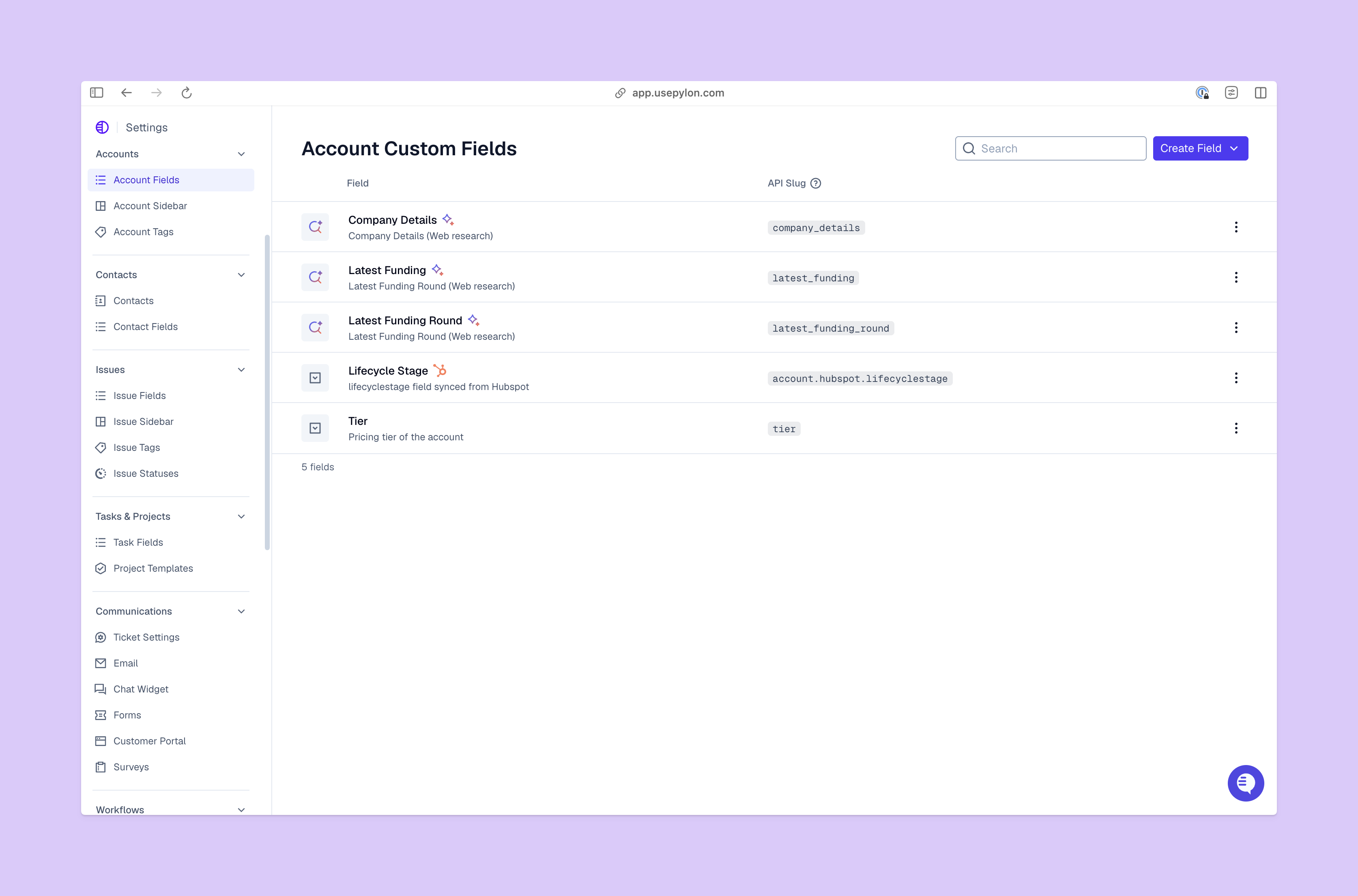
You start with good data; then the next step is actually doing something useful with these numbers. This typically involves three steps: identifying a pattern, reviewing the actual customer messages behind it, and making changes based on what you find.
When you notice a shift in your metrics, read the messages behind those interactions to get more context on the issue.
For example, if resolution times increase for customer onboarding questions, you could review a sample of those tickets — maybe they show that users keep running into confusion at a certain step. You can close this feedback loop by improving the documentation for that step.
Once you know what causes a trend, you can make changes like:
Support metrics often relate to the customer support team’s performance. But issues will also crop up that tie more closely to teams like product development or account management. Create a feedback workflow that ties all relevant teams together so solutions aren’t bandaids — you can get to the root of the problem, like a feature bug or unclear tech documentation.
Customer support metrics quickly highlight where customers struggle and what your team is great at. When all messages live in one place and you check your numbers regularly, you get a clearer picture of what people need and which steps deserve more attention.
Pylon is the modern B2B support platform that offers true omnichannel support across Slack, Teams, email, chat, ticket forms, and more. Our AI Agents and Assistants automate busywork and reduce response times. Plus, with Account Intelligence that unifies scattered customer signals to calculate health scores and identify churn risk, we're built for customer success at scale.
Pylon Workforce Management is available now. See it in action with a live demo.






