
It’s natural for people to develop their own ways of getting things done. But when everyone on a support team approaches the same tasks differently, it’s impossible to deliver consistent support. As teams grow, those differences become more noticeable and can create unnecessary back-and-forth or easily avoidable miscommunication.
With standard operating procedures (SOPs), teams can establish a shared approach to common, repeatable support tasks.
This guide breaks down what SOPs are and provides a template for how to write SOPs. We’ll also explore why gaps can remain in some procedures, and how to turn finished SOPs into reusable Pylon Skills.
A standard operating procedure is a documented, step-by-step process for completing a task. It gives team members clear instructions to follow consistently, so everyone can handle requests and tickets the same way. Over time, regular use with slight refinement improves customer support processes.
SOPs outline the overall process, including who’s responsible for each step and when to escalate or hand off a task. SOPs are often the most useful for recurring tasks with a definable process targeting a clear outcome, going into greater detail about how to perform a specific action within that process.
Here are a few common examples:
Having SOPs should be standard practice for frequently occurring, repeatable tasks. They’re also valuable for scaling customer support tasks that require a clear process to avoid mistakes or miscommunications.
When you’re familiar with a process, it’s easy to overlook simple details that someone else might need explained. This often carries over into writing SOPs, where instructions can leave too much room for assumptions.
Some common failure points include:
These gaps become much more apparent when AI agents follow the same procedures. An experienced support rep can draw from previous experience to fill in missing details, but an AI agent relies on the instructions and context available. Unclear steps lead to errors and incomplete workflows.
When writing an SOP, assume the person following it knows nothing about the task. Every step should be so clear that a new hire can complete the task without additional guidance.
Here’s how to write standard operating procedures in six simple steps.
Begin with a straightforward, high-volume task your team handles regularly; SOPs work best when they have a clear trigger and outcome.
In this example, we’ll document how to troubleshoot a failed CRM data sync.
Gather information from support team members who handle failed CRM data syncs and observe how they troubleshoot them. Outline the process, including what information they need, which tools to use, and how to know the issue has been resolved.
Jot down basic information about the procedure. Give your SOP a clear title, define the scope, and identify roles and responsibilities for the process.
Here’s a procedure template we’ll use to document how to troubleshoot a failed CRM data sync:
Break down the procedure into numbered steps. Each should begin with an active action verb. Avoid vague instructions like “investigate the sync failure.” Instead, specify where to find the information and what to check.
For instance, the first step might be “Open the integration dashboard and locate the most recent failed CRM sync.” Include screenshots or links to your knowledge base when additional context may be useful.
Explain when to take a specific action over another. If the CRM connection shows expired credentials, for example, direct the agent to reauthorization instructions. For connections that are active, but syncing still fails, explain how to escalate to engineering. Specify error logs or other context the next team member will need.
Give the finished SOP to someone unfamiliar with the troubleshooting process and ask them to follow it without further assistance. Use their feedback to clarify any confusing instructions, and repeat testing.
Have the appropriate manager approve the finished SOP before putting it into use. Review it whenever integration tools or procedures change, and set a regular review cadence to scan for outdated information.
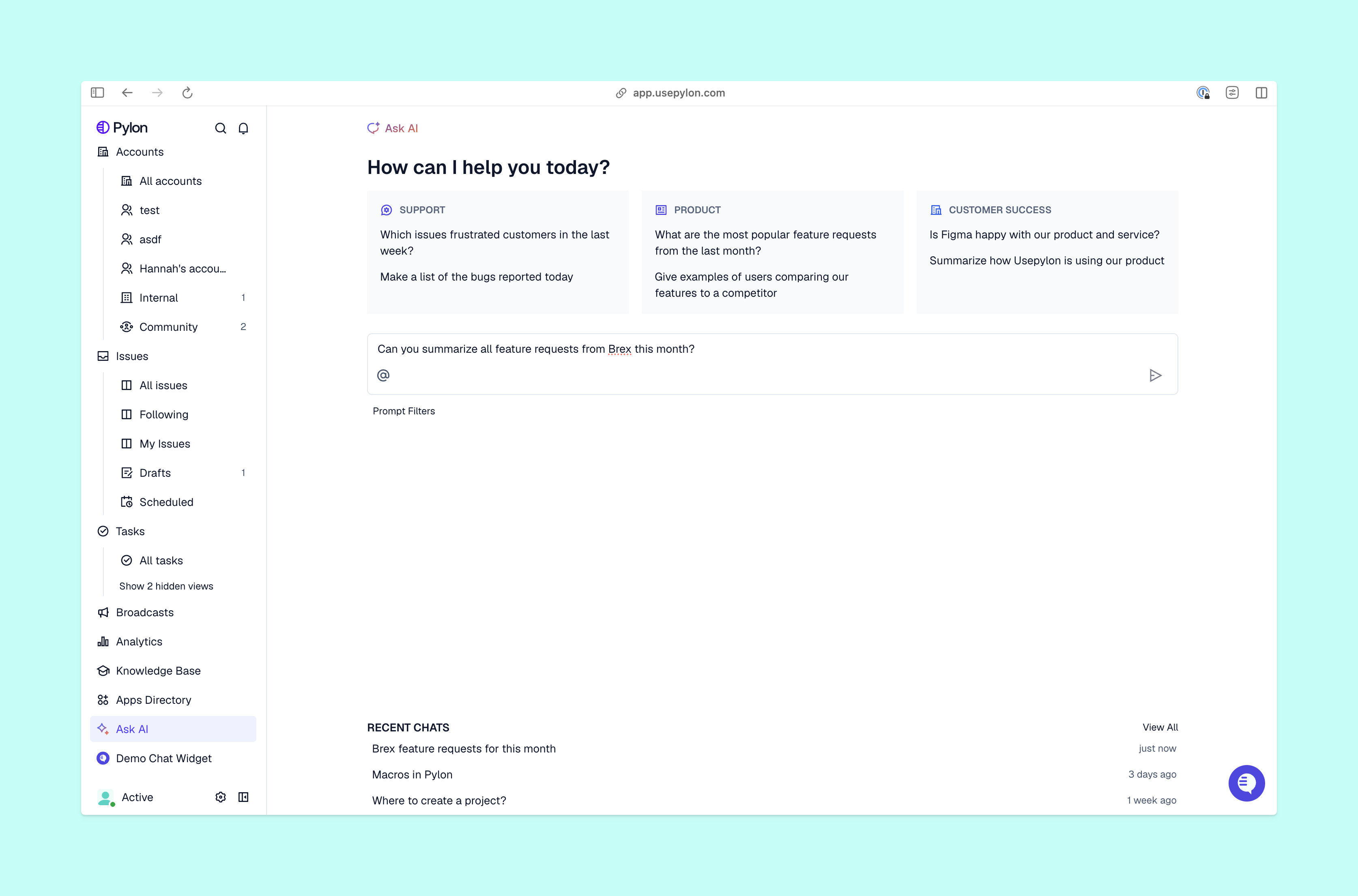
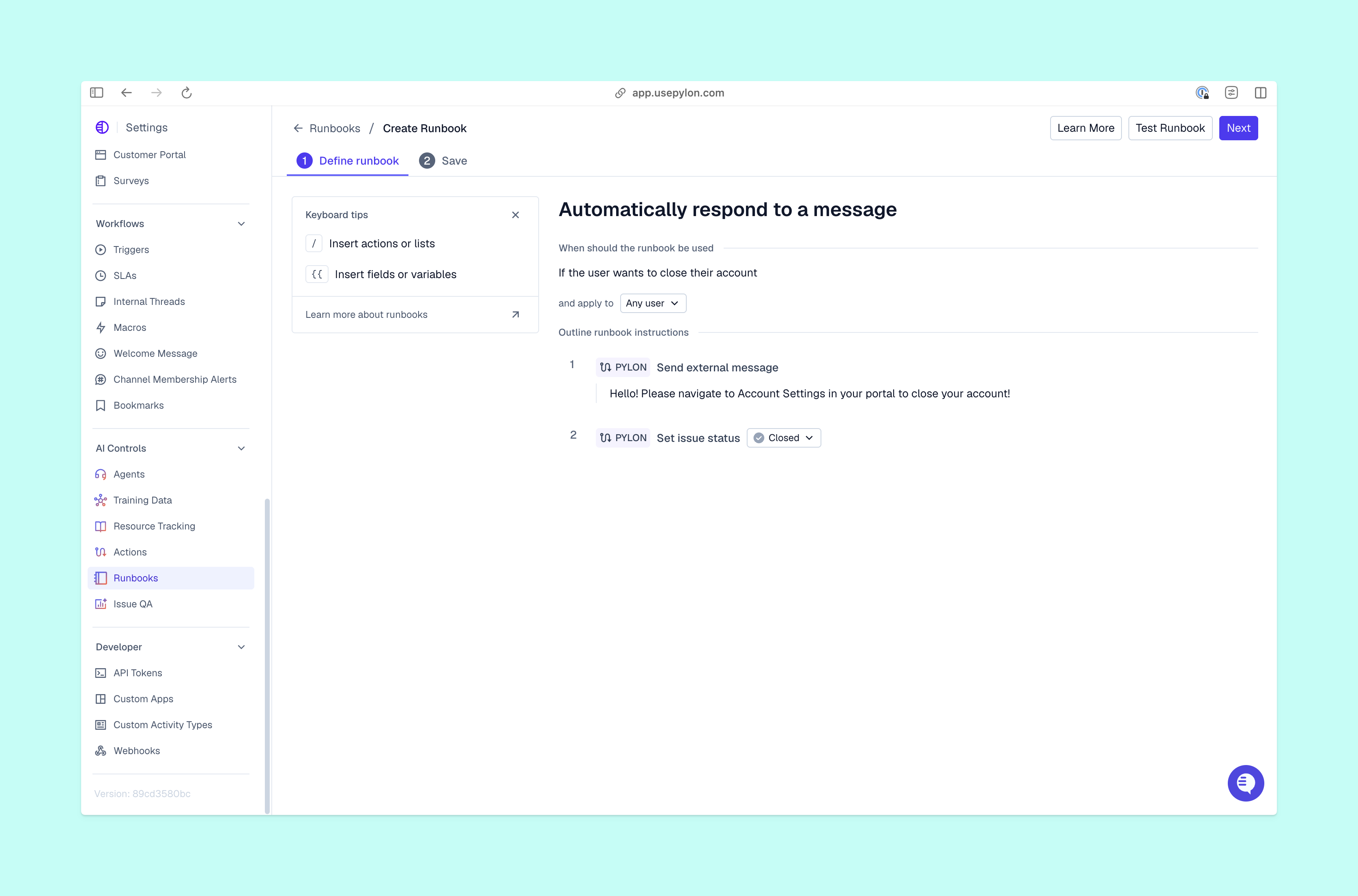
When reps use AI customer support to investigate tickets, they often write their own prompts to tell the agent what to do. When someone develops a particularly useful set of instructions, their colleagues may never see it, hindering improvements to customer support quality. Pylon’s Skills makes those instructions reusable across the entire team.
First, create a Skill:
Then, configure and test your Skill:
Once a Skill is ready, there are several ways it can work. Support reps can run it manually using a /command in Assist Agent, while Pylon Automations can run Skills on incoming issues before the team picks it up. The Support Agent can also run Skills independently when handling customer requests.
Over time, Pylon suggests improvements based on how a Skill performs. Your team can review those recommendations and approve changes.
Writing standard operating procedures gives support teams a shared process with specific instructions for when to take action and how to make decisions. And regularly testing procedures keeps documentation accurate as tools and workflows change. With Pylon, you can turn those instructions into reusable Skills for support reps and AI agents. Everyone works from the same documented processes, making it easier to maintain consistency across growing teams.
Pylon is the Agentic Support Platform built for B2B support teams. It brings conversations across Slack, Teams, email, chat, and other channels into one place, giving AI the context to help resolve customer issues and continuously improve your knowledge base. Pylon can identify missing or outdated documentation, generate new content from real support conversations, and help your team keep knowledge accurate as your product evolves.
An SOP should provide enough detail for someone unfamiliar with the task to complete it without assistance. Include clear directions, decision points, and screenshots or links when additional guidance may be useful.
An SOP should exclude tasks and procedures outside its defined scope. Reference separate documentation when related processes require additional instructions.
Team members who regularly perform the task should help write the SOP. A team lead or other expert should review it for accuracy. Assign an owner with a clear role and responsibility to maintain the document and approve revisions.
Organize related SOPs in a shared knowledge base with a table of contents for easy navigation. Use consistent SOP formats, clear titles, and version numbers so employees can find the latest instructions.
Pylon Workforce Management is available now. See it in action with a live demo.