Say someone on your support team builds an AI agent that drafts answers from your help docs. You try it on a few straightforward questions, and the replies are pretty good. After a little editing, they’re ready to send.
You can imagine why the team would want to use it more. But what happens when a customer asks about an issue your dev team is still investigating? Before it answers, the agent needs to know what your team has already told that account (and whether it should even answer to begin with).
You could keep adding to your AI agent builder setup, but you need to be realistic about whether your team has the time and resources to maintain it. This guide weighs that work against buying a support-native platform to explore when each approach makes the most sense.
An AI agent builder is a platform or framework your team uses to create and configure AI agents. The builder is where you define how an agent works; the agent itself carries out tasks, like investigating a support question or drafting a reply.
A no-code AI agent builder platform lets you create agents through visual tools or natural-language instructions. Visual builders often allow for dragging nodes onto a canvas, with each node representing a step like a model call or tool action.
Building AI agents with code-first frameworks gives your dev team more control, but DIY agents also require more technical work to build and maintain.
Either way, setting up AI agents means connecting a few core components:
If your team already uses OpenAI’s ChatGPT or Anthropic’s Claude, those are natural places to try out a support task. You can give the AI your help docs and instructions, then check whether the output saves you time.
An AI agent can pull details from a ticket thread and draft a summary of the problem for your dev team handoff notes, including what the customer has already tried. For this kind of task, the teammate handling the ticket reviews the summary before passing it along.
If you’re just getting started, that’s often a manageable way to begin using AI agents. The task has clear boundaries, and someone who knows the issue checks the result. If the agent misses a detail, that person can fill it in.
With one owner and a narrow scope, there’s relatively little coordination to worry about.
Once more people depend on the AI agent, it’s no longer reasonable for the original builder to check every result or fill in every missing detail. An AI agent for customer support needs to work even when its creator is unavailable.
A lightweight DIY setup may leave your team with gaps like these:
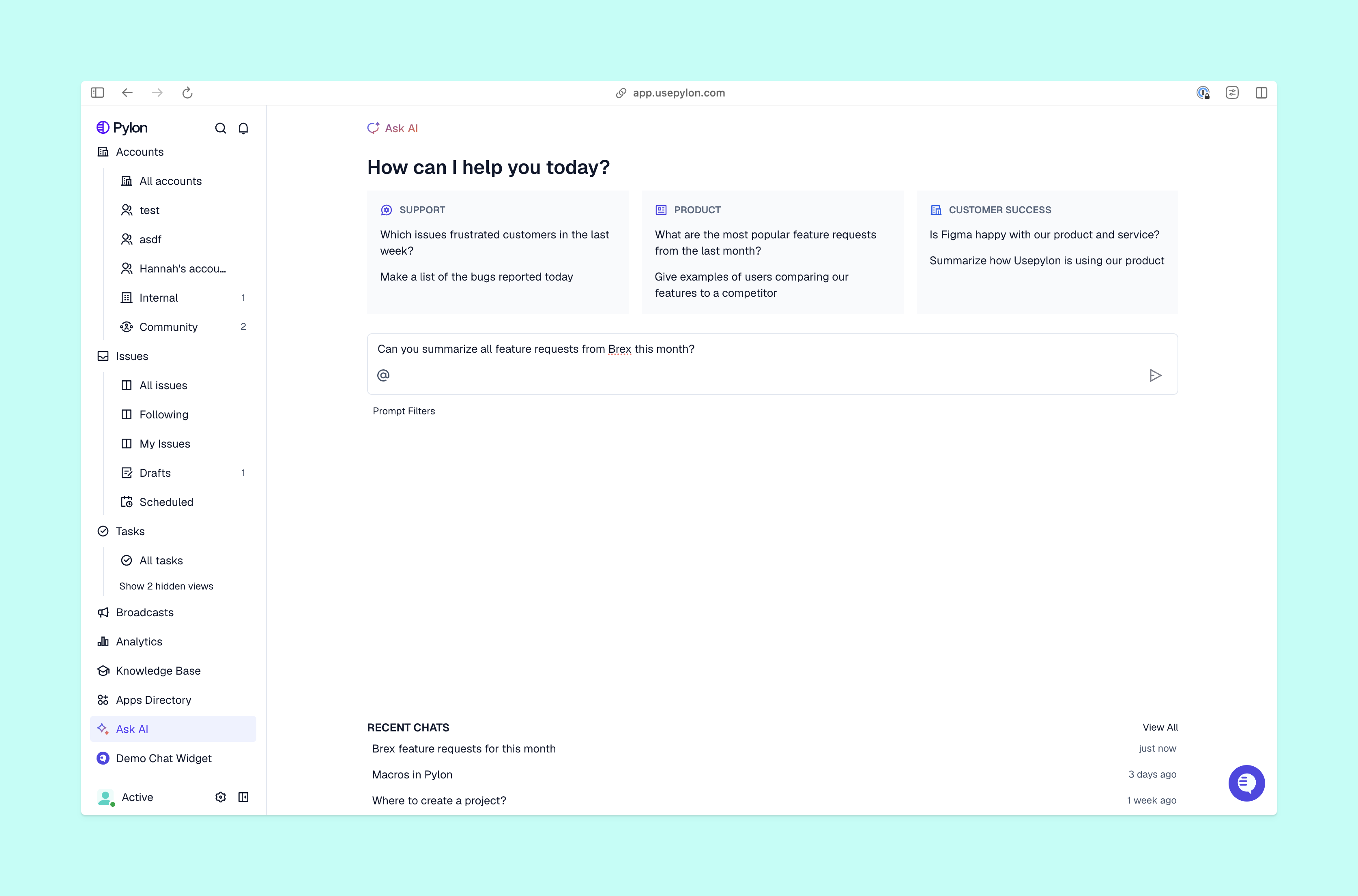
General-purpose builders can address many of those gaps, but someone needs to configure and maintain the solution. And the gaps become even harder to ignore when a handoff loses context or nobody can explain why the agent gave a particular answer. Pylon’s Skills workflows are reusable, no-code instructions that define what an agent should check, which actions it can take, and when it needs human approval.
.png)
If you’re still at the stage where an AI agent builder can handle your team’s needs, here’s how five platforms approach that work:
Each tool gives your team a way to build agent behavior. But before you deploy an agent for customer-facing use cases, be sure to decide who owns testing and upkeep. You’ll still need to connect that behavior to your support processes. And before you commit, check which features require paid plans and how usage costs could grow as you add use cases for workflow automation and other tasks.
Your prototype may do a good job answering questions from your help docs. But once it handles live customer issues, account context and reliable handoffs become critical. The best AI customer support agent for your SaaS company will know what your team has already told an account and when an issue needs human oversight. Pylon’s AI Support Agent answers supported questions and hands off others with the context your team needs to continue, and the Bring Your Own Agent option supports workflows through Skills or a combination of webhooks, APIs, and MCP servers.
Pylon is the Agentic Support Platform built for B2B support teams. It brings conversations across Slack, Teams, email, chat, and other channels into one place, giving AI the context to help resolve customer issues and continuously improve your knowledge base. Pylon can identify missing or outdated documentation, generate new content from real support conversations, and help your team keep knowledge accurate as your product evolves.
The best choice of no-code AI agent builders depends on what you want to automate and which systems the agent needs to access. MindStudio and Dify offer visual tools for building agents. For customer support, also check how much work it takes to connect account context and configure human handoffs.
Technically, yes, ChatGPT can help with building AI agents by drafting instructions, developing code, and testing responses. But an agent that runs in your own product needs a separate implementation, like an application built with OpenAI’s APIs, that offers access controls and a reliable way to escalate issues to your team.
Common use cases include ticket summaries, request categorization, troubleshooting information collection, and answers based on approved documentation. Begin support automation with a task your team can easily check, then expand once you understand where the agent needs help.
You define the agent’s instructions, connect its knowledge sources, and give it access to tools. In a visual builder, nodes represent individual steps and connections define how execution moves between them. The builder lets you test the results before you deploy the agent. During a task, the agent uses the available information and tools to decide its next step.
Pylon Workforce Management is available now. See it in action with a live demo.