


Updated February 18, 2026 | 15 min read
At one point or another, many support teams find themselves in this situation: You're drowning in repetitive questions from customers while response times creep up. Ticket volume is scaling faster than you can scale headcount, and you don't have the budget to grow your team at the same rate.
This is where customer support automation tools come in. They handle repetitive and manual support work automatically — answering common questions, routing conversations, and managing manual workflows — so your team can focus on complex troubleshooting and building strong B2B relationships.
We'll walk through what these platforms do, why they matter for scaling B2B support, and eight tools that deliver the best automation for growing support teams.
Support automation tools are software platforms that handle repetitive customer service tasks for B2B teams, either independently or with human review. They're systems that use AI, programmed workflows, and rules to respond to tickets, route conversations, and manage support operations across channels like email, chat, Slack, and Teams.
Common automation tools in B2B support include:
The point is to free up your support team from manual busywork, so they can focus on complex customer problems and providing high-touch support.
A lot of B2B support teams hit this same wall at a certain point: As your customer base scales, ticket volume grows faster than headcount. You end up with longer response times, burnt-out team members, and customers waiting hours for answers to simple questions.
Automation solves this by handling the repetitive work automatically. Your team focuses on high-value customer conversations while automation takes care of the rest.
Here's a summary of how automation tool can improve your support operations.
With automated workflows, customers instantly get answers to common questions instead of waiting hour for someone on your team to manually reply. AI agents can deflect simple issues, triggered auto-replies acknowledge tickets as soon as they come in, and intelligent routing gets conversations to the right person without unnecessary back and forth.
Automation scales your support capacity by resolving repetitive issues and handling manual workflows as your customer base expands. With the same team size, your support team can handle significantly more volume because they spend less time on tasks like triage, routing, or updating metadata.
When automation deflects 40-60% of incoming tickets, your five-person team suddenly has the capacity of 10 people. You're using AI and support automation to multiply your team's output.
Beyond deflecting routine tickets, automation handles all the manual work that slows down your team:
Each task might only take seconds, but across hundreds of tickets per week, this adds up to hours of manual work.
AI agents and knowledge bases provide support coverage outside your team's working hours. Customers get help immediately instead of waiting until your team comes online the next morning.
This is especially important for B2B teams with a global customer base. Accounts in Europe don't wait eight hours for your US-based team to start their day: they get answers or find relevant resources right away.
Modern automation platforms monitor customer signals like ticket volume, sentiment, response times, and conversation topics to calculate health scores and flag churn risk. Instead of manually reviewing accounts to spot problems, the platform surfaces at-risk customers automatically.
This connects support data directly to retention efforts. When your platform tracks that an account's ticket volume spiked 300% this month or their sentiment turned negative, you can intervene before they churn. The best platforms unify support and customer success data in one system, so your entire post-sales team works from the same customer context.
We've evaluated platforms based on their automation capabilities, integration ecosystems, and fit for B2B support teams. Each tool below includes key features, what makes it stand out, and which teams it works best for.
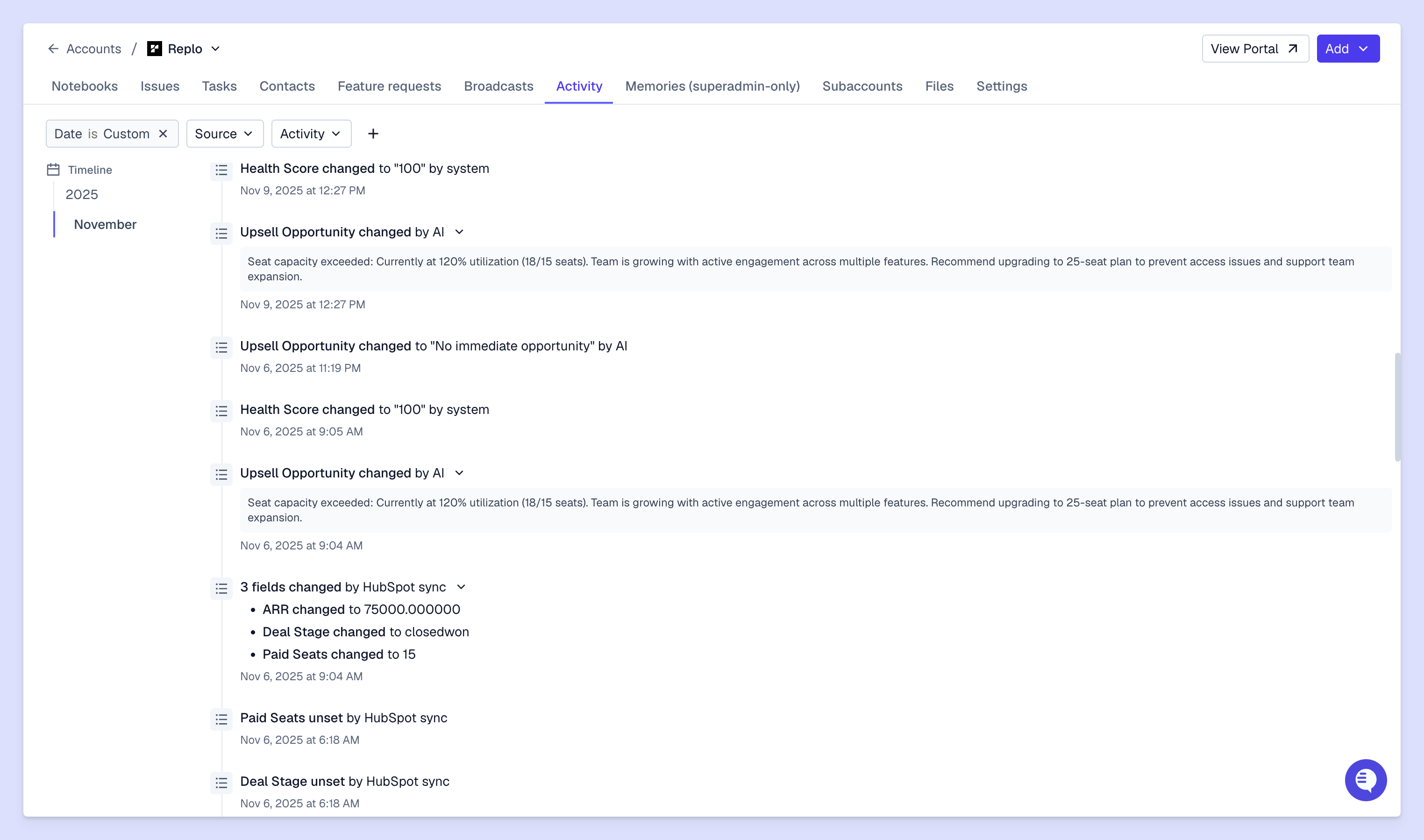
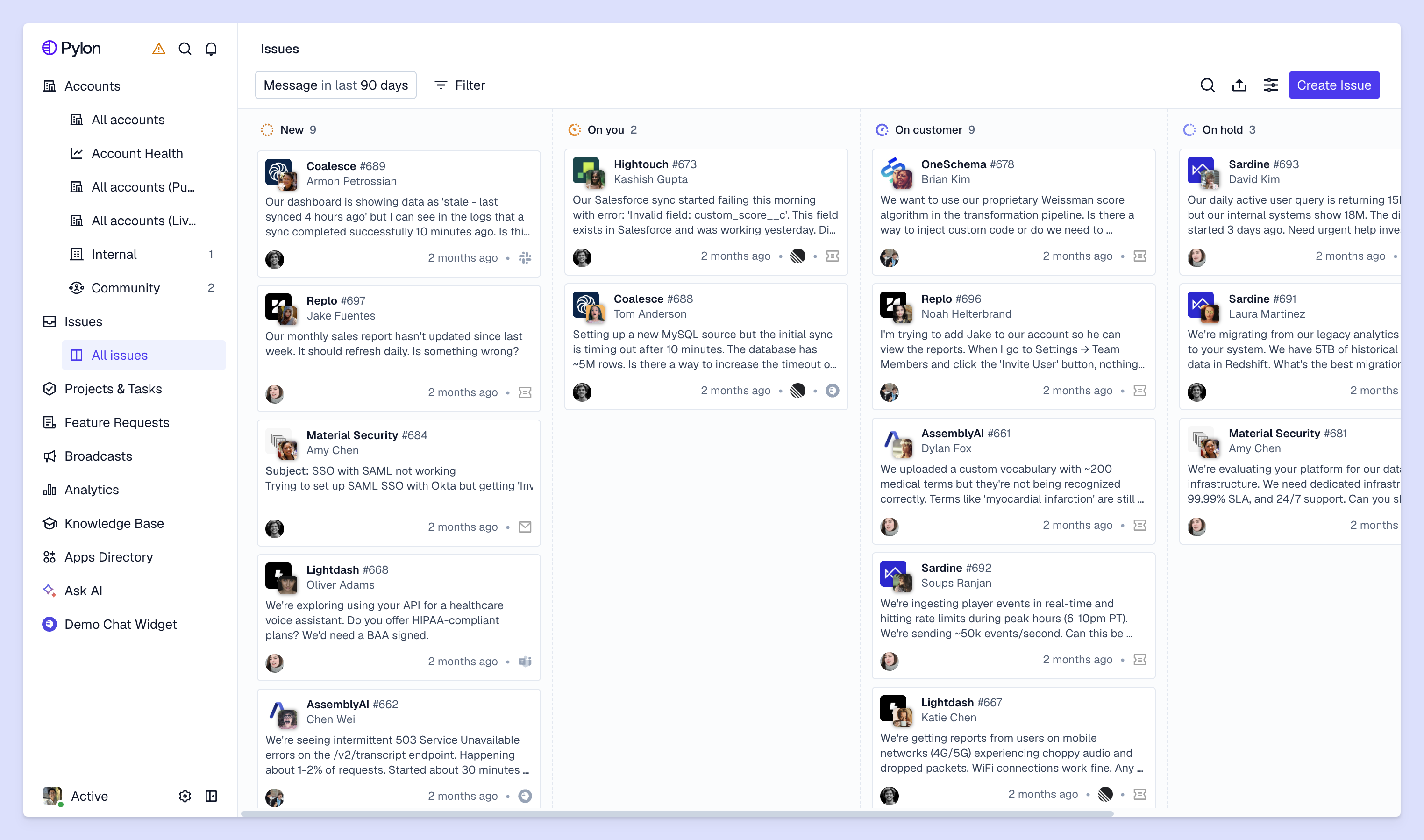
Pylon is the AI-native support platform for B2B teams. It unifies tools for support and customer success, so your entire post-sales function can work from a single pane of glass. Plus, with native omnichannel support across Slack, Teams, WhatsApp, email, chat, and ticket forms, your team can manage all customer conversations from one place.
Key automation features:
Ideal for: B2B post-sales teams who want a shared system of record for customer context between support and customer success. Pylon connects support interactions directly to account health, churn signals, and retention strategy.
Zendesk is a traditional enterprise platform with extensive automation workflows, AI-powered ticket routing, and a broad integrations ecosystem. It handles complex support operations across multiple channels and teams.
Key automation features:
Ideal for: Large support teams with complex operations who need deep customization and extensive integrations with traditional enterprise tools.
Intercom focuses on conversational support with its AI chatbot (Fin AI), in-app messaging, and automated workflows. It's built for product-led companies that want to provide support directly inside their product.
Key automation features:
Ideal for: Product-led SaaS companies that want in-app support and proactive messaging based on how customers use their product.
Salesforce Service Cloud offers deep CRM integration, SLA management, and case automation for teams already using Salesforce. It connects support data directly to your sales pipeline and customer records.
Key automation features:
Ideal for: Teams already using Salesforce who need support tied directly to sales data and want a unified view of the customer across multiple touchpoints.
Freshdesk balances automation features with affordability, making it accessible for mid-market teams. It offers AI-powered ticket management, automated assignment, and workflow automation without enterprise pricing.
Key automation features:
Ideal for: Mid-market B2B teams that want solid automation capabilities without the complexity or cost of enterprise platforms.
Front takes a shared inbox approach to support automation, letting teams collaborate on emails and messages from multiple channels. It automates assignment, routing, and internal workflows while keeping everything in a familiar email-like interface.
Key automation features:
Ideal for: Teams managing support across email and multiple channels who want automation without abandoning the shared inbox workflow.
HubSpot Service Hub provides automation within the HubSpot ecosystem, connecting support to your marketing and sales data. It includes ticket routing, chatbots, knowledge base tools, and customer feedback automation.
Key automation features:
Ideal for: Teams already using HubSpot for marketing and sales who want support data unified with the rest of their customer journey.
Help Scout offers straightforward automation for smaller teams who want to reduce manual work without complex setup. It focuses on email-based support with simple workflows, saved replies, and collision detection.
Key automation features:
Ideal for: Smaller support teams that want simple, effective automation without the learning curve of enterprise platforms.
The right platform depends on where your customers like to get support, which tasks slow down your team them most, and how support fits into your broader customer strategy.
Start by identifying where customers actually reach you. Do most accounts prefer email, Slack, Teams, in-app chat, or ticket forms? Estimate how many conversations you're handling per week across those channels and how that number has been trending over time.
Choose support platforms that natively integrate with your key channels, instead of forcing customers into messaging platforms they don't normally use. If your B2B customers primarily reach you in Slack, you need a platform specifically built for Slack support.
Document the manual work that your team does over and over: tagging tickets by issue type, routing questions to the right people, sending status updates, copying metadata between systems. Each repetitive task is an opportunity to automate and speed up the workflow.
Prioritize platforms that actually automate your biggest pain points. If your main problem is spending too much time on triage and routing, find tools with AI that can categorize and route issues based on their content.
Automated workflows serve you best when your support platform natively connects to other systems you need. Look for integrations with your CRM (Salesforce, HubSpot), product ticketing tools (Linear, Jira), and key communication platforms (Slack, Teams). The goal is to eliminate context switching and manual data transfers.
Estimate how much time you'll save with AI and automations, and compare this against the cost of the support platforms you're evaluating. If auto-routing can save your team two minutes per ticket and you handle 500 tickets per week, that's 16 hours saved per week — two full workdays.
But ROI isn't just how much time you save. Consider how AI and automated workflows will help you handle more customers without proportionally scaling headcount, improve response times, influence retention, and surface account signals that prevent churn or encourage upsells.
When you're evaluating support platforms with AI and automation features, try them on actual team workflows before committing. Set up triggers, AI routing, or AI agents, and let your team use them for a few weeks. Then, measure the results against your current baseline.
Pay attention to setup time, how often your team needs to correct AI, and whether team members are actually implementing automation tools. The best platform on paper might not fit how your team actually works.
With AI and automated workflows, B2B support teams are reducing response times, handling more ticket volume, and scaling global support operations.
Pylon is the modern B2B support platform that offers true omnichannel support across Slack, Teams, email, chat, ticket forms, and more. Our AI Agents & Assistants automate busywork and reduce response times. Plus, with Account Intelligence that unifies scattered customer signals to calculate health scores and identify churn risk, we're built for customer success at scale.
It can take a few days to set up and optimize automated workflows like triage and ticket routing. More complex workflows with AI agents or AI assistants can take multiple weeks, depending on your goals.
Modern support platforms use AI to understand customer context and handle nuanced conversations. With many platforms you can configure AI to take a first pass at complex issues, while escalating high-value interactions to your team.
Traditional automations (rule-based triggers or workflows) follow fixed rules that you set up manually, like hard-coding canned responses to certain types of tickets. AI agents learn from support conversations over time and can understand intent, gather context from past issues, generate responses, and make decisions without strict predefined rules.
Track first response times, resolution times, ticket volume per team member, and customer satisfaction scores over time. You want to see faster responses, higher ticket capacity per person, and maintained or improved satisfaction as AI takes over routine work.
Pylon Workforce Management is available now. See it in action with a live demo.




