
When B2B customers send support requests, they expect fast responses and prompt resolutions. A service level agreement is your commitment to each customer about how fast those responses and resolutions will be.
Support teams also need practical ways to understand those agreements, and support leaders need to compare their teams’ performance to those goals. That’s where service level objectives (SLOs) and service level indicators (SLIs) come in, respectively.
In this article, we’ll define the differences between SLA versus SLO versus SLI in more detail, then look at how they work together in B2B support and how AI agents help support teams meet their SLA targets.
Here’s an overview of the differences between SLAs, SLOs, and SLIs in a B2B context.
An SLA is a formal, legally binding commitment you make to a customer. In support settings, it typically covers resolution and first response times (FRT) for different query priority levels. For example, you could commit to respond to the most important (P1) issues within two business hours and resolve them within eight hours on average, but your targets for P2 and P3 issues would be less strict.
SLAs also include broader descriptions of the service you’ll provide and what’s covered by the agreement. They also establish the consequences of SLA breaches with clearly defined penalties, like service credits and refunds, and provisions for the customer to end their contract early in case of severe or repeated breaches.
B2B support teams often set different SLA targets for different plan tiers, and some enterprise customers negotiate their own terms. That two-hour FRT target on P1 issues, for instance, could change to one hour for an important enterprise client, or four hours for customers on lower pricing tiers.
An SLO is an internal target the team sets for a particular metric. It’s usually stricter than the SLA. For example, if your SLA sets an average response time of two business hours for P1 tickets, you could set a one-hour response time as an SLO. That way, even if you miss the goal, you’ll still uphold your promise to the customer.
Note: Pylon’s system doesn’t use the term “SLO.” You can configure SLA timers yourself, which means you can set them to your internal targets (like the one-hour FRT for P1 issues). On an Enterprise plan, Team SLAs also track how long each team holds an issue.
The biggest difference between an SLA and an SLO is that an SLA is a binding contractual agreement with a customer, and an SLO is an internal target. SLAs and SLOs often use the same metrics, but teams set stricter internal targets (and softer penalties) to give themselves an appropriate margin of error.
An SLI is a support metric used to measure how a team is performing.
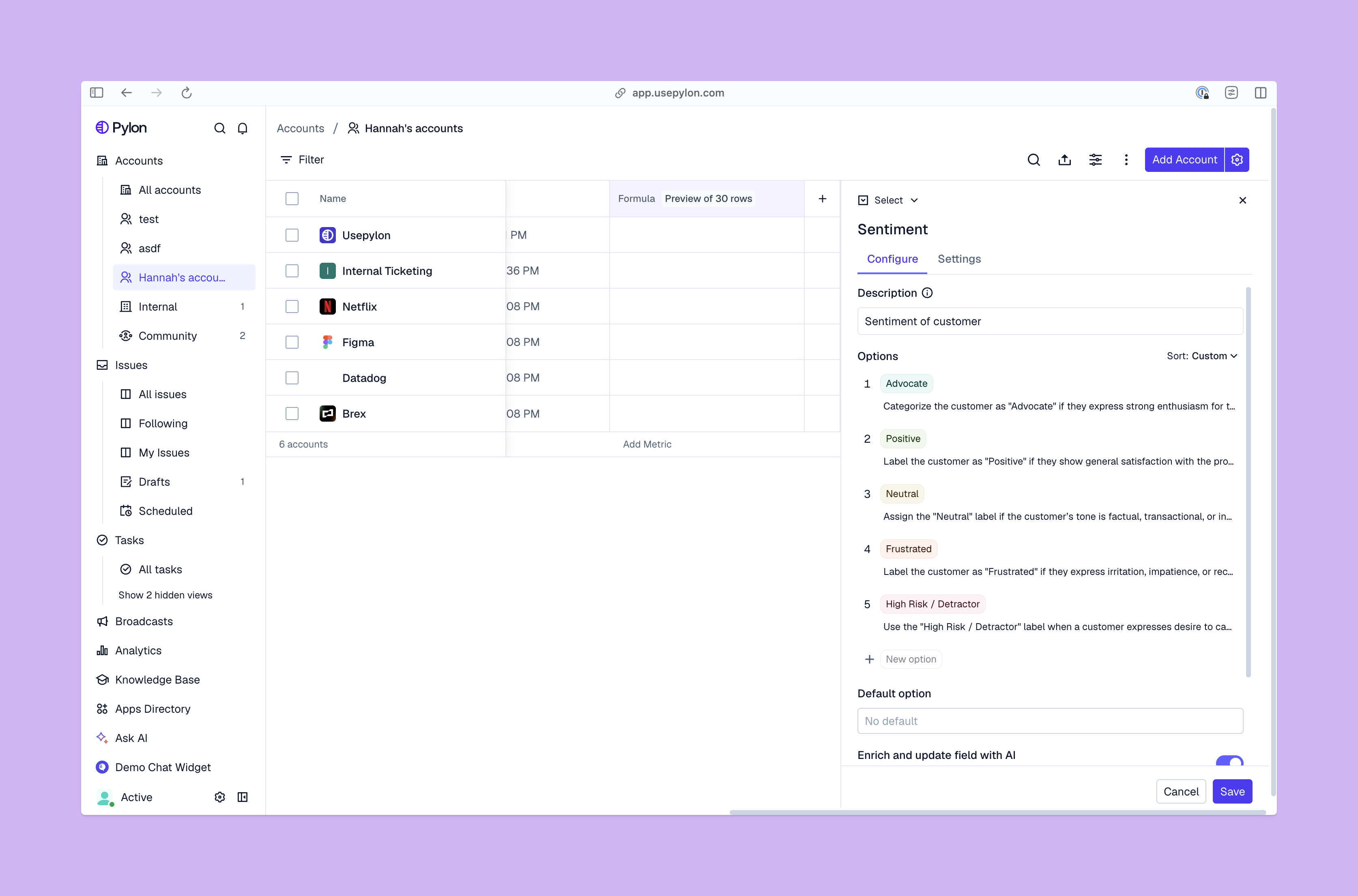
B2B support team leaders typically track several SLIs on real-time dashboards so they can respond quickly if an indicator starts to trend in the wrong direction. Pylon’s Analytics & Reporting tracks FRT and resolution times (as well as ticket volume trends, rates, and backlog health) out of the box, and lets you create custom dashboards simply by asking in natural language.
The difference between an SLO and an SLI is that an SLO sets a specific target, while an SLI is the metric it’s measured in. SLOs generally come from SLIs. For example, if you choose to monitor your average time to resolution, that metric is your SLI. Your SLO would be a specific target for your resolution times, like “achieve an average time to resolution of six hours on P1 issues each month.”
B2B support teams usually prioritize SLAs because they’re customer-facing commitments with more severe consequences. At the same time, they measure their actions using SLIs, compare them against internal targets (SLOs), and treat the gap between the internal target and the customer commitment as a safety margin. Using SLIs and SLOs like that helps them stay in compliance with their SLAs.
Site reliability engineers often work with an “error budget,” which is the amount of downtime or number of incidents the team can afford without missing SLAs. Support teams can use a similar approach, tracking the number of issues that can miss the SLO before the customer SLA is at risk.
Let’s say your team handles an average of 400 tickets every month. The SLA promises a first response for P2 and P3 tickets within four hours, and the SLO is two hours. Your team answers 360 issues within two hours, 32 between two and four hours (so the SLA is still met), and eight in more than four hours (SLA breached).
You use an SLA analytics dashboard to see the 40 missed targets’ contexts, then use that information to try to reduce that number next month. Pylon tracks SLA breaches and adherence, so you can filter the eight tickets for your team to review. They can see what happened, then adjust the support workflows that led to the breaches.
AI agents can now save support teams’ time by taking on research and drafting responses. Pylon’s own support team cut median FRT by 72% after adopting Agentic Support.
When you use agentic AI, your team still directs the work and owns the customer relationship, but automation speeds response time and boosts SLA compliance. In Pylon, for example, you can set up an Automation that investigates incoming customer issues and adds relevant context to give your team a head start. An Assist Agent can draft replies and pull customer history, and a Support Agent can autonomously answer customer questions using pre-approved public knowledge, then escalate everything that needs more investigation.
AI agents can also monitor SLA performance and send alerts about potential breaches. They can handle prioritization and ticket routing by automatically escalating critical issues. That way, your team can stay focused on efficiently resolving complex issues.
B2B support teams can use SLAs, SLOs, and SLIs to give customers more reliable service. An SLA lays out your commitments to customers, an SLO holds your team accountable to an internal target, and an SLI is the measurement used to track performance.
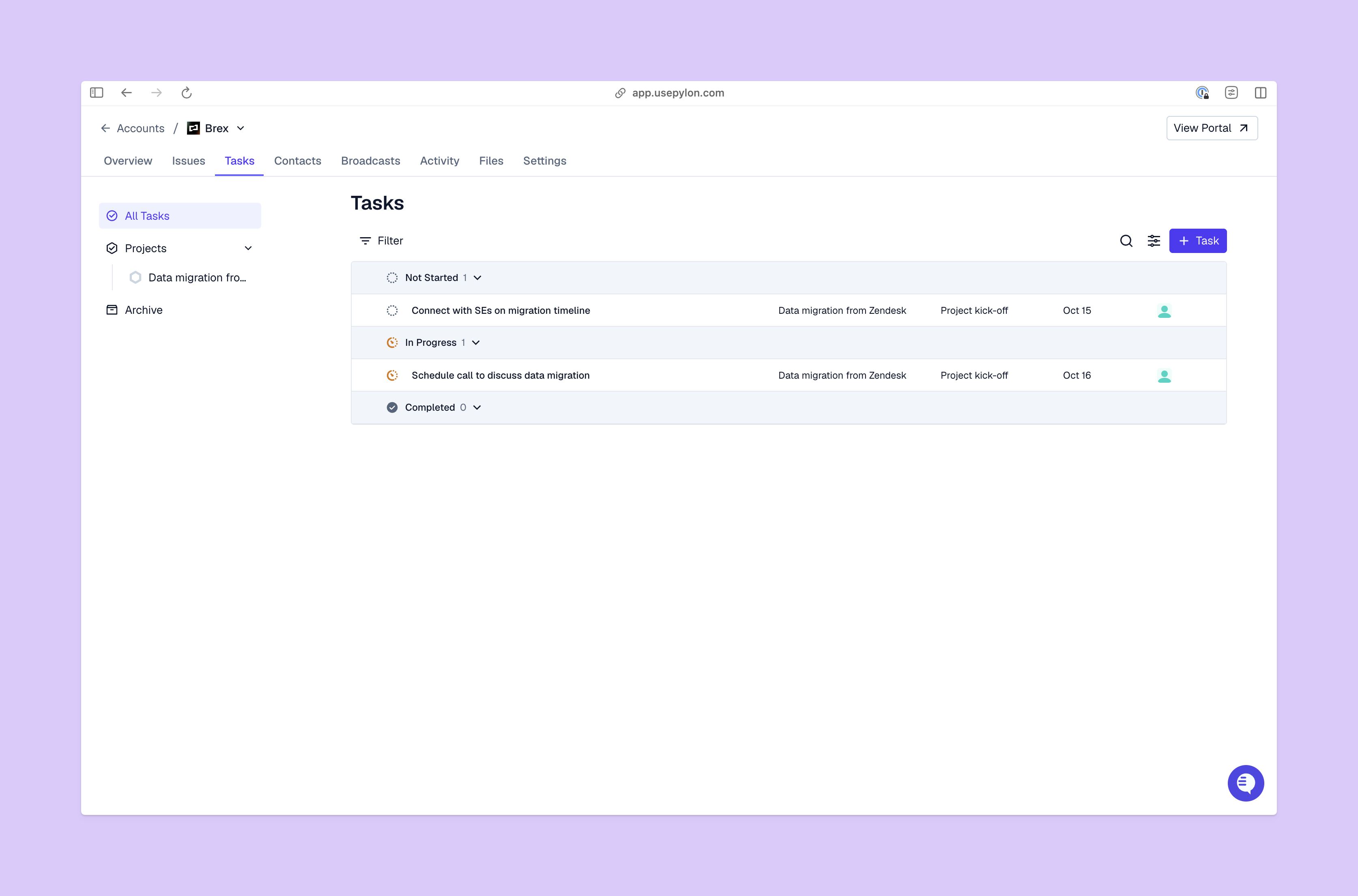
Pylon helps you meet your service commitments with custom analytics dashboards. Sort SLAs by priority and customer tier, with Team SLAs for internal handoffs, in a single dashboard to track your progress. You can set up alerts for potential SLA breaches and configure support hours so SLA timers only run during working hours.
Pylon is the Agentic Support Platform built for B2B support teams. It brings conversations across Slack, Teams, email, chat, and other channels into one place, giving AI the context to help resolve customer issues and continuously improve your knowledge base. Pylon can identify missing or outdated documentation, generate new content from real support conversations, and help your team keep knowledge accurate as your product evolves.
The three common SLA types are:
A good SLA is specific, measurable, and realistic, with clearly defined penalties. For example, you could decide that your support team will keep an average FRT of two hours for P1 issues. If they don’t meet that target in any calendar month, the customer will receive a 10% service credit on the next invoice.
A few typical mistakes teams make include:
Pylon Workforce Management is available now. See it in action with a live demo.