


Customer support, sales, and success teams all have unique customer insights. When this information comes together in a customer profile, everyone gains a better sense of what matters to an account. That helps your team figure out where to focus their renewal, expansion, and relationship-building efforts for the biggest impact.
In this guide, you’ll learn how to build a customer profile that helps you understand exactly who your customers are, with an example customer profile used throughout.
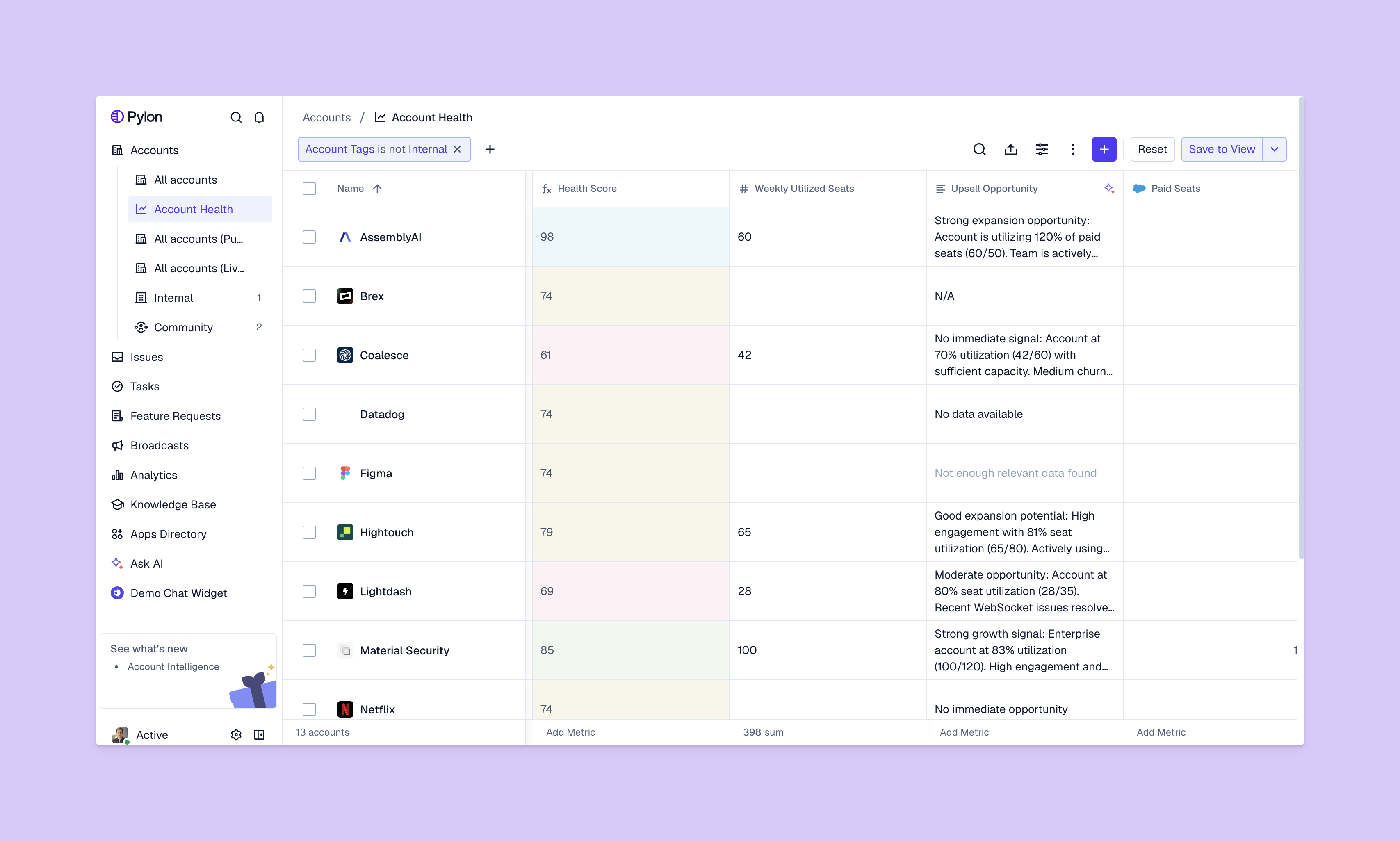
A customer profile is a comprehensive document of information about an existing account. B2C profiles usually focus on who individual customers are and what they like, but B2B profiles have to add complex corporate buying structures to the overview. It might include multiple decision-makers and buying committees, sales cycles, and organizational hierarchies, for example.
A single contact at a company won’t make a purchasing decision. While the VP of operations might be excited to start using your product, the finance manager controls the budget, so they need to feel like your product offers a good ROI. And the security director needs to inspect your processes to make sure it meets all of their technical standards.
Understanding these different roles — and tracking them in your customer profile — is how you manage accounts successfully and build effective customer success strategies.
Customer profiles help you stay focused on what drives the most revenue for your company.
Say a SaaS B2B company has a mid-sized customer that’s been with them for 18 months. The support team knows the account has opened 25 tickets in the last quarter, up from eight the previous quarter. The success team knows the health score dropped from 78 to 62, and the account management team knows contract renewal is coming up in three months.
Without cross-team communication and a unified customer profile, each team acts independently and won’t realize the customer’s likely to churn. Profiling businesses can help the company catch this information so they can make a plan: Respond to tickets faster, schedule check-in calls, and offer executive support to keep them happy.
Customer profiles can also help you figure out which customers you want to attract. You can build an ideal client profile template to develop firm stances on things like values and budgets that make an organization the best fit for your company. Then, you can compare prospective customer profiles to this document to see if they’re a good atch.
A strong customer profile combines information from multiple sources. Together, this data tells a story about the account to help your teams make useful personalized decisions.
Firmographic data is like a company’s demographics. It describes what the company is — its size, location, and industry — and its organizational structure. This information often starts a customer profile to help you understand the basics of the account.
Example: The firmographic data for an account might look like this:
Your team will know to treat this customer differently from a 50-person startup or a 5,000-person enterprise. For example, your support team will expect more complex technical questions and integrations because the account is a SaaS company. They’ve raised Series B funding, so your sales team knows the company will likely expand, but they’ll need to see the value in your offering before buying more.
B2B purchases involve multiple stakeholders. Your customer profile needs to identify who these people are and what role they play in decisions.
For a given account, the buying committee might look like this:
Let’s say the security director has questions about your API. Because your teams understand this person’s opinion affects purchasing decisions, they’ll prioritize these concerns. The success team can answer questions about features while support helps with deployment, so the director is comfortable with their team members using your product.
A customer’s pain points and goals show where your solution is making a difference and where it could be doing more.
The profile could capture:
How do your customers make purchasing decisions? What drives their renewal and expansion choices? This section of a customer profile helps your team understand what goals to set.
Here’s an example of the data you might track on why an account signed on, and how they decide when it’s time to leave, renew, or expand:
With this information, you can look at the account as a whole. For instance, renewal isn’t automatic, but based on specific improvements. This level of detail helps customer success teams adjust their approach for each account.
Creating a customer profile template saves time: You won’t have to make every customer profile from scratch and can take notes as you go. This way, you can focus on actually listening to the customer’s needs rather than just collecting data.
Here’s how to make your own customer profiles.
Start by gathering all the data you have about the account. Your information should come from sources from every post-sales team, like support interactions, success metrics, and product usage data. No one has a full picture alone.
To make this process easier, you can create customer profile templates and have your teams start filling them out during the onboarding process. As each team gets to know the account, they can add details in this central location.
Once you have all your information in one place, look for patterns that show you what the customer needs and help you brainstorm how to get there.
Let’s say one of your accounts has declining API usage, many support tickets about a particular integration, and a dropping health score. Together, this suggests that the account is struggling. You’ll need to speak with your teams about intervening as soon as possible, especially if they’re only months away from a big decision: to renew for another year or switch to a competitor with better integrations.
Here are some patterns to look at in your own data:
A customer profile only works if everyone can read it. That means documenting it in a centralized system and keeping it short. The profile should be readable and fully understood in a minute or two.
Here’s what every customer profile needs to cover:
Once the profile exists, share the document with your post-sales teams. By giving everyone access, the customer profile is more likely to stay up-to-date and include stronger insights from teams with the most contact and context. Its information should help your teams personalize their interactions, which helps customers feel understood and builds trust over time.
For example, an account’s struggles with your integrations will play a role in their churn risk. You can share their profile with a customer success manager and knowledgeable support team members, who might recommend extra training for adopting the integration, then follow up in a week.
.png)
Customer profiles paint a picture of where your accounts come from and what their needs are. Consolidating this information from B2B customer support, success, and sales teams is easiest with the help of an accessible support platform.
Pylon is the modern B2B support platform that offers true omnichannel support across Slack, Teams, email, chat, ticket forms, and more. Our AI Agents and Assistants automate busywork and reduce response times. Plus, with Account Intelligence that unifies scattered customer signals to calculate health scores and identify churn risk, we're built for customer success at scale.
Customer profiles should be reviewed regularly, especially after major market changes, product shifts, or when customer needs evolve.
Yes. Most B2B organizations maintain multiple profiles to reflect different industries, company sizes, or buying committees.
A customer profile describes existing customers, while an ICP defines the target audience a company wants to reach in the future.
Pylon Workforce Management is available now. See it in action with a live demo.




