
As ticket volume grows, you need enough support coverage to respond fast without asking your team to work overtime. But ticket counts alone don’t tell you how much capacity to add. If AI agents handle routine questions, for example, your team could spend more time on complex relationship building, which makes specialist availability part of staffing decisions.
Workforce management helps you connect changing workloads to your team’s availability and skills. With the right forecasts and schedules, you can decide where to adjust coverage and when hiring makes sense. In this article, we’ll explain how to choose the best workforce management software for your B2B support team.
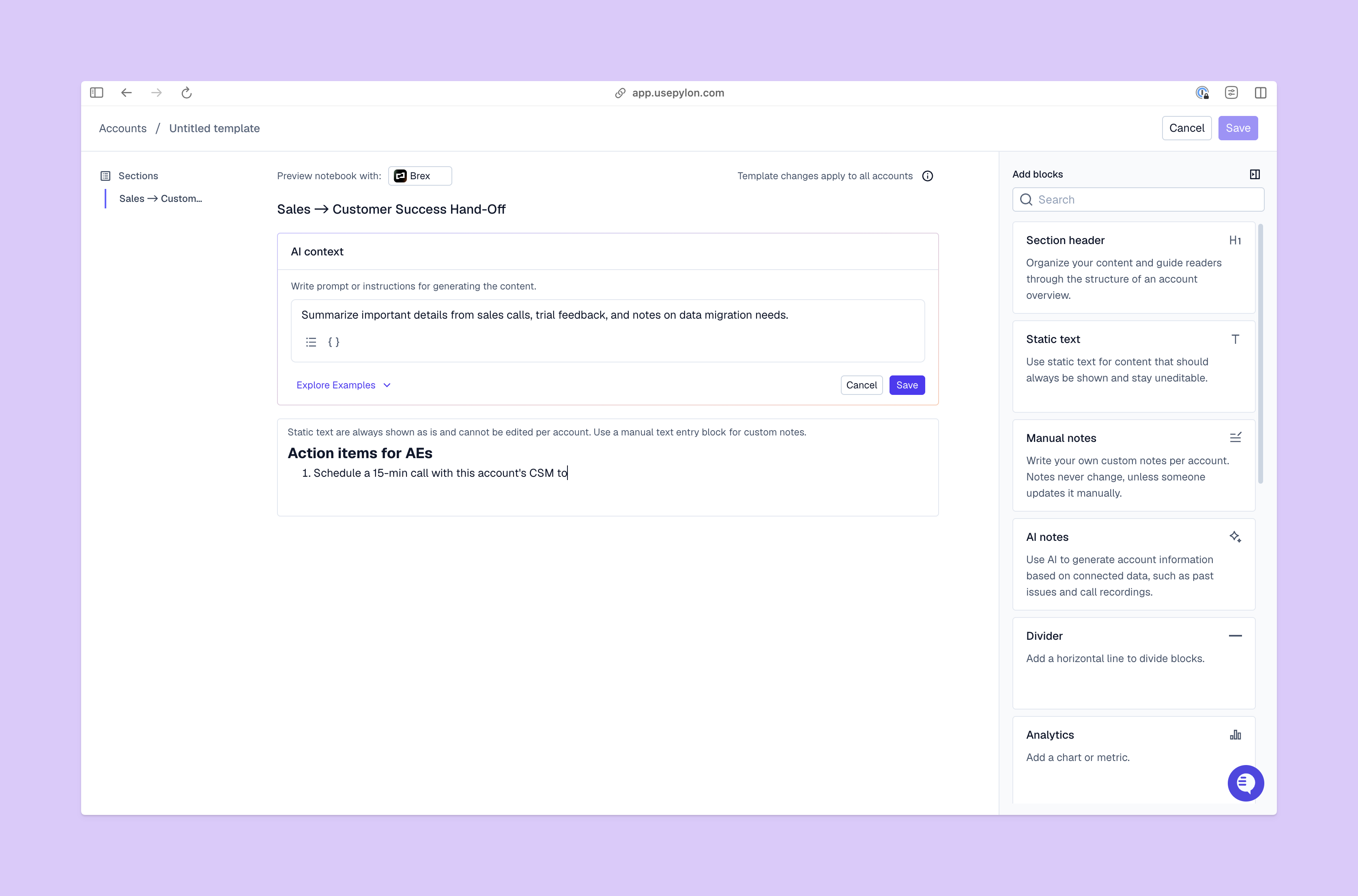
Workforce management is the process of matching available people and skills to the workload you expect in the near future. This usually brings together demand forecasting, scheduling, time and attendance tracking, and performance reporting.
For your B2B support team, that means you’ll need to estimate incoming work and assign coverage, then check to see how the schedule holds up in practice. You use those findings to adjust the next forecast, so your plan reflects what your team actually handles.
Keep in mind that this isn’t the same as payroll or HR management, which covers areas like recruiting and employee development. Workforce management offers a bigger picture that helps you decide who needs to be available and at what times.
Staffing decisions affect whether a B2B customer can get quick help when an issue blocks their work. If your only integration specialist finishes their day before your customer’s busiest hours, adding general coverage doesn’t fix the gap.
A short setup question and an API failure that affects an account’s rollout could each count as one ticket, but they call for different amounts of attention. To plan successfully, you need to consider skills and service commitments alongside volume.
Plus, a broad view of workforce management helps you avoid overtime and burnout. Before you ask your team to work longer, you can find out if you face a temporary spike or a recurring scheduling gap.
The best workforce management applications help you see how much work is coming, who’s available to handle it, and where you need more coverage. Look for these capabilities so you can connect your support workload to specific scheduling and hiring decisions.
A useful forecast shows how much support capacity you need, with enough detail to explain why and what types. Your software should combine issue arrivals and handling time, then let you examine demand by channel, team, time zone, and skill.
That level of detail matters most when AI agents handle part of your workload. Look for forecasts that account for resolutions and human involvement separately. For instance, if an agent gathers logs but your integration specialist needs to investigate them, the forecast should reflect the work left over for that specialist.
Your team can have enough people overall and still lack coverage when customers need it most. Scheduling features should let you compare planned coverage with expected demand at specific hours, then see how a shift change affects the gap.
For example, you should be able to check whether moving a specialist’s hours would cover an afternoon peak while preserving overlap for handoffs. Look for recurring schedules and assignment rules that connect those coverage plans to the teammates responsible for incoming issues.
To estimate capacity accurately, you need to understand how long work takes and when your team is available. Active handling-time reporting and working-hours schedules help you centralize and organize all that information.
An issue that stays open overnight could need less hands-on work than its resolution time suggests. Tracking actual effort helps you estimate the capacity similar issues will need in the future. Meanwhile, availability settings keep new issues from landing with teammates who’ve finished their shifts or are out of the office.
When the queue starts growing, you need to see what changed before deciding how to respond. Your software should bring together current issue volume, handling time, and team activity, with views that let you examine individual teams and busy periods.
Staffing heatmaps make patterns easier to spot. You should be able to see whether an afternoon gap affects your whole support team or only the specialists handling API issues. That distinction helps you direct coverage toward the work that needs it, instead of asking everyone to stay longer.
Recurring coverage gaps don’t all call for the same solution. Scenario modeling should let you change expected volume, handling time, AI resolution rates, schedules, and headcount, then see how each change affects capacity. For example, you could compare adding a specialist with shifting existing coverage or reducing investigation time through AI assistance.
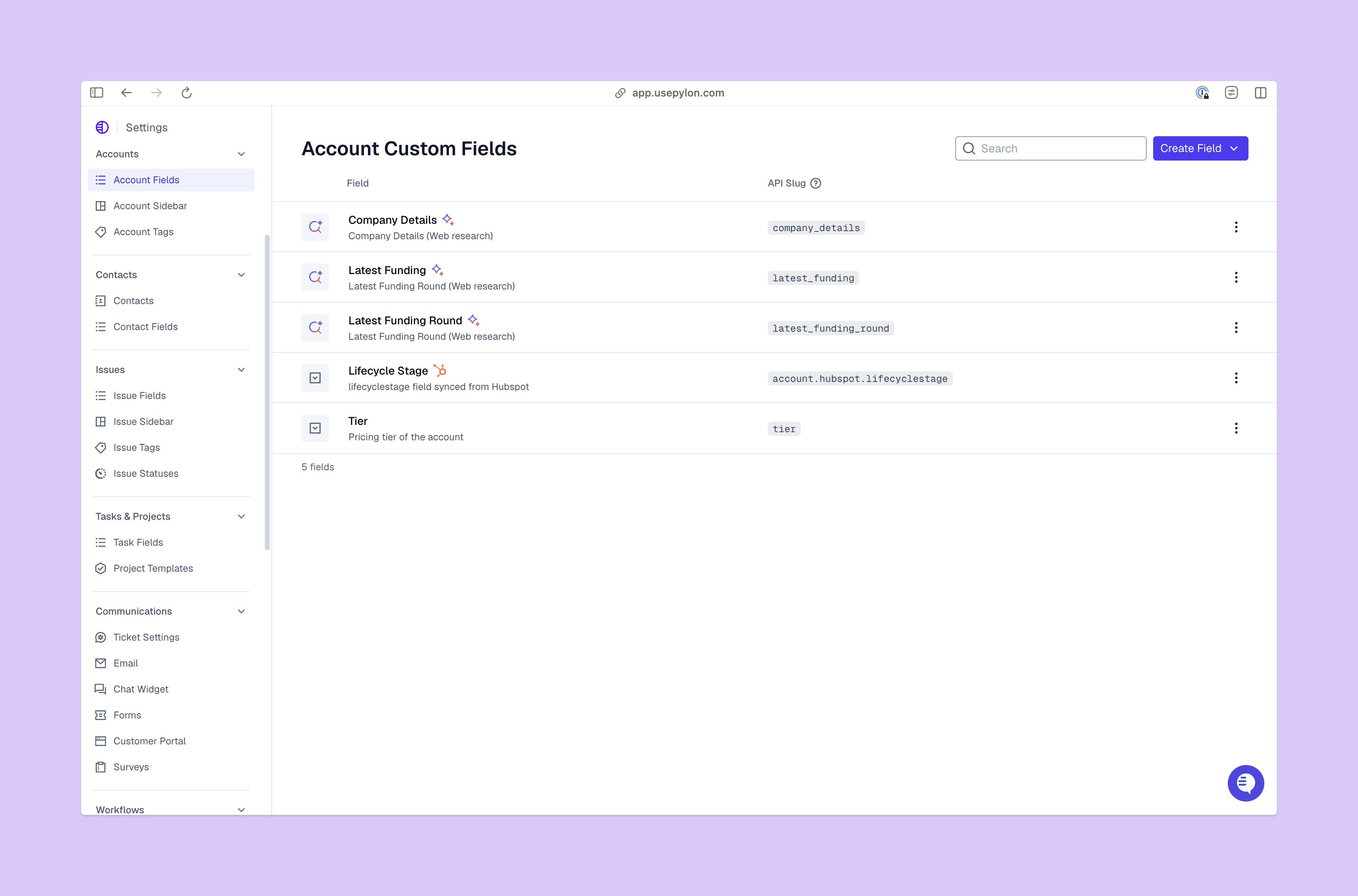
Now, let’s look at how Pylon’s B2B agentic support software helps your team work quickly and efficiently:
If you’re not sure what platform is the right fit, start by thinking about which decisions you regularly struggle with. An unclear hiring forecast calls for different tools than a recurring gap in weekend coverage. Also consider the affected channels and the service commitments your workforce management plan needs to support.
Then, test a representative week of your own data. Include a normal period, a demand spike, and a time when a specialist was unavailable. Ask each vendor to show how its forecasting and scheduling features account for those differences.
As you compare the results, check these areas closely:
To get the most out of your workforce management software, pick a platform that connects demand forecasts, schedules, time tracking, team availability, and hiring scenarios. You should be able to identify which hours and skills need coverage, and account for work handled by AI agents. With those features, you can explain staffing decisions using the workload your team actually faces, instead of relying on ticket totals alone.
Pylon is the Agentic Support Platform built for B2B support teams. It brings conversations across Slack, Teams, email, chat, and other channels into one place, giving AI the context to help resolve customer issues and continuously improve your knowledge base. Pylon can identify missing or outdated documentation, generate new content from real support conversations, and help your team keep knowledge accurate as your product evolves.
WFM stands for workforce management. In customer support, you use this process to match expected issue volume and complexity with your team’s skills and availability.
Workforce management involves forecasting demand and estimating required effort, then scheduling people at the right times and with the right skills. You’ll use KPIs to compare actual work with the plan and improve your next forecast.
HR manages the broader employee relationship, including hiring and development. Workforce management focuses on deploying available capacity, so your team can cover the volume expected during a particular period.
You use workforce management tools to see whether available coverage matches incoming work, then adjust when it doesn’t. For example, workforce management could include arranging specialist overlap for escalations or moving coverage to a busier timezone.
Workforce management helps you test whether projected demand exceeds available capacity after accounting for schedules and AI outcomes. A persistent gap helps you identify the timing and skills of a potential hire.
Workforce management tools help you forecast work, schedule coverage, and track staffing against high demand. Depending on the product, this type of software could also include time tracking, attendance, analytics, and scenario planning features.
Pylon Workforce Management is available now. See it in action with a live demo.