


Without the right systems and workflows, it’s easy for support teams to get overwhelmed by high ticket volumes. Ownership becomes unclear, responses are delayed, and service level agreements start to slip.
But with a strong issue management system, your team can avoid those problems. Proper issue tracking helps you keep accountability strong and respond quickly to customer requests, even at scale.
In this article, you’ll learn about the features and benefits of issue trackers, then discover how to choose the right solution for your team.
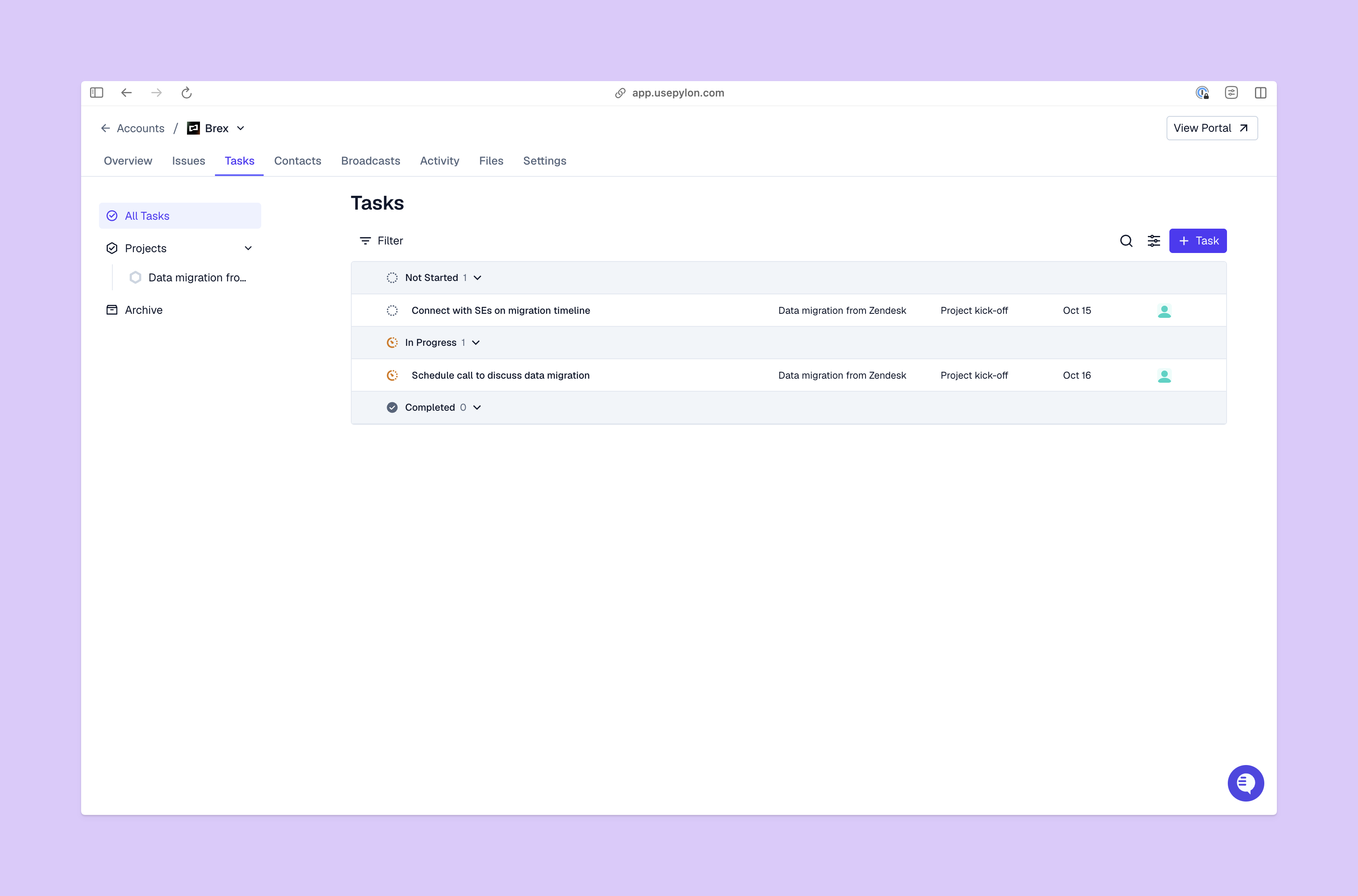
Here’s a quick rundown of what issue tracking systems are and how they can help your support team.
An issue tracking system helps you collect, prioritize, organize, and fix issues for customers. Each customer issue is logged as a ticket that your team can track from start to finish. This ticket will also give your team access to all the customer context they need to answer questions and fix problems, plus details about ownership and deadlines.
In an issue management tool, customer tickets follow a standard flow from start to finish. You can usually customize that flow, but these are the basic stages:
Issue tracking usually takes one of three forms:
In B2B customer support, issues are often complex and involve multiple teams. Issue tracker tools make it easier to follow tickets wherever they go and keep ownership clear.
As your support team hands off an issue to the dev team, for example, they could write a clear transition note and assign the ticket to a specific person, along with a deadline. When dev finishes their work, they’ll record what they did in the ticket and pass ownership back to your support team.
This is how issue tracking tools reduce friction and help your team scale reliably.
When you track each issue from start to finish and have clear ownership at each stage, you maintain stronger accountability. Plus, you make sure customer issues don’t get lost or delayed due to unclear roles.
Issue tracking systems have prioritization and automation features that empower your team to work faster and better. This means you can offer customers faster resolution speed and more reliable SLA compliance.
If everyone uses the same system, all team members can see the status and context for any issue. More eyes on the same customer workflows makes it easier to track progress and spot problems.
With centralized workflows and clear ownership, coordination between and across teams gets simpler. Issue tracking software lets the whole company work from the same information, and it usually includes collaboration tools like messaging and custom user roles.
If you want an issue management system that saves time and boosts customer success, make sure it has these features.
You should be able to customize workflows to match your team’s needs. For example, you could want to add status options for specific escalation levels or create a fast-track option for high-value customers. Pylon’s Account Intelligence makes all of that easy by letting you prioritize accounts and automate playbooks based on customer signals.
Your system should let you prioritize issues based on urgency and impact, then assign them to team members while maintaining accountability at all times. The best issue tracking systems also track SLA compliance and warn your team about compliance risks.
Issue tracking tools often hold sensitive customer details, so make sure your system has strong access controls. Since multiple teams will work on some issues, you should also be able to set different permissions based on what each person needs to see.
As your team works on issues, real-time updates help them avoid misunderstandings and duplicated work. Notifications and reminders are key to meeting customer deadlines and responding promptly.
Look for a platform that offers many ways to view tickets, so each team gets the view they need. For instance, Pylon’s Kanban view doubles as a project management and issue tracking tool — you get a quick overview of tasks and statuses in a familiar drag-and-drop format.
The right automation takes simple, routine tasks off your team’s plate so they can handle higher volumes. Pylon’s omnichannel platform automatically tracks conversations across Slack, email, and other support channels, and converts them into issues for your team to work on. You can also set custom triggers to automate tasks like assignments and routing, and use AI agents to answer basic customer questions.
Issue tracking software should track your team’s progress with clear reporting, so you know what works and what problems to tackle. Be sure you can watch the support metrics you care about most, like resolution times and customer satisfaction scores.
Although most B2B support teams work mainly on desktops, it’s best if your issue tracking system is mobile-friendly. That way, team members can collaborate while away from their desks, and managers can keep up oversight outside of office hours.

As you explore the issue management systems out there, follow these steps to find the perfect fit:
When you use the right issue management system, your team stays more organized and offers customers faster, better fixes. Look for a platform that supports all the channels you use and has plenty of automation and AI features that save time and streamline workflows.
Pylon is the modern B2B support platform that offers true omnichannel support across Slack, Teams, email, chat, ticket forms, and more. Our AI Agents and Assistants automate busywork and reduce response times. Plus, with Account Intelligence that unifies scattered customer signals to calculate health scores and identify churn risk, we're built for customer success at scale.
An issue management system focuses on identifying, tracking, prioritizing, and resolving problems or blockers. Task management tools focus more broadly on organizing general work assignments and deadlines.
Yes. While issue tracking originated in software development, many operations, HR, marketing, and customer support teams use issue management systems to manage workflows and accountability.
Most modern platforms support data import through CSV files, APIs, or native integrations. Migration complexity depends on system architecture and historical data volume.
By centralizing tickets, automating assignments, and prioritizing issues, teams reduce delays and ensure faster, more consistent resolutions.
Pylon Workforce Management is available now. See it in action with a live demo.




