A B2B customer emails your support team to report “the integration is broken.” Before any work can begin, the team needs to understand which integration the customer is talking about, what exactly is happening, and which users are affected.
This guide organizes probing questions for B2B support to help teams understand customer issues and resolve them quickly. B2B customer support issues often involve multiple integrations or custom configurations for different types of users, so fast diagnosis and resolution depend on asking the right questions.
What are probing questions in B2B support?
Probing questions are strategic follow-up inquiries that prompt the customer to reveal more details about the issue they’re bringing to your team’s attention. Good probing questions ask for specific details relevant to resolving customer issues. They help pinpoint what the issue is while clarifying who it affects and the scope of its impact.
The goal is to find the root cause as quickly as possible so that the customer support team can either solve the issue immediately or escalate it to the appropriate team members with all the necessary context included in the handoff.
Types of probing questions
Here are the main types of probing questions you can use in B2B customer support:
- Open-ended questions invite customers to describe the problem in their own words. They’re initial, exploratory questions for gathering more details before you begin more specific troubleshooting. “How is this problem affecting your team?” is one example that gets a customer explaining an issue’s impact.
- Clarifying questions are specific questions that prompt customers to give additional details. They aim to turn vague descriptions into clear, actionable data. For example, “What error message do you see when you try to use the integration?” clarifies what a customer is experiencing.
- Funnel questions are a series of questions that begin more broad and become increasingly narrow to determine the cause of an issue. Each question builds on the previous one and uses accumulated information to uncover the root cause. The funnel can begin with open-ended and clarifying questions, for example, until details about the error message make your team suspect the issue is related to permissions. You can narrow it down further by asking, “Does this issue affect everyone or only certain users?” Then follow up again by asking about specific users and their roles.
- Scope and impact questions help establish how many users, workspaces, or workflows a problem impacts and how it disrupts the customer’s business. These types of questions establish the necessary sense of urgency in resolving the issue. For example, “What is this problem preventing you from doing, and what is the business impact for your team?” can help prioritize issues for escalation.
- Confirming questions summarize your understanding of the issue and check that it’s correct. The goal is to avoid miscommunication and ensure that the customer agrees with your summary before you begin work on a fix. “Just to confirm, you’re seeing an unauthorized-user message on your data reporting integration, and it’s only affecting regular users, not admins?” is one example that helps reassure the customer that you understand their predicament.
Probing question examples for B2B support
Here are some common general B2B support scenarios with examples of probing questions you can ask in each situation.
Bugs and error messages
When a customer reports a general bug, here’s what to ask to help your dev team fix it quickly:
- What was the exact wording of the error message?
- Could you walk me through what you were doing before the problem occurred?
- When did this bug first appear?
- Which software version, browser, and operating system are you running?
Integration and API issues
B2B teams often use integrations, and it can be hard to pinpoint the problem when different systems are involved. Here’s how to narrow it down:
- Which endpoint or connected tool is involved?
- Have you made any recent changes to your system or configuration?
- Which authentication method are you using?
- What’s the impact of this issue on your business?
Access and permissions
When a customer can’t access your system, ask these clarifying questions to find out why:
- What is your user role?
- Are your colleagues seeing the same thing?
- Are you using a VPN or trying to log in from a different location?
- When were you last able to log in successfully, and has anything changed since then?
Billing and contract questions
The questions you ask here will vary depending on the customer’s request, but here are some examples:
- Is this issue affecting one invoice or multiple invoices?
- Can you give me the invoice number or details of the plan change that prompted this request?
- Which charge do you believe is incorrect?
- What exactly is your concern with the contract, and have you discussed it with your account manager?
How-to and feature questions
When a customer asks about a feature, use questions that establish what they’re trying to accomplish:
- How exactly does the feature work differently from what you expected?
- Can you describe your workflow and what you’re trying to use the feature for?
- Have you tried these alternatives? (List and suggest workarounds or alternative ways for the customer to accomplish their goal.)
How to use probing questions to diagnose issues
Here’s an example walking through how you can use different types of probing questions in a diagnostic workflow.
A customer reports that the analytics dashboard isn’t syncing. During initial exploratory triage, the support team begins by asking open-ended questions to gather more information. Then they ask specific clarifying questions to isolate the problem.
Before escalating to developers, the support team asks confirming questions to check their understanding. They should also ask how many users are affected so they can establish the issue’s impact and urgency. This creates a clean handoff with all the information the dev team needs to solve the problem.
After the dev team puts a fix in place, the support team checks back with the customer to confirm that the fix is working and to ask if the customer needs anything else.
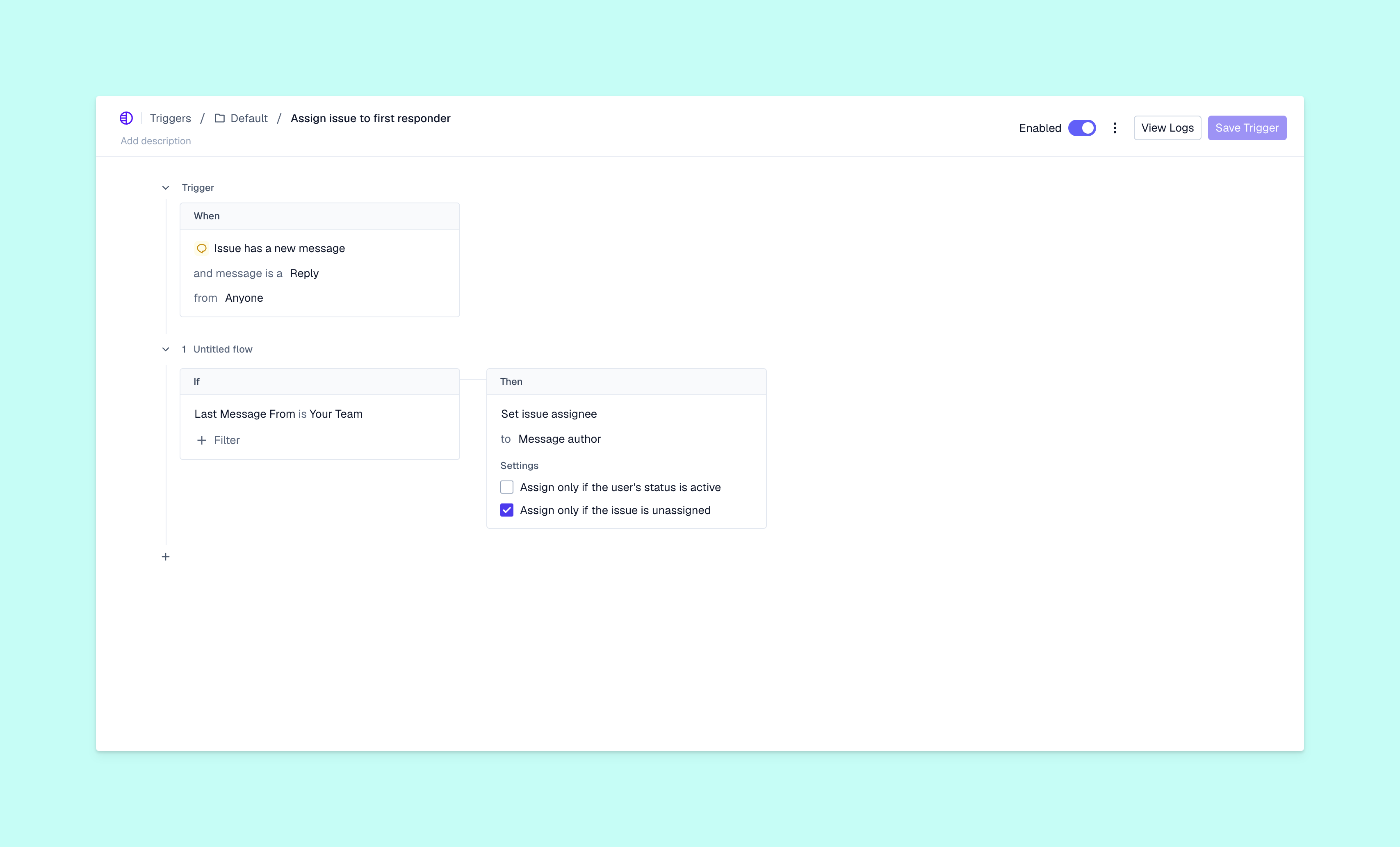
Once you’ve established a proven diagnostic workflow for each type of issue, use Pylon’s Skills to turn it into a progressive series of questions. Your team or AI agents can reuse the Skill’s questions to save time and create a consistent customer experience.
Ask fewer questions by beginning with account context
When support teams have real-time access to comprehensive customer context, it reduces the importance of probing questions. Your team will still have to clarify some things, but they can find most of the information they need without asking.
For example, Pylon’s Support Agent automatically asks customers for any missing information at intake, and ticket forms can collect structured details up front. Then you can use Plyon’s Automations to set up triggers that prompt an AI agent to investigate issues that meet specified criteria. The agent pulls context from past conversations and your knowledge base to summarize the issue and suggest solutions. When your team steps in, they have everything they need.
As they’re working on the issue, your team can use Pylon’s Assist Agent to check the full context, draft necessary questions, see account context such as health scores (with Account Intelligence), and find any mention of similar issues in past conversations.
Resolve B2B issues faster with Pylon
Strong probing questions in B2B support prompt customers to provide the information you need to solve their problem. You can reduce the number of questions necessary by using a sophisticated customer support platform that gives your team access to more account context without needing to ask.
Pylon is the Agentic Support Platform built for B2B support teams. Its AI agents use account context, past conversations, and knowledge base resources to investigate issues and identify missing information before your team members step in. Pylon’s Support Agent can collect details at intake while Pylon’s Automations summarize issues and suggest solutions. Finally, Pylon’s Assist Agent helps teammates review account history and prepare targeted follow-up questions.
FAQ
What are funnel questions in customer support?
Funnel questions aim to find the cause of an issue by starting with broad questions and gradually narrowing down to relevant specific details.
How are probing questions in sales different from support?
Probing questions in sales also aim to elicit more information. But the goal is to discover customer pain points and motivations to help the sales team close more deals, not to resolve customer service issues. Sales teams often use leading questions to encourage prospects to take a particular action, whereas support teams focus on finding the root cause of a problem.