
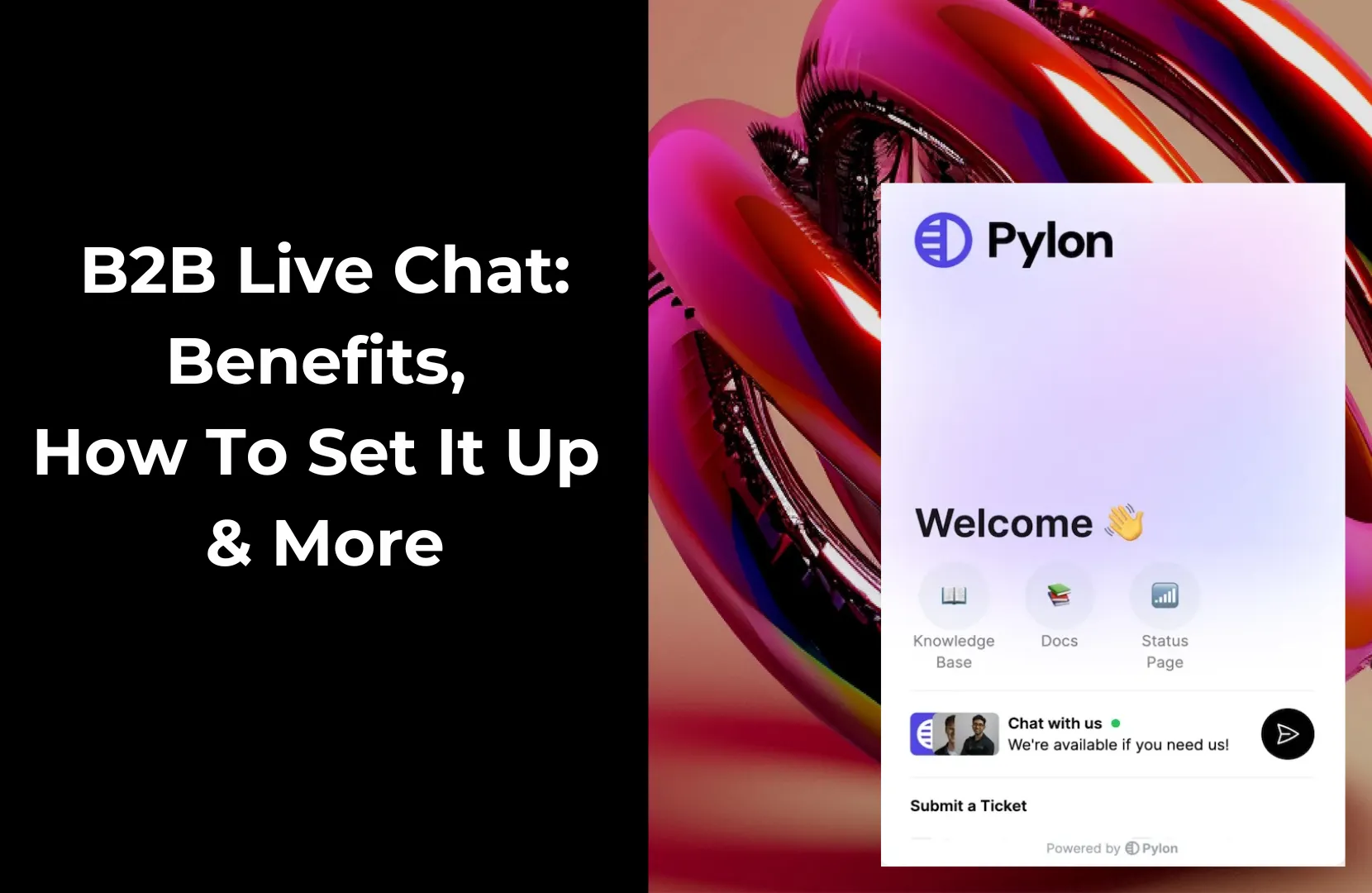
In today’s fast-paced B2B environment, buyers and customers expect quick and convenient communication. They don’t want to fill out a form and wait days for a follow-up; they want answers now. Without a way to respond in real time, even the warmest leads can cool off and previously happy customers can become frustrated before your team reaches them.
That’s where B2B live chat comes in. Unlike traditional support channels, live chat gives prospects and customers immediate access to your team, whether it’s a sales rep answering pricing questions or a support engineer helping with a complex bug.
When integrated into your existing tools and workflows, live chat becomes a powerful driver of lead generation, customer satisfaction, and long-term retention.
In this post, we’ll explore what B2B live chat is, how it works, the core benefits, best practices for rolling it out, and how Pylon’s live chat tools help B2B teams scale support and sales without breaking process.
B2B live chat is a real-time messaging tool that enables business customers and prospects to connect directly with your team from your website or product. Unlike B2C chat, which often focuses on providing quick retail support, B2B chat typically supports longer sales cycles, complex decision-making processes, and multi-person accounts.
Here are some defining features of B2B live chat:
To maximize the effectiveness of your B2B live chat strategy, it’s crucial to understand how a typical chat session unfolds. From visitor initiation to logging and follow-up, each step contributes to driving responsiveness and efficiency.
Here’s a quick rundown of how most B2B live chat systems work:
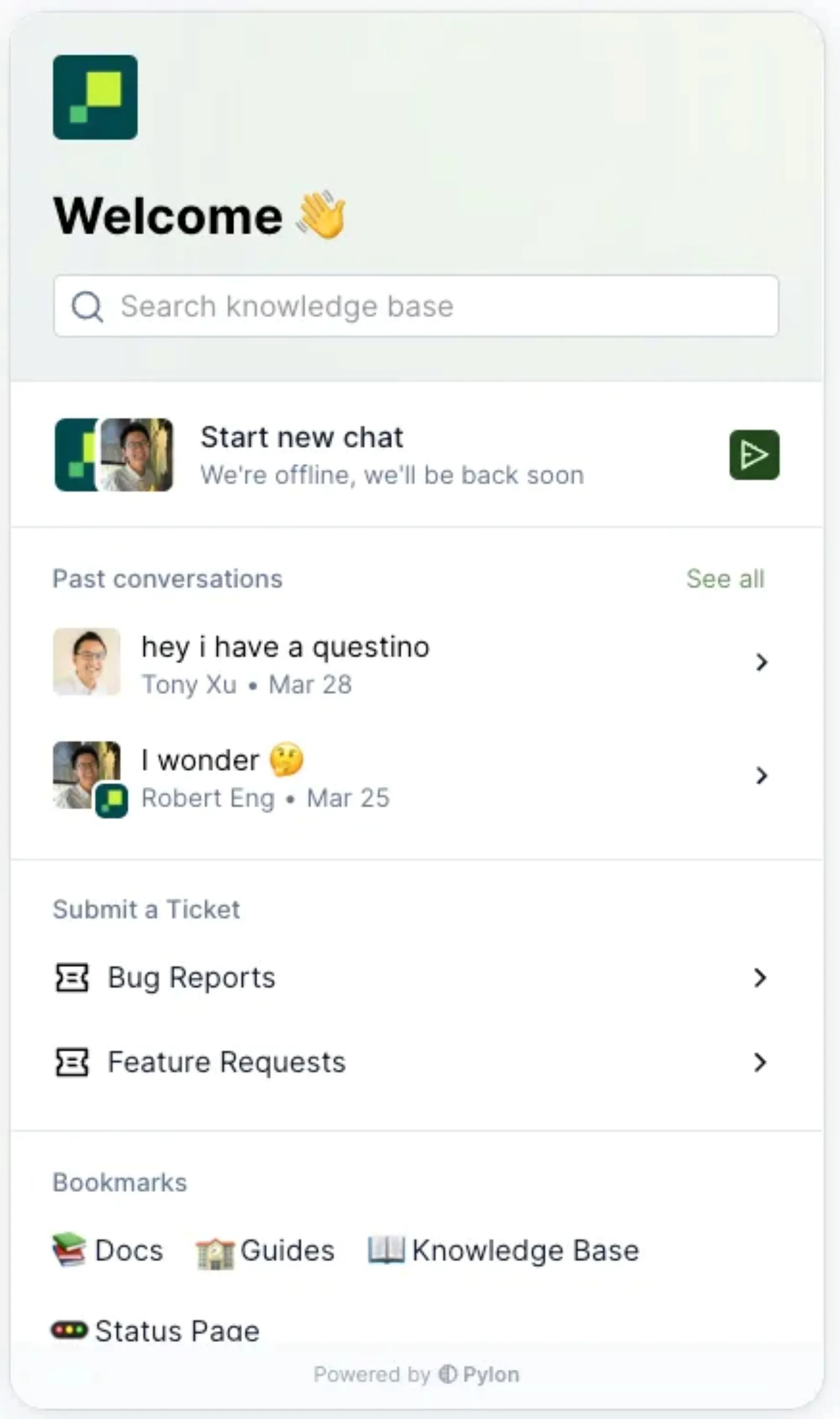
Live chat is more than a convenience; it’s a powerful lever for improving sales, support, and operational efficiency. For B2B companies, where customer journeys are longer and have higher value, chat adds speed and context to every interaction.
Here are the top benefits of using B2B live chat for sales and support:
Setting up live chat for your B2B company is more than just embedding a widget. To drive real value, especially for lead generation and customer support, you need to connect chat with your team’s tools and workflows.
Here’s a step-by-step plan to get it right:
Start by clarifying what you want live chat to accomplish. Are you aiming to boost conversions, speed up onboarding, deflect tickets, or qualify inbound leads? Your goals will shape how you configure routing, train your team, and measure success.
Pick a platform built for B2B. Look for CRM integrations (e.g., Salesforce), collaboration support (Slack or Teams), ticketing systems, and analytics tools. Pylon is a great option for B2B teams; it connects seamlessly with your support stack and lets you manage live chat directly in Slack or Teams.
Place the widget on high-intent pages, such as pricing, product, or demo pages. Most tools let you customize behavior by URL or user segment. Ensure the widget fits your brand and doesn’t obstruct key content.
Define routing logic so chats go to the right rep or team based on criteria like URL, user role, or chatbot responses. Set fallback rules for after-hours and auto-create tickets from unresolved or escalated chats to ensure nothing is missed.
Personalized greetings can improve engagement. You might greet returning visitors by name or ask tailored questions like, “Want help choosing a plan?” Use targeted prompts to encourage high-intent users to start a conversation.
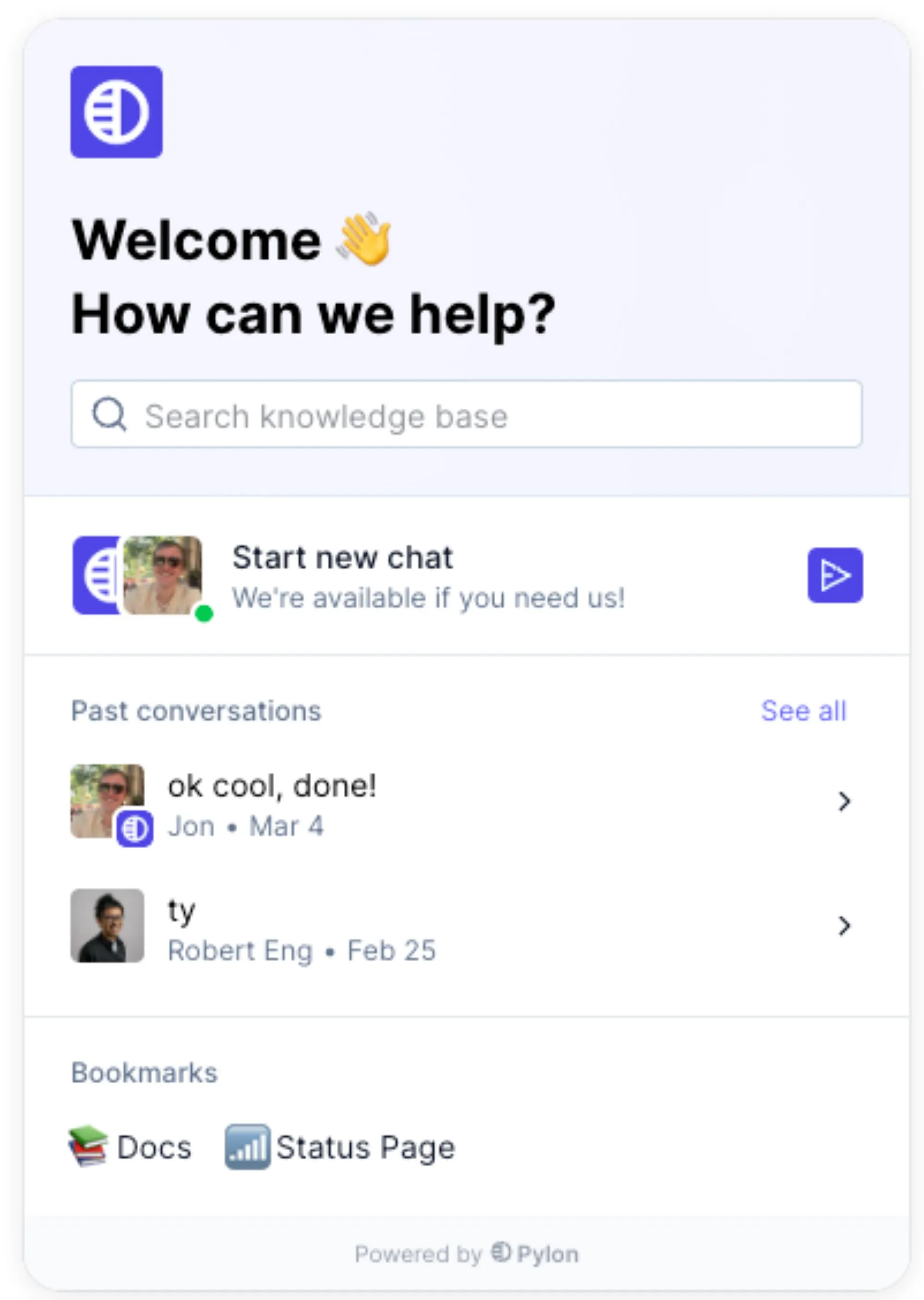
Live chat requires a different tone and pace than email or phone support. Make sure reps know how to multitask, manage expectations, and use any integrated CRM or helpdesk features.
Track key live chat metrics like response time, satisfaction scores, and conversion rates. Platforms like Pylon provide dashboards that help you monitor trends and improve workflows. Use this data to adjust prompts, tweak routing, and scale what works.
To get the most from your B2B live chat, setup is only half the equation. Implementation, and how it fits into your team’s workflow, can determine whether chat becomes a high-performing channel or an overlooked widget.
Here’s how to make live chat a strategic asset:
Make sure your live chat solution works where your team already operates. For B2B teams, that means deep integration with tools like Slack, Microsoft Teams, Salesforce, and your help desk platform. With Pylon, for example, reps manage chat directly inside Slack or Teams, so conversations don’t get lost and there’s no need to switch tools.
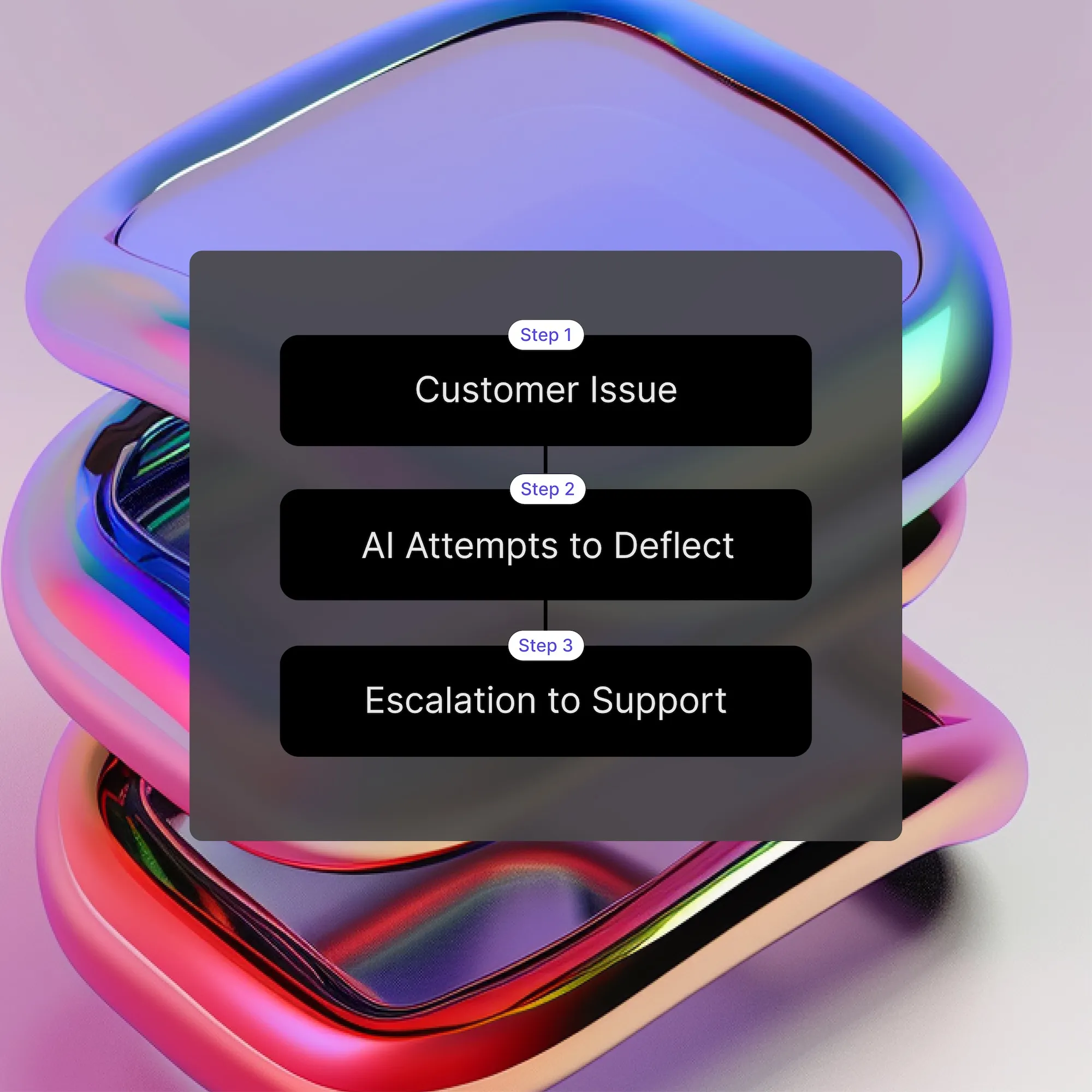
Bots can handle triage, gathering initial context, routing questions, or suggesting help docs, but make sure a human can step in quickly. Complex B2B issues often require nuanced responses, and delayed handoffs can frustrate high-value leads. Strike a balance between automation and human touch.
Chat is fast-paced, informal, and direct; it’s not the same as email or calls. Provide training so reps are comfortable managing multiple chats, using shortcuts, and staying concise but helpful. A short style guide and roleplay exercises can go a long way in building confidence and consistency.
Define how conversations are assigned and when agents are notified. For example, you might route pre-sales chats to SDRs and product questions to support engineers. Tools like Pylon let you create precise rules for Slack or Teams channels so every message lands with the right owner.
Be strategic about where chat appears. Enable it on pages that signal buyer readiness, like pricing, demo requests, or product comparisons. This helps your team prioritize serious inquiries and avoids overwhelming users browsing the blog or careers page.
If you can’t offer round-the-clock coverage, set up autoresponders that collect context and manage expectations. “We’ll reply first thing tomorrow” is far better than silence. Bonus points if your chat platform routes those messages into a shared inbox with response SLAs.
Track metrics like first response time, chat engagement rate, and conversion rate from chat to lead or ticket. Use this data to optimize staffing, update prompts, and spot missed opportunities. Pylon’s analytics let you track performance across all channels, chat, email, Slack, and beyond.
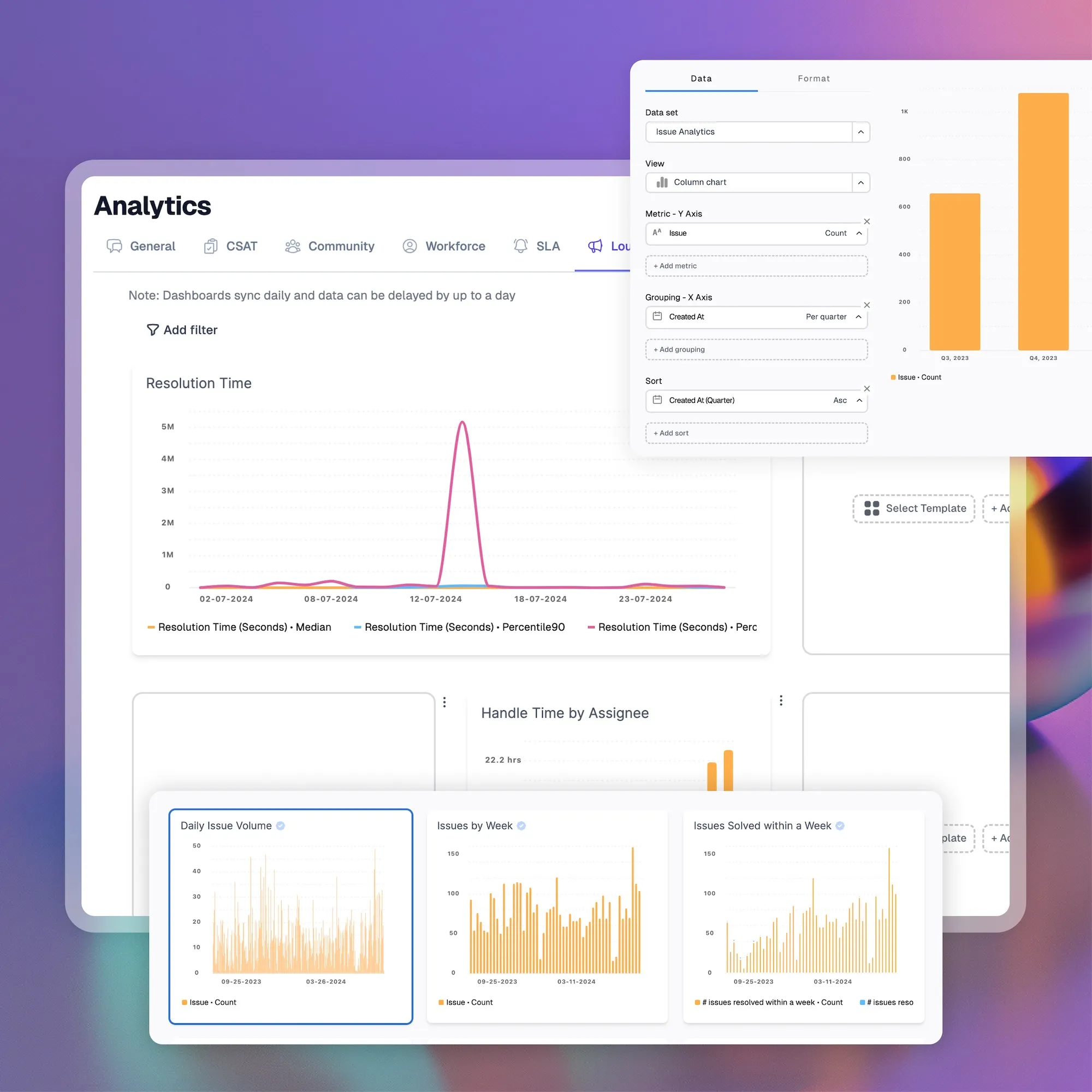
Pylon’s live chat is designed specifically for B2B companies that need speed, collaboration, and context across complex sales and support cycles. It connects in-app chat with Slack, Microsoft Teams, and your CRM, so your team can handle conversations directly with their existing tools without missing a beat.
Here’s how Pylon powers B2B live chat at scale:
With Pylon, live chat isn’t a siloed channel. It’s connected to Slack, Teams, and email, so customers can reach out however they prefer, and your team gets a unified inbox for all inbound messages. This means fewer missed messages, easier triage, and consistent communication across every customer-facing channel.
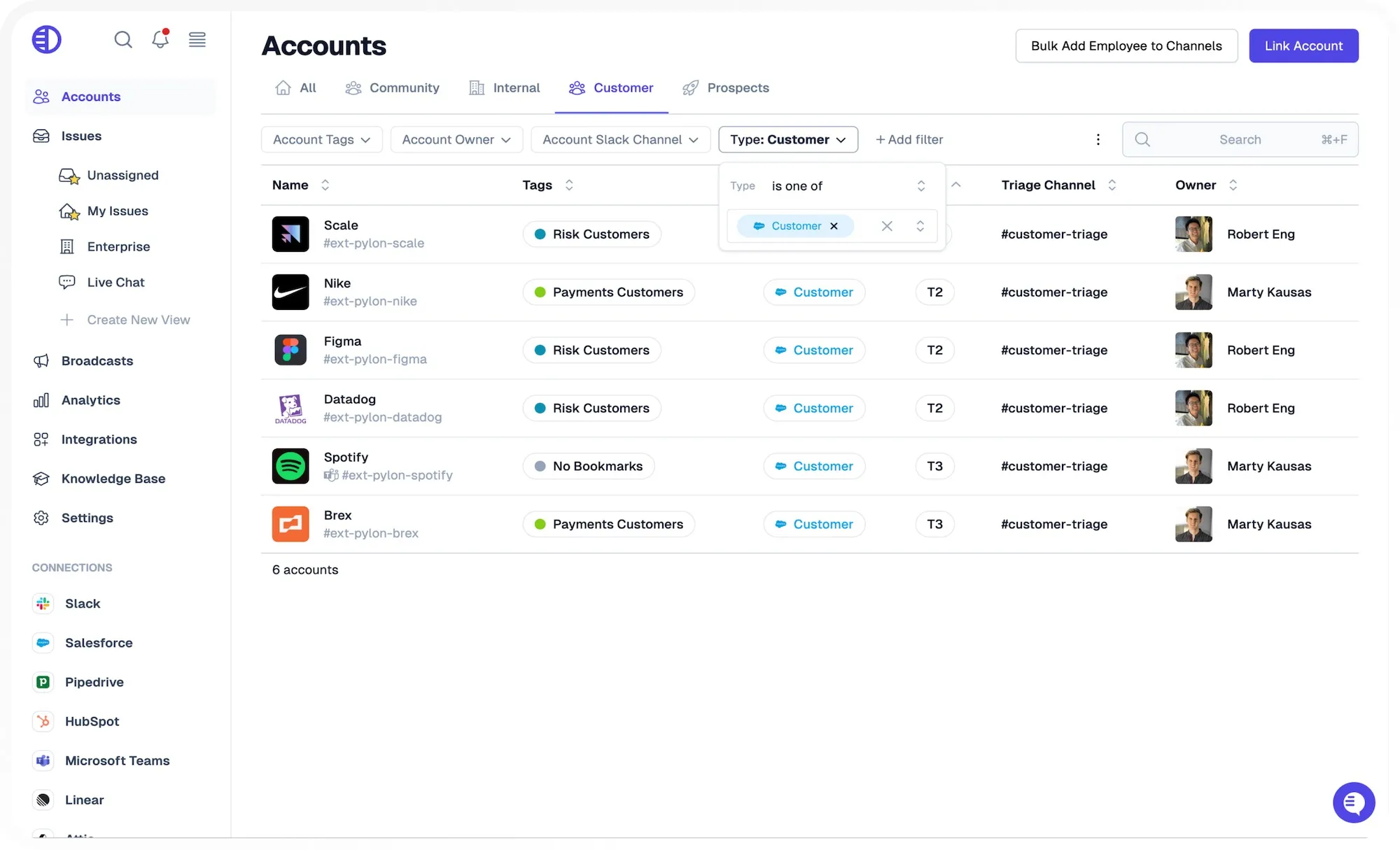
This integration also helps teams reduce platform fatigue. Rather than switching between tools to track conversations, agents can respond to every message, regardless of origin, within one central interface. It streamlines communication and ensures no issue gets lost in the shuffle.
Instead of forcing your team to learn a new dashboard, Pylon brings live chat into Slack and Teams. Chats from your website or app appear in the relevant channel, complete with customer details pulled from your CRM. Reps can reply in real time, collaborate in internal threads, and even escalate or assign tickets without leaving their messaging tool.
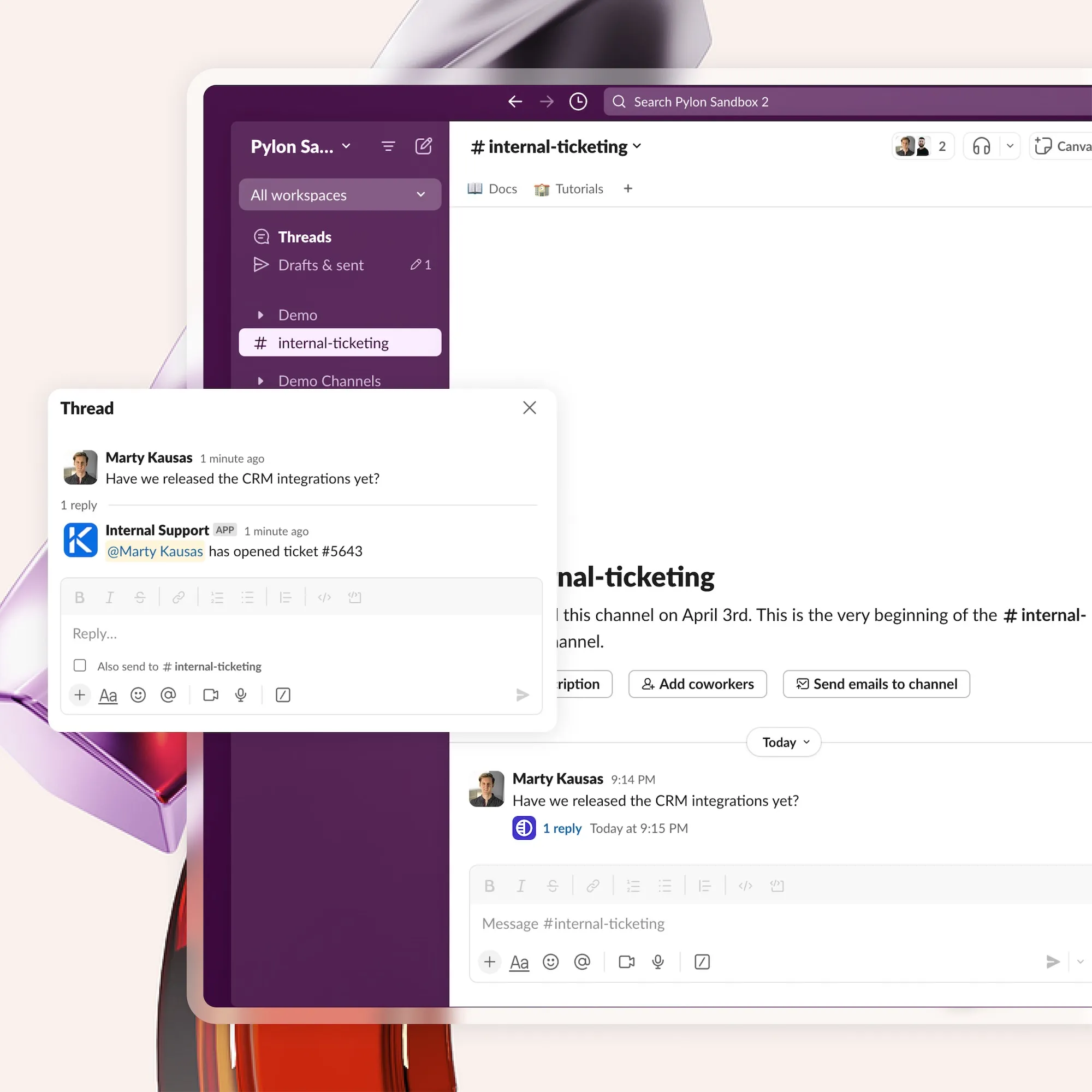
This approach makes Pylon especially useful for B2B companies that are already using Slack or Teams for internal collaboration. It turns tools your team already lives in into full-featured support consoles, keeping workflows efficient, familiar, and centralized.
Pylon connects your live chat with your AI-powered knowledge base, so bots and reps can surface relevant articles in the chat. Users get fast, accurate answers, and agents save time by avoiding repetitive responses. Articles can be shared in one click or suggested automatically based on the user’s message.
This connection improves both the customer experience and internal efficiency. It reduces the volume of redundant tickets and empowers users to solve simple problems independently, especially in high-volume environments or during off-hours.
Pylon’s AI Agents help reduce manual work and improve response quality. They can suggest replies, auto-triage issues, and highlight related resources from your documentation. Over time, AI learns from your team’s interactions and improves how it routes, summarizes, and responds to new conversations.
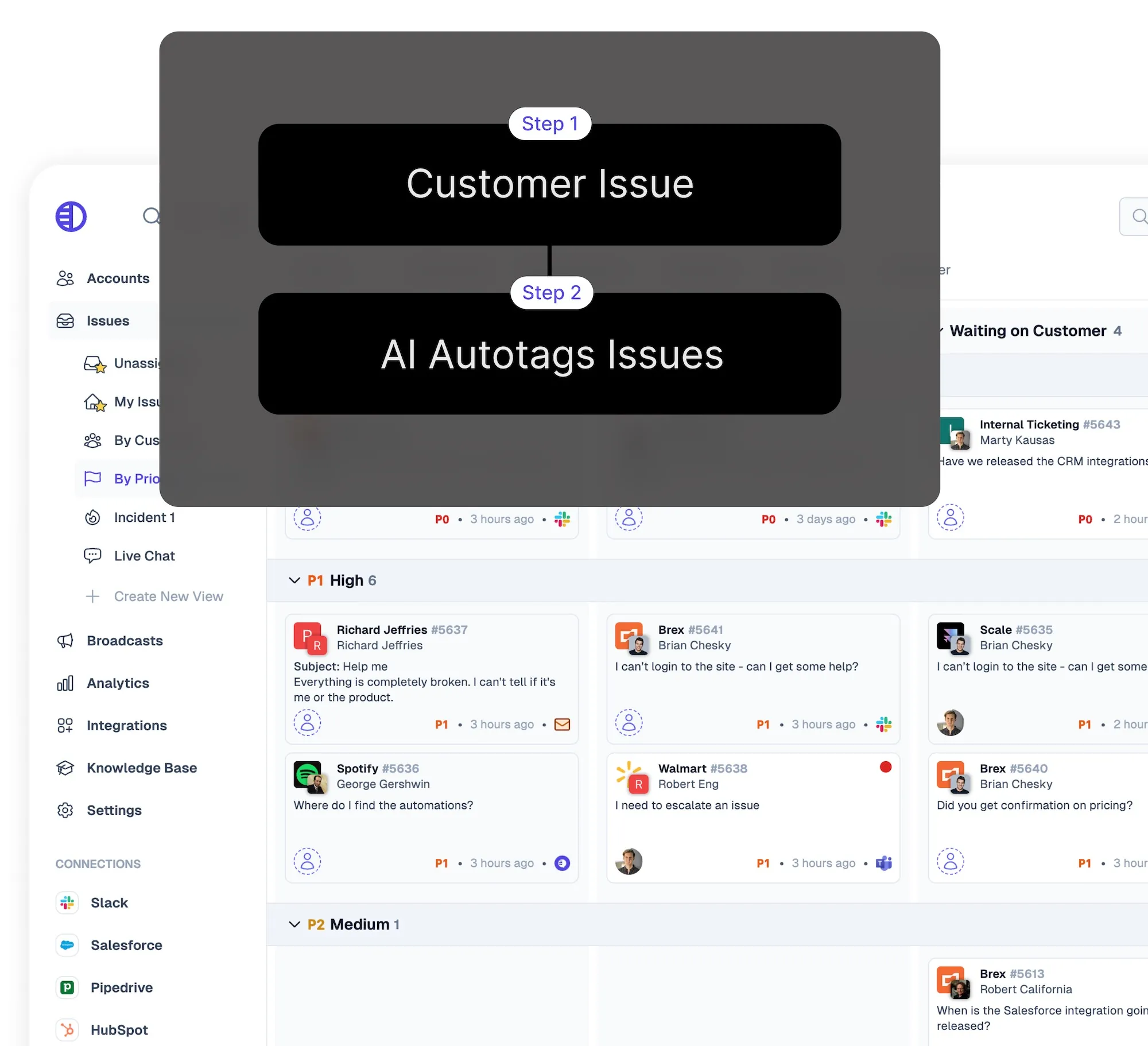
AI also helps maintain consistency across reps and shifts. Whether you have new team members onboarding or tenured staff juggling multiple chats, the system provides intelligent guidance to keep interactions accurate, helpful, and on-brand.
Pylon’s live chat is just one part of a full support suite. When issues require more than a chat, reps can convert them into tickets, loop in other teams, or log notes for future reference.
Pylon also powers a self-service help center, so your widget can suggest docs in real time, reducing inbound volume while improving experience.
This creates a seamless path from real-time interaction to long-term resolution. With ticket history, internal comments, and linked articles all accessible in one place, follow-up becomes faster, more accurate, and easier to manage, no matter how complex the issue.
Everything about Pylon, from its Slack-based interface to its CRM integrations, is built for B2B support teams managing long-term customer relationships. Whether you’re juggling 100 active Slack channels or triaging support across product lines, Pylon gives your team the tools to stay fast, informed, and aligned.
It’s not just about handling volume; it’s about doing it well. Pylon adapts to high-touch accounts, multi-step issue resolution, and account-specific workflows, making it ideal for the demands of modern B2B support and customer success teams.
Pylon Workforce Management is available now. See it in action with a live demo.