


When one of your customers encounters problems, they don’t want to open a new tab and dig through a separate help center. They want to find a fast answer within your product.
When your documentation is disconnected from your workflow, customers submit more support tickets. Your team then repeats the same cycle: manually search the knowledge base, copy a link, and paste it into the reply.
Knowledge base integration solves this disconnect. It supports self-service and helps customers find answers before they submit tickets. It also helps your team resolve issues faster and ensures your software becomes a reliable source of truth.
In this article, you’ll learn how to connect your documentation to your support operations so you can reduce ticket volume and speed up resolution times.
Knowledge base integration connects your documentation to the tools your support team and customers already use. It transforms a static repository into a functional part of daily operations.
In a disconnected setup, your knowledge base solution is only a website. Customers have to find and navigate to it on their own. Your support team has to keep it open in a separate browser window and switch between systems. This slows down troubleshooting and creates friction.
An integrated support system embeds your knowledge base software directly into the workflow. Customers see relevant articles inside an in-app chat widget or a ticket submission form. Your support team can search an entire library of documentation inside the same ticketing platform they use to respond to customers.
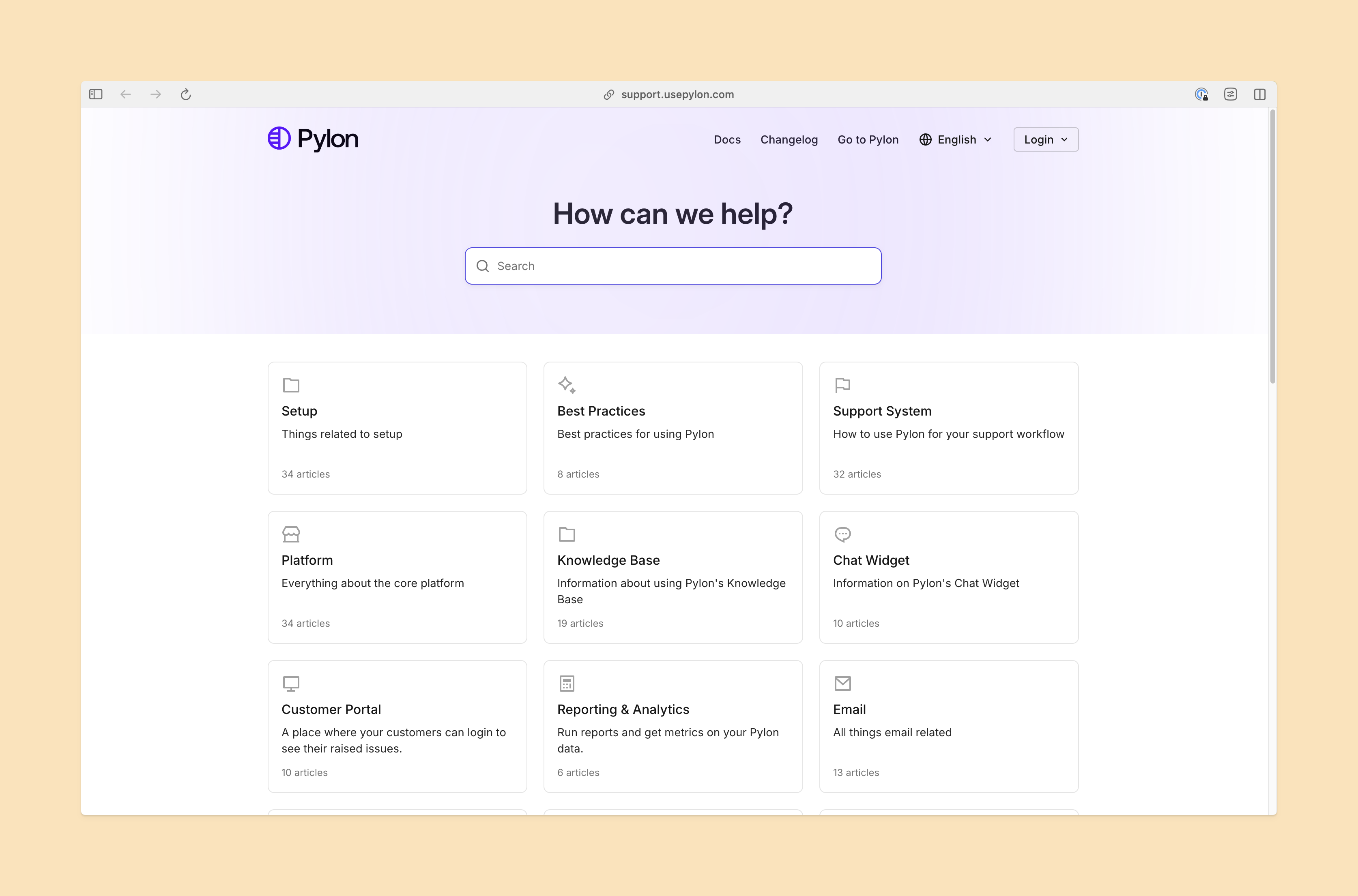
Gartner reports self-service is a top priority for support leaders, yet many organizations face significant knowledge base challenges. When your documentation lives in a silo, customers can’t access self-service options from within your product or their preferred channel. When that happens, they have no choice but to reach out for help, even for simple issues.
A disconnected knowledge base also slows response times. Support teams have to read the ticket and then open the knowledge base in a separate window. They have to search for the right article, copy the link, and switch back to the ticketing system, then draft a response. This wastes valuable time your customer support team could spend on high-value work.
Finally, disconnected systems make it difficult to identify content gaps. Without shared analytics, you can’t easily track which customer questions consistently lack documentation. The articles in your help center are written based on assumptions instead of actual customer success best practices.
Smart integration needs to embed documentation directly into the paths your customers and team members already follow. Here’s how to do it.
Knowledge base integration makes content accessible inside the ticketing workspace. Teams should be able to search your entire library from the reply composer. This eliminates the need for context switching.
This connection also allows you to track which articles solve problems. When your team links an article to a resolved ticket, you gain data on which documentation is most effective. This feedback loop improves your entire knowledge base software ecosystem and guides future updates.
A synced support system also means your team never has to wonder if they’re in the most current version. Updates from your product or technical writing teams appear instantly for every support member.
Don’t force customers to hunt for help. Embed your knowledge base in the places they naturally go when they get stuck.
If you offer in-app chat, configure the widget to suggest relevant articles based on the page the user is viewing. If you use a ticket submission form, set it up to recommend documentation dynamically as the customer types their subject line.
Proactive support gives customers answers before they escalate issues, which reduces ticket volume. Rather than a passive repository, your documentation becomes an active deflection tool able to meet the customer wherever they’re working.
Modern integrations use artificial intelligence to proactively surface the right information at the right time. When a customer submits a complex query, support software analyzes the intent and instantly suggests the most relevant documentation.
Some platforms take this a step further. Pylon uses AI Assistants to draft a reply that incorporates the correct steps from your internal articles. Your team doesn’t manually search for answers. Instead, they act as editors and reviewers of AI-generated support ticket drafts. Over time, as the AI learns from your suggestions, the accuracy of these drafts improves.
Automated drafts are an essential customer success tool that turns your ecosystem into an intelligent workspace. It frees your team to focus on high-value work like proactive outreach and churn management.
An integration is only valuable if the content itself is accurate and helpful. You need a system to measure performance and identify gaps.
You can track which articles have the highest deflection rates and which ones frequently result in a follow-up ticket. If customers consistently ask about a specific integration but no relevant article exists, your system should flag that as a knowledge gap.
You also need to track common search terms that don’t lead to answers. If customers search for “password reset” but your documentation calls it “credential recovery,” you have an easy terminology fix.
Updates to your centralized system ensures documentation evolves alongside your product and your customers’ needs. This separates the best knowledge base platforms from static ones.
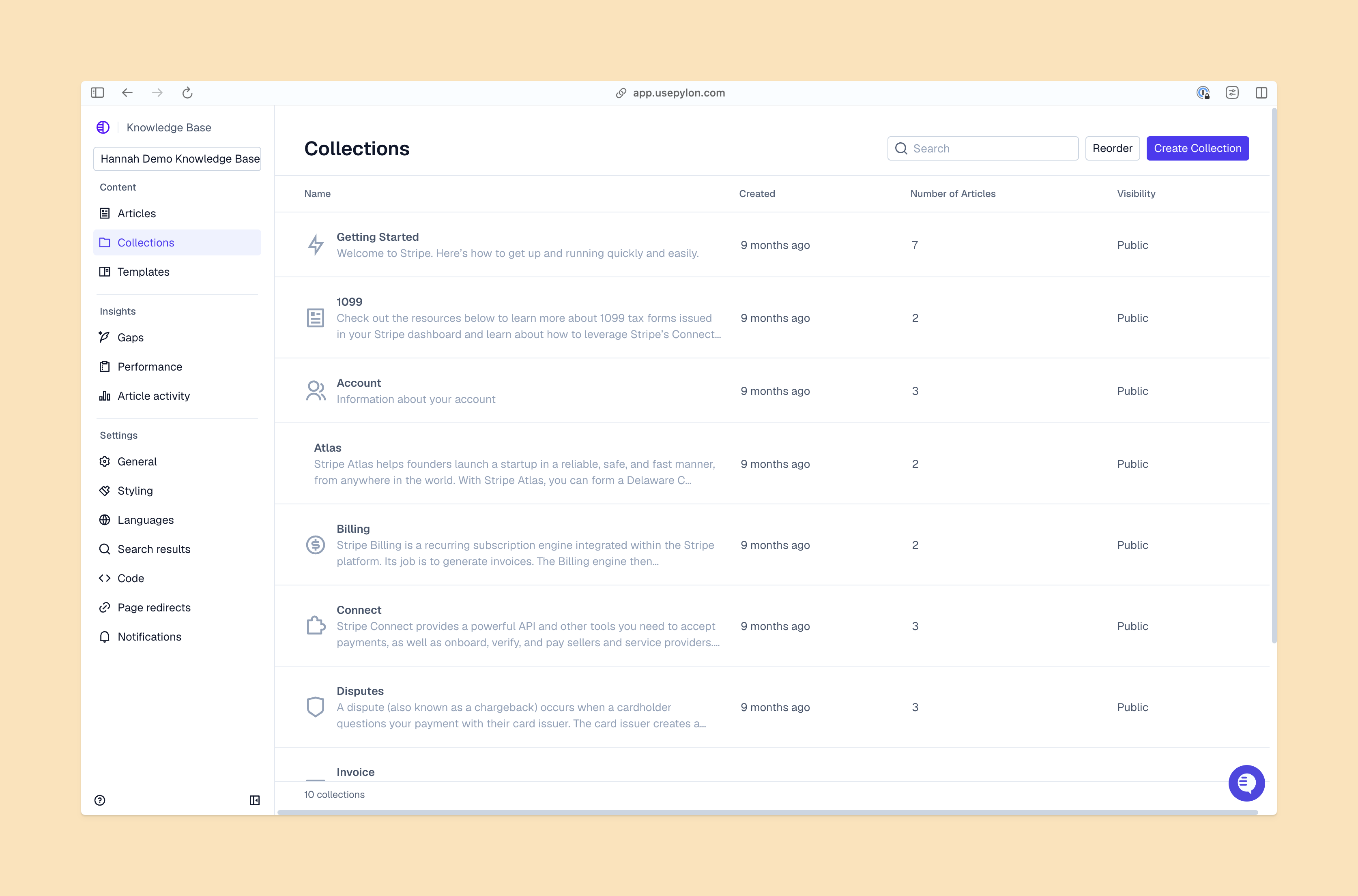
Most platforms treat your documentation as an afterthought. Pylon takes a different approach. Built for B2B support, it unifies your customer conversations, ticketing, and knowledge base into a single, intelligent workspace.
When you use Pylon, your support team never has to switch tabs to find the right answer. The following features help your team increase customer satisfaction and retention:
When your knowledge base tool is disconnected from your support workflow, it becomes a passive library. Integration transforms your documentation into an active deflection engine that supports faster resolutions. The best knowledge base platform for that is Pylon.
Pylon is the modern B2B support platform that offers true omnichannel support across Slack, Teams, email, chat, ticket forms, and more. Our AI Agents and Assistants automate busywork and reduce response times. Plus, with Account Intelligence that unifies scattered customer signals to calculate health scores and identify churn risk, we're built for customer success at scale.
Knowledge base integration connects your documentation to the tools your support team and customers use.
When a knowledge base is embedded into customer-facing spaces like chat widgets and ticket forms, customers can find answers on their own before they submit a request, which reduces the number of tickets that reach your support team.
Look for a platform that surfaces content contextually within your current support channels. It should use AI to identify content gaps and suggest articles automatically. It should also track usage data so you can continuously improve your knowledge base over time.
Pylon Workforce Management is available now. See it in action with a live demo.






