Canned responses for support teams provide a solid starting point for questions you answer repeatedly. You can establish the wording once then adapt it to the customer’s situation before responding, saving you from rewriting the same explanation across channels like email, Slack, or chat.
Within B2B support, two customers can ask the same question for different reasons. One may need help with a new setup, while another has a production problem. Your canned-response template should leave room for those types of differences.
This guide includes canned replies you can adapt and best practices to keep your library useful and decide when an AI-generated draft fits better.
What are canned responses in customer support?
Canned responses are saved replies your team inserts into a conversation and personalizes before sending. Good customer service canned responses preserve approved wording while you add the relevant details that matter to the account. With canned responses prepared, customers get consistent explanations and you spend less time composing routine answers.
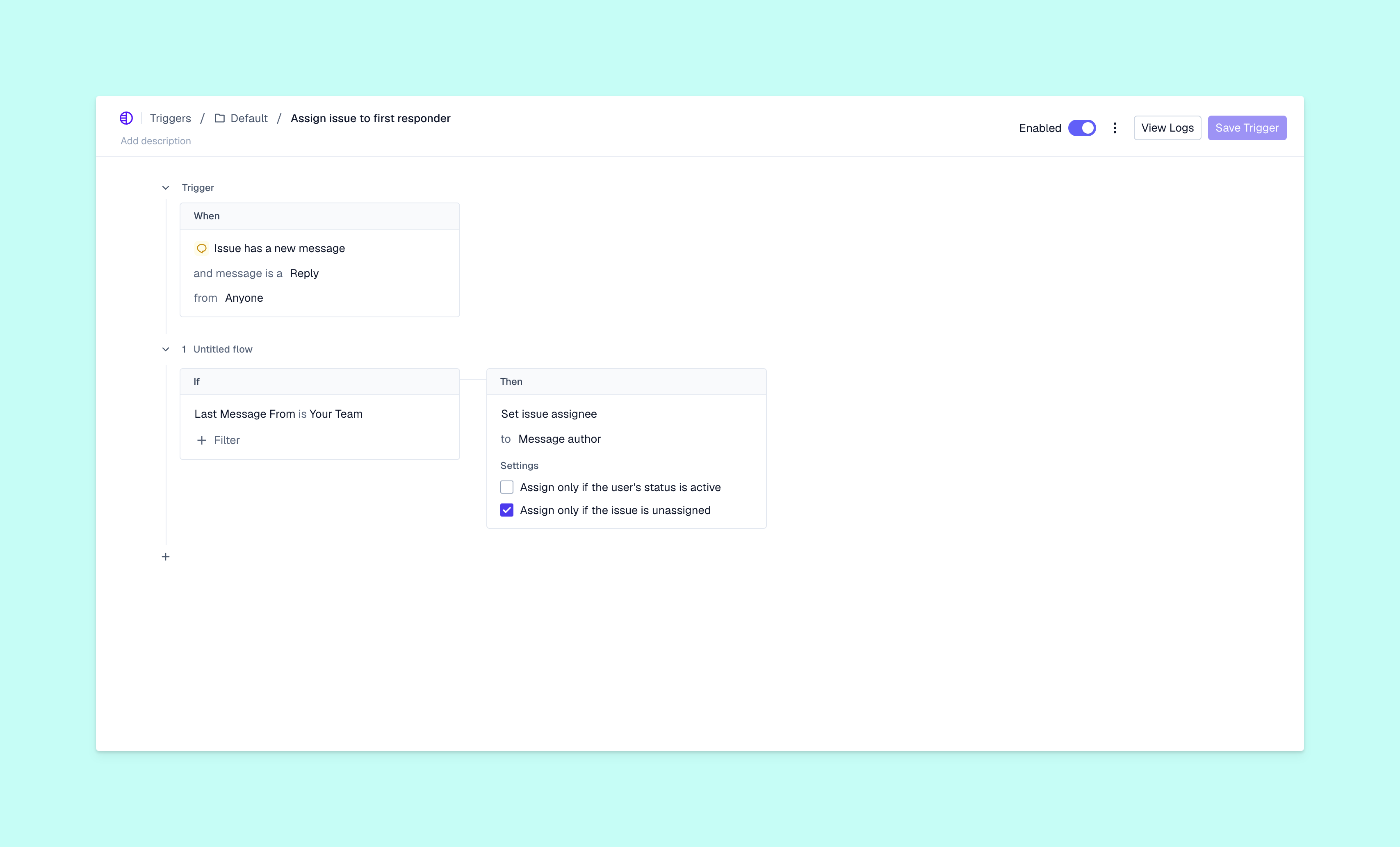
A macro can combine reply template text with actions. In Pylon’s Macros, you can save a reply, internal note, or email and add actions like changing an assignee or updating issue status.
An automatic response goes out without someone choosing and reviewing it. Use auto-response sample messages for those acknowledgements. This guide’s examples assume a team member has read the issue and will personally send the reply.
B2B canned-response examples you can copy
Use these support ticket response examples as editable starting points. Replace every bracketed field, remove any sentence that doesn’t apply, and confirm the facts before sending. The reply should reflect what you’ve actually checked.
Onboarding and welcome replies
A useful welcome connects the customer’s goal to their next task. Link to the relevant setup step instead of sending your entire help center:
“Hi [name], I’ll help your team get [workspace] ready for [goal]. You’ve completed [finished step], so next we’ll work on [next step]. Here's the guide: [link]. Could you confirm who will manage [specific setup task] on your side? Once I have that, I can help you check the setup.”
Here’s a shorter version for a Slack message:
“Hi [name], [completed step] is ready. Next is [next step]. Who should I work with on your team to get that in place?”
Investigation and progress updates
Show what you know and what you’re checking next to give the customer more useful information instead of another request for patience:
“Hi [name], I reviewed [evidence] and confirmed [finding]. I haven’t yet established why [remaining problem] happens. I’m checking [next investigation step] with [team]. I’ll update you by [time], even if we’re still investigating. You don’t need to repeat [step already attempted].”
Only set an update deadline that you can meet. Proactive email ticket replies work best when you own the follow-through.
Outage and incident updates
State the confirmed impact separately from the cause. An incident template shouldn’t turn an early theory into a customer-facing fact:
“Hi [name], we’ve confirmed an issue affecting [function] in [affected environment]. For your team, this means [verified impact]. Our dev team is investigating. [Validated workaround, if available.] We haven’t confirmed a recovery time, but I’ll send your next update by [time] and you can follow general updates at [status link].”
Here’s a brief version for a chat thread:
“[Function] is affected in [environment]. Our dev team is investigating. [Workaround, if verified.] I’ll update this thread by [time].”
Escalation and handoff replies
Tell the customer who is taking the next step and who will keep them informed. Otherwise, an escalation can feel like your team is just offloading the conversation into another queue:
“Hi [name], I’ve shared [issue summary] with [specialist/team], including [evidence] and the steps you’ve already tried. They’ll investigate [specific question]. I’ll stay responsible for your updates, with the next one by [time]. Please keep any new details in this thread so we have one record.”
Feature request replies
Capture the work the customer needs to do without implying that a request has a release date:
“Hi [name], I’ve recorded your request for [capability] and how its absence affects [workflow]. I’ve shared that context with our product team for review. We don’t have a delivery commitment for this request. In the meantime, [verified alternative, if available]. Is there a specific deadline or requirement I should add to the request?”
Remove the sentence about an alternative if you don’t have a useful workaround available.
Information request replies
Ask for the missing evidence and explain why you need it. Check the thread first so you don’t request information the customer already supplied:
“Hi [name], I have [details already received]. To compare this with our logs, could you send [request ID or timestamp, including time zone]? That will help me locate the failed attempt. Please use [approved secure channel] for any sensitive files, and don’t include passwords or access tokens.”
Resolution and closing replies
Connect the fix to the original problem, then ask the customer to verify the affected task:
“Hi [name], we changed [specific setting or fix] to address [problem]. I tested [check] and confirmed [result]. Could you retry [customer task] in [environment] and let me know whether it works for your team? If the problem continues, reply here with [useful detail], and we’ll pick up from this investigation.”
Don’t describe an issue as resolved solely because your own test passed.
Best practices for writing canned responses
Personalize the substance, not just the greeting. “Hi Jordan” doesn’t help if the rest of the message recommends a step Jordan already tried. Read the conversation, summarize the current obstacle, and remove irrelevant instructions.
Keep the language direct and considerate. Acknowledge the actual disruption, like a delayed data import, without adding exaggerated apologies. For shorter exchanges in your customer support chat platform, use a chat support script as guidance instead of writing an email-length response in one chat bubble.
Every reply needs a useful next step. If you’re requesting a file, explain which file and where to send it. While investigating, give the customer an update time rather than promising a fix you can’t guarantee.
Pylon’s template variables can fill in details like the requester’s name, the account name, or an issue custom field. Those details reduce manual entry, but you still need to check whether canned messages answer the customer’s question.
How to manage and maintain your canned-response library
A canned-response library needs clear ownership similar to the rest of your customer support team’s workflows. Use a lightweight routine:
- Group replies by use. Pylon lets you group macros and limit them to specific issues, including different options for Slack and chat. Give each one a name your team can search for.
- Assign an owner. Separate use and edit permissions allow your team to reuse replies while designated editors maintain them. Put a recurring review reminder on editors’ calendars.
- Check after changes. Review affected templates when products or policies change. Pylon’s version history records saved versions, timestamps, and editors so you can track updates.
- Read the follow-up. If customers repeatedly ask what a reply means, revise that explanation. Frequent manual edits can also reveal missing instructions to address.
- Retire duplicates. Merge replies that serve the same purpose and remove obsolete ones. Keep a rarely used response only when it still covers a necessary situation.
As you build a support team, make reviews of the response library part of the handoff to new template owners.
When to use canned responses vs. AI-generated drafts
Choose a canned response when the approved answer stays largely the same, like for a documented policy or routine progress update. Choose an AI draft when the answer depends on information you need to bring together first.
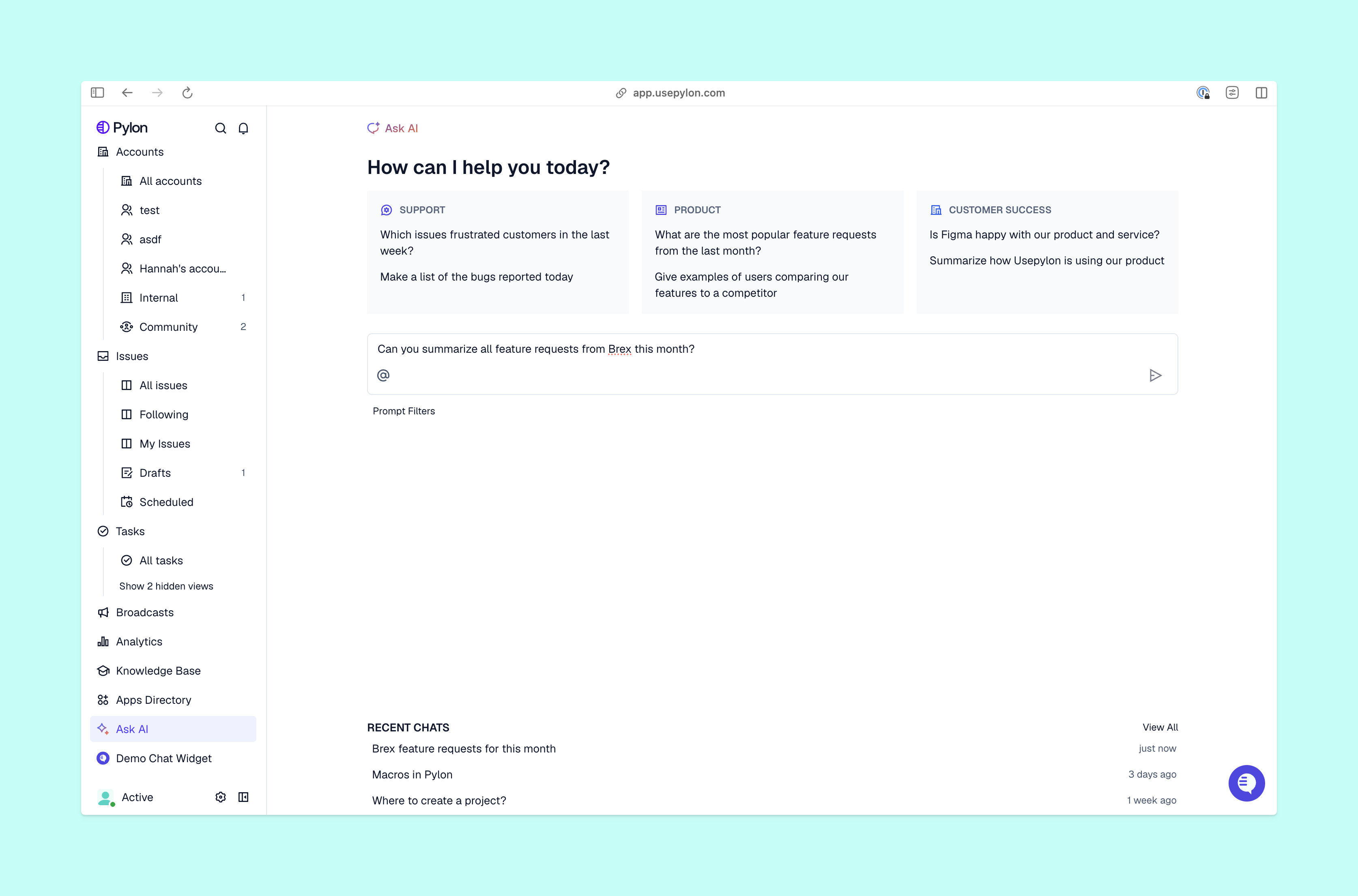
For example, a customer asking why a previous workaround no longer works needs an explanation based on that earlier issue. Pylon’s Assist Agent can investigate support history and connected systems, then prepare a response. You review the proposed message and confirm or edit its approval card before sending.
You can use both approaches in one reply, including approved policy wording from a template followed by a reviewed explanation of the account’s situation. When you use AI agents for support teams, carefully review for sensitive or high-impact issues.
Keep support replies consistent without losing context
Keep your reusable replies accurate and easy to find, then leave room for addressing the customer’s unique situation. Pylon’s Macros give you variables, optional actions, and library controls, and you can open a macro with a keyboard shortcut to preview before sending. When you need more account context, Pylon’s Assist Agent can prepare a draft for your review.
Pylon is the Agentic Support Platform built for B2B support teams. Pylon’s Macros help your team standardize routine replies, personalize messages with account and issue details, and keep response libraries organized as products evolve. When a question requires more than a saved template, Pylon’s Assist Agent can use account context and support history to prepare a draft your team can review before sending.
FAQ
How many canned responses should a support team have?
Begin with your recurring questions and add canned-response templates when you find a distinct need. Having a searchable library of useful replies is more important than reaching a particular count of canned responses.
How often should you review your canned responses?
Set a regular review schedule for canned responses and check affected replies whenever your products or policies change. Review replies more frequently if customer follow-ups expose a problem.
What is the difference between canned responses and auto responses?
Your support team members select and review a canned response before sending it to the customer. The system sends automatic responses without a manual review step.
Can you personalize canned responses without slowing down agents?
Variables can fill in saved response details, leaving your team to check the issue and adapt the explanation. Preview the complete reply so missing or incorrect fields don’t reach the customer.