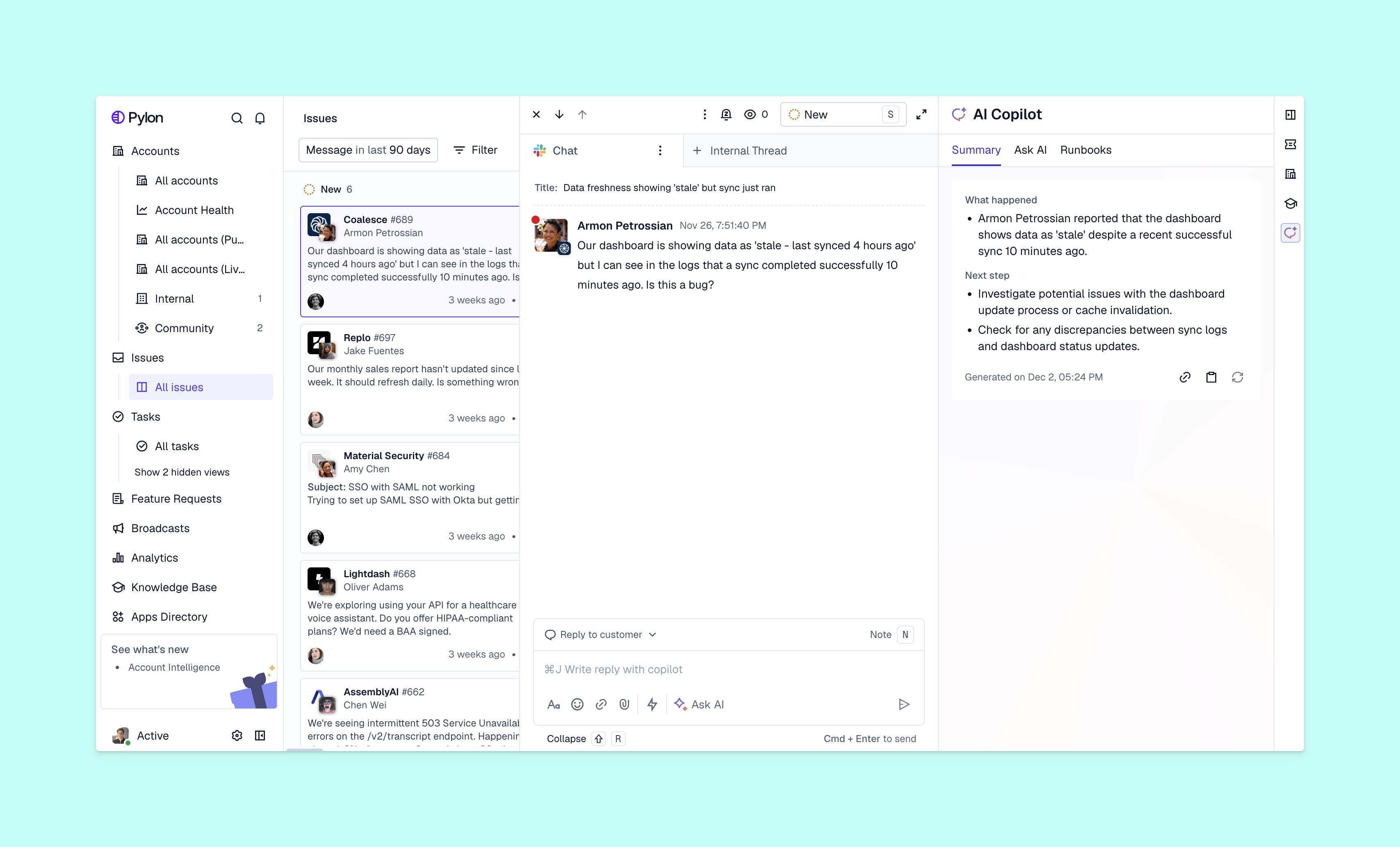
Within a B2B support context, autonomous AI agents can take on tasks like investigating why a customer can’t access their workspace or troubleshooting a recurring integration issue. They can then determine whether to share instructions themselves or involve other team members to assess risk and confirm next steps.
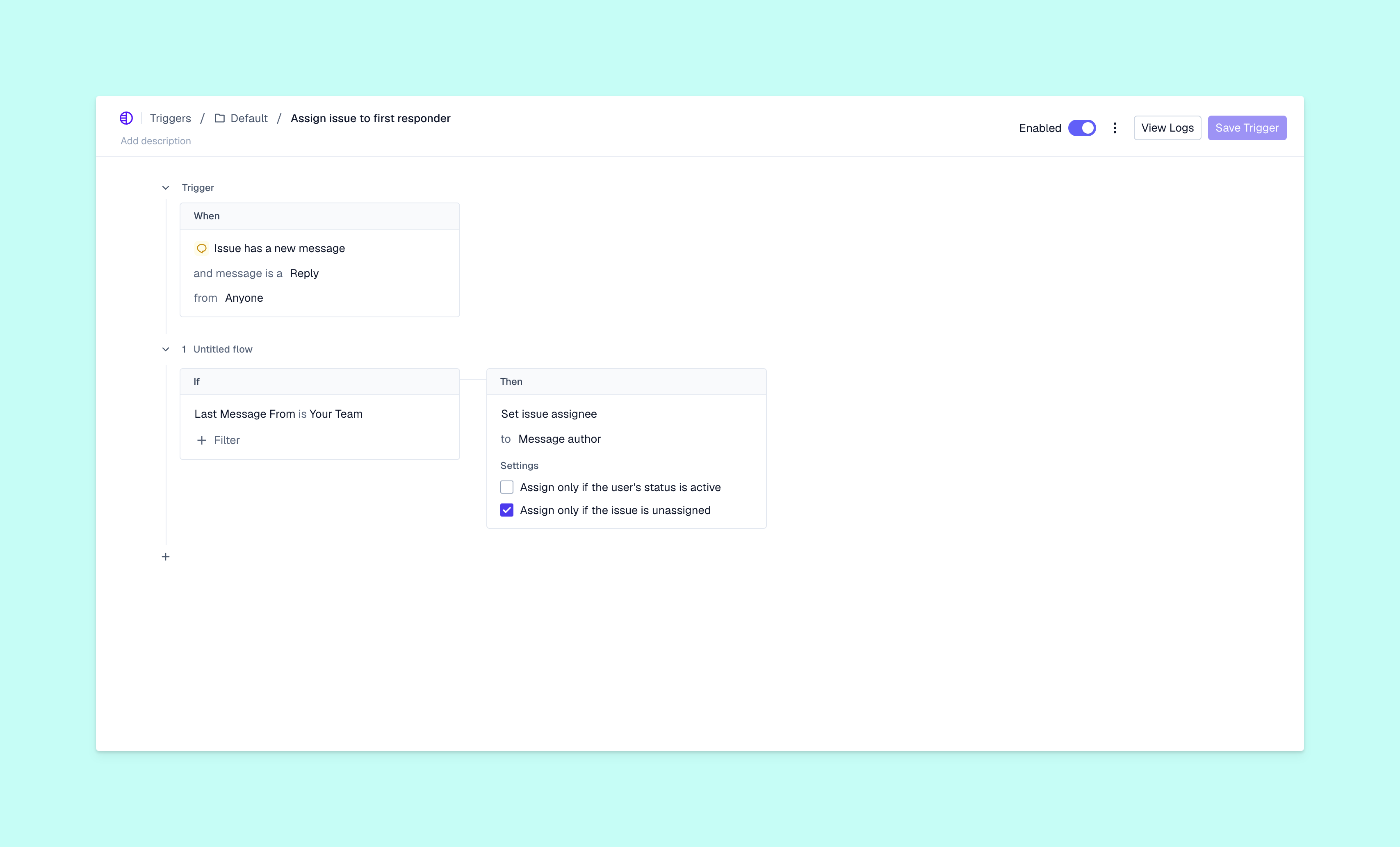
Those two outcomes require different permissions; explaining a sign-in step doesn’t carry the same risk as changing who can access an account, for example. Before you let an agent take action, you need to know which parts of the request it can handle and where your team should take over.
Use this guide’s 12-point checklist to assess one B2B support workflow at a time before an AI agent handles it. The checklist can walk you through whether the agent has approved knowledge or tool access, and you’ll discover whether the workflow is ready for a controlled pilot or needs more preparation.
What are autonomous AI agents?
Autonomous AI agents are systems that can plan, make decisions, and take actions with different levels of human oversight. Autonomous agents choose their next step based on the task and the information they find. A large language model helps interpret the request, while connected knowledge gives the relevant information. Capabilities to use preapproved tools let agents look up records or perform actions through APIs, which help software systems communicate.
Autonomous AI agents work in a cycle of acting, checking feedback, and continuing until the task reaches a stopping point. The main difference from a scripted chatbot is how much of that path you decide in advance.
Your agent might draft a reply for your review, ask permission before an action, or complete an approved task independently. It could send password-reset instructions automatically, for example, but require that a team member approves an administrator change. Even similar tickets may need different treatment if one account has special access requirements.
Why B2B support teams need a readiness check before adopting autonomous AI
When an agent can handle routine investigation, your team spends less time on repeated lookups. That can shorten the wait for an answer and help you scale your support team without adding headcount at the same rate as ticket volume. But those gains depend on the agent getting the right evidence and knowing what it’s allowed to do.
Three gaps can undermine that work:
- A context gap occurs when an agent lacks relevant information. It might miss a customer’s earlier explanation in Slack or details about their product configuration, for example.
- A governance gap leaves approval authority unclear, so nobody knows who can authorize an access change.
- A reliability gap becomes apparent when an agent handles routine tickets correctly but struggles with unusual cases.
B2B accounts make these gaps harder to ignore because several people may contact you about the same issue. As you unify support and customer success, confirm that your AI agent can recognize those contacts as part of one account without treating them as equally authorized.
The 12-point autonomous AI readiness checklist
Choose a specific workflow, like help with workspace access, and assess every criterion below. Record the evidence behind each “Pass.” An undocumented assumption belongs in “Not yet.”
Knowledge readiness
Data and context readiness
Access and control readiness
Workflow readiness
Testing and measurement readiness
These criteria help you assess readiness after you’ve chosen the workflow. If that choice is still unclear, use a customer support automation framework to decide which tasks belong with agents and which require your team members.
You can also use this guide’s tables when comparing AI ticketing systems. Ask vendors to demonstrate the failed-lookup and approval scenarios with your sample tickets. Whether your shortlist comes from comparing broader customer support tools or a search for Gladly alternatives, test the workflow you’ll actually run.
How to interpret your readiness results
If every criterion passes, the workflow may be ready for a limited, monitored pilot after review from the appropriate owners. Passing doesn’t prove the agent will handle every case; it means you have enough safeguards and evidence to learn from a controlled trial.
Treat any gap in access, control, or workflow rules as a reason to keep actions under human review. For knowledge and context gaps, fix what the agent reads before increasing its authority. For testing or measurement gaps, establish evaluations and monitoring before customer-facing deployment.
Don’t average these results into a score that hides a critical failure. Eleven passes won’t compensate for one agent that can change the wrong customer’s access. Assign each gap an owner, then retest the affected workflow after the fix.
Once the workflow is ready, follow the AI agent setup guide. Reassess when your product, policies, or agent capabilities change, because yesterday's permission boundaries may no longer fit today’s task.
Build autonomous support around trust and control
Pylon is an agentic support platform purpose-built for B2B teams and trusted by 1,800+ B2B customers. With Pylon, you can begin with a workflow your team understands, then give each AI agent only the context and authority the work requires. You choose which tools each agent can use, what actions need approval, and when to move a workflow from internal QA to customers.
Pylon’s Connectors permissions let you limit available tools, while with internal QA testing, you can review proposed responses before customers see them. And Pylon's backtesting tries your agent out on real past issues before it goes live, so you can see where the agent would have replied and when it would have escalated. Together, those controls give you a practical way to test autonomy gradually.
FAQ
What is autonomous AI?
Autonomous AI can choose and perform steps toward a goal within defined limits. Your team sets those limits and remains responsible for deciding when the system should stop or seek help.
How do autonomous AI agents work?
Autonomous AI agents interpret a task, gather relevant information, and choose an available action. The results inform their next steps, so the path can change as they learn more about the issue.
How do autonomous AI agents make decisions without constant human input?
Autonomous AI agents use the task’s instructions, available evidence, and permitted tools to choose what to do next. You still need approval rules for consequential actions and stop conditions for cases agents can’t resolve.
How do autonomous AI agents complete tasks?
Agents repeat the cycle of choosing an action and checking its result until they meet the completion criteria or hand the task over to a support team member. A useful completion criterion confirms the customer’s problem is resolved, not that a reply was sent.
How do you deploy autonomous AI agents?
Begin with one defined workflow, test it internally, and launch a limited pilot with monitoring and a named owner. Learn how to set up AI agents here for more implementation details.
Should autonomous AI agents handle every support ticket?
Keep exceptions like suspected account takeover or requests outside approved permissions with your team. An agent can gather evidence for those cases without making the final decision.
How can you test an AI agent in Pylon before customers see it?
If you’re using one of Pylon’s AI Agents, you can test it out before making it live to customers. You can use Internal QA mode to review responses privately, then run backtesting to see how the agent responds to real past issues.