You never really want to encounter incidents like security breaches or platform outages, but these situations are an opportunity to build trust with customers. With a well-designed, customer-focused incident response playbook, you can turn these moments into success stories that deepen the customer relationship.
This article covers what makes a good incident response playbook, including how to focus on customer trust, align the whole team around mitigation tactics, and scale and improve playbooks over time.
An incident response playbook is a detailed guide for teams to follow when a serious incident occurs. Although they often deal with cybersecurity incident management, playbooks can also cover other major operational issues like server outages, database failures, product recalls, and compliance issues.
While a traditional cybersecurity playbook focuses on technical steps to respond to a phishing attack or data breach, a customer-centric incident response playbook puts the emphasis on maintaining customer trust. It’s less about internal operations and more about proactive, consistent communication to build trust and protect customer relationships.
Also, while an incident response plan lays out the overall strategy for handling incidents, a playbook gives clear steps, scenarios, and workflows for your team to follow in specific situations. A company usually has multiple incident response playbooks that cover different types of events.
These are the most important elements to include in a customer-focused incident response playbook:
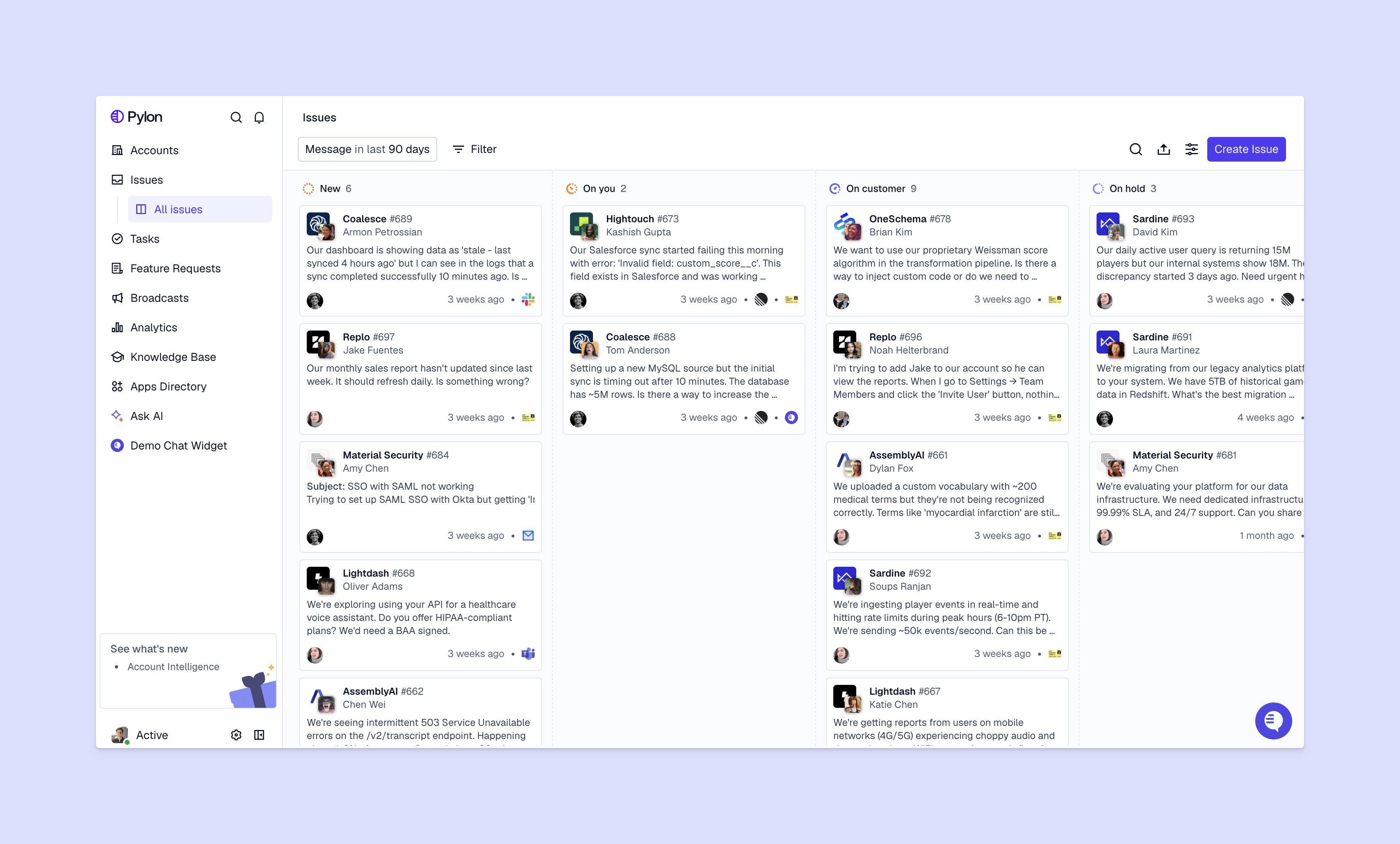
Work with all relevant leadership teammates to build out your customer support-focused incident response playbooks.
Create a list of all the issues that could seriously affect your customers (security vulnerabilities, server outages, system failures, data breaches, compliance issues, etc.). Categorize them by customer impact (how seriously they will affect your customers and their ability to use your products) and risk (how likely they are to happen).
Then, prioritize each type of incident. These are some common categories:
For each type of incident, define who will be responsible in each team. Quick action is important, and your team needs to know exactly who to contact and what they’re personally accountable for.
At a minimum, include:
Think through every scenario and bring in other teams when you need to, with clear ownership at every stage. And define escalation protocols based on incident severity.
Decide on the best channels for internal and external communication during the incident. Specify the frequency of communication with customers depending on how serious the incident is. For instance, you might give those affected by high-priority (P1) incidents updates every half an hour, and you could give hourly updates for P2 incidents.
Important: Do your best to avoid conflicting messages during an incident — this is a quick way to confuse customers and potentially lose their trust. Clearly define who will communicate to which accounts and what information they can share.
Make it easy for your team to communicate by giving them templates for common stages like:
Give your team step-by-step instructions to help them respond consistently and fix critical issues promptly. Keep the instructions simple so that they’re easy to follow in high-pressure situations. Things like flow charts, decision trees, and checklists work well.
Make sure you cover every stage of the incident, from identification and logging in the ticketing system through to escalation, investigation, containment, resolution, and post-incident review.
Once the incident has been resolved, customer follow-ups are a must. The main purpose is to make sure that every customer is back online and experiencing normal service, but these follow-ups are also a great way to build customer trust by showing you care about how they were affected, even once the issue is resolved.
You could also collect feedback during this time, either casually during a check-in call or via a customer survey.
Here are a few examples of companies that turned incidents into opportunities via customer-focused incident responses:
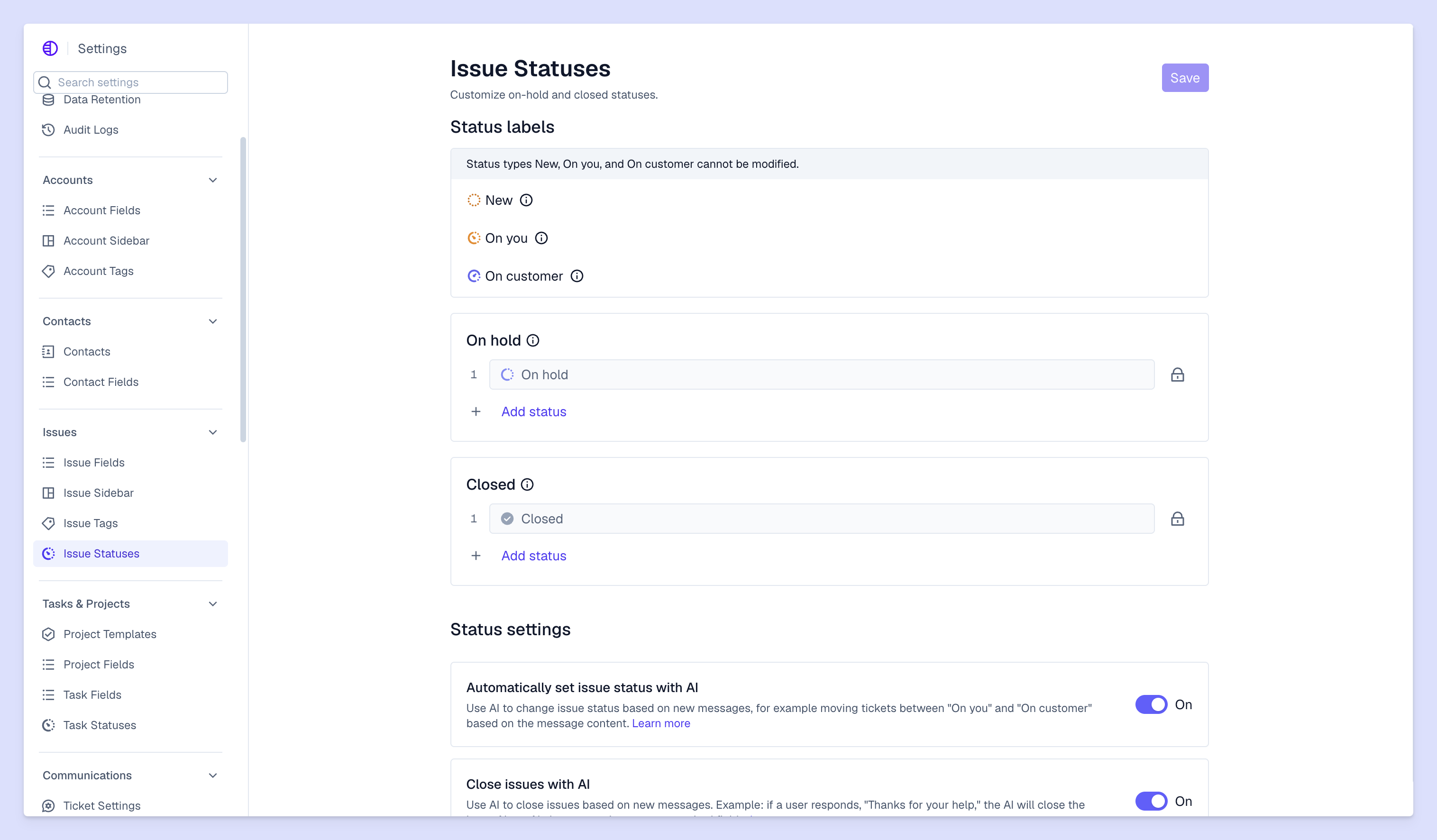
As your company grows — maybe you change your org structure or add new teams — you’ll need to update your incident response playbooks. Set a reviewal cycle of about 4 to 6 months where a reviewal team reviews the playbooks and makes sure they reflect company and account changes. You might just manually review, or test each playbook to make sure it still makes sense.
Also, refine your playbook after each incident to take account of processes that went well and those that didn’t. Collect feedback from those involved (both employees and customers), and update the playbook to reflect these insights.
Every company needs to be prepared for incidents. With a thoughtful, customer-centric incident response playbook, incident management becomes a chance to build trust with customers. This is especially true if you use an all-in-one B2B support platform that centralizes the account information you need to effectively update customers.
Pylon is the modern B2B support platform that offers true omnichannel support across Slack, Teams, email, chat, ticket forms, and more. Our AI Agents and Assistants automate busywork and reduce response times. Plus, with Account Intelligence that unifies scattered customer signals to calculate health scores and identify churn risk, we're built for customer success at scale.
A customer-focused playbook prioritizes communication, context, and experience — not just technical resolution. It defines how teams explain issues, set expectations, and maintain trust while an incident is being resolved.
Effective playbooks typically include support, engineering, product, customer success, and leadership. Trust is built when customers experience consistent messaging and coordinated action across every team they interact with.
The key is structured communication: clear updates, realistic timelines, and plain-language explanations. A strong playbook defines what to share, when to share it, and how to tailor messaging by customer impact.
Pylon Workforce Management is available now. See it in action with a live demo.