As a B2B support team grows and issue volume increases, Slack support can become difficult to manage. Slack channels multiply, and important information gets lost in old threads. Teams sometimes struggle to connect customer conversations across Slack and other communication channels like email and live chat.
Slack AI agents help teams find customer context instantly, give faster responses, and manage handoffs or escalations more efficiently. This guide explores how to use Slack agents for customer support, including the tasks they can handle and how they work customer context into existing workflows.
What can Slack agents for customer support do?
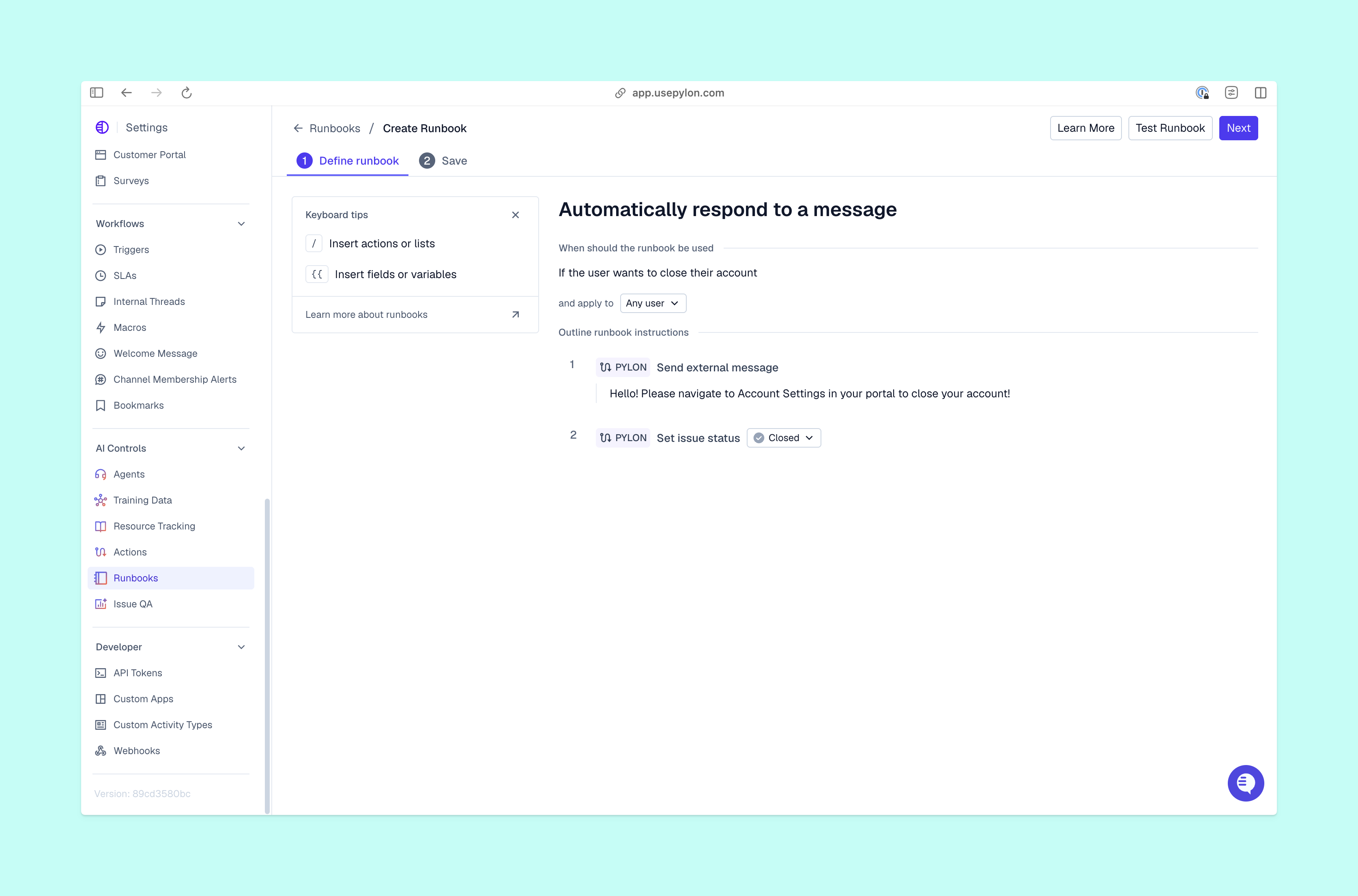
Slack AI agents for customer support can respond to questions and complete tasks inside Slack conversations. If a colleague sends you a DM requesting an update on a customer issue, for example, you can ask the AI agent for a detailed summary of the latest information. Then you can tell the AI agent to escalate the issue to the operations team for urgent attention, and it will send the notification. You can do it all without leaving the Slack thread, saving time and avoiding unnecessary context switching.
Unlike general Slack AI assistants, which mostly search Slack messages, a dedicated customer support AI agent can access full customer context and account data, pulling information from your CRM, ticketing system, or other apps where you grant access.
Slack agents are different from Slack Connect, which is a way for support teams to interact with customers and other external organizations. Slack agents are often for internal channels only and are designed to help teams find information and complete tasks quickly.
Pylon’s Slack Agent is a tool that answers questions and takes approved actions in internal Slack channels. It connects Slack context with customer data from Pylon, so your team can see all the relevant context for an issue without searching across separate systems. It can also update an issue’s status, assignee, or fields, then log account context or update knowledge base articles.
The agent respects user permissions and can only complete tasks you specifically configure it to handle. Your team stays in control of which systems Slack agents can access and what changes they can make without human intervention or approval.
The customer context problem in Slack-based support
When teams use Slack for customer support, they can end up with context scattered across different channels and systems. Unlike a dedicated customer support platform or ticketing system, Slack doesn’t have a structured way of organizing customer issues for future reference and updates.
As Slack support operations scale, teams’ responses often slow as they spend more time hunting for customer context. Slack AI agents can help teams overcome this problem by giving users instant answers based on context from Slack and across other channels or systems.
Still, using AI agents for customer support isn’t without risks; here are a few common ones worth avoiding:
- Inaccurate answers. AI agents need appropriate access to all the necessary systems, or else they may generate wrong or incomplete answers. If you ask an agent to summarize the latest issue status but it doesn’t have access to live chat conversations for example, its answer will likely miss important updates.
- Unsafe actions. When an AI agent lacks guardrails, it can take actions that threaten customer relationships or create compliance issues. An agent could incorrectly make changes to a customer’s billing information, for instance, or overwrite important CRM data. You can avoid this by specifying which types of tasks the AI agent can and can’t handle.
- Sensitive data exposure. Without strong access controls, AI agents could make client data available to the wrong people. If someone from outside the organization gains access to an agent, they could view customers’ account details or your team’s internal notes.
How Pylon’s Slack Agent surfaces customer context instantly
Even when teams use Slack integrations for customer support and interactions, they often still have to switch to the support platform, CRM, or other apps to find answers.
Pylon’s Slack Agent avoids this problem by letting your team do everything inside Slack. Tagging @Pylon in any internal channel lets team members get instant answers and take approved actions right away. Slack Agent searches past tickets, the knowledge base, and any other internal systems you choose to connect to it, like billing apps or CRMs.
Slack Agent also reduces the risk of sensitive data exposure because it doesn’t run in customer-facing Slack Connect channels and can’t be triggered by anyone outside the company. And it respects user permissions and only takes actions based on the tools and permissions you configure for your team.
Ada uses Pylon’s AI Agents and the native Pylon Slack integration to manage customer conversations without jumping between tools, and Hightouch has scaled to more than 300 customer Slack channels.
What support teams can do with Pylon’s Slack Agent
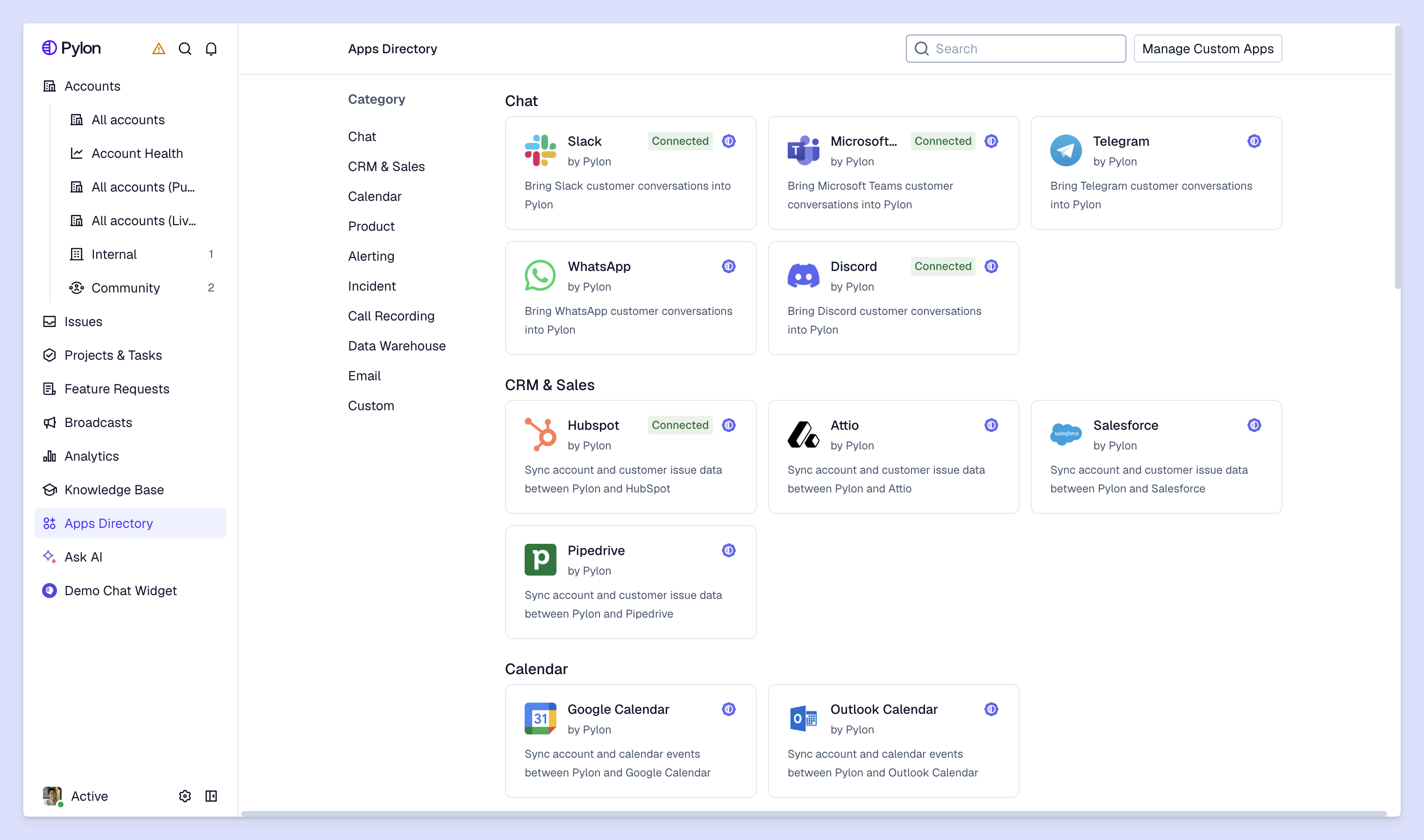
Pylon’s Slack Agent has all the features customer support teams look for:
- Grounded answers. Slack Agent grounds its answers in your sources: past issues, the knowledge base, documentation, and account context available to the person asking.
- Connected tools. Slack Agent communicates with your CRM, billing, or other internal systems through integrations or connectors.
- Approved actions. You choose which tasks you want Slack Agent to complete. It can summarize the latest updates for an ongoing issue, create a knowledge base article, or run a skill.
- Permission inheritance and attribution. You don’t have to worry about unauthorized access because the agent uses the permissions of the user asking the question, and its actions trace back to them.
Pylon’s Slack Agent helps you avoid the mistakes teams can make when deploying Slack agents, like granting wider access than the people using it or giving incomplete sources of information. You control which systems the agent has permission to access and which tasks it can complete, so you don’t have to worry about it performing unsafe tasks.
How to roll out Pylon’s Slack Agent for your team
Follow these three steps to begin using Pylon’s Slack Agent, and help your B2B support team quickly access and respond with customer context:
- Pick a channel. Choose one internal Slack channel that has the most repeat questions. Enable Pylon’s Slack Agent for that channel and tell your team what they can use it for.
- Enable tools and actions. Connect Slack Agent to the other systems you want it to access, and specify which actions you want it to complete. Begin with simple, low-risk tasks in the initial rollout; you can always add more later.
- Expand to new channels. When Slack Agent is working well on that channel, expand to other internal channels. You can also integrate beyond the support team and use Slack Agent in the customer success, sales, and engineering channels.
During the initial rollout of Pylon’s Slack Agent, track how quickly your team gets answers in that channel compared with before, so you can see where Slack Agent saves time. When you use it more broadly, Slack Agent can help your team manage escalating conversation volumes while keeping customer context at users’ fingertips.
Pylon is the agentic support platform built for B2B support teams and trusted by 1,800+ B2B customers. Slack Agent brings customer context into your internal Slack channels and direct messages with the same permissions as the person asking.
FAQ
Where does Pylon’s Slack Agent get its information from?
Pylon’s Slack Agent draws on your team’s customer context in Pylon, including past issues, emails, call recordings, and internal conversations, along with your knowledge base and documentation. It can also use account context and data from apps you choose to connect, like your CRM.
Does Pylon’s Slack Agent work in Slack Connect channels?
No, Pylon’s Slack Agent works within internal Slack channels and direct messages only. External Slack users in Slack Connect channels can’t trigger the agent or access its responses.
What actions can Pylon’s Slack Agent perform?
Pylon’s Slack Agent can update issues, create knowledge base articles, log account context, run Skills, search connected systems, and mention teammates in Slack replies. Administrators control which tools and actions are available, and the agent respects the permissions of the user requesting them.
How do Slack agents work?
Slack agents analyze a request to determine its intent, then gather relevant context and give instant answers or carry out approved tasks. Unlike chatbots, Slack agents can go beyond answering common questions and use tools or take actions.