


Today we're launching native phone support in Pylon.
Before now, offering phone support to your customers was messy and confusing. You had to:
But phone is still a critical channel for many support teams. When customers started asking us to integrate with Dialpad and Aircall, we decided to build something better and native in Pylon.
Standalone call platforms like Aircall or Dialpad help you route and record calls, but they don’t have context on accounts or support data. When a call comes in, you don’t know which customer is calling in or why. And once calls are over, you rely on manual data transfers or integrations to track them in your support system.
Most existing platforms also operate with per-minute billing, SMS overage caps, and AI features sold as separate add-ons. Pricing adds up quickly.
Every call automatically becomes a ticket. When a customer calls in, Pylon immediately creates a support ticket. For numbers associated with an account, you get full account context in the issue sidebar the moment the phone rings: health scores, previous conversations, and customer details. Whoever picks up already knows who they're talking to.
Outbound calls happen directly from an issue. When you need to reach a customer, simply create an issue and start the call. You no longer have to copy-paste numbers or dial manually. Calls are automatically logged, transcribed, and linked to the account.
Route calls to the right team. Set up routing rules and workflow triggers for calls, the same way you build them for Slack messages, emails, or chat conversations in Pylon.
Call data feeds into AI. Transcripts and recordings are ingested as context for AI fields, AI notebooks, Ask AI, and other AI features. Each call builds a richer picture of your accounts, so Pylon AI can help you track health, flag churn risks, and spot expansion opportunities.
All your support channels in one place. Calls live alongside your SMS conversations and customer interactions from every other channel. You get one complete view of customer relationships.
Simple and transparent pricing. Phone support is $35 per seat/mo in Pylon, with both phone and SMS included. There are no per-minute fees, overage caps, or extra fees for AI features.
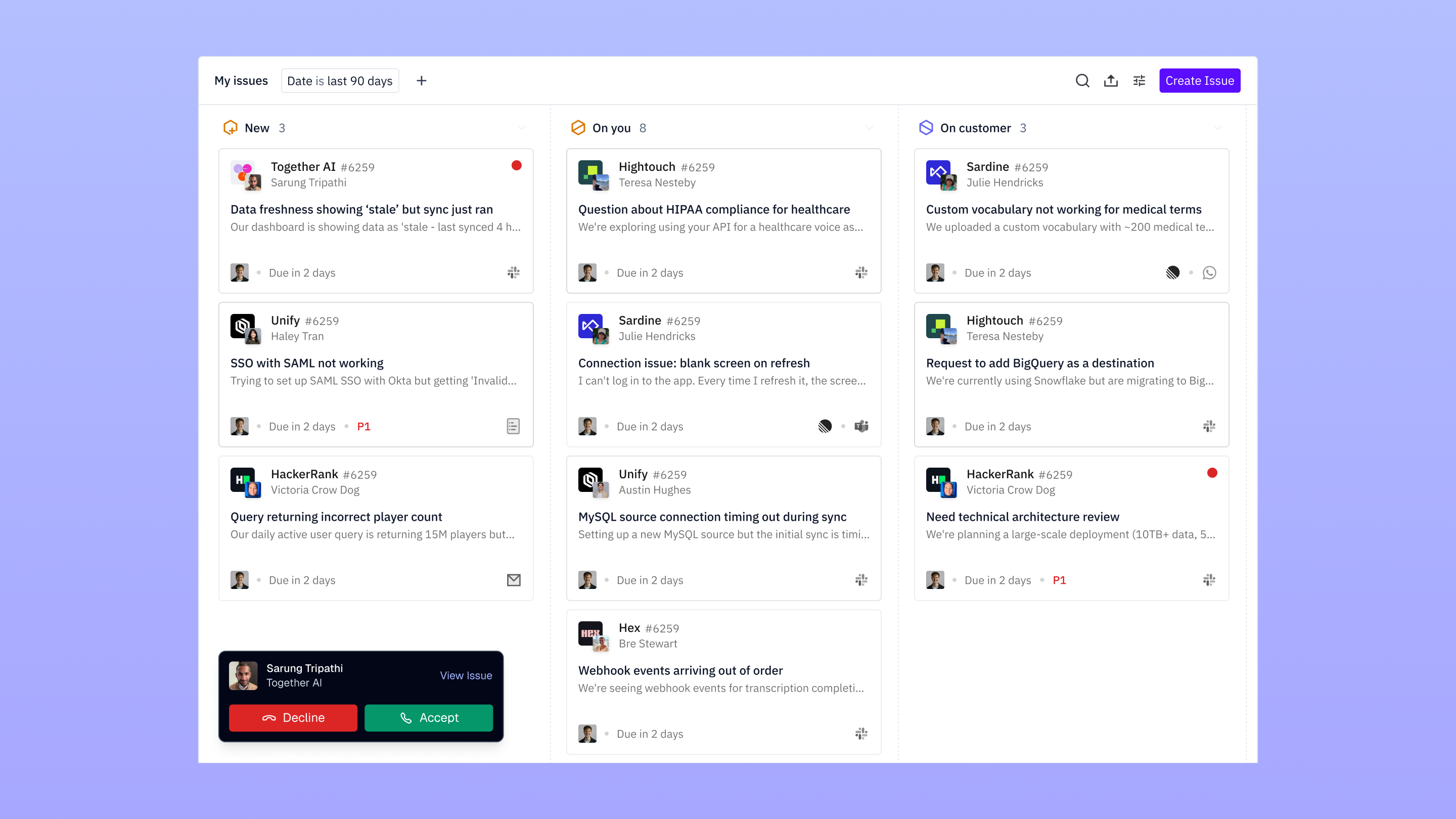
Pylon is already where you manage customer conversations from Slack, email, in-app chat, and more. Now with native SMS and phone, you can support customers in the most accessible channels. More ways to meet customers exactly where they are.
Ready to consolidate your support channels in Pylon? Schedule a demo to see phone support in action.
Pylon Workforce Management is available now. See it in action with a live demo.





