


When support volume spikes, most teams face the same shortages: time and attention. Conversations scatter across Slack and email and there’s limited team bandwidth to handle complex issues that need attention. Your customers expect immediate answers, but your team members can only work so fast.
Historically, basic chatbots were the best fix. But their rule-based scripts break down when customers ask a question outside the programmed flow.
Now, B2B support teams are moving past bots to autonomous systems by building an AI agent. These programs give flexible responses based on data and context instead of pre-set branching dialogue trees.
AI agents are autonomous software systems that process customer requests, decide the next actions, and resolve support issues with minimal human intervention. Unlike chatbots that follow rigid if/then scripts, AI agents use databases of information and connected tools to handle conversations across channels.
This guide walks support and CX leaders who want an autonomous workflow through how to build an AI agent with a no-code platform.
You don’t need to wait for engineering resources or create a multi-month rollout plan. Leaders with no coding experience can configure an operational AI agent in under an hour with Pylon. The exact timeline for full production deployment depends on your specific business runbooks, but our setups are designed to let teams launch functional automations on day one.
Here are eight steps to help you build an AI Agent in Pylon:
From first login to your agent's first test response, Pylon is built to move quickly. Schedule your personalized walkthrough and see what it can automate for your team.
Building an AI agent doesn’t have to mean programming, but even basic models need structure. Traditional AI agent development used to mean hiring machine learning engineers and spending months training custom models. Now, you’re essentially giving the AI the same plain instructions and resources you would give a new hire.
A functional AI agent relies on four main components:
See how Pylon handles Tier-1 tickets on autopilot without adding headcount. Book a 30-minute demo.

When you deploy an AI agent correctly, customer support metrics tend to shift immediately. Support teams can use AI agents for B2B support to handle off-hours tickets for less build-up in the morning, free up senior team members, and maintain strict SLAs as their customer base grows.
B2B support is incredibly complex, but the right automation strategy can handle that complexity without sacrificing the customer experience. You don’t have to choose between fast and accurate answers.
These teams used Pylon’s AI Agents to transform their operations:
You’ll still need to manage your AI Agent like a living database to get the best results. Follow these best practices to set up AI agents for scalable growth:
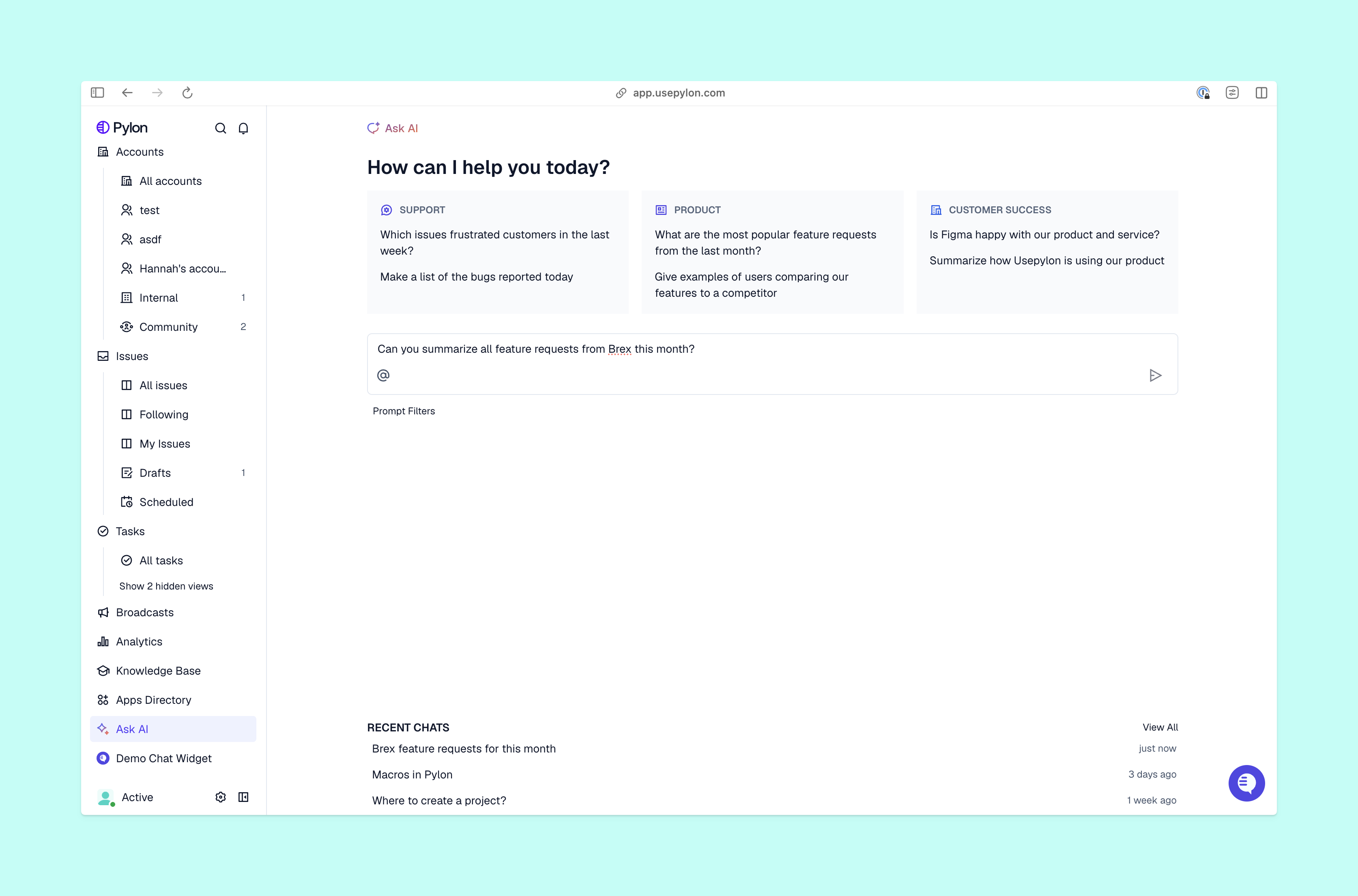
Launch is just the start of your AI agent’s iteration cycle. After you roll the agent out wherever your customer conversations already happen (like Slack and email), you can review the resolution quality and identify the gaps before you expand. To make it easier, join support teams who are already resolving more than half of tickets without human intervention using Pylon.
Pylon is the modern B2B support platform that offers true omnichannel support across Slack, Teams, email, chat, ticket forms, and more. Our AI Agents and Assistants automate busywork and reduce response times. Plus, with Account Intelligence that unifies scattered customer signals to calculate health scores and identify churn risk, we’re built for customer success at scale.
Unlike traditional rule-based automations, a Pylon AI agent acts as an extension of your support team that can be assigned directly to customer issues. It leverages your existing documentation to deflect questions, gather internal context, execute multi-step runbooks, and provide end-to-end resolution rather than just matching rigid keywords.
Want to see the difference in a live environment? Book a quick demo and we'll show you how Pylon agents handle real support scenarios.
With Pylon, support teams can easily create and test an operational AI agent in under an hour. While the exact timeline for full production deployment depends on the overall complexity of your specific business runbooks, the platform's setup is optimized to let teams launch functional automation on day one.
Curious how fast your team could get live? Talk to us — we'll walk you through a realistic setup timeline for your use case.
Yes. Pylon AI agents resolve complex B2B workflows using Runbooks, which are natural language manuals outlining step-by-step procedures. Agents autonomously navigate these steps, utilize contextual variables, and trigger custom actions inside or outside of Pylon — such as API calls — before seamlessly escalating the issue to human teams when necessary.
Building something more complex? Book a demo and walk us through your workflow — we'll show you how to model it in Pylon.
A Pylon AI agent operates across a native omnichannel ecosystem to meet customers where they are. The platform tracks and automates conversations across Slack Connect, shared Microsoft Teams channels, Discord communities, team email inboxes, in-app chat widgets, and standalone or API-driven customer support ticket forms.
Want to see omnichannel support in action? Schedule a demo and we'll show you how Pylon handles your specific channel mix.
No, technical programming skills aren’t necessary to build a Pylon AI agent. Instead of writing code, teams train agents and configure Runbooks by simply writing instructions in natural language. This provides the execution power of programming with the simple user experience of writing a step-by-step document.
See it yourself — book a 30-minute demo and we'll walk through a live agent build, no prep necessary.
Pylon Workforce Management is available now. See it in action with a live demo.



