HubSpot Service Hub makes sense when sales and marketing already run on HubSpot: tickets sit next to deals and contacts in one CRM. B2B support teams start looking elsewhere when customers want help in Slack Connect channels and Microsoft Teams, and when every issue needs an investigation, not just a record. Material Security evaluated HubSpot Service Hub and Zendesk and chose Pylon. Esther Disbot, Head of Product Support, explained the starting point: "When I first joined Material Security, we were primarily managing our customer support within Slack. Slack is not meant to be a support ticketing platform and is nearly impossible to manage as such."
Good news if you love HubSpot's CRM: you can keep it. Several tools below, including Pylon, sync with HubSpot.
Quick note on names: Intercom is the help desk, and Fin by Intercom is its AI agent. We use "Intercom" for the help desk and "Fin" for the agent below.
Why B2B teams look past HubSpot Service Hub
Slack is a sync, not the inbox. On Professional and Enterprise, HubSpot can sync help desk tickets to a Slack channel, let people update ticket properties from Slack, and sync replies on a ticket's integration note. Customer channels connected to the help desk are chat, email, forms, calling, WhatsApp, Facebook Messenger, and custom channels.
The help desk and AI agent start on Professional. The help desk workspace, Customer Agent, and knowledge base are listed on Professional. Skill-based routing and conditional SLAs are on Enterprise.
AI runs on HubSpot Credits. Each paid edition includes a monthly credit allowance that resets monthly, with more sold in packs or pay as you go.
What to look for in a HubSpot Service Hub alternative
- Native Slack Connect and Microsoft Teams channels, so customers can ask where they already work with you.
- A two-way HubSpot sync, if you're keeping HubSpot as your CRM.
- Agents that investigate across systems: your CRM, issue tracker, product data, and past conversations.
- Account-level SLAs and routing without needing a top-tier plan.
- A clear migration path for tickets, conversations, companies, contacts, and knowledge base articles.
The 7 best HubSpot Service Hub alternatives
Pylon
Best for: B2B teams that support customers in Slack, Microsoft Teams, email, and chat, and want to keep HubSpot as the CRM.
Pylon is the agentic support platform built for B2B. Slack Connect, Slack Community, email, the chat widget, Discord, WhatsApp, Telegram, SMS, and ticket forms are on every plan. Microsoft Teams and Google Chat are on Advanced and Enterprise. Conversations become issues in one inbox, linked to the account.
Works with HubSpot. Pylon syncs fields in either direction with HubSpot, so HubSpot data can drive views, triggers, and macros in Pylon. Each day, Pylon summarizes customer conversations and syncs the summaries to the matching HubSpot account. New people who join a customer channel get added to HubSpot as contacts.
Agents investigate issues before your team opens them, and your team directs the work:
- Support Agent answers from your content, collects information, gathers internal context, and can resolve issues end to end.
- Assist Agent investigates issues, drafts replies, and takes actions using workspace context.
- Slack Agent answers questions and takes action from Slack with Pylon's customer context and permissions.
- Automations run on an event or schedule, like investigating each new issue.
- Skills are reusable instructions that people and agents both run. Skills are on every plan and don't use credits.
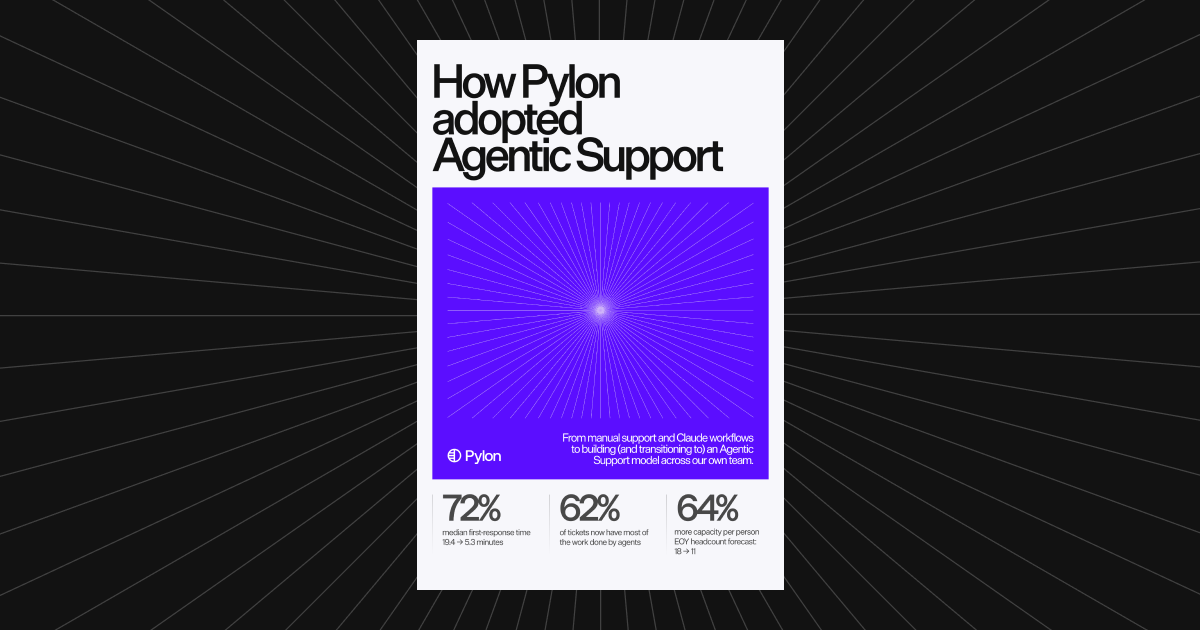
Proof: our own support team adopted these agents, and median first response time fell 72%, from 19.4 to 5.3 minutes.
Pricing: Professional is $89 per seat per month and Advanced is $139 per seat per month, on an annual contract. Enterprise is a custom quote. Agentic features run on credits, with a 5,000 credit minimum commitment. Pylon doesn't charge per issue. See Pylon pricing.
Tradeoffs: no free plan, a minimum seat count for new customers, and Microsoft Teams needs Advanced. Pylon replaces the help desk; it isn't a CRM, so you'd keep HubSpot for sales and marketing.
Migrating from HubSpot Service Hub: the HubSpot Service Hub migration guide maps users, companies, contacts, tickets, conversations, and knowledge base categories and articles into Pylon. Migrated tickets arrive as closed issues. You can use Pylon's guided migration service for a one-time fee, or export from HubSpot and use Pylon's import API. Across 300+ migrations from Zendesk, Intercom, and Salesforce, 90% finished in under 2 months. See the HubSpot integration.
Zendesk
Best for: large teams that want deep configuration and a big app ecosystem.
Zendesk's Suite plans bring email, messaging, phone, and social into one place and list messaging apps including WhatsApp and Slack. Plans include AI agents with a set number of automated resolutions per agent. See Pylon vs Zendesk.
Freshdesk
Best for: teams that want classic ticketing at a low entry price.
Freshdesk includes ticketing, a shared inbox, a customer portal, and a knowledge base on every paid plan. Freddy AI Agent includes 500 free sessions once per account, and its Slack app can create tickets from Slack messages.
Intercom
Best for: product-led teams supporting customers in-app.
Intercom pairs Messenger live chat with a shared inbox, ticketing, and a help center. Fin bills per outcome, on Intercom or on another help desk, including HubSpot. See Pylon vs Intercom.
Help Scout
Best for: small teams answering mostly email.
Help Scout covers email, live chat, SMS, WhatsApp, Instagram, and Messenger on paid plans, and connects to HubSpot on Plus and above. Its Slack integration sends notifications only.
Front
Best for: email-first teams that want a collaborative inbox.
Front's Professional and Enterprise plans are omnichannel, and Front can reply to Slack messages and connect Microsoft Teams channels to an inbox. Copilot and Autopilot are AI add-ons. See Pylon vs Front.
Plain
Best for: technical B2B teams that support customers in Slack.
Plain's Foundation plan includes Slack, email, and in-app channels and AI agents on monthly credits. Microsoft Teams and CRM integrations are on Horizon. See Pylon vs Plain.
HubSpot Service Hub alternatives compared
Entry prices only, from each vendor's pricing page on Nov 5, 2026. "Best for" is an editorial judgment, not a vendor claim.
| Platform | Best for | Customer channels (per vendor) | AI | Entry price |
|---|---|---|---|---|
| Pylon | B2B support in Slack and Teams, HubSpot CRM kept | Slack Connect, email, chat, Discord, WhatsApp, Telegram, SMS on every plan; Microsoft Teams and Google Chat on Advanced+ | Support Agent, Assist Agent, Slack Agent, Automations (credits); Skills | Professional $89 per seat per month, annual contract, plus credits |
| HubSpot Service Hub | Teams on HubSpot CRM | Chat, email, forms, calling, WhatsApp, Messenger, custom; Slack ticket sync on Pro+ | Customer Agent (HubSpot Credits) | Free; Starter $20 per seat per month, billed monthly |
| Zendesk | Large teams needing configuration | Email, messaging, phone, social; Slack listed as a messaging app on Suite | AI agents, Copilot | Support Team $19 per agent per month, paid yearly |
| Freshdesk | Low entry price ticketing | Email, customer portal; Slack app creates tickets | Freddy AI Agent, Freddy AI Copilot (add-on) | Growth $19 per agent per month, billed annually |
| Intercom | In-app, product-led support | Messenger live chat, shared inbox | Fin | Essential $29 per seat per month ($19 for new customers paying annually) |
| Help Scout | Small teams on email | Email, live chat, SMS, WhatsApp, Instagram, Messenger; Slack for notifications only | AI Drafts, AI Summarize; Envoy (add-on) | Free plan; Standard $25 per user per month |
| Front | Collaborative email teams | Email, SMS, social, WhatsApp (add-on), Slack, Microsoft Teams channels | Copilot, Autopilot (add-ons) | Starter $25 per seat per month, billed annually |
| Plain | Technical B2B teams in Slack | Slack, email, in-app; Microsoft Teams on Horizon | Customer Agent, Sidekick Agent (credits) | Foundation $45 per user per month, billed annually |
Which HubSpot Service Hub alternative fits?
If your support is mostly email and chat and your team lives in HubSpot all day, Service Hub may still be the right call. If customers expect answers in Slack and Teams, and you want agents to investigate before your team opens an issue, Pylon is built for that, and it keeps HubSpot in sync. Book a demo.
FAQ
What is the best HubSpot Service Hub alternative for B2B support?
For B2B teams that support customers in Slack, Microsoft Teams, and email, Pylon is built for account-based support with agents, and it syncs with HubSpot so you can keep it as your CRM. Zendesk suits large teams that want deep configuration, and Front suits email-first teams.
Can I keep HubSpot CRM if I move support to Pylon?
Yes. Pylon syncs fields in either direction with HubSpot, syncs daily AI summaries of customer conversations to the matching HubSpot account, and adds new customer channel members to HubSpot as contacts.
Does HubSpot Service Hub support Slack?
On Professional and Enterprise, HubSpot can sync help desk tickets to a Slack channel, let people update ticket properties from Slack, and sync Slack thread replies back to the ticket.
How is Pylon priced compared with HubSpot Service Hub?
Pylon Professional is $89 per seat per month and Advanced is $139 per seat per month, on an annual contract. Enterprise is a custom quote. Agentic features run on credits, and Pylon doesn't charge per issue. HubSpot Service Hub has a free edition, paid seats from $20 per seat per month, and AI features that run on HubSpot Credits.
Can I migrate from HubSpot Service Hub to Pylon?
Yes. Pylon's migration guide covers users, companies, contacts, tickets, conversations, and knowledge base content. Migrated tickets arrive as closed issues. You can use Pylon's guided migration service or import through Pylon's API.