Most SaaS companies offer multiple support channels, but without a clear customer experience (CX) strategy, those channels often feel disjointed. Maybe chat is quick and polished, but your email communication feels slow or impersonal. A strong CX plan connects all your support touchpoints and keeps them on the same page.
In this guide, we’ll explain what a CX strategy is, what it should include, and how to create a plan that works for your company.
Customer interactions happen across different teams — for example, support owns tickets while success handles renewals. If these teams don’t work from the same playbook, the CX is inconsistent. A CX strategy gives post-sales teams clear guidelines for communicating with customers.
When your team shows up the same way across all channels, people always know what to expect. This reliability creates a B2B customer experience that makes your company feel trustworthy and professional.
Companies with good CX strategies tend to have higher retention rates and better revenue growth. In B2B SaaS, where relationships often last for years, CX plays an even bigger role. A single broken touchpoint in a SaaS customer support pipeline can make your team look unreliable and hurt confidence in your product, putting the entire account at risk.
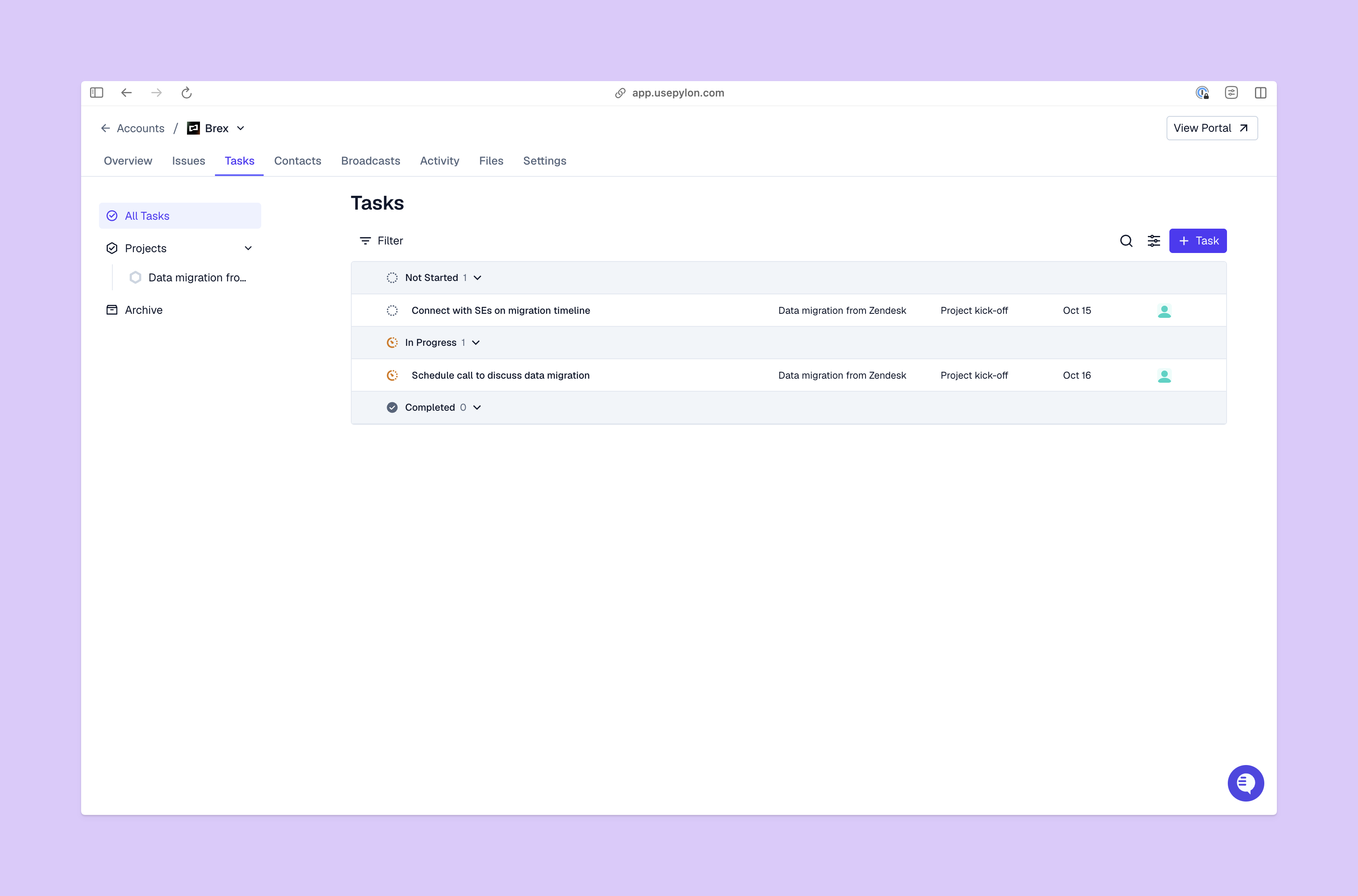
Here are the important elements of a CX strategy:
Here’s how you can design a CX strategy for your company.
Start by asking questions like “What’s our customer experience now, and what do we want it to look like?” and think about how your company can offer the best support to every account.
Then pick a few key goals, like making onboarding smoother, reducing escalations, speeding up response times, or keeping customers from churning. Choose a few important KPIs to focus on, so it’s easier to sort through the noise to find gaps and make improvements.
Get feedback from every channel your team uses to talk with customers, including email, chat, forms, tickets, and Slack support. Then look for patterns like repeat questions, common issues, and areas where expectations often don’t match reality.
Once you understand customer needs and have clear goals, you can start finding ways to improve the customer experience. For example, you could:
Make sure your team has what they need to track performance, so they can improve on weaknesses to offer the best customer support possible.
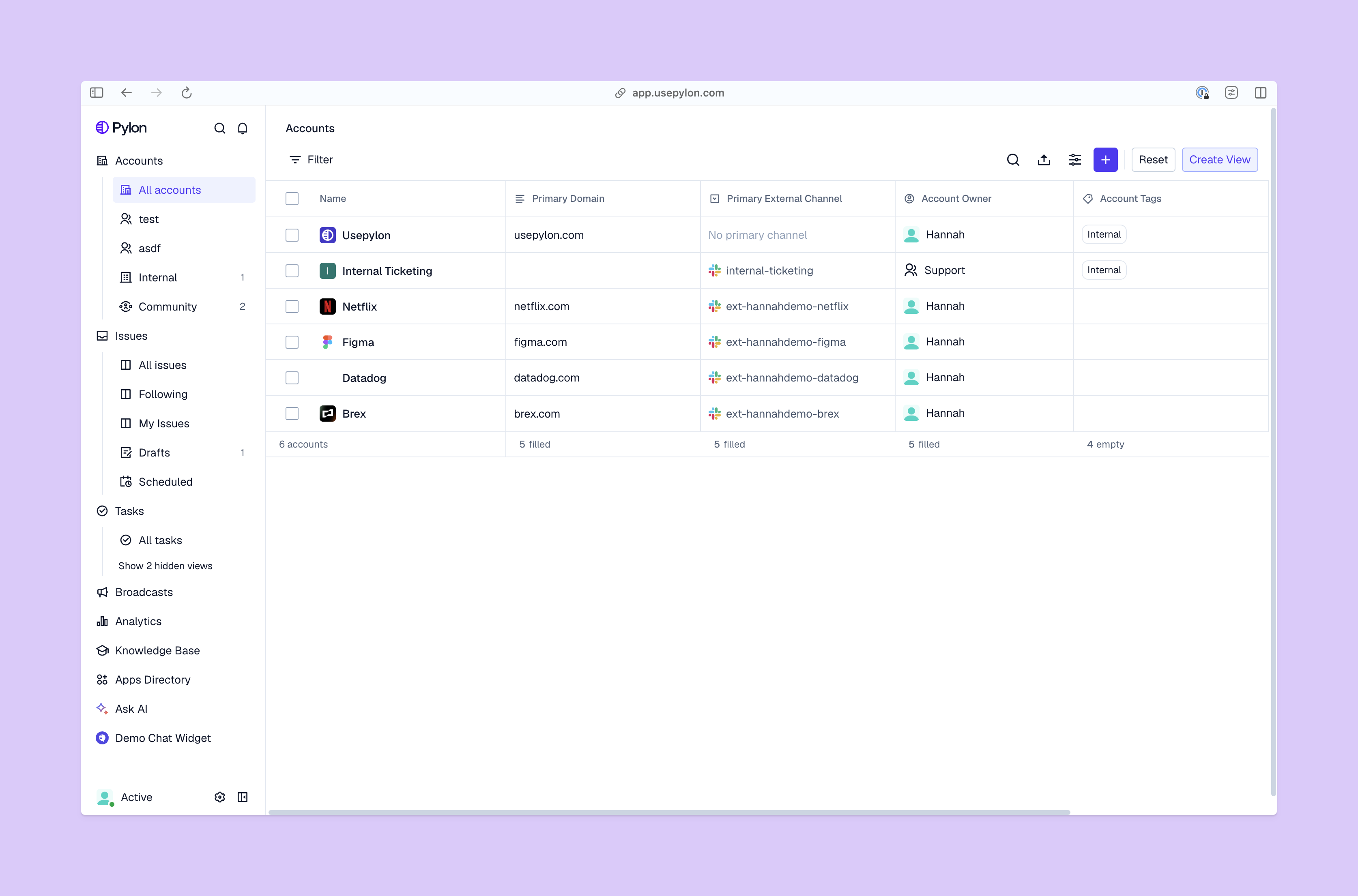
This four-step process is simpler if you have a central platform where your team can work together. Pylon brings your customer communications and feedback together in one place, helps you track important KPIs, and lets you use automation and AI tools to put your strategy into action.
Customer expectations change and customer bases expand, so the CX strategy that worked last year might not cut it today. Keep an eye on how well the strategy helps your team make improvements, and update it when needed.
To check if your strategy is working, you can use metrics like satisfaction scores and customer churn datasets, along with more open-ended feedback from your support and success teams. Look for repeat issues, or areas where the improvements you want aren't happening.
It’s best to do this regularly — you can set up yearly or quarterly reviews. And don’t forget to turn what you learn into action by changing up your strategy and updating procedures.
Here are some examples of successful customer experience optimization strategies and customer service best practices:
Building a great CX strategy is an ongoing project that involves paying close attention to outcomes and adapting how your teams work. To do that, you’ll need clarity and visibility across all accounts, and real-time insights to help you monitor and improve customer satisfaction rates.
Pylon is the modern B2B support platform that offers true omnichannel support across Slack, Teams, email, chat, ticket forms, and more. Our AI Agents and Assistants automate busywork and reduce response times. Plus, with Account Intelligence that unifies scattered customer signals to calculate health scores and identify churn risk, we're built for customer success at scale.
Pylon Workforce Management is available now. See it in action with a live demo.