
All Articles
Guides

Survey customer experience: How to design, plan, and use CX surveys

Learn how to design and analyze effective customer experience surveys, and then use the data to boost customer satisfaction and business growth.

Dan Guo
January 8, 2026

Customer experience (CX) surveys help you understand customer needs as they use your product and talk with your support team. Well-built surveys bring in data that shows where customers are having trouble and when they need more help. Then you can make changes to improve customer satisfaction and encourage growth.

This guide explains how to plan and design CX surveys, and how to act on customer feedback to drive retention.

Intro to customer experience surveys

A CX survey asks how customers feel about a specific interaction with your product or company. That moment could be a feature rollout, an onboarding video, a support ticket, or an account check-in.

Most surveys combine quick scoring questions with free-form response fields, which gives you both at-a-glance data and context. Individual replies will vary, but patterns over weeks or months can give you insight into customer sentiment and help you figure out how to reduce churn.

CX surveys let your team answer practical questions like: 
  • Did the account get help fast enough?
  • Did the interaction feel clear?
  • Did the support team have enough background information?
  • What follow-ups should you make?

Survey questions that get results: 7 categories

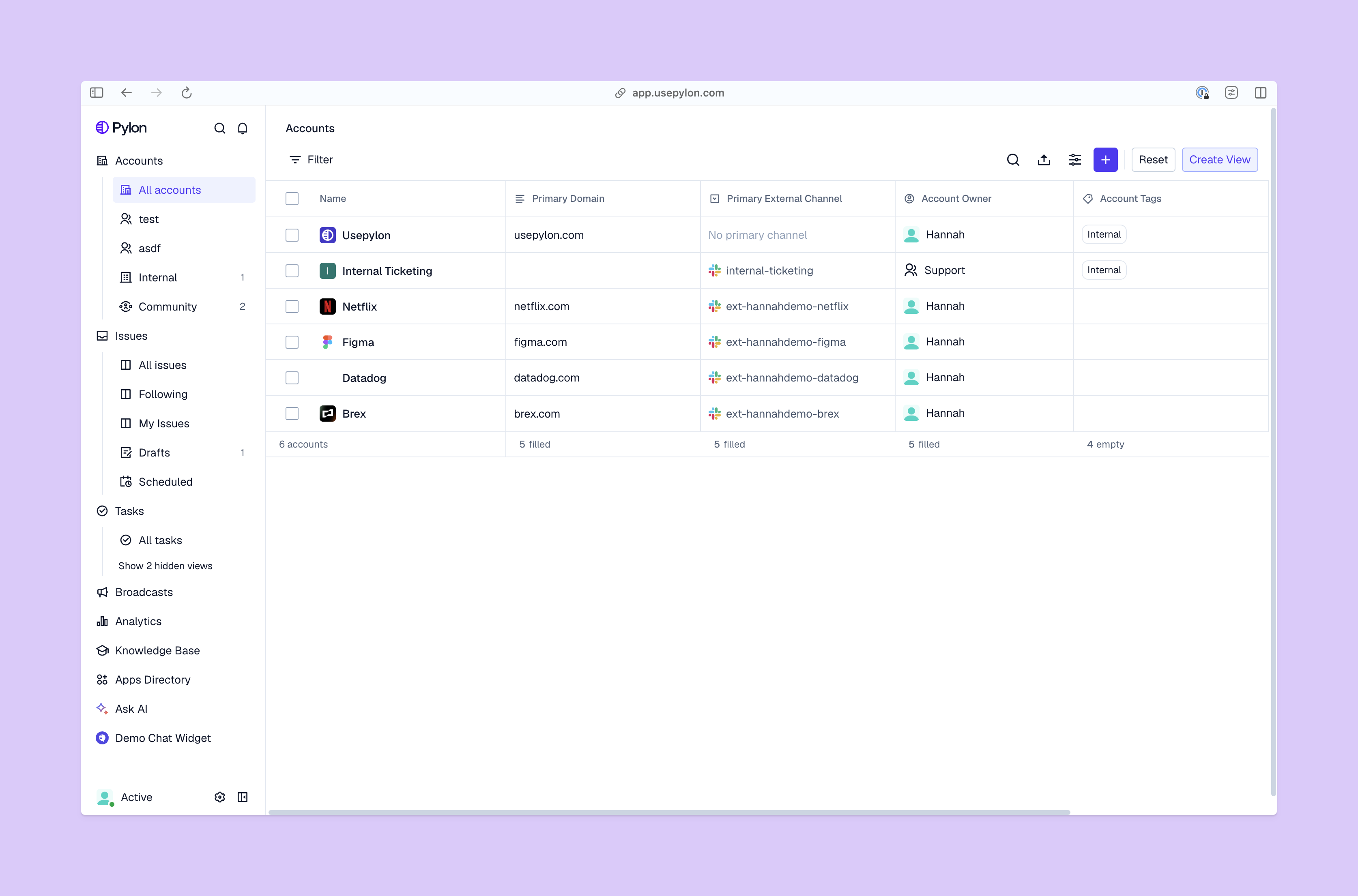
Keep track of all accounts with Pylon

Customer experience survey questions should be easy to read and answer. If a question sounds like internal jargon, most customers will skip it or give unhelpful answers.

A lot of CX surveys follow a simple format: one rating question (i.e., “score this interaction on a scale of 1 to 5”) paired with a short follow-up where the customer can share their thoughts. The score gives you a baseline and helps you calculate averages, while the free-response option explains what drove the rating.

Here are some types of questions you could include on your CX survey.

1. Multiple choice

Multiple choice questions ask customers to choose one option from a list. Support teams use these questions to collect important background information about an interaction, and segment customer responses into categories.

Example questions:

  • Which channel did you contact us through?
  • What issues did you reach out about?
  • Which role best describes you?

2. Rating scales

Some questions ask customers to rate an experience on a specific scale. While you can use numbers (i.e., 1 to 5), it’s a good idea to use semantic scales instead, like “from very easy to very difficult.” This makes the scale clearer to customers and helps your team understand the results.

Example questions:

  • How helpful was our support today?
  • How easy was it to resolve this problem?
  • How well did we explain the issue?

3. Open ended

Open-ended questions often reveal issues you didn’t think to ask about. It’s best to use these sparingly and make them optional, so you don’t overwhelm customers.

Example questions:

  • What felt frustrating?
  • What should we change?
  • What would have made this process easier?

4. Follow-ups

Good customer surveys usually have follow-up questions so customers can explain their scores. This lets customers feel heard, and helps you understand not just what worked or what didn’t, but why.

Example questions:

  • What led you to choose that score?
  • What could we improve next time?
  • What worked well?

5. Product use

Product questions help you understand how customers feel about your product and where they’re struggling to use it. These questions are most useful after onboarding milestones or feature changes. Use specific wording to get clear answers, and ask about one feature or workflow to keep the feedback focused.

Example questions:

  • How easy was it to set up this feature?
  • Did the product work the way you expected?
  • What slowed you down while using this workflow?

6. Customer sentiment

Customer sentiment is how people feel about your product and company, and questions about sentiment help you measure customer experience. Ask for one score per interaction, like a customer satisfaction score. If you pack multiple questions into a single survey, it can discourage customers from completing it.

Example questions:

  • How was your experience with our support today?
  • How difficult was it to solve this problem?
  • Would you recommend our product to your network?

7. B2B-specific

B2B survey questions tend to focus on work-related outcomes instead of personal preferences. Questions connected to actual workflows tell you if your product improves customers’ daily work, and you can sync the data to your B2B customer success tools so your team can act on it.

Example questions:
  • Did this issue block your work?
  • How quickly were you able to move forward after contacting support?
  • Did our support team understand your account setup?

How to plan your customer experience survey

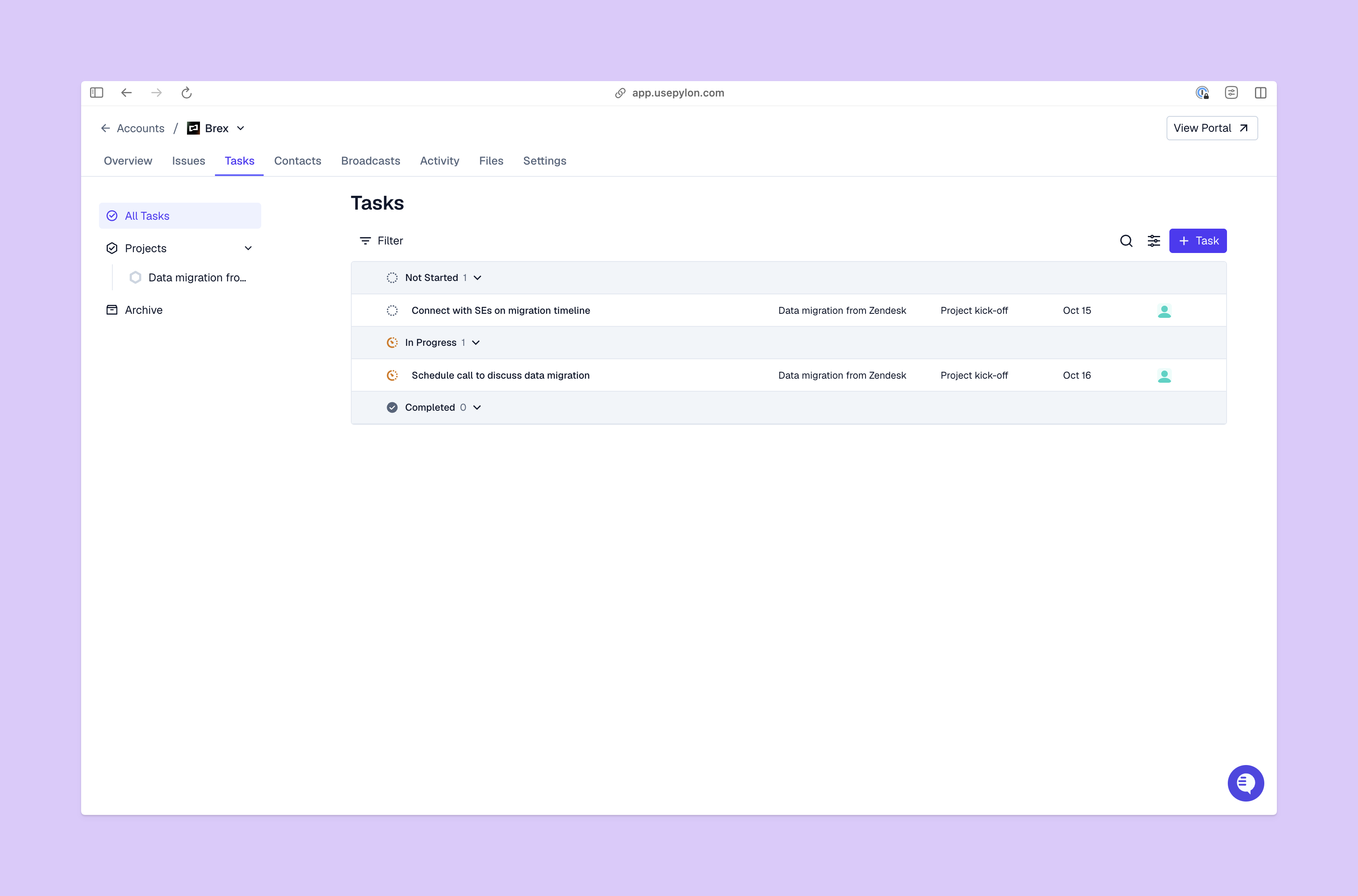
Keep track of all tasks and projects with Pylon

Here are some best practices for customer surveys, so you get useful results but don’t put extra burden on your customers:

  • Start with a goal in mind. A clear goal keeps your survey targeted and makes results easier to understand. You could focus on how fast customers get help or how account type affects sentiment. 
  • Understand your customers. Survey questions should reflect your customers. An admin who wants to set up integrations will care about different issues than an end user who’s submitted a support request. So use account context like role, industry segment, and recent activity to shape your questions.
  • Do your research. Just as it’s important to know your customers, you should understand your market and competition. Industry and competitor research helps you write questions that show how customers feel about what you offer and what they could get elsewhere.
  • Review past survey results. Look at past surveys to avoid questions that didn’t return useful insights. Patterns in earlier replies also show where survey wording was confusing or where you might need follow-ups.
  • Choose the best moments. Focus on moments where you can make specific improvements, like onboarding or support interactions. If you’re selective about when you send surveys, you also won’t annoy customers.
  • Pick the right channels. Surveys perform best when they show up in places your customers already visit. With Pylon’s customer experience survey software, you can create different types of surveys and send them via multiple channels.
  • Set survey timing with triggers. Triggers help surveys reach customers at the right times. For example, you could create a trigger to send a customer satisfaction survey after each support ticket is closed.
  • Keep your surveys short. Shorter surveys tend to get more responses, because they ask less from customers. If you need more details, it’s better to run multiple short surveys over time.
  • Add open-ended questions. If you only use rating scales and multiple-choice questions, you don’t get much detail about customer feelings. So include at least one open-ended question where customers can share their thoughts.

How to act on survey results

Survey data is only useful if it leads to action, so here’s how your team can learn from CX surveys:

  • Look for patterns. Categorize survey results by issue type, support channel, account group, and response timing to see where friction repeats. 
  • Pay attention to written feedback. Common themes in written responses make it easier to understand why survey scores are high or low.
  • Turn insights into ownership. Make sure survey results get to the right places. Support can improve handoffs and adjust workflows, while customer success teams can follow up with accounts that aren’t doing well. With Pylon’s analytics dashboards, you can help each team review specific survey results alongside account context.

Make CX surveys part of your customer success plan

Customer experience surveys are most useful when you build them into your support and success workflows. Keep the questions consistent and the timing predictable, and follow up often. Also, review results on a regular basis to see whether changes lead to better responses.

Pylon is the modern B2B support platform that offers true omnichannel support across Slack, Teams, email, chat, ticket forms, and more. Our AI Agents and Assistants automate busywork and reduce response times. Plus, with Account Intelligence that unifies scattered customer signals to calculate health scores and identify churn risk, we're built for customer success at scale.

Book a demo

FAQ

What questions should I ask in a customer experience survey?

Ask about overall satisfaction, quality of product/service, ease of use, support experience, value for money, and likelihood to recommend or return.

How do I measure customer experience?

Use metrics like overall satisfaction (CSAT), effort required (CES), loyalty/recommendation likelihood (NPS), and behavior intent (e.g. repeat purchase or return).

What are the 4 types of customer satisfaction surveys?

Transactional (after specific interactions), relational (overall relationship over time), touchpoint (on specific contact points), and brand perception surveys.

Explore more

No items found.

Explore more

Industry

The 6 best ticketing systems for startups

Dan Guo
January 6, 2026
Blog post
Industry

Building Slack ticketing systems for scalable customer support

Pylon Team
January 7, 2026
Blog post
Guides

Customer Support on Discord: How to Set It Up, Benefits, & Drawbacks

Yoona Kim
July 10, 2025
Blog post
Guides

Template for an FAQ document: A guide for customer support managers

Yoona Kim
January 8, 2026
Blog post
Industry

Omnichannel Support: Best Practices, Tools, and Strategies for B2B Teams | 2025 Guide

Pylon Team
October 6, 2025
Blog post
Guides

How AI-Powered Customer Support Reduces Response Times by 97% (Complete 2025 Guide)

Pylon Team
June 12, 2025
Blog post
Industry

How to Scale Your Support Operations in Slack | A Guide to Modern B2B Platforms

Pylon Team
October 27, 2025
Blog post
Industry

15 Best Zendesk Alternatives in 2025

Pylon Team
June 2, 2025
Blog post
Team

Bennett Amodio, Founding Engineer

Advith Chelikani
May 9, 2024
Blog post
