


As B2B companies grow, support tickets increase — both in number and complexity. Help desk solutions are a popular way to keep offering high-quality customer support at scale. They can automate escalations, save and centralize customer context, and keep communication consistent across channels.
Read on to learn about how help desk systems help your team exceed customer expectations.
A help desk is a centralized system that helps support teams manage and resolve customer issues efficiently. It turns issues into structured support tickets that the team can then prioritize, assign, and track. Modern help desk platforms usually use automation and AI to escalate issues to the right team and answer simple questions autonomously.
Here are the main benefits of having a help desk:
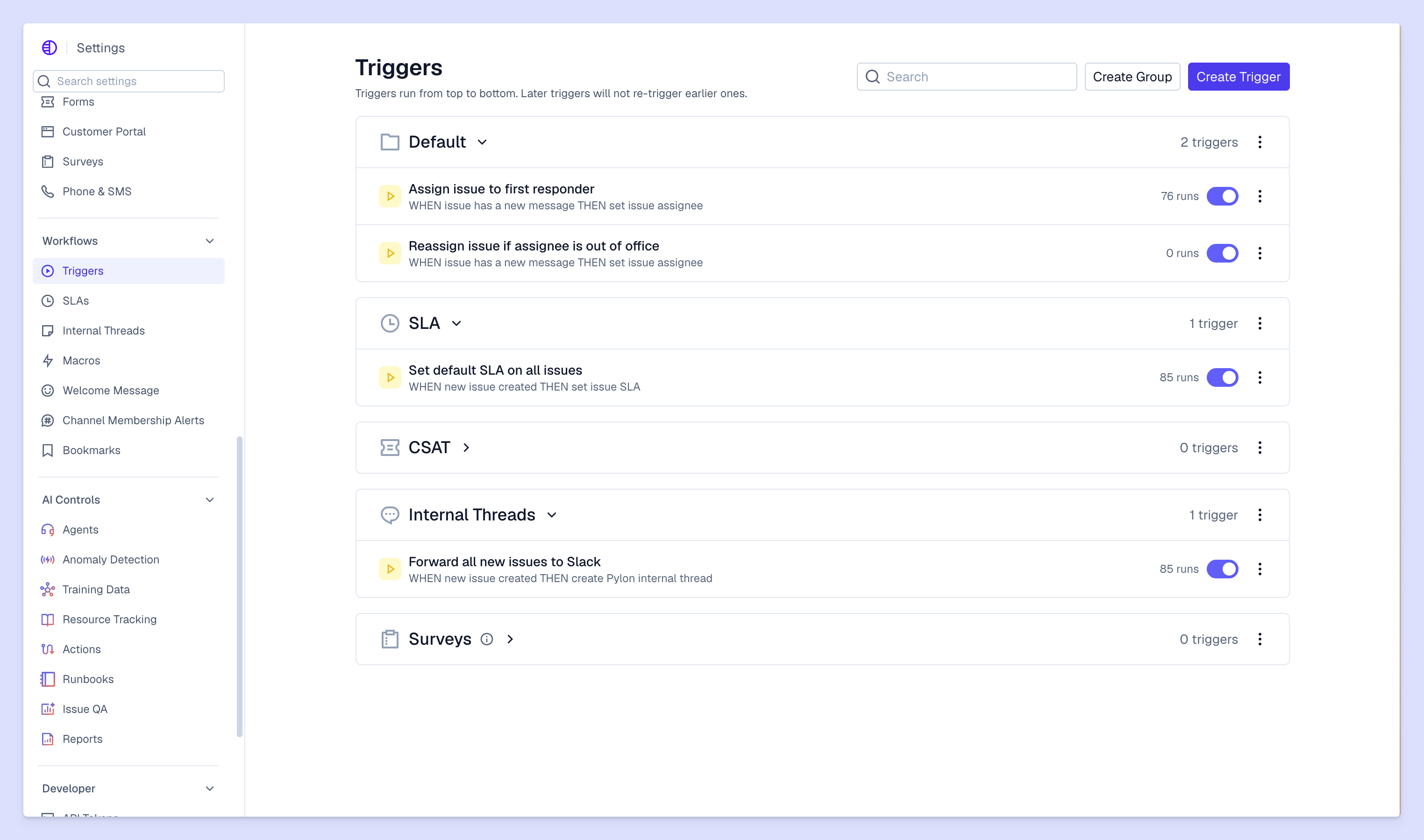
Great help desks use these features to ease the burden on your post-sales support teams.
A good help desk ticketing system organizes tickets for you. This might include categorizing them in terms of priority, urgency, and importance, or into some other category grouping you’ve chosen. Some help desks even use conversational ticketing, where the software automatically converts conversations on platforms like Slack or Teams into support tickets, without disrupting the flow of communication.
And next-level help desks use AI ticketing systems to automatically prioritize tickets and route them to the right person, which can reduce resolution times by up to 50%. AI assistants can suggest responses, too, saving time and helping your team work faster.
Customer support teams often have to answer the same question again and again. An AI help desk automates responses to these common questions, so customers enjoy instant answers and your team can focus on unique queries that require a human touch.
Although old-fashioned small business help desk software often used chatbots to spit out rote answers to basic questions, modern B2B systems offer more personalized communication. They draw on knowledge bases and past customer interactions to generate accurate responses that refer to the relevant context.
Customers value self-service options, with 61% preferring to use self-service to resolve issues. For simpler problems, help desks can quickly point customers in the direction of a self-serve answer, like an FAQ page or knowledge base article.
The help desk saves this context (that the customer went looking for an answer to that question), so if you chat with that customer about the same issue, you know they already tried the self-service solution so shouldn’t recommend it again.
Worth noting: If that customer asks the same question again via a different method — maybe in a call with their POC on your side — that might mean that the self-serve option requires improvement. But also, having this context means your support team should be extra proactive in resolving their issue, since the customer might be frustrated that they’re having to get more help.
Some customers prefer to chat via email, while others like Slack. Help desks can meet customers where they’re at, offering services across every channel your accounts use. A help desk solution brings all these conversations together, so your support team can manage multi-channel communication from a single dashboard.
Help desks generate data you can use to track performance and make improvements to your ticketing system. You can access dashboards showing common customer support metrics like ticket volume, response and resolution times, and customer satisfaction.
Complex B2B customer support issues often require input from multiple team members, so help desk systems include collaboration tools to make that process easier. Your team can assign tickets, make internal notes to each other, and link tickets that refer to the same issue, for example.
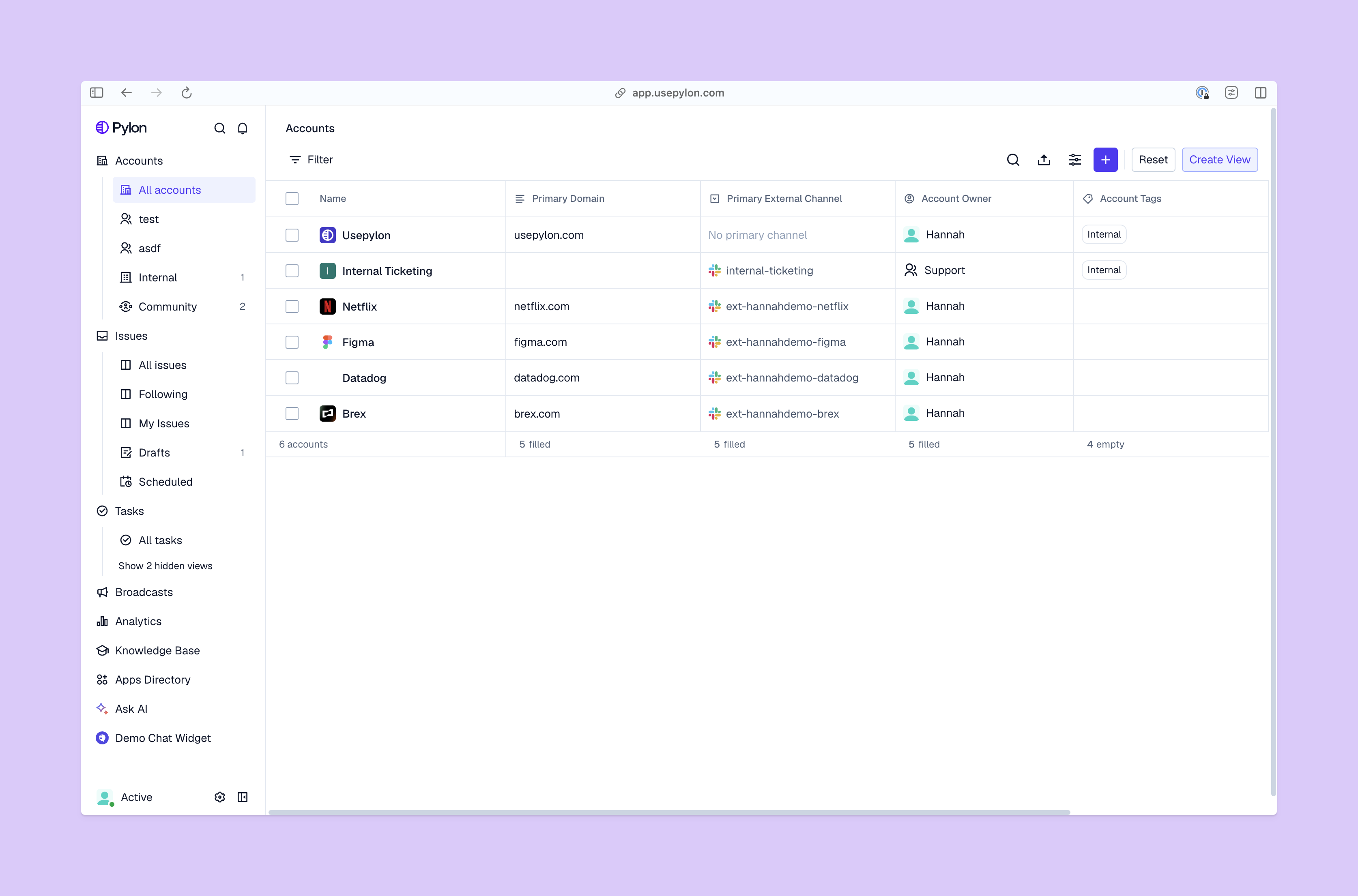
Work with all your post-sales team leads to choose a help desk platform that meets your needs. Here are five factors to keep in mind when doing this brainstorming.
Make sure the system you choose can scale with your company. For example, you might only use agentic AI to speed up support across in-app chat and Slack right now, but later you might want to offer support via Teams, email, and Discord. And the system you choose needs to be able to handle inconsistent ticket loads as your team moves through busier and slower scaling periods.
Automation is a key part of why help desks increase your team’s efficiency. Find one that offers automations for the specific tasks your team finds tedious, like sending customers troubleshooting guides for simple problems. Use an AI-powered platform that automates manual work while keeping human communication at the heart of customer support, so customers don’t feel like it’s impossible to connect with a real person from your team.
Watch out for systems with low starting prices but high charges for premium options. If you use lots of extra features, the costs could escalate fast, especially as your company scales. So calculate an overall yearly cost — including all add-ons and options — to make an accurate comparison.
Also, estimate the cost savings you can expect from extra support team efficiency, and offset those against the cost of the software to find the most cost-effective solution.
Your help desk system should integrate smoothly with your customer relationship management (CRM) system, as well as the messaging apps and other software you use. That way, your team can easily use it and you get better across-the-board insights. So check the list of help desk integrations that each solution offers, and compare it against the systems you already use.
A help desk is primarily aimed at solving customer issues, but it can also support your company’s broader goals. Customer interactions contain tons of valuable information that highlights customer needs and your product/supports’ weak spots. Pylon’s Account Intelligence, for example, analyzes signals from customer communications and turns them into actionable insights your team can use to fix blindspots and customer happiness, in turn boosting retention efforts.
Help desk solutions are a side-kick for your post-sales support team, not a replacement. The right platform takes busywork off your teams’ plates, helping them focus on more complex, interesting, and important problems.
Pylon is the modern B2B support platform that offers true omnichannel support across Slack, Teams, email, chat, ticket forms, and more. Our AI Agents and Assistants automate busywork and reduce response times. Plus, with Account Intelligence that unifies scattered customer signals to calculate health scores and identify churn risk, we're built for customer success at scale.
A help desk solution is a centralized platform for managing, tracking, and resolving user inquiries and technical issues, ensuring efficient communication between support teams and their users.
Common types include internal help desks for employees, external help desks for customers, and specialized formats such as cloud-based, outsourced, or hybrid support models.
They differ in scope; a help desk is the first point of contact for daily issues, while IT support focuses on complex technical troubleshooting and infrastructure management.
AI will likely augment the help desk by automating routine tasks, but human employees remain essential for handling complex, sensitive, and relationship-driven customer issues.
Pylon is ideal for small teams, with omnichannel B2B support across Slack, Teams, email, and more — plus native AI workflows and CRM integrations to streamline your support operations.
Pylon Workforce Management is available now. See it in action with a live demo.





