Customer support can make or break a B2B relationship. About three-quarters of customers switch to a competitor after multiple bad experiences, and roughly the same proportion go out of their way to switch to a company known for outstanding support.
Customer service objectives help organizations understand and improve their support. These goals need to be clear, measurable, and tied to company needs. Defined objectives let teams determine their ideal results and take proactive steps to maintain them for years to come.
Discover what support team objectives look like and how to measure them in real time.
A customer support objective is a specific goal that aligns support activity with a company outcome. Here’s a summary of the three main types:
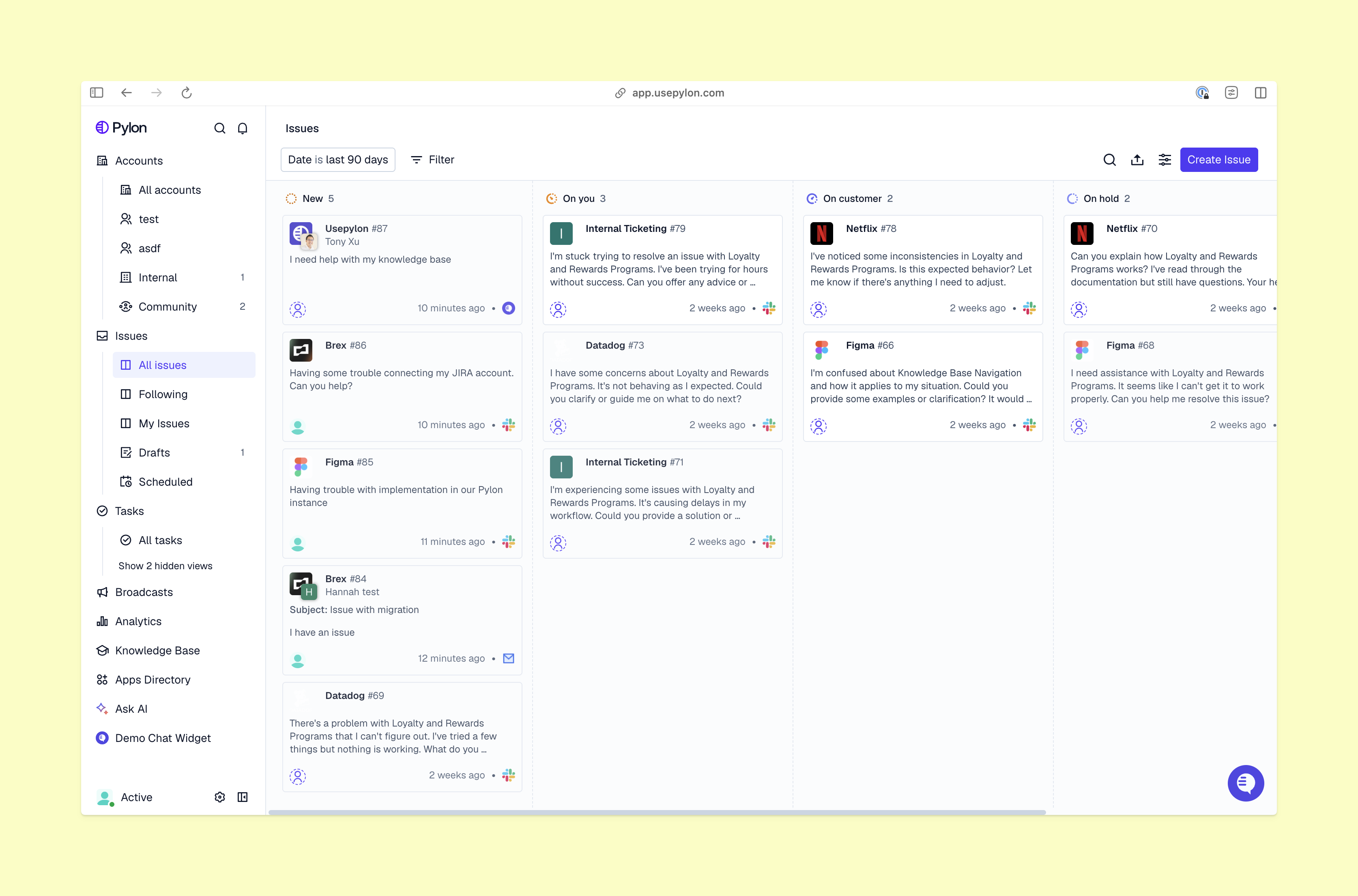
Pick objectives for customer service tailored to your company’s situation. For instance, some teams set goals by growth stage. Early-stage SaaS companies may focus on speed and responsiveness to build quick relationships. On the other hand, mature companies could prioritize SLA compliance and customer retention to build trust with long-term accounts.
Here are some common objectives to consider for your team.
FRT measures how quickly customers receive responses after requests. Because B2B issues are often complex and take time to resolve, it’s important to quickly tell customers the solution is in progress and set expectations about how long it will take. A fast first response reassures customers and helps them plan their own work.
It’s easy to track response times in Pylon with the default dashboard. Set an overall FRT target that’s realistic for your team, and monitor your numbers at a glance. You may also want to determine individual targets for high-value customers or customer tiers. For example, enterprise accounts may need the fastest FRT.
First contact resolution (FCR) tracks how many issues your customer support team resolves in the first interaction. This is a great indicator of your team’s efficiency and problem-solving skills and also contributes to customer satisfaction.
In B2B customer support, handoffs increase the risk of delays and lost customer context. When you improve FCR, you reduce operational complexity and keep the ticket queue manageable. Fewer back-and-forth handoffs also removes frustration for the customer — they get a fast resolution and get right back to work.
With Pylon, you can use AI assistants and agents to resolve issues quickly. AI resolves routine tasks end to end, which lets customers solve problems with plain-language requests in moments. You can also send out automatic CSAT surveys after each interaction to ensure customers are happy with the solution.
Align with service level agreements (SLAs) to maintain quality and consistency. These documents define expectations, like response and resolution times. SLA compliance measures how successfully you meet these commitments.
In B2B companies, SLA targets often vary by customer tier. Prioritize SLA compliance based on customers’ revenue impact and strategic importance. For instance, high-priority accounts may require speedier responses so they don’t have to wait for help.
With Pylon, you can monitor this compliance in real time. Set your SLA goals, and receive automatic notifications when you near a breach. This lets you pour special attention into accounts and quickly get back on target.
CSAT measures how happy customers are with support interactions. Strong communication, speed, and personalized experiences all factor into this metric. You typically gather this data through surveys that ask customers to rate performance and satisfaction on a scale from 1 to 5. Some surveys also ask for specific thoughts and concerns, which gives you valuable qualitative insights.
Use Pylon to collect customer feedback after each interaction with automated CSAT surveys. This lets you capture valuable opinions when they’re fresh, then immediately put them to use.
Set measurable targets for ticket volume reduction from self-service. When you offer customers self-service options through AI agents and knowledge bases, you give them a fast, automated way to solve problems. This also improves your support team’s efficiency. If customers answer questions themselves, there’s less need for communication with your support team, and ticket volume decreases.
Self-service helps teams scale. It lets them meet high-volume support demand, and headcount and costs don’t increase at the same rate.
Pylon’s AI-powered Knowledge Management makes it easy to create and update informational content quickly. You can then track usage rates and ticket deflection through the dashboard. This tells you how often customers interact with content and how effective it is.
Escalation rate measures how often your support team needs to push issues to other teams for resolution. It eases handoffs and cross-team pressure when you lower this number, which makes it a critical customer service job objective. For example, a support rep may route an API issue to an engineer, who then sends it to the post-sales team.
Although escalations are unavoidable in B2B companies, high escalation rates often point to problems with team training, resources, and workflows. It shows your support team isn’t able to resolve issues independently. When you reduce this number, it improves company efficiency and means customers don’t have to wait long for resolution.
Pylon can track escalation rates and identify trends by issue type, customer, and team. You can use centralized, omnichannel collaboration to share context and resolve issues quickly.
Utilization rate is how much of the support team’s capacity is used. This metric lets you track your support team’s productivity and optimize structure and schedule.
For B2B teams, low utilization is a sign of inefficiency or overstaffing, while very high utilization can lead to burnout and dips in support quality. Aim for a good balance of efficiency and sustainable performance.
Pylon’s reporting dashboards give you a real-time picture of how the workload is distributed across your team. This gives you an overview at a glance, which lets you monitor team performance and improve people decisions in real time.
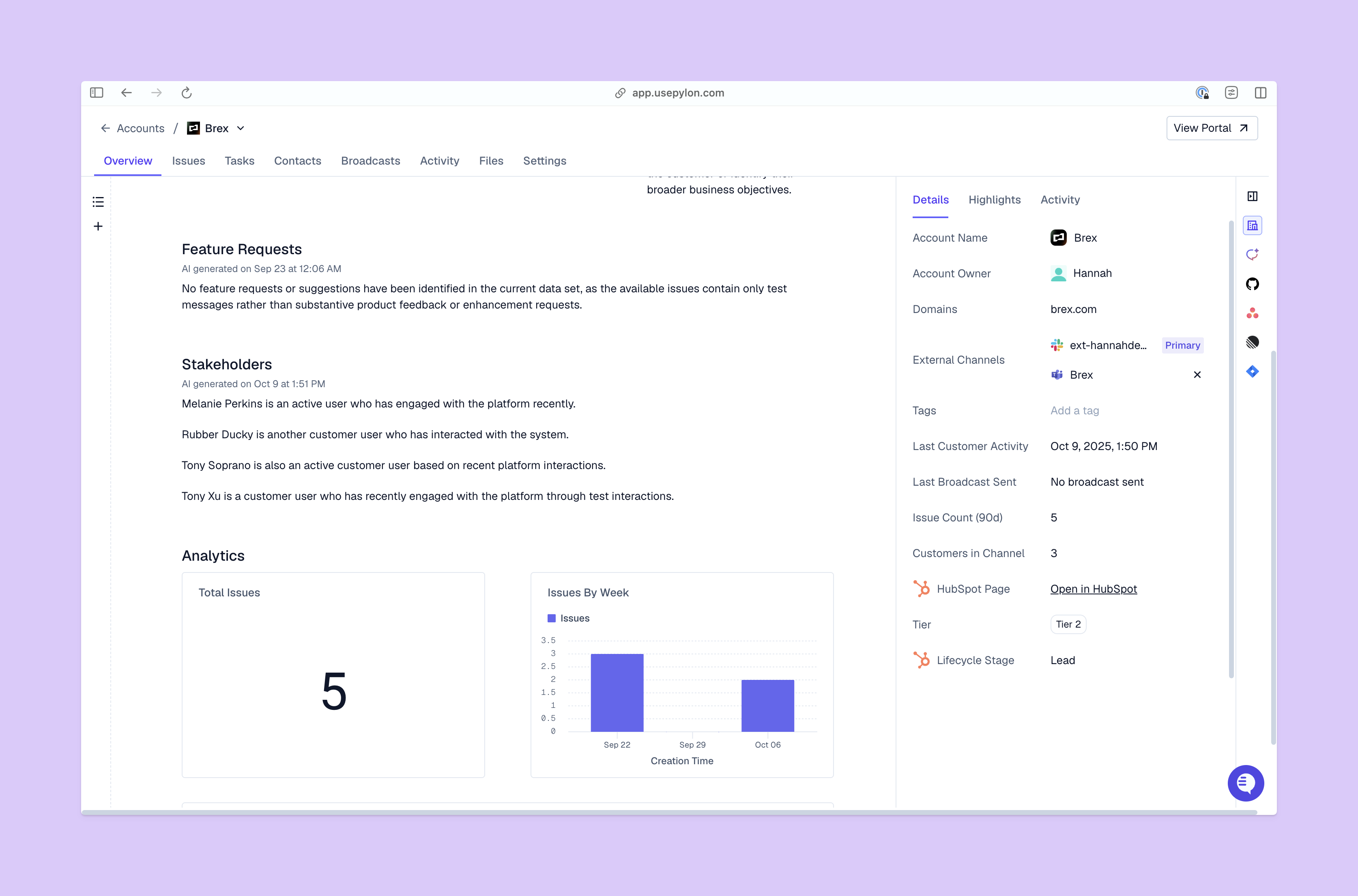
Pylon’s real-time reporting dashboard measures customer service objectives and strategies in a single, centralized view. The default dashboard already contains many of the metrics we’ve talked about, like CSAT and SLA compliance. But it’s easy to tailor your dashboard to different KPIs based on the customer care goals you’ve set.
When you track performance with Pylon’s real-time analytics, you spot bottlenecks and opportunities fast. These dashboards also allow segment reporting with categories like customer tier, support channel, and issue type. This visibility lets you spot patterns and make improvements proactively.
Pylon’s Account Intelligence consolidates support data into account-level health scores. It helps you understand trends in overall customer relationships and take action to save accounts at risk of churn.
When you set specific, customer-focused objectives, your support team has direct motivation to deliver a five-star experience. Anchor each goal in a measurable support metric, and use a support platform that tracks progress in real time.
Pylon is the modern B2B support platform that offers true omnichannel support across Slack, Teams, email, chat, ticket forms, and more. Our AI Agents and Assistants automate busywork and reduce response times. Plus, with Account Intelligence that unifies scattered customer signals to calculate health scores and identify churn risk, we're built for customer success at scale.
A goal is directional, while an objective is specific and measurable. Objectives are actionable because they define success; goals without objectives remain as intentions.
Though keep in mind many people use these terms interchangeably.
As a general recommendation, they should be reviewed weekly for operational metrics, monthly for experience metrics, and quarterly for strategic reassessment. Pylon’s real-time dashboard makes regular reviews feasible without manual reporting overhead.
Nowadays, AI handles routine tickets automatically and surfaces real-time performance data so teams can intervene before metrics drift. Pylon's AI Agents and reporting dashboard address both.
For B2B, the customer support metrics that matter most are: first response time, SLA compliance rate, CSAT by account tier, first contact resolution rate, and escalation rate.
Pylon Workforce Management is available now. See it in action with a live demo.