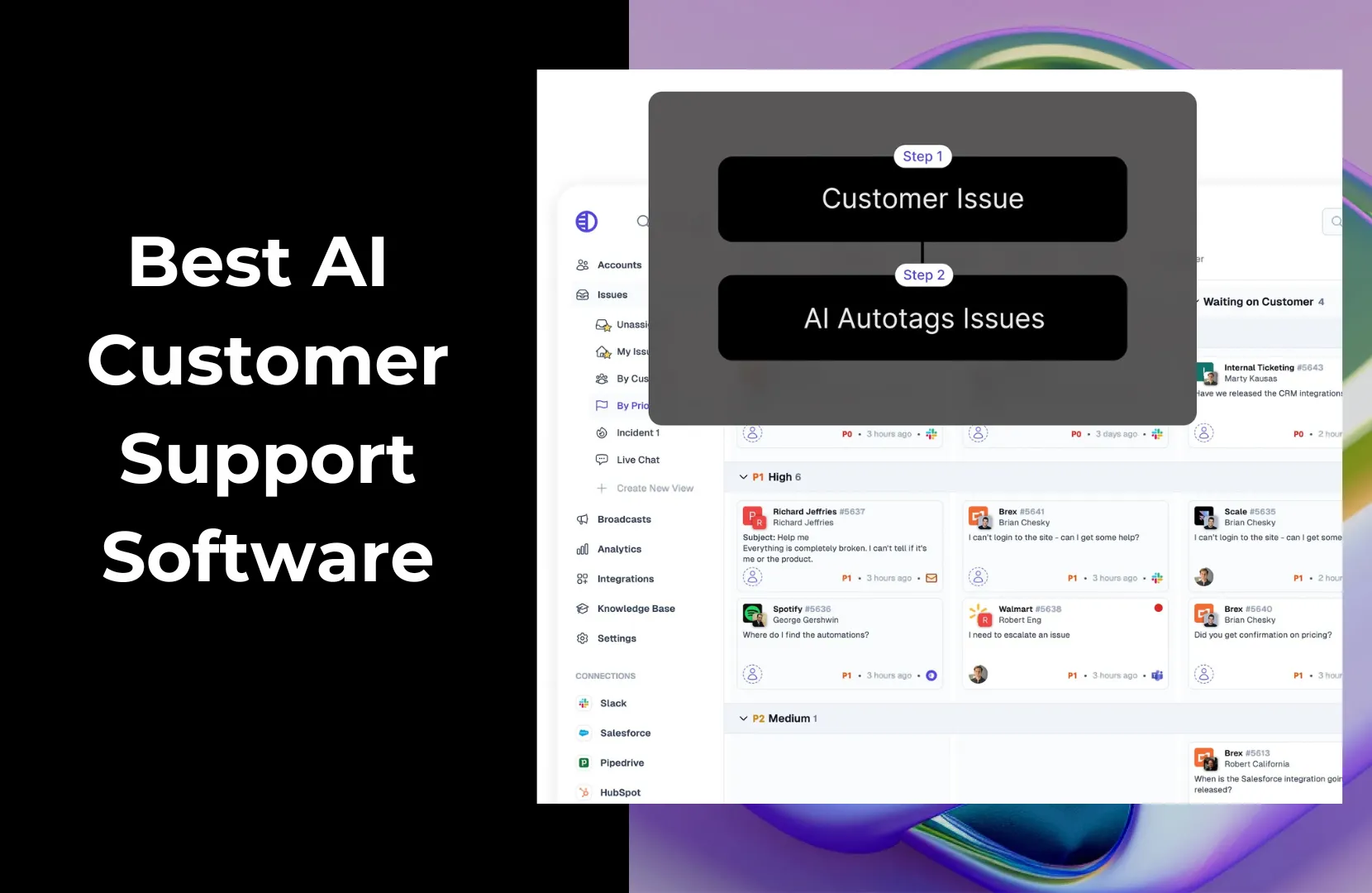
Customer support is critical to your ability to retain customers and build a successful B2B business. Qualtrics reports that 80% of customers in its research reported switching brands because of a poor customer experience, and 43% said they’d find another brand after just one negative experience.
Of course, delivering outstanding support is rarely simple, and unexpected challenges can mean that your CS teams sometimes drop the ball. Thankfully, there are innovative solutions being created all the time, like integrating AI into customer support.
AI customer support software uses artificial intelligence to automate and improve how companies manage customer interactions. For B2B companies, AI can boost speed, efficiency, and scalability. It can handle repetitive questions, enable teams to respond faster, offer 24/7 support, and gain insights from customer behavior.
The best AI customer service software options today include Pylon, Intercom, Zendesk, and Freshdesk.
In this post, we’ll go over the 10 best AI customer support tools, including the best features, drawbacks, and pricing. You’ll also find a comparison table, advice on choosing the right tool for your business, and tips for how to set up an effective AI-powered support system.
AI customer support refers to the use of artificial intelligence technologies to assist with or automate parts of the customer service experience. This includes things like AI-powered chatbots that can answer common questions, sentiment analysis tools that help agents prioritize tickets, and machine learning systems that suggest relevant responses or detect urgent issues.
For example, an AI might greet a customer in live chat, suggest a help article based on their question, or hand the conversation off to a human if it detects frustration. It can also work behind the scenes—summarizing interactions for agents, tagging tickets by topic, or identifying trends in customer feedback.
The result? Support teams can move faster and smarter. AI doesn’t replace human agents, but it helps them do their jobs more efficiently, cutting down on response times, reducing burnout, and improving the overall customer experience.
You’ll find a wide range of options out there when it comes to AI customer support software. And that’s a good thing. There’s no one-size-fits-all solution.
Some companies need AI that excels at triaging issues, while others want automation layered on top of live chat. Some prioritize deep analytics, while others want easy onboarding. Because of that, it’s important to know your business’s needs and goals so that you can map software features and capabilities to them.
Here are 10 top options to explore:

Best for: B2B companies that want deeply integrated AI support
Pylon offers a full-featured AI customer support platform built specifically for B2B teams. It combines AI agents, knowledge management, and internal collaboration into a seamless solution.
Its real strength is in helping teams respond faster and smarter to customer needs without relying on human agents for every touchpoint, which saves time, eliminates errors, and boosts accountability.
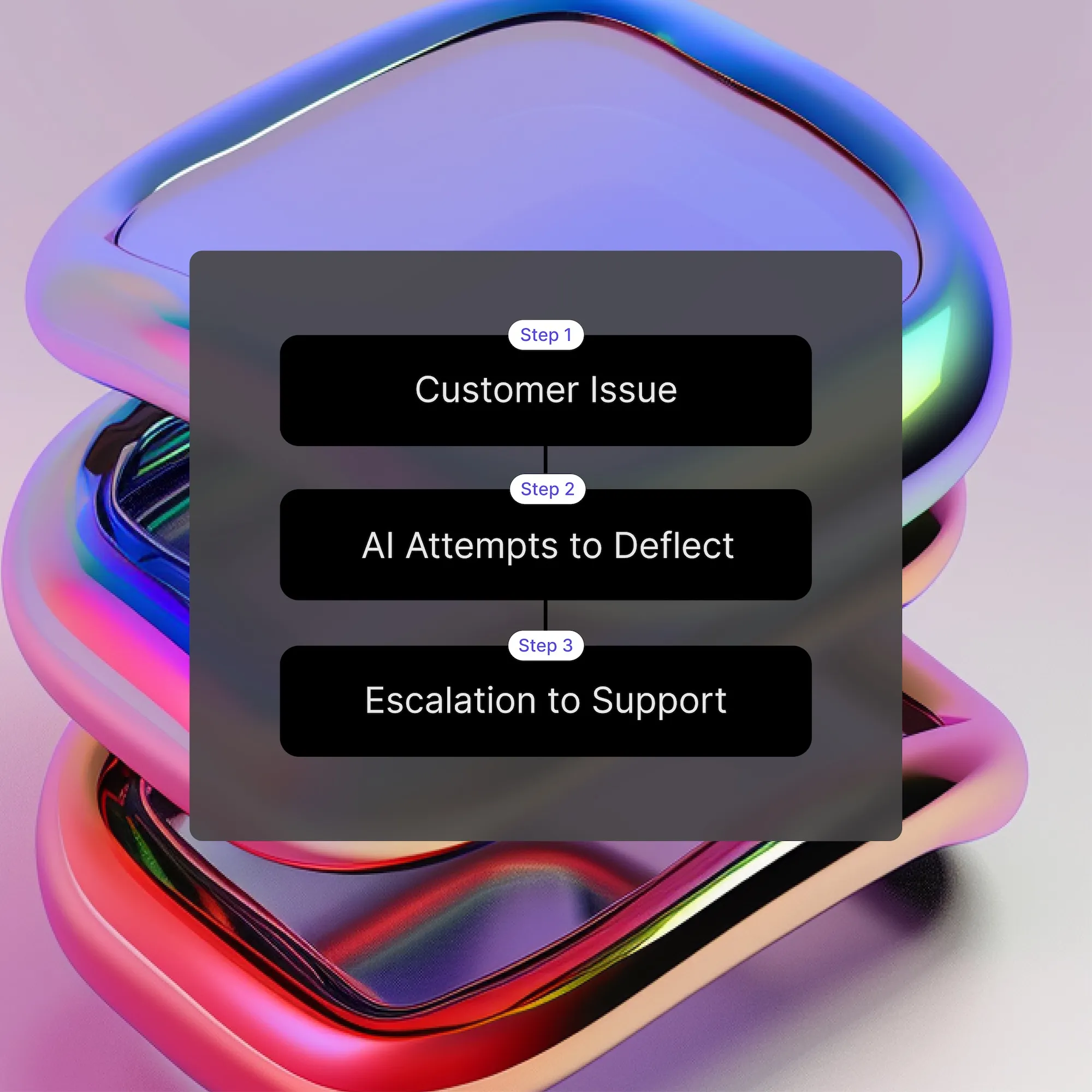
Pylon's AI Agents are designed to function as integral members of customer support teams, capable of automating various aspects of the support workflow. These agents can intelligently route customer issues to the appropriate team members, handle inquiries based on existing knowledge base content, collect initial information from customers, and gather internal context to assist human agents.
Importantly, Pylon ensures that AI Agents only engage with issues they are assigned to and will abstain from tasks where they lack confidence, thereby maintaining the quality and reliability of customer support.
There are many unique features to Pylon’s AI-powered knowledge base.
The AI Copilot, for example, is one of the most advanced features of any modern knowledge base software. It transforms how B2B teams create, update, and maintain documentation.
One of Copilot’s most powerful capabilities is its ability to generate new articles directly from resolved issues or Slack threads.

And Copilot isn't limited to creating new articles; it also assists with improving existing ones. You can use AI prompts to rewrite sections, add clarifications, or adjust the tone of existing content.
To provide consistency, Copilot allows you to apply predefined templates during article generation. Whether you’re drafting troubleshooting guides, FAQs, or onboarding checklists, templates can be inserted automatically to streamline the publishing process.
Another key innovation: Copilot alerts you when you are about to create content similar to existing articles. As you draft, the AI checks your knowledge base to prevent duplication and surface relevant existing resources.
Pylon’s Ask AI feature is an AI chat tool designed to help support and success teams quickly find answers across customer data, whether it lives inside or outside of Pylon.
Teams can connect external training data to extend Ask AI’s reach, enabling the AI to pull from a wider set of resources when answering questions.
This makes it a powerful assistant for onboarding, account management, product feedback, and more.
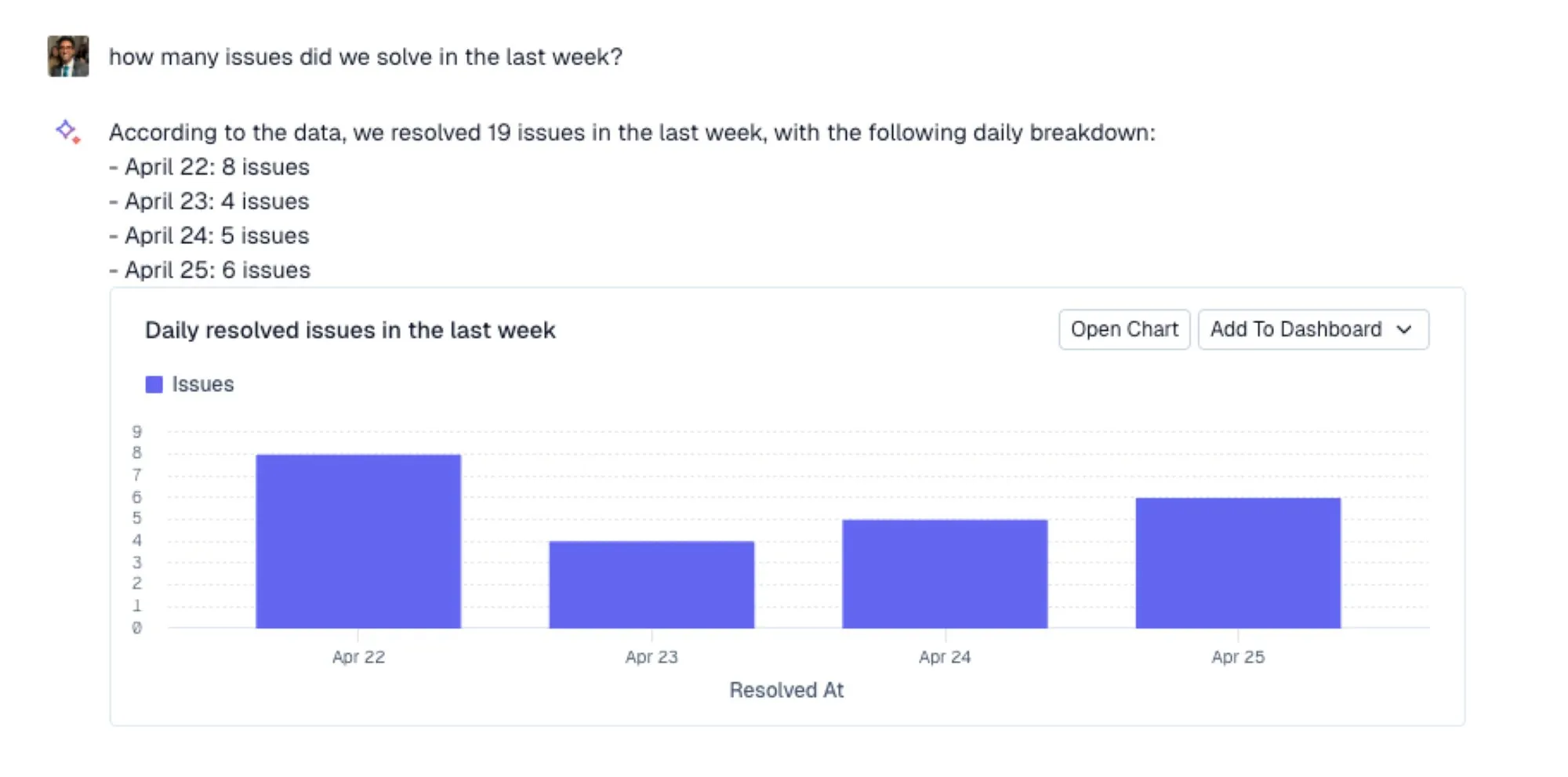
What sets Ask AI apart is its transparency and usability. From summarizing customer sentiment and bug trends to helping prep for client calls, Ask AI enables faster, smarter decision-making without needing to dig through countless tickets or docs manually.
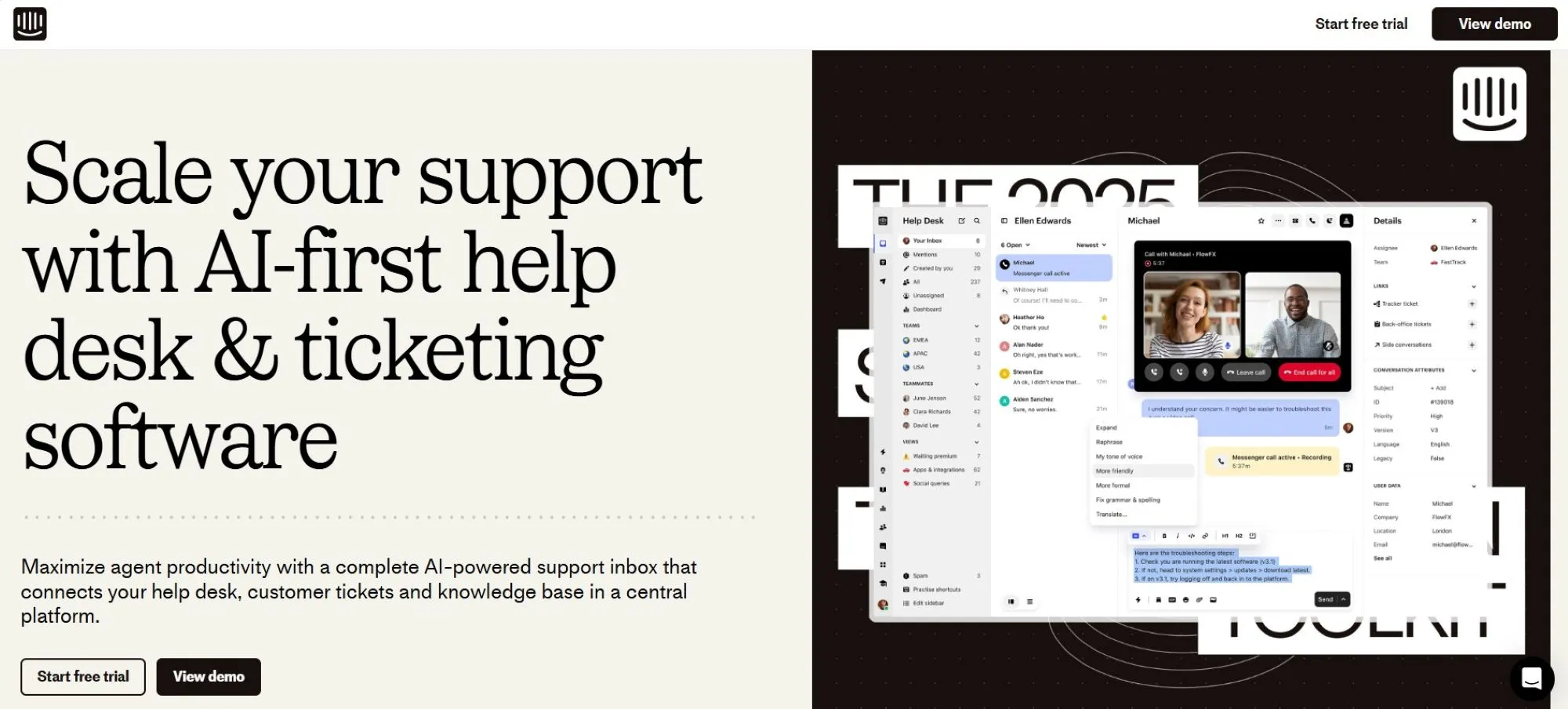
Best for: Product-led companies using live chat and AI bots
Intercom is known for its Messenger product, which powers real-time conversations between companies and users. Its AI assistant, Fin, deflects basic questions using your knowledge base and product data.
>> Learn More: Pylon vs. Intercom for B2B Support
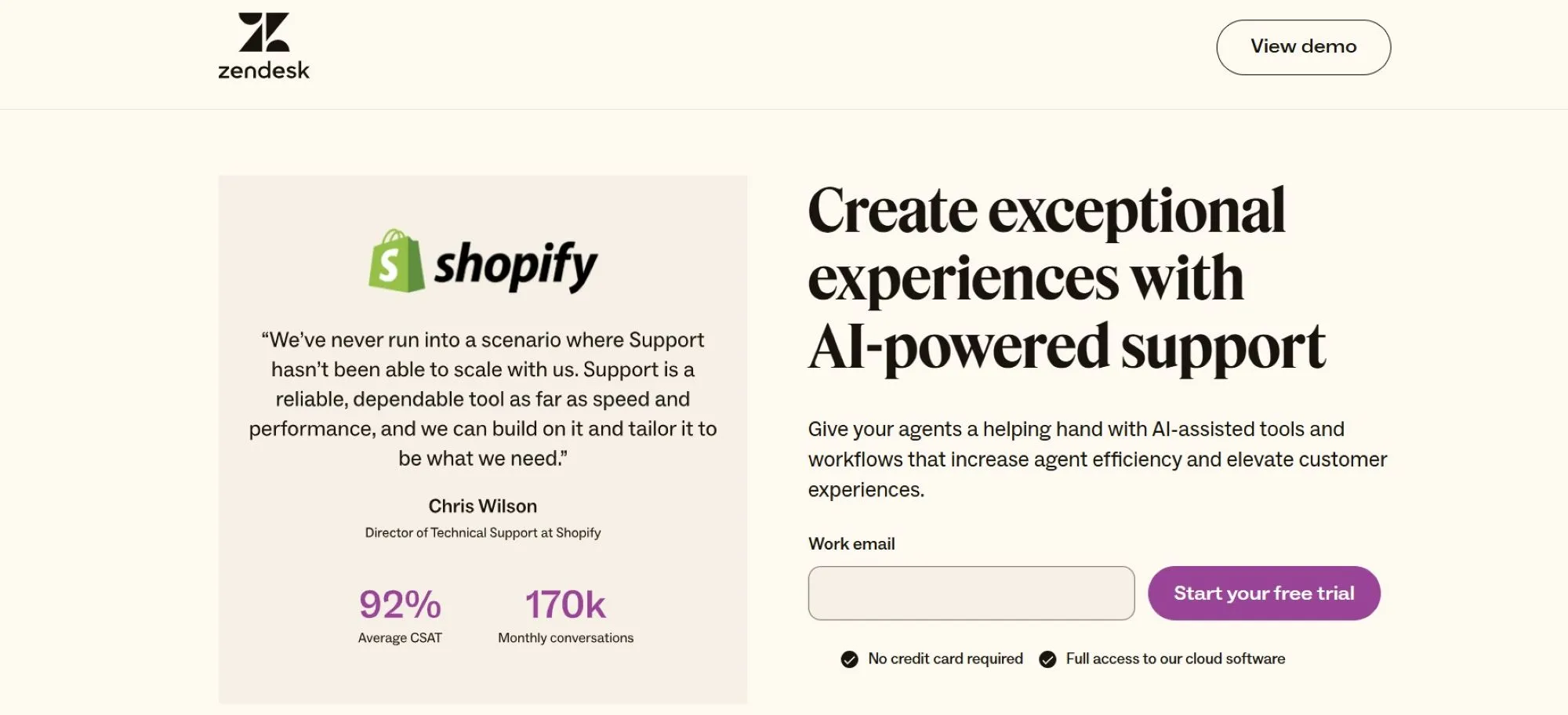
Best for: Large teams needing omnichannel support and automation
Unless you’ve been living under that proverbial rock, you’ve heard of Zendesk. It’s one of the most established names in B2B technology.
While there are many Zendesk alternatives popping up with new features, the company has evolved to bring AI into its mature support suite with chat, voice, email, and social channels. It uses bots to triage tickets and provide self-service recommendations.
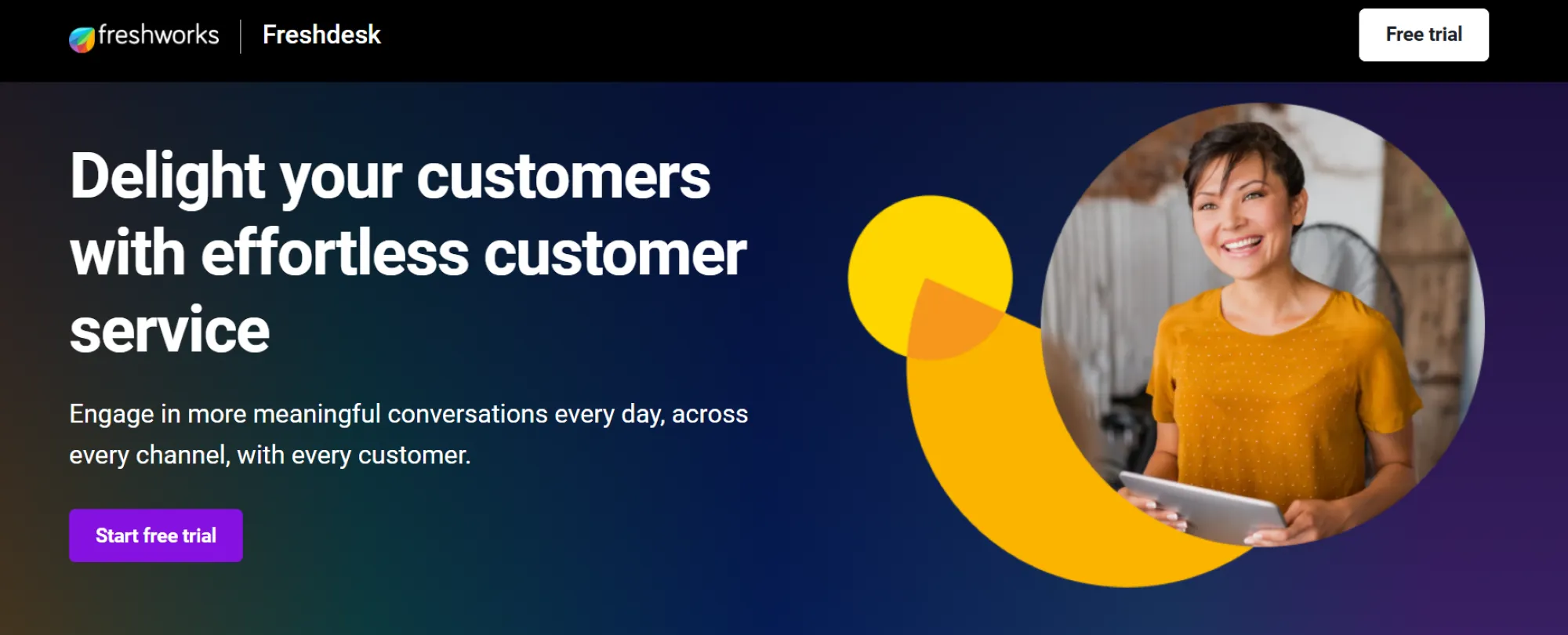
Best for: SMBs seeking affordability with AI features
Looking for something a bit nimbler and that doesn’t come with an enterprise-only price tag? Freshdesk offers an approachable platform for growing companies. Its Freddy AI helps with ticket categorization, agent assistance, and proactive support.
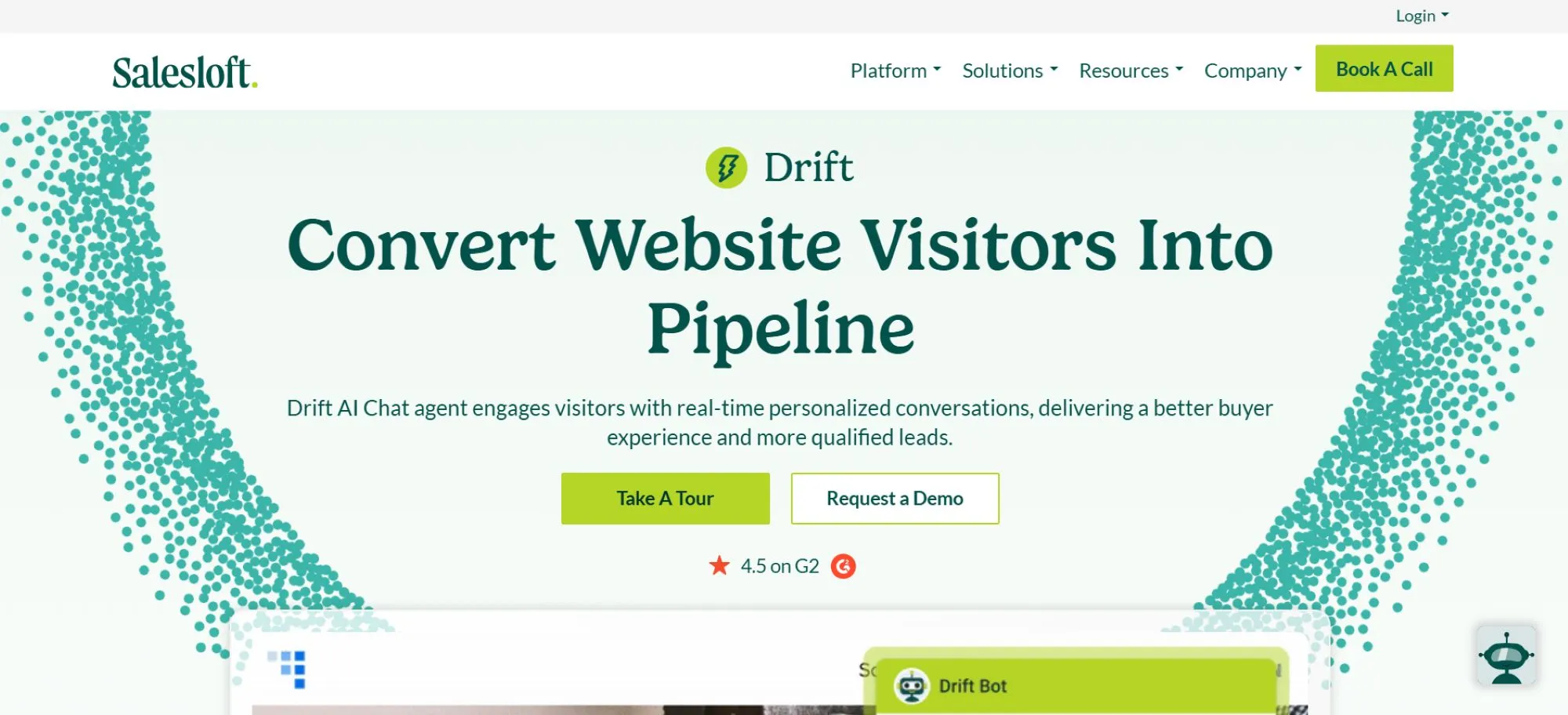
Best for: Revenue teams focused on conversational marketing
Marketing doesn’t have to be all slick graphics and one-way conversations. Conversational marketing brings your audience into the process, but you’ll need the right tools to support that.
Drift blends sales and support by using AI to qualify leads and respond to support queries through chat. It’s ideal for B2B companies looking to unify marketing and support.
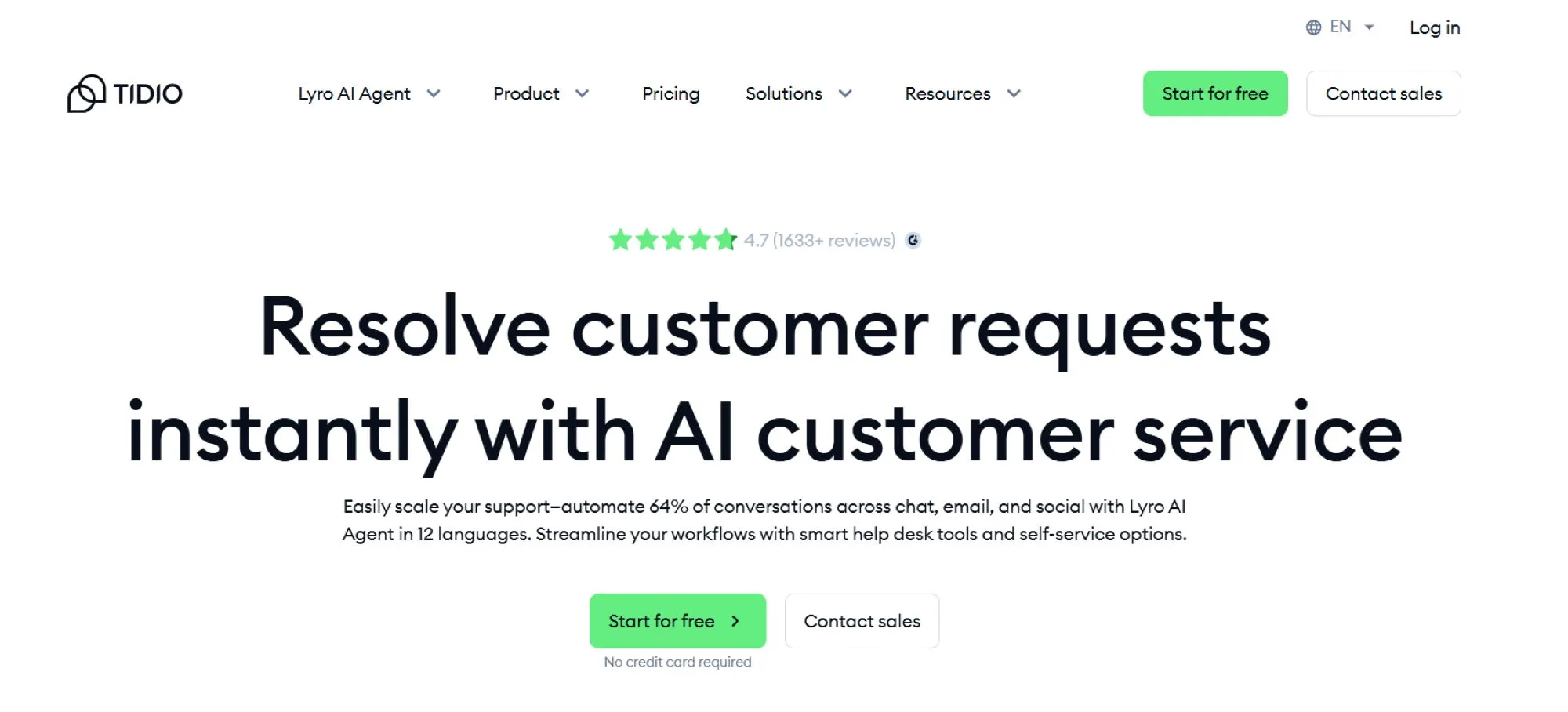
Best for: Small teams combining live chat and automation
If you run a small, nimble team that focuses on being there in real time for your customers, you know how challenging that can be.
Tidio provides live chat tools with embedded AI bots that answer FAQs and escalate complex issues when a human is necessary (complicated topics, sensitive areas, etc.). It’s a good fit for e-commerce and support teams with limited resources.
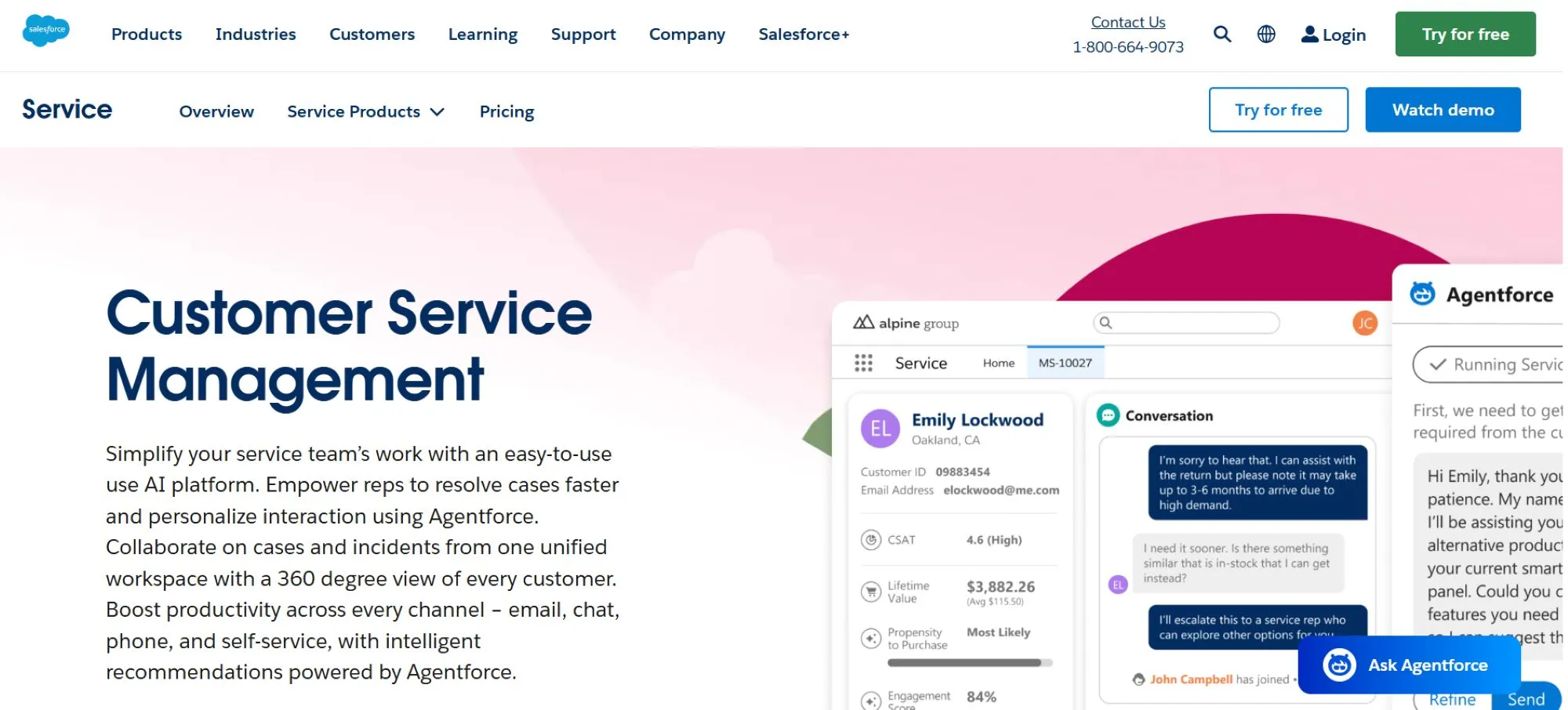
Best for: Enterprises already on Salesforce CRM
Salesforce is one of the biggest names in enterprise technology, and the company’s entry into AI customer support software is absolutely on-brand. It’s also designed with businesses that have invested in other Salesforce tools in mind.
Salesforce Service Cloud brings powerful AI capabilities through Einstein, which uses data from across the Salesforce ecosystem to power predictions and automate support.

Best for: Teams using HubSpot CRM who want an all-in-one
Here’s another name that most business owners and decision-makers should know: HubSpot. The company made its name in the CRM space but has branched out to other areas, including AI customer support software.
Service Hub extends HubSpot’s marketing and sales platform into customer service. It includes AI-powered tools to automate tickets and analyze feedback.

Best for: Budget-conscious teams or existing Zoho users
Zoho has been around for a long time and has developed a pretty broad range of services and solutions over the years. The company’s CRM might be its best-known option, but Zoho Desk offers a surprisingly feature-rich platform at a lower price. Its Zia AI assistant helps with ticket analysis and sentiment tagging.
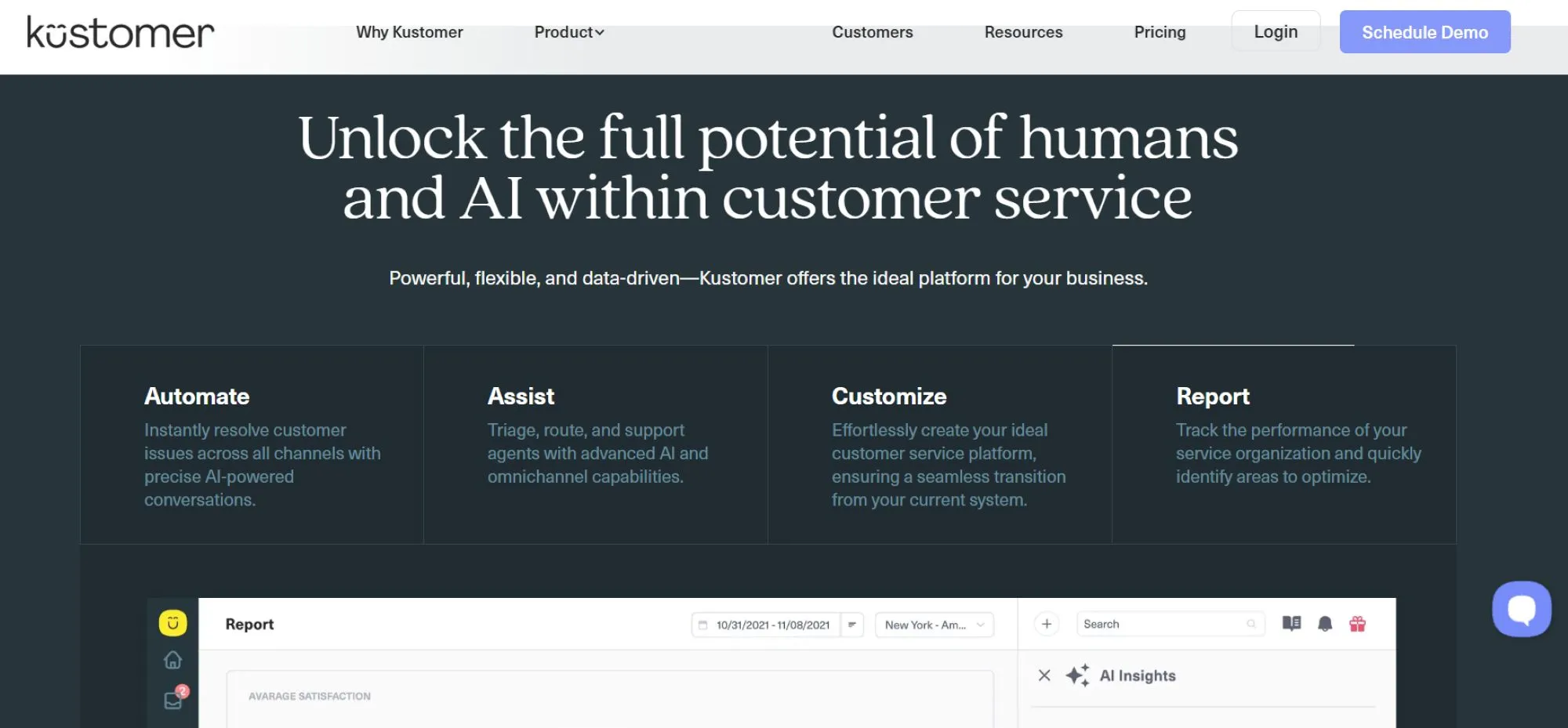
Best for: Brands that want full customer timelines across all channels
Kustomer unifies support interactions into a single thread per customer. Its AI tools help teams understand context and suggest responses.
There’s no one-size-fits-all answer when it comes to AI customer support software. One tool might be overkill for a particular business but may not offer important capabilities that another company needs.
So, how do you choose the best AI customer support software for your needs? Below, you’ll find a detailed breakdown to help you make an informed choice.
One of the key takeaways from the list of 10 best AI customer support software options is that there’s a solution that fits just about every team size, structure, and requirement. Of course, you need to balance current size and structure with potential growth. You want to reasonably hedge your bets where scalability is concerned without paying for features or capabilities that you’ll never really need.
If you're a lean team, prioritize tools with simple setup, intuitive interfaces, and strong automation to maximize efficiency. Larger teams may need robust permissions, multi-channel routing, and integration with internal systems.
Pylon offers scalable solutions that work equally well for startups and large B2B teams.
Customer support requires that you be there when your customers need you, but it’s not as simple as answering the phone when they call. Your customers can reach out through any number of different channels (and channel preferences vary drastically from industry to industry and even business to business).
The challenge is that not every tool supports the channels your customers use. If you rely on Slack, Microsoft Teams, or in-app widgets, make sure those are built into the platform. Know the channels that your customers prefer and then make sure that the tool you choose supports those.
Pylon integrates with Slack, email, and embedded web tools, giving teams flexibility without fragmenting the experience.
Your software should support your workflows. To do that, it needs to include the right features. Don’t buy software based on price or scalability alone. Know the features that you absolutely have to have, those that would be nice to have, and any that you could live without.
List out must-have features, whether that’s ticket routing, live chat, AI deflection, or internal search, and compare tools based on actual use cases.
It’s also important to realize that AI isn’t all it's touted to be in some cases. Know the difference between real AI and what’s more accurately called “automation.” Some tools promise AI but only offer basic automation.
Pylon’s CoPilot and Ask AI deliver true intelligence through content generation, conversation analysis, and proactive insights.
Every business, no matter how new or how small, has an existing tech stack. That might be nothing more than an email client and a tool like Slack or Asana, but you need to make sure that the AI customer support software you ultimately choose dovetails with everything else.
Your AI support software should work with your CRM, analytics tools, and team chat apps. Otherwise, you’ll be duplicating work and losing context.
Pylon integrates with Pipedrive, Slack, HubSpot, and other popular B2B tools to centralize support workflows.
The previous tip about knowing the difference between AI and automation might make it seem like the latter is something to be avoided. It’s not. Like AI, it’s a must-have for today’s businesses when it comes to delivering effective customer support across multiple channels. However, there’s more to it than just creating automated workflows and pressing “play.”
Effective automation means more than "if this, then that." Look for tools that let you customize logic, combine multiple actions, and layer on AI decision-making.
Pylon lets you automate based on deal stage, customer tier, or issue type—and includes built-in intelligence to handle edge cases.
When you hear the words “customer support,” chances are good that you immediately think of external customers. That makes sense. Every business relies on them. They’re the reason your firm exists.
However, don’t forget that, sometimes, your customers are located inside your organization. For instance, your human resources team will often need to serve the needs of employees, managers, and executives, making those people the customers, even though they’re within your organization.
Of course, the challenge is that not all tools will work here. Some only handle customer-facing support. Others allow for internal help desks for IT, HR, or finance teams.
Pylon supports both, with separate workspaces and permissions for external tickets and internal collaboration.
How successful are your customer support efforts? If you’re not tracking performance over time, there’s no way to answer that question, and that can mean that you have major problems going unaddressed.
You can’t improve what you can’t measure. Unfortunately, not all software offers the same measurement capabilities. Look for dashboards that track response times, ticket deflection, and satisfaction metrics.
Pylon provides both standard reports and advanced analytics via Ask AI to surface trends and optimize team performance.
Few of the options out there will fit your business’s needs perfectly right out of the box, and you shouldn’t expect to find one that fits like a glove. Instead, look for one that combines most of the features you need with the ability to customize the platform (without rebuilding it from the code up) so that it works the way your teams need it to.
Customization helps your team move faster and more efficiently. Whether it’s tagging tickets by product line or creating tailored Slack alerts, choose a tool that molds to your workflow.
Pylon offers deep customization across views, automations, and alerts, without requiring a developer.
You want to get the most out of your AI support system while being able to hit the ground running. The following tips will help you do just that.
Pylon Workforce Management is available now. See it in action with a live demo.