


Your support team plays a key role in keeping customers happy. When your team provides smooth and efficient support, customers get more value out of your products. In turn, that makes accounts more likely to trust your company and renew their contracts.
So let’s explore some ways to improve your support team’s efficiency. We’ll explain how you can create a supportive environment, improve your workflows, track important data, and use certain tools to boost your team’s productivity.
Efficient teams are built on a strong foundation of clarity and guidance. Here are some ways you can set that foundation:
Next, you can improve team productivity with smoother workflows.
To see where your team is getting stuck in different workflows, review how tickets progress through support — from the first customer message all the way through to resolution — and look at the stages that take up the most time. Some bottlenecks have global effects and lead to high average resolution times, which makes them easier to spot.
Other bottlenecks are more subtle, holding back certain kinds of tickets or tasks. Look for repeat situations where tickets are routed to the wrong place or bounce around between teams. Also watch out for tickets that are escalated when they shouldn’t be, or vice versa. And track customer feedback — frequent complaints and requests for updates are common signs of bottlenecks.
When you find a bottleneck, look for ways to simplify and speed up the process. For example, if you have slow first response times, you could add more headcount to deal with growing ticket volumes. Or you could use automation to route tickets more efficiently, and AI agents to answer simple customer questions and free up your team’s time.
Support tickets are like traffic — when you remove a bottleneck in one place, traffic can flow more smoothly there but lead to gridlock elsewhere. So do regular reviews to find new blockages and streamline your workflows further.
Great support teams are encouraged to always improve. So outside of full reviews, ask everyone to look out for inefficiencies and flag them to their managers. This feedback keeps your support team running at max efficiency and aligns them with company goals.
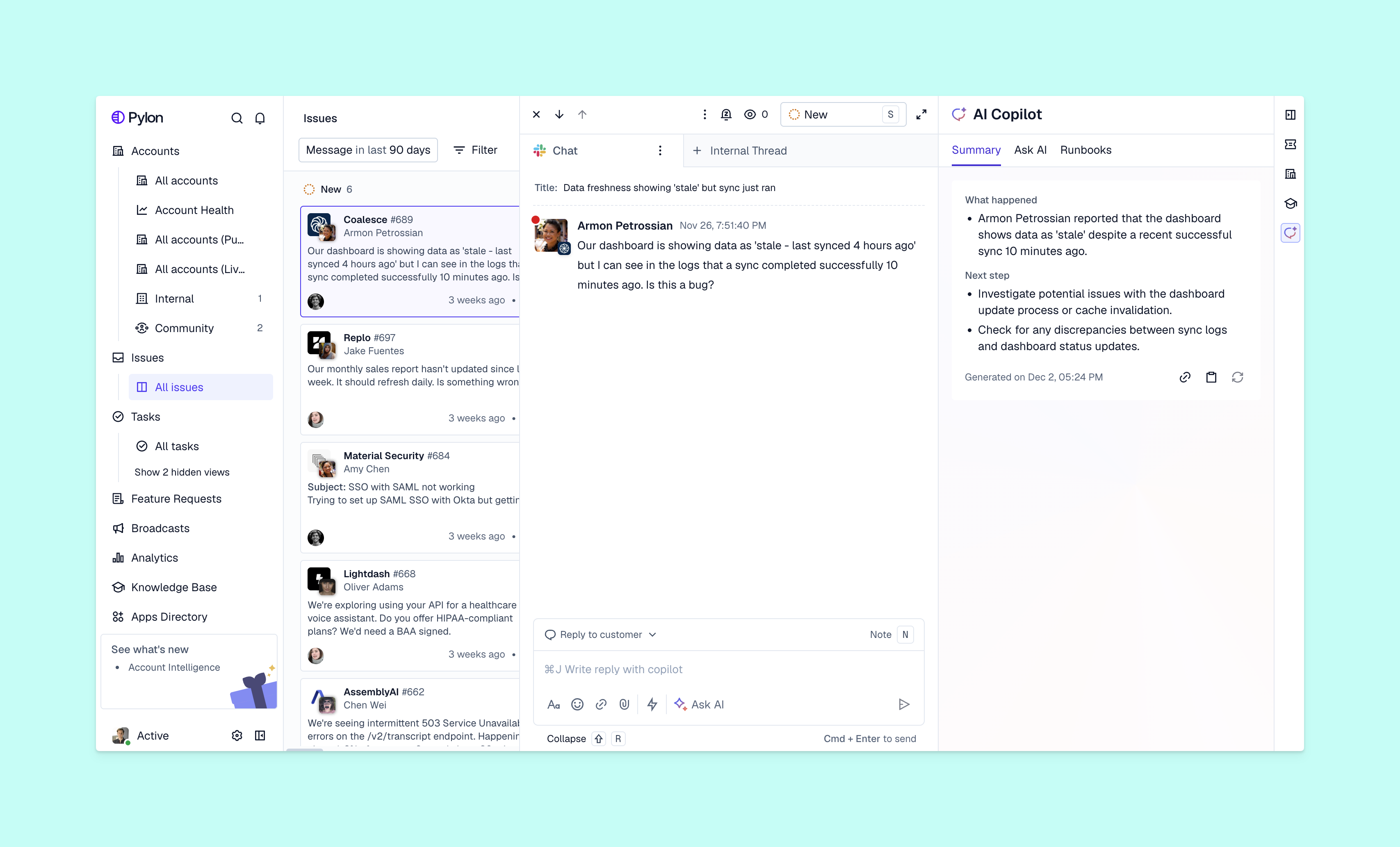
The right tech stack will help your customer support team run much more efficiently. Look for solutions that include:
.png)
Finally, here’s how to improve team performance in the long term — you’ll need to measure efficiency so you can keep making support better.
Start by tracking key performance indicators like:
Compare your results against industry benchmarks, as well as your service-level agreements with customers. Also, look at how scores change over time and what impact your productivity updates have. Try to spot trends that help you maintain efficiency increases and make more improvements.
Use insights from data and customer feedback to push efficiency even higher. For example, if you find that first response time and first contact resolution are high, but customer satisfaction is low, that could mean your team prioritizes speed over complete and useful answers. You can fix this by training your team to fully resolve customer requests before they close tickets.
On the other hand, if you see the escalation rate climbing, you could need to train your support team to handle more issues independently. Let the data guide you as you refine workflows to keep productivity as high as possible.
You now know how to improve your customer service: Set up the right work environment, streamline workflows, measure performance, and make changes based on data. But the most important step is to use a B2B support platform with automation and AI agents that help your team work faster, so they can offer high-quality customer support in less time.
Pylon is the modern B2B support platform that offers true omnichannel support across Slack, Teams, email, chat, ticket forms, and more. Our AI Agents and Assistants automate busywork and reduce response times. Plus, with Account Intelligence that unifies scattered customer signals to calculate health scores and identify churn risk, we're built for customer success at scale.
Use integrated ticketing tools, set clear SLA targets, and automate repetitive tasks. Empowering your team with a robust knowledge base allows them to resolve customer issues faster and more accurately.
Factors include ticket volume spikes, tool latency, and team burnout. Unclear escalation paths and fragmented customer data often lead to slower response times and decreased efficiency.
Success relies on high emotional intelligence, streamlined workflows, and shared metrics like CSAT. Trusting your team to solve problems without micromanagement fosters a faster, more agile team.
Efficient support directly boosts customer retention and brand loyalty. High productivity ensures lower wait times, allowing the company to scale without compromising the quality of service.
Pylon Workforce Management is available now. See it in action with a live demo.







