


Updated March 3, 2026 | 12 min read
Your support team is drowning in messages across Slack, Teams, and email while customer satisfaction scores slowly trend down. And it feels like every time you hire someone new, ticket volume has already outpaced capacity again.
Scaling customer support means building systems that let you handle exponentially more customers without burning out your team or sacrificing support quality. This playbook covers the strategies, tools, and foundations you need to scale support operations that actually work as you grow.
Scaling customer support means expanding your operations to handle more customer demand without letting quality slip. It's not about hiring another person every time ticket volume goes up. Instead, it's about building systems and processes that let your team handle more customers without burning out.
For B2B teams, this gets trickier because you're managing entire accounts, not just individual customers. A user from one account might submit a form to report a bug; then their teammate emails about a feature request; and then your account champion pings you in Slack about onboarding. Your team needs to connect all that context together, no matter where the conversation happens.
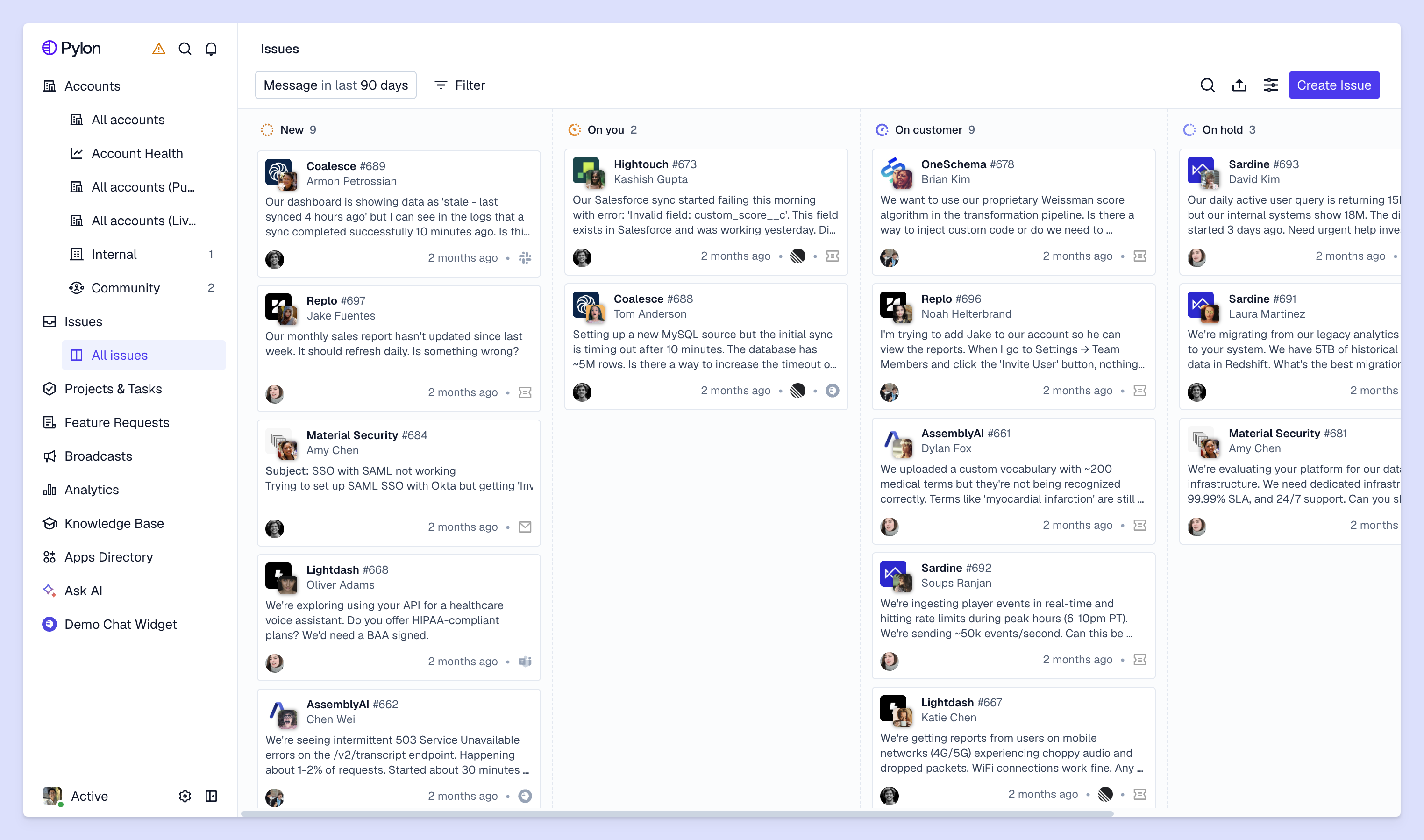
Most teams realize they're hitting a wall when certain processes or support operations start breaking down. Here's what that looks like.
When you signed on your first customers, you could probably easily respond to support issues in minutes. Now customers wait hours or even days. This gets worse when you're juggling Slack, Teams, email, and chat all at once — you clear your email backlog while Slack messages pile up, then switch to Slack while Teams notifications flood in.
Your team members are drowning in conversations they can't keep up with. Eventually, your best people leave because the workload isn't sustainable. Then the remaining team carries even more weight while you scramble to hire and train replacements.
When response times slow down and support quality gets inconsistent, customers notice. Dropping customer satisfaction scores are usually the first measurable sign that your current setup can't handle growth.
Customer information lives everywhere: support tickets in one tool, account details in another, conversation history scattered across channels. Your team wastes time hunting for context instead of solving problems, and customers get frustrated repeating themselves to different people.
Before you start implementing new tools or processes, you need three things in place. Without this foundation, you're just adding complexity on top of chaos.
Set up clear roles and ownership areas as your team grows. Maybe some people focus on specific customer segments or product areas. Someone (often a support operations lead) owns the scaling work itself: improving processes, evaluating tools, tracking what's working.
Document how your team handles common scenarios, when to escalate issues, and how to hand off between support and customer success. When everyone follows the same playbook, you maintain consistency even as new people join. New team members get up to speed faster when they can reference documented processes instead of asking the same questions over and over.
Pick a unified platform instead of duct-taping together a bunch of disconnected tools. The right setup connects support, customer success, and product teams around the same customer data. Everyone works from the same context instead of recreating information in different places.
These six strategies address the specific bottlenecks that prevent teams from scaling. They work best together.
Omnichannel support means all your customer conversations (Slack, Teams, email, chat, ticket forms) flow into one platform with shared, account-level context.
This is different from multichannel support, where each support channel operates independently. With multichannel, you're supporting customers across Slack, Teams, email, and others — but you're managing all these different channel with fragmented tools and isolated context.
Here's what changes with omnichannel:
AI agents and assistants let you handle more volume without hiring proportionally more people. AI agents work autonomously to handle complete workflows like cancellation requests or ticket status checks. AI assistants help your team work faster by drafting responses and pulling up relevant information when you're working on a ticket.
The key is knowing what to automate:
When AI handles routine work, your team focuses on problems that actually require human judgment.
When support and customer success work from the same unified system, everything gets easier. Support tickets feed into the same place where you track account health and churn risk. Customer success context shows up when someone submits a support ticket. You're not just scaling support, you're scaling your ability to keep and grow accounts.
This matters because a spike in support volume from an account might signal churn risk. Or a customer success manager might see that an account keeps hitting the same product limitation. When these signals live in one place, you catch problems earlier.
Build a knowledge base where customers find answers themselves. When customers self-serve common questions, your team handles issues that actually require human help. Start with the questions you answer most often, then expand from there.
Good self-service content answers questions clearly, includes screenshots or videos, and stays updated as your product changes.
Instead of waiting for customers to submit tickets, spot problems before they escalate. When you unify all your account signals (support volume, product usage, sentiment from conversations) you see patterns that indicate an account is struggling, like their account health score declining.
Then you can reach out before the customer even realizes they're stuck. Proactive outreach based on health monitoring prevents issues instead of just reacting to them.
Create onboarding and ongoing training that works as you grow. New people get up to speed faster when you have documented processes, recorded training sessions, and a knowledge base they can reference. Pair new hires with experienced team members for their first few weeks, then run regular training on new features or process updates.
Your knowledge base becomes valuable internally too. Your team references it just like customers do.
The right platform makes scaling possible. Here's what to look for.
Look for AI that reduces busywork and helps your team handle more conversations. The best solutions automate routine requests, provide context-aware response suggestions, and learn from your actual conversations. Avoid AI that requires constant manual training or produces generic responses that don't sound like your team.
True omnichannel means native integrations with Slack, Teams, email, chat, and ticket forms, not just forwarding messages between disconnected tools. The platform brings everything into one workspace where your team sees complete context regardless of channel.
Your knowledge base works for both customers and your team. Look for systems that make it easy to create and update content, with analytics showing which articles get used most and where gaps exist.
Track metrics across channels and identify bottlenecks. For B2B teams, account-level insights matter more than individual ticket metrics. You want to see how support volume and sentiment connect to account health and revenue.
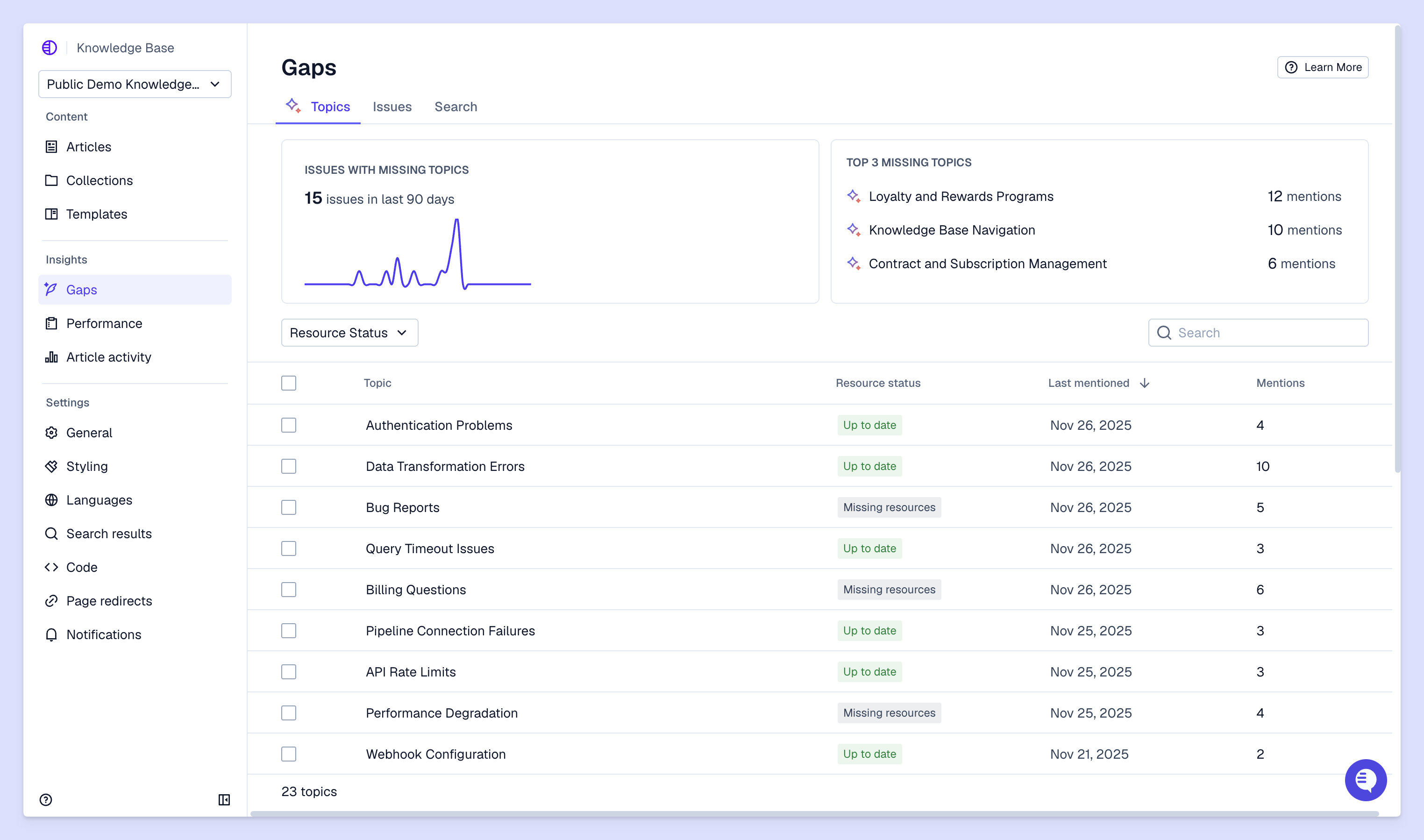
Track both efficiency and quality as you scale. Response times and resolution times show whether you're maintaining speed. Customer satisfaction scores show whether quality is holding up.
But also measure team experience:
You're scaling successfully when both customers and team members stay happy as volume increases.
The modern approach to scaling brings support and customer success together in one platform. When you unify customer intelligence (support tickets, health scores, conversation signals), you scale both support quality and retention work at the same time.
Pylon is the modern B2B support platform that offers true omnichannel support across Slack, Teams, email, chat, ticket forms, and more. Our AI Agents & Assistants automate busywork and reduce response times. Plus, with Account Intelligence that unifies scattered customer signals to calculate health scores and identify churn risk, we're built for customer success at scale.
Scaling is ongoing, not a one-time project. Most teams see initial improvements within weeks of implementing better tools and processes: faster response times, clearer workflows, better team capacity. But building truly scalable operations takes months as you refine processes, expand automation, and grow your team.
Hiring adds capacity but doesn't create scalable systems. You can hire 10 more people and still face the same bottlenecks if your processes and tools don't support growth. Scaling means building infrastructure that lets you handle way more customers without proportional headcount increases. You do this through automation, better processes, and unified systems.
Budgets vary based on team size, but investing in the right platform and automation typically costs less than hiring additional team members while delivering better results. Consider total cost including tools, training, and process improvements. A unified platform often costs less than multiple disconnected tools, and automation that handles even 20% of requests can offset several salaries.
Building scalable foundations early prevents problems later. Small teams benefit most from establishing good processes, unified systems, and basic automation before they're overwhelmed. It's easier to build scalable operations with five people than to retrofit them when you have 20 people using disconnected tools and inconsistent processes.
Use unified platforms that work across time zones, languages, and regions. Centralized knowledge and shared customer context enable consistent support globally. When team members in different regions access the same information and follow the same processes, customers get consistent experiences regardless of who helps them.
AI handles repetitive work and helps your team work faster, letting you scale quality and speed without proportional hiring. The most effective approach combines full agentic workflows (AI agents handling routine requests) with copilot workflows (AI helping your team on complex issues). A team of 10 can deliver the output of 15 or 20 people while maintaining higher quality because they focus on work that requires human judgment.
Pylon Workforce Management is available now. See it in action with a live demo.





