
If you’re looking for knowledge base software, you probably already know how much a good knowledge base can do for your business. Research has shown that 70% of customers prefer to find answers on a company’s website before contacting business support.
A strong knowledge base meets that need head-on. It empowers users to solve problems quickly while helping B2B customer support teams reduce volume, speed up internal onboarding, and focus on higher-value conversations.
You want your knowledge base to work with your team, not against it, so choosing the right software matters. Free tools can offer a quick way to get started, but many fall short. The best options make it easier to create and update content, organize information, and share it with customers and colleagues.
In this guide, we’ll review the pros and cons of the best free knowledge base software, including who each tool is best for, and when upgrading to paid software makes sense.
Best for: Teams needing an all-in-one business suite
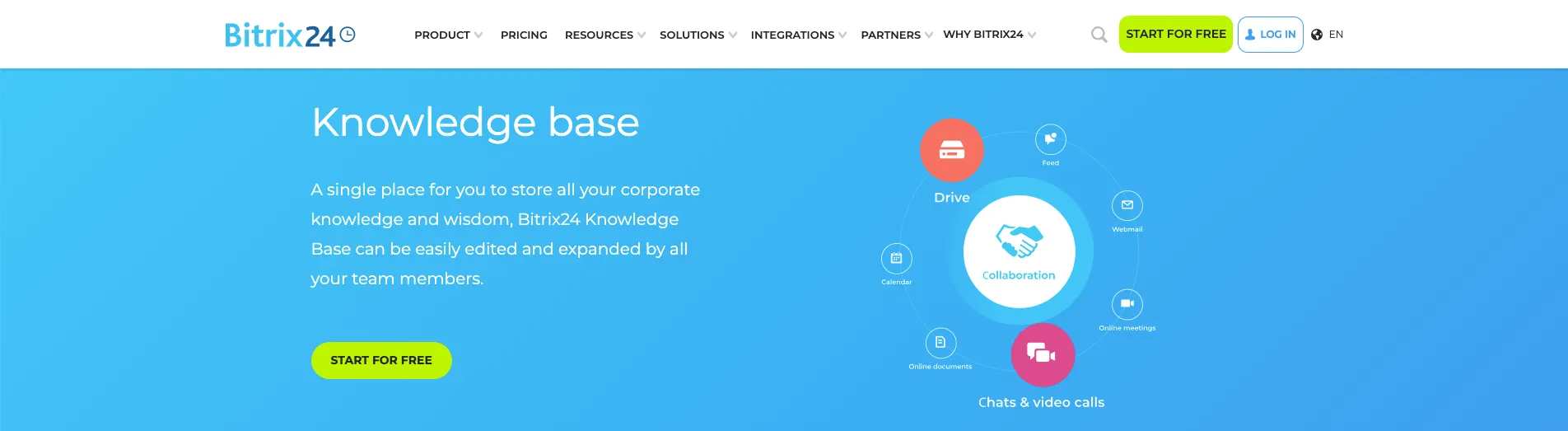
Bitrix24 combines CRM, project management, chat, and documentation tools into a single platform. The built-in knowledge base module lets teams publish internal guides while organizing resources by department or workspace. The free plan includes basic knowledge base functions, making it a convenient option for small B2B teams that want documentation embedded in everyday tools.
Some of Bitrix24’s best features include:
Some drawbacks include:
Best for: Creating a public help center
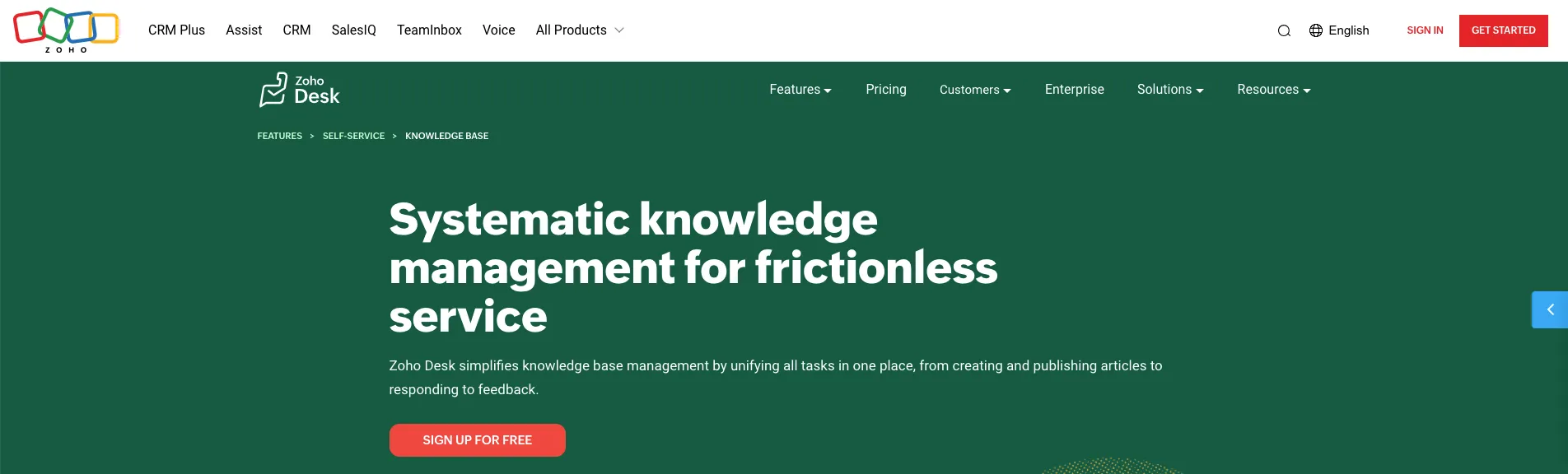
Zoho Desk's knowledge base is a part of their larger help desk software. The knowledge base makes it easy to create a personalized, professional help center. B2B support teams can write and publish articles, organize them by categories, and make content searchable for customers looking for answers (before they submit a help ticket). If you already use Zoho apps, the software works smoothly with existing tools.
Some of Zoho Desk’s best features include:
Some drawbacks include:

Best for: Internal docs with flexibility
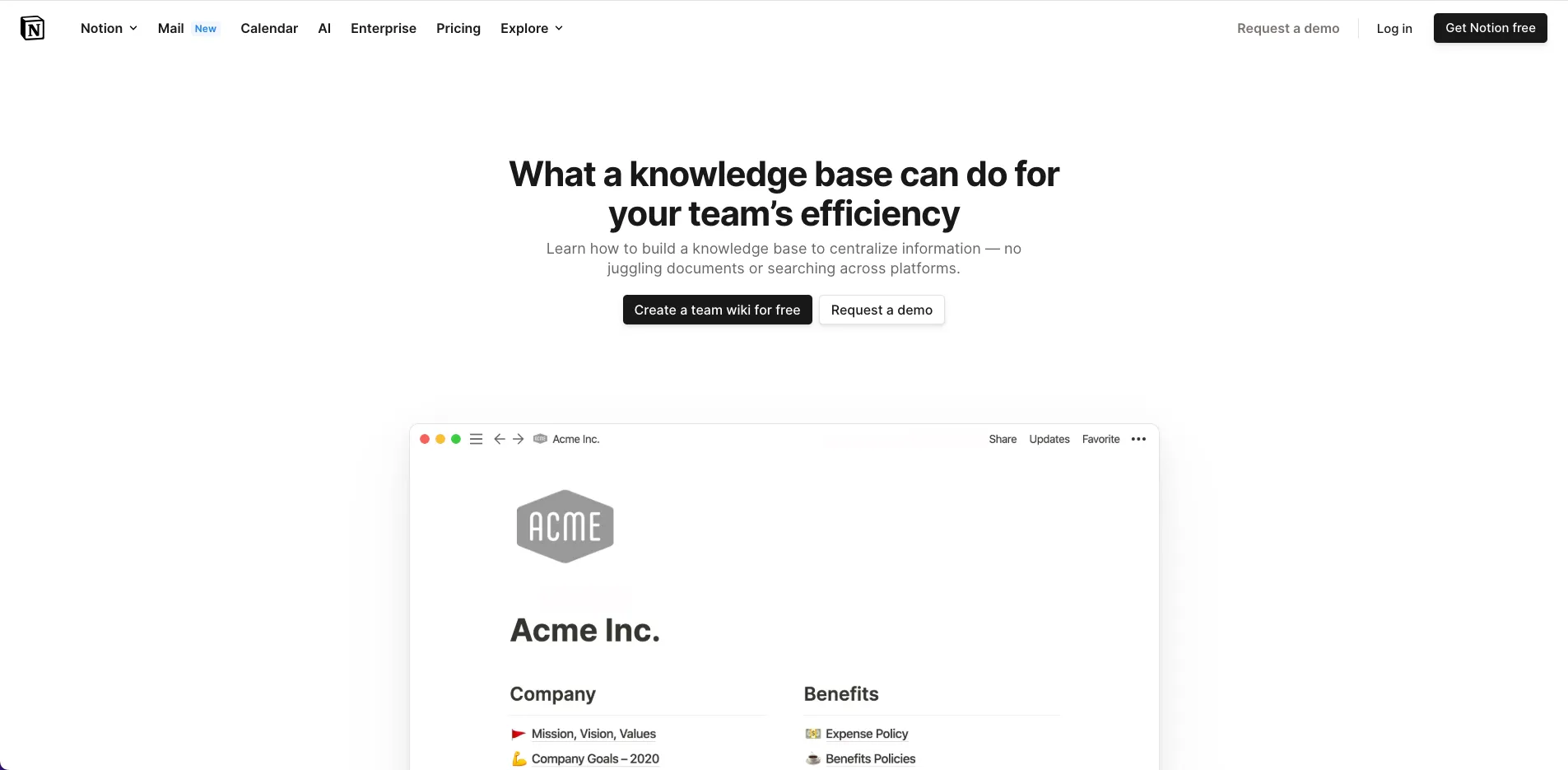
Notion is a favorite for startups and modern teams that want their documentation to look good and work well. It’s ideal for internal knowledge bases, like onboarding guides, SOPs, or project wikis, and the free plan gives you unlimited pages and collaborative editing. It’s not built for public help centers, but it shines for internal transparency.
Some of Notion’s best features include:
Some drawbacks include:

Best for: Teams that need structure and scale
Confluence is Atlassian’s answer to team knowledge sharing, and it’s beneficial for companies using Jira or Trello. This software is designed to help teams document project plans and policies with built-in templates for clear organization. The free plan supports up to 10 users, which is excellent for smaller B2B teams ready to upgrade from scattered files.
Some of Confluence’s best features include:
Some drawbacks include:
Best for: Simple, self-hosted documentation
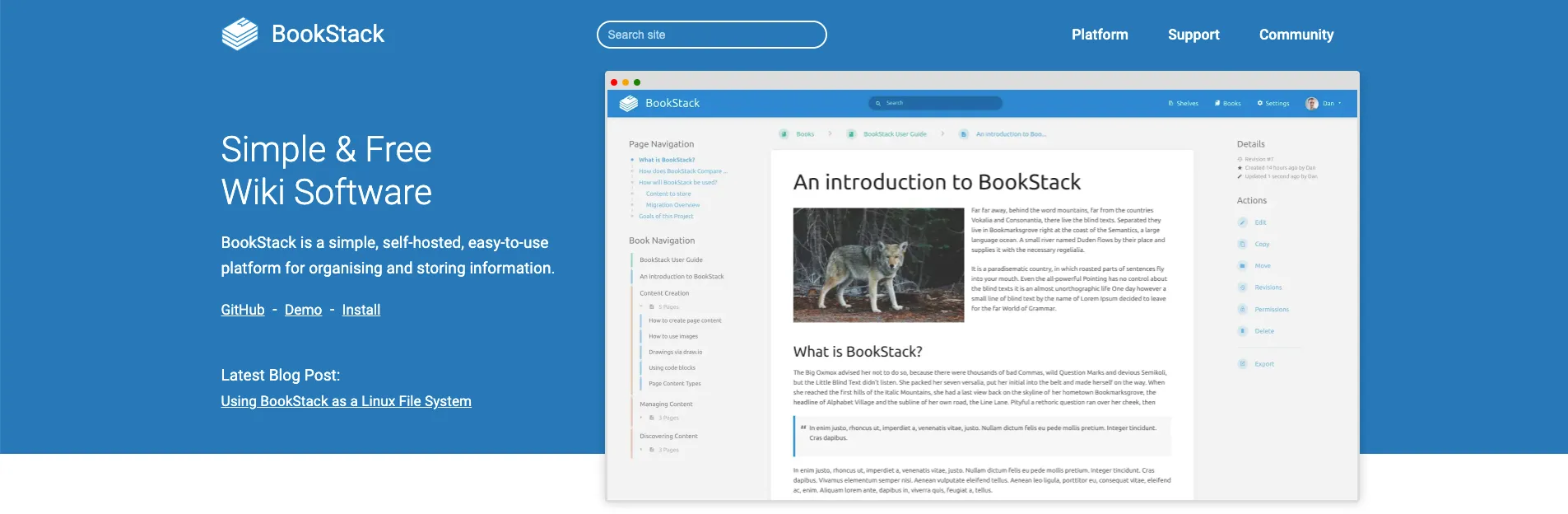
BookStack is a clean, open-source tool made for documentation. Its book-chapter-page structure feels familiar and makes organizing content easier, even for larger teams. If you’ve got basic hosting experience, it’s a great way to build a private or internal knowledge base without spending a dime.
Some of BookStack’s best features include:
Some drawbacks include:

Best for: Highly customizable internal wikis
XWiki is a powerful open-source platform built for more than just simple pages. It’s perfect for teams that need advanced workflows, forms, or structured data within their knowledge base. You can host it yourself and customize just about everything, especially if you have some technical know-how on your team.
Some of XWiki’s best features include:
Some drawbacks include:
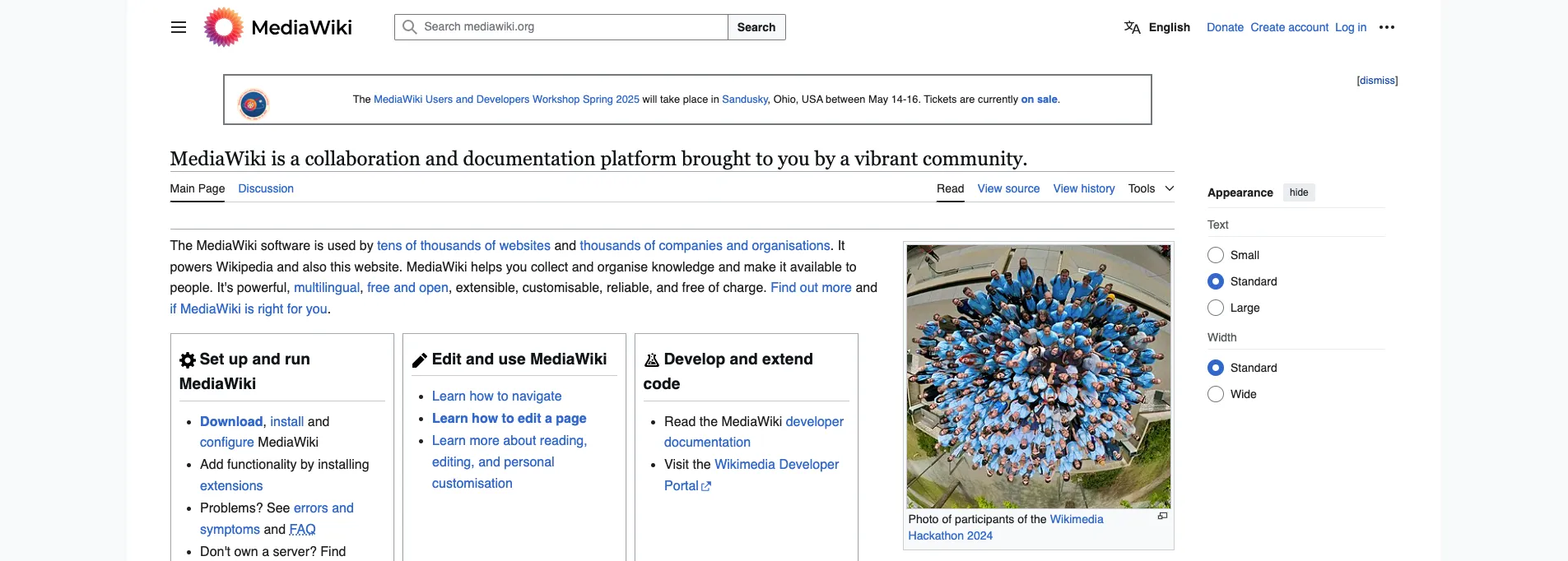
Best for: Open, public documentation
MediaWiki powers Wikipedia, so you know it’s built for high-volume, high-collaboration content. It’s ideal for creating public knowledge bases with detailed history, talk pages, and user controls. It’s free and open source, but it works best for teams with a technical admin.
Some of MediaWiki’s best features include:
Some drawbacks include:

Best for: Straightforward FAQ-style content
phpMyFAQ is a simple, open-source platform built around FAQs. It’s ideal for B2B companies with a predictable stream of support questions or internal IT documentation. It includes features for multilingual support, tagging, and even letting users suggest new questions.
Some of phpMyFAQ’s best features include:
Some drawbacks include:

Best for: Hybrid internal and external documentation
Documize offers a mix of traditional documentation tools and a modern editing experience. The free, self-hosted version supports markdown, content structuring, and permission controls, making it great for B2B teams that need internal and client-facing docs in one place. You’ll get a cleaner experience without giving up control than most open-source tools.
Some of Documize’s best features include:
Some drawbacks include:
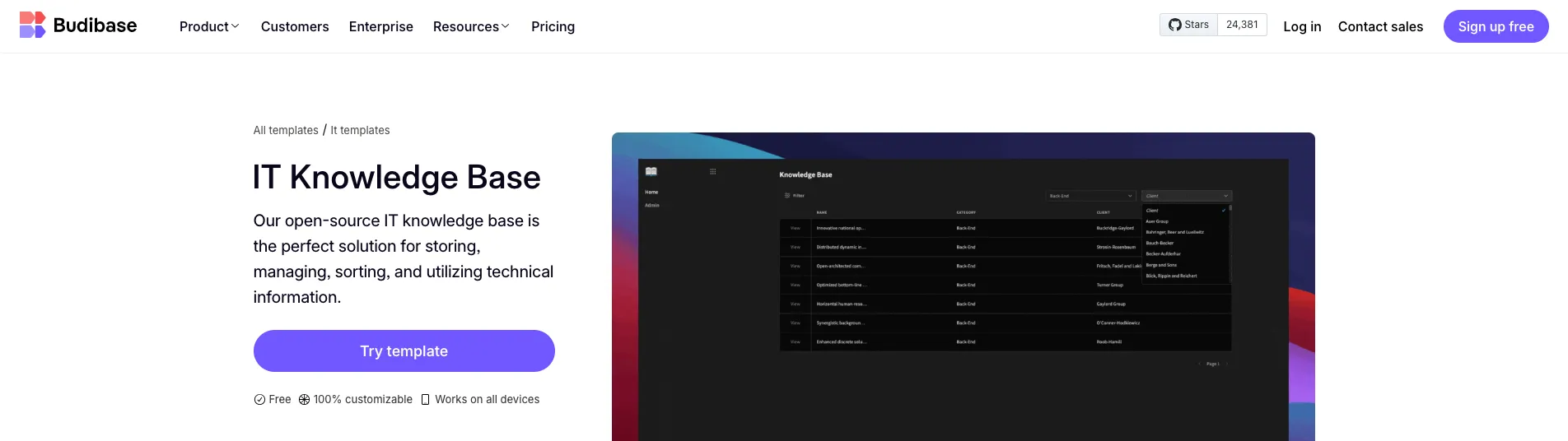
Best for: Building a fully custom knowledge base.
Budibase is a low-code platform for building internal tools, including custom knowledge bases. You start with a blank canvas and create what you need using database fields, user roles, and drag-and-drop components. It’s ideal for technical B2B teams that want complete control over structure, workflows, and permissions.
Some of Budibase’s best features include:
Some drawbacks include:
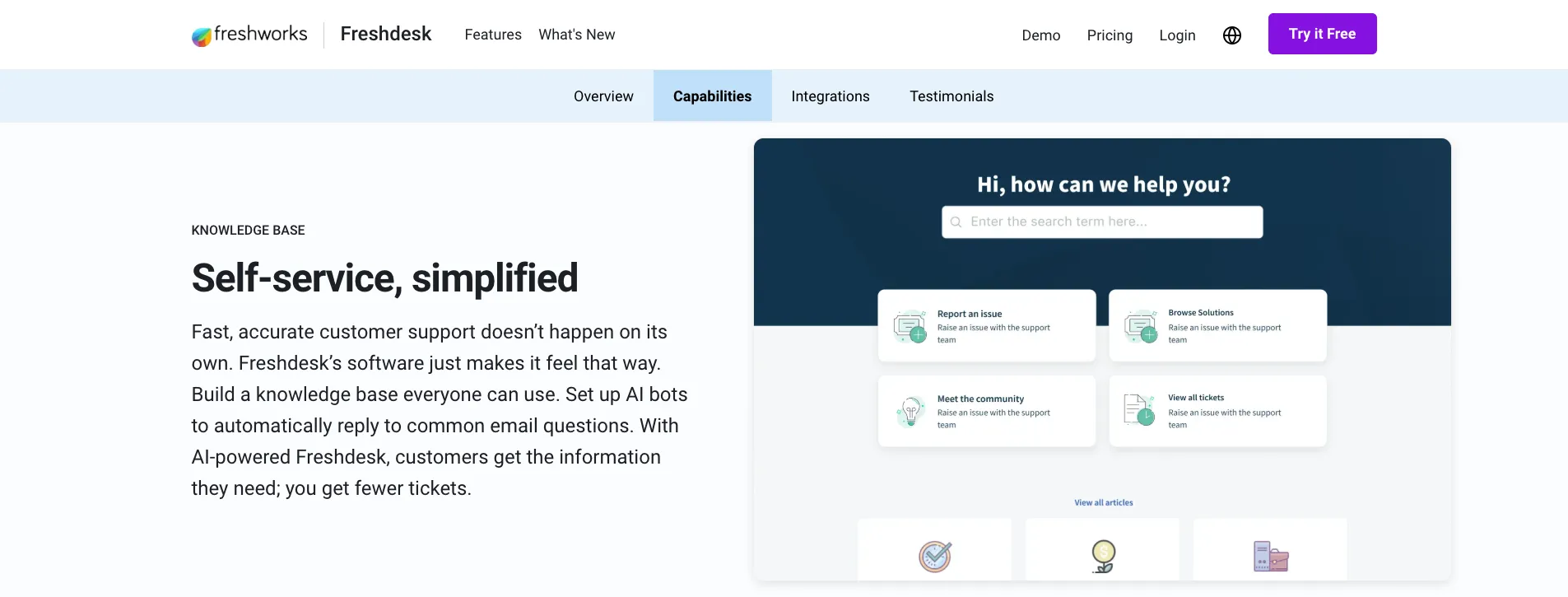
Best for: Teams already using a help desk.
Freshdesk is a popular customer support platform with a searchable knowledge base, perfect for teams looking to reduce tickets and offer 24/7 self-service. Its free plan includes basic knowledge base features, ticketing, email support, and analytics, making it a great starting point for small B2B support teams. If you're managing tickets in Freshdesk, adding a help center requires no extra tools or setup.
Some of Freshdesk’s best features include:
Some drawbacks include:
Before jumping into a specific platform, take a moment to consider what your team needs and what your knowledge base is meant to do. The best tool for a fast-moving internal team may fall short for a client-facing support center.
Following best practices for creating a B2B knowledge base helps you avoid choosing software that looks great but doesn’t fit your team’s precise workflow.
Here are a few questions and factors to consider as you evaluate software options:
Free knowledge base software helps you find your footing, especially when your content is small, your team is scrappy, and your budget is tight. However, as your business grows, you’ll likely hit a ceiling of what free tools can handle.
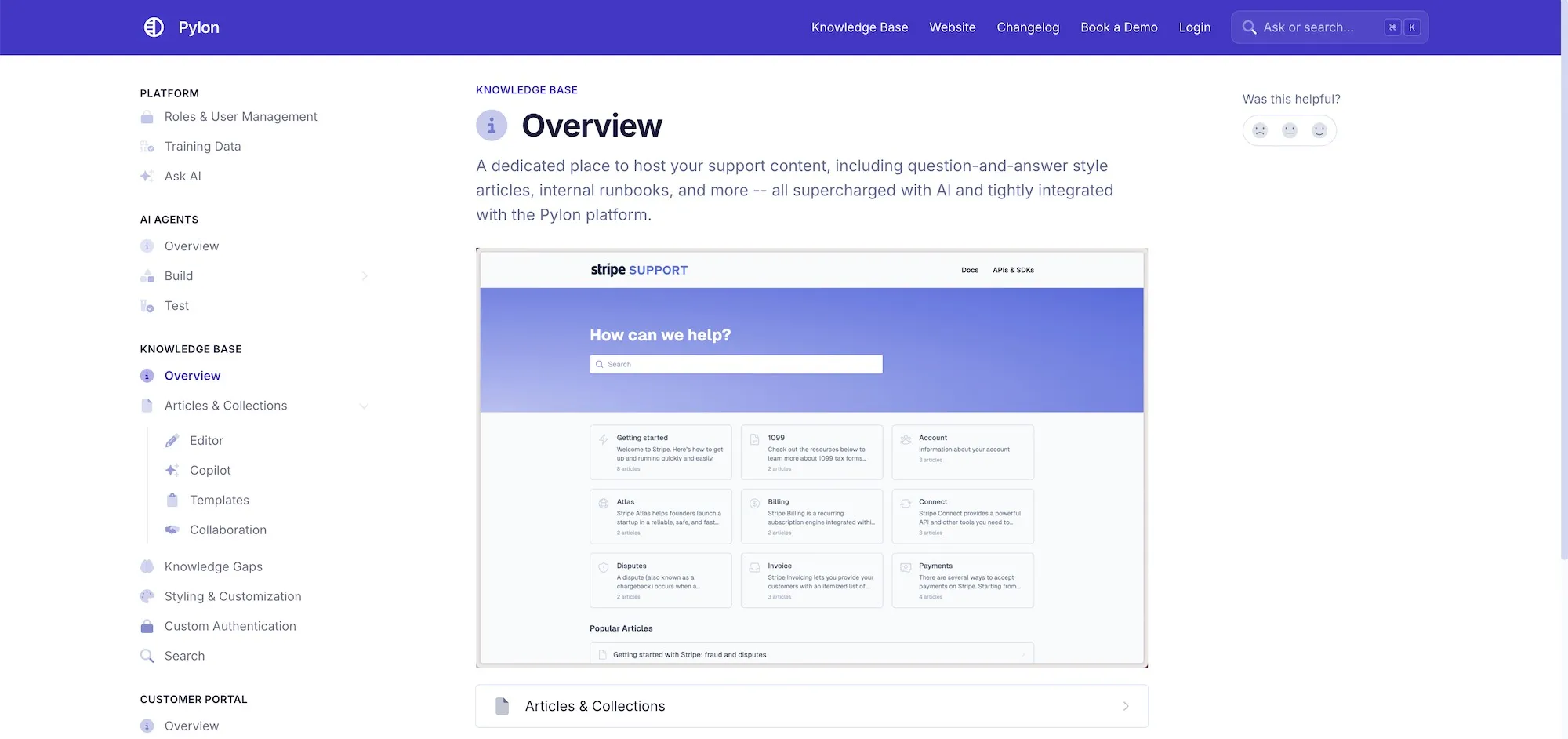
That’s when investing in a B2B knowledge base like Pylon’s makes sense. Pylon goes beyond basic content storage, turning your knowledge base into a comprehensive, integrated part of your team’s support, sales, and operations.
Pylon enables B2B teams to create knowledge bases with intuitive navigation, video-based support, developer-friendly API documentation, an effective search function, and numerous other premium features.
Unconvinced? Here are a few reasons to consider investing in paid knowledge base software like Pylon’s:

Want to automate repetitive tasks, integrate with your CRM, or see which articles your team or customers use the most? Paid plans unlock these power tools, allowing your knowledge base to become an active part of your workflow.
With better search, tagging, content versioning, and editorial workflows, your team spends less time managing documents and more time supporting people. That’s a win for your users and your business’s bottom line.
Best of all, the AI components in Pylon’s knowledge base software allow companies to:
Free tools often cap or block how many users, documents, or storage you can access. As your team or content library evolves, removing limitations will save time and help avoid last-minute workarounds.
When something breaks or you need fast help, a paid plan means quicker responses, dedicated support, and reliability. You’re not left digging through forums for answers.
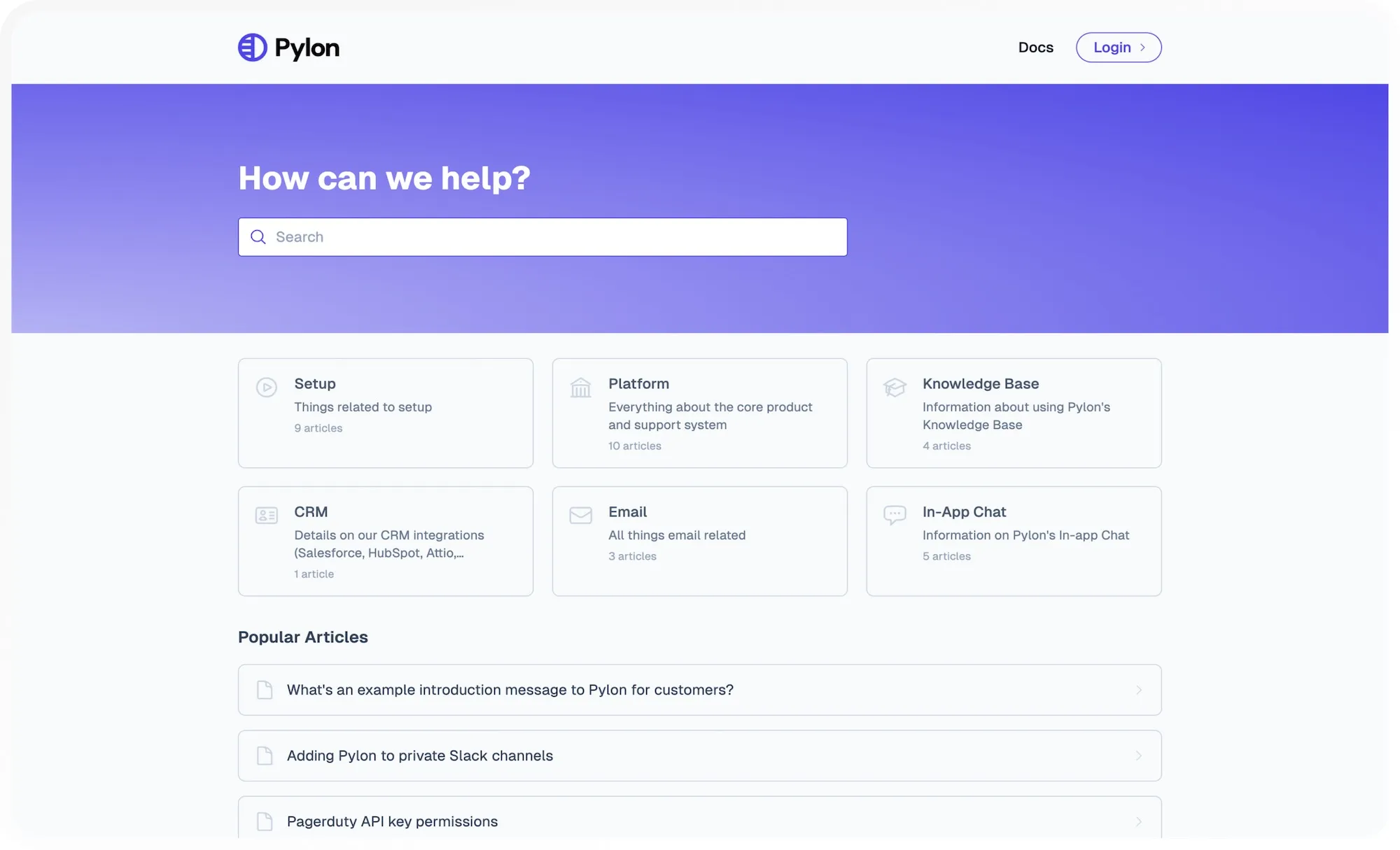
A public knowledge base should feel like part of your brand, not a third-party template. Paid platforms let you use custom domains, colors, logos, and layouts to create a more on-brand experience.
Advanced permission controls, audit logs, and compliance-ready infrastructure are essential if you're handling sensitive data or working in regulated industries. Paid plans offer privacy and security to comply with your guidelines.
If you’re looking to create a helpful knowledge base for your B2B company that utilizes AI features to save your support team time and provides a better experience for customers, let us show you what we offer here at Pylon by booking a demo with us.
While free knowledge base software works for some companies, investing in a paid solution often pays for itself over time and is worth at least considering as you make your decision.
Pylon Workforce Management is available now. See it in action with a live demo.