


A well-structured FAQ page gives customers quick answers to common questions. Since your support team doesn’t receive as many repetitive tickets, that opens their availability so they can spend more time on complex issues instead.
In this article, we’ll explain what an FAQ page is, what it should include, and how to create FAQ pages that meet customers’ needs. We’ll also walk through examples of the best FAQ pages and pick out the components that make them work.
An FAQ page is a collection of common questions and answers about your company and its products and services. It can be a standalone page or part of a broader self-service offering like a help center or knowledge base.
FAQ pages are an efficient way to answer customer queries on topics that come up repeatedly, like onboarding, account setup, and billing details. A strong customer-facing FAQ page with well-structured content is also useful for AEO when the answers are closely connected to questions people ask LLMs. An LLM may pull from an effective FAQ and list your site as a citation, so more people are introduced to your company as a quality source.
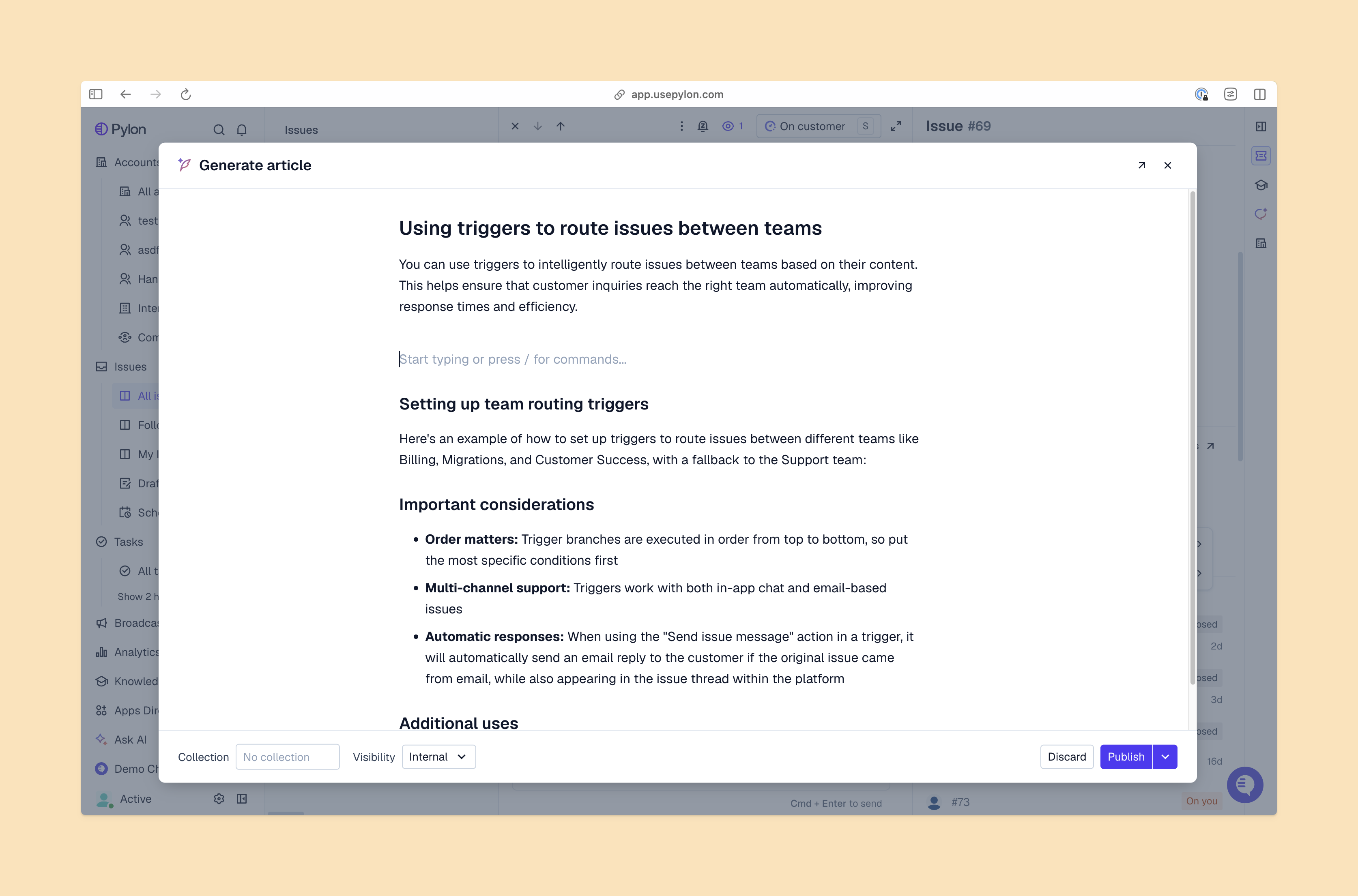
Here are some examples of FAQ pages where format and content combine to create a strong user experience.
These companies offer strong FAQ pages with excellent navigation and search functions:
These FAQ pages give access to massive information libraries without overwhelming users:
Although the target audience is different, B2B teams can learn from the techniques these B2C companies use in their FAQ pages:
A knowledge base is a comprehensive library of self-service resources like tutorials, videos, and technical documentation. An FAQ is a single page that answers a handful of common questions quickly and directly.
Use a knowledge base to give detailed instructions and cover multi-step workflows, with images and videos to help users see how to solve their problem. FAQ pages are better for brief summaries of simple, repetitive issues. Many companies combine the two, for an FAQ page that gives quick answers and links out to knowledge base articles for more details.
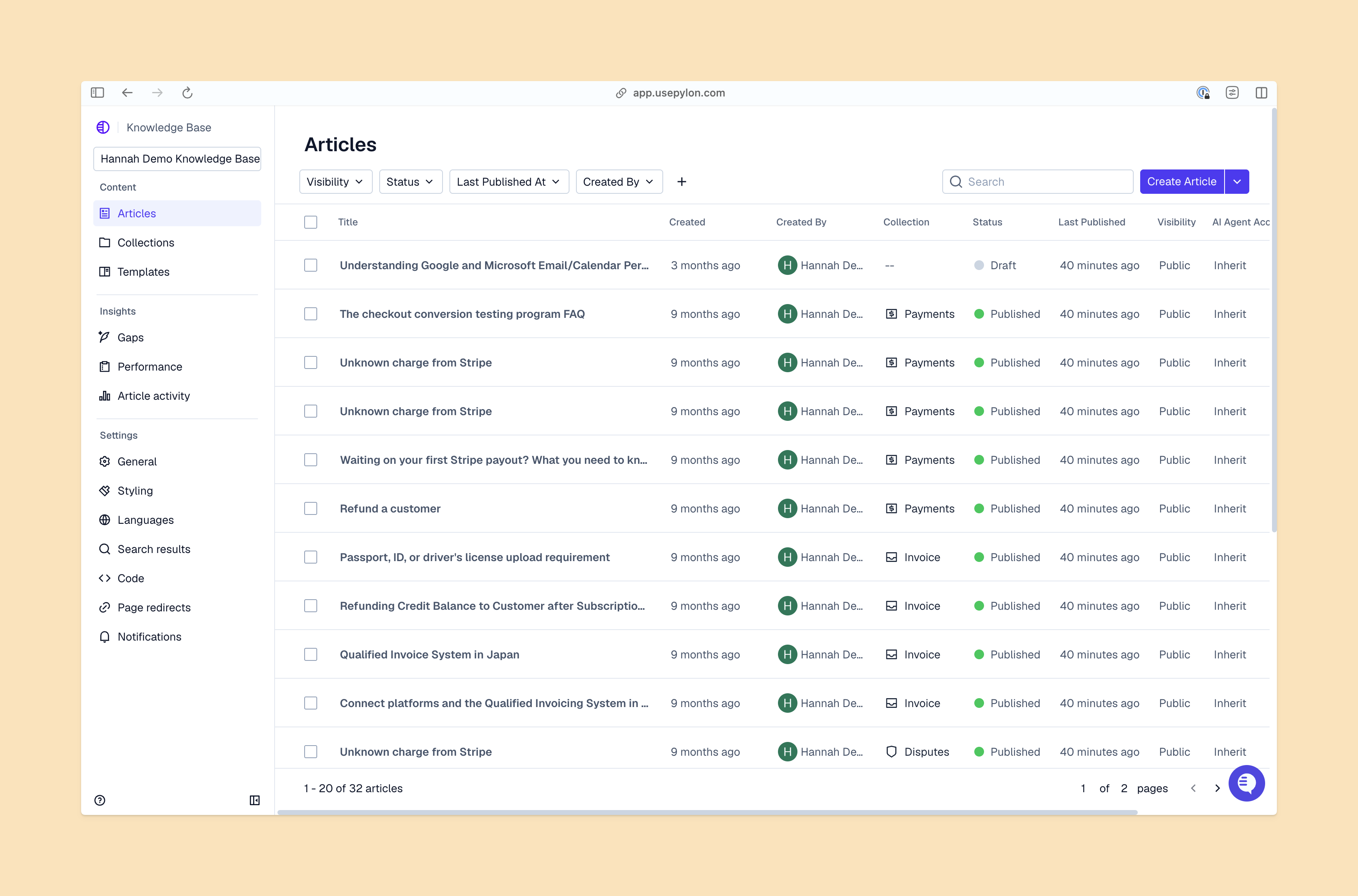
Here’s how to build an FAQ page that actually answers customer questions and reduces support burden in seven steps.
Determine which questions belong on your FAQ page through the following sources:
Group questions for your FAQ into broader topics so that customers can click on the right area instead of skimming every question and potentially miss their question. Use clear, simple headings like “Getting started,” “Account,” and “Shipping.” Accordion menus can keep page design simple and uncluttered, while customers can still expand the sections they’re interested in.
Focus on the most frequently asked questions and give direct answers in a few sentences (at most). Answer questions as directly and concisely as possible. Use an FAQ template to keep your answers tonally and stylistically consistent, and link to knowledge base articles for more details.
Create a layout that’s easy to scan, with accordion menus to expand and collapse content. Once you have more than five or ten frequently asked questions, include a search bar and clickable headings that guide readers to the next step instead of scanning through long lists of questions and answers.
The page should be easy to navigate and read across device types. It’s also important to make your content accessible to people using screen readers or other assistive technologies.
Give customers the option of using an AI agent to generate instant answers to their questions, and link to other self-service tools and support channels, like a customer forum, live chat widget, and your team’s email. That way, customers can instantly reach out if they can’t find the answers they need.
Conduct regular reviews of all the content at least once a quarter. Whenever your products or services change, update your FAQ page. As customer feedback and common support ticket topics change, add them to the page, too.
Track how many customers use your FAQ page, how long they spend on it, and whether it causes a reduction in repetitive tickets. Look for opportunities to improve the page by including other common topics or improving answers so that customers don’t need to contact your support team.
With clear navigation, helpful search tools, and regular updates, your FAQ page will be a useful self-service resource for customers. You can get started with a customer support platform that includes features you need to build an FAQ page as part of a comprehensive help center.
Pylon is the Agentic Support Platform built for B2B support teams. It brings conversations across Slack, Teams, email, chat, and other channels into one place, giving AI the context to help resolve customer issues and continuously improve your knowledge base. Pylon can identify missing or outdated documentation, generate new content from real support conversations, and help your team keep knowledge accurate as your product evolves.
An FAQ page can have any number of questions and answers, as long as you split it into logical sections and use strong navigation and search features.
Phrase the questions in the way the customer would naturally ask them, and answer by addressing the customer directly. Often, this means first person (“How do I…?”) for the questions, and third person (“You can…”) for the answers.
Update your FAQ whenever your products or policies change, and conduct a full review at least once a quarter.
Pylon Workforce Management is available now. See it in action with a live demo.




