


A list of frequently asked questions (FAQ) is a useful tool for both your support team and customers. An FAQ gives customers quick answers to common questions, and it saves time for your team so they can focus on building long-term relationships.
This guide shows you how to build an FAQ page that actually works. We’ll go through a step-by-step template for your FAQ document, and share important questions to include.
An FAQ section is a key part of any company’s knowledge base. It gives short answers to the most common questions you get from customers and prospects.
FAQs are useful because they:
Here’s a template for frequently asked questions in common categories. You can use these to get started, then tweak them to fit your company and customers.
Questions about onboarding and issues that come up while customers settle in:
Questions about your product’s features and how it fits in to their workflows:
Questions about specific product issues:
Questions about sensitive customer data, a category that’s especially important for B2B and SaaS companies:
Questions about account status and contract changes:
Now, here's how to create an FAQ for your company and make it easy for customers to use.
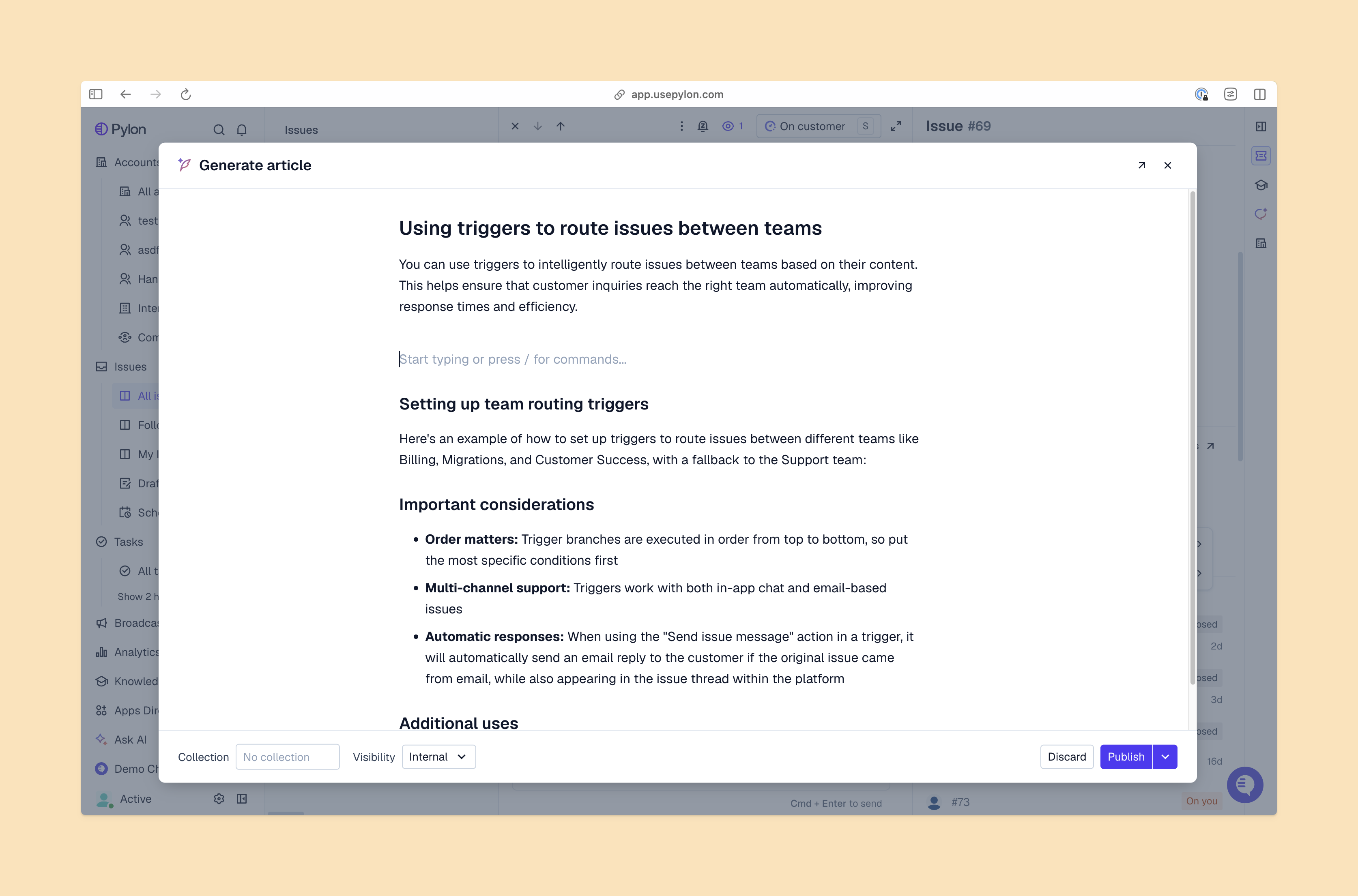
Survey your customer interactions and look for frequent questions and problems. Pylon’s AI Knowledge Management makes this step faster, since it automatically reviews support conversations for knowledge gaps.
For each question, write up a simple answer in just a few sentences, and avoid jargon and complex grammar. Keep SEO in mind and use keywords people search for, so your FAQ sections show up in search engine results and AI answers. Pylon’s AI tools can help here too, by writing answers based on earlier replies from your customer support team.
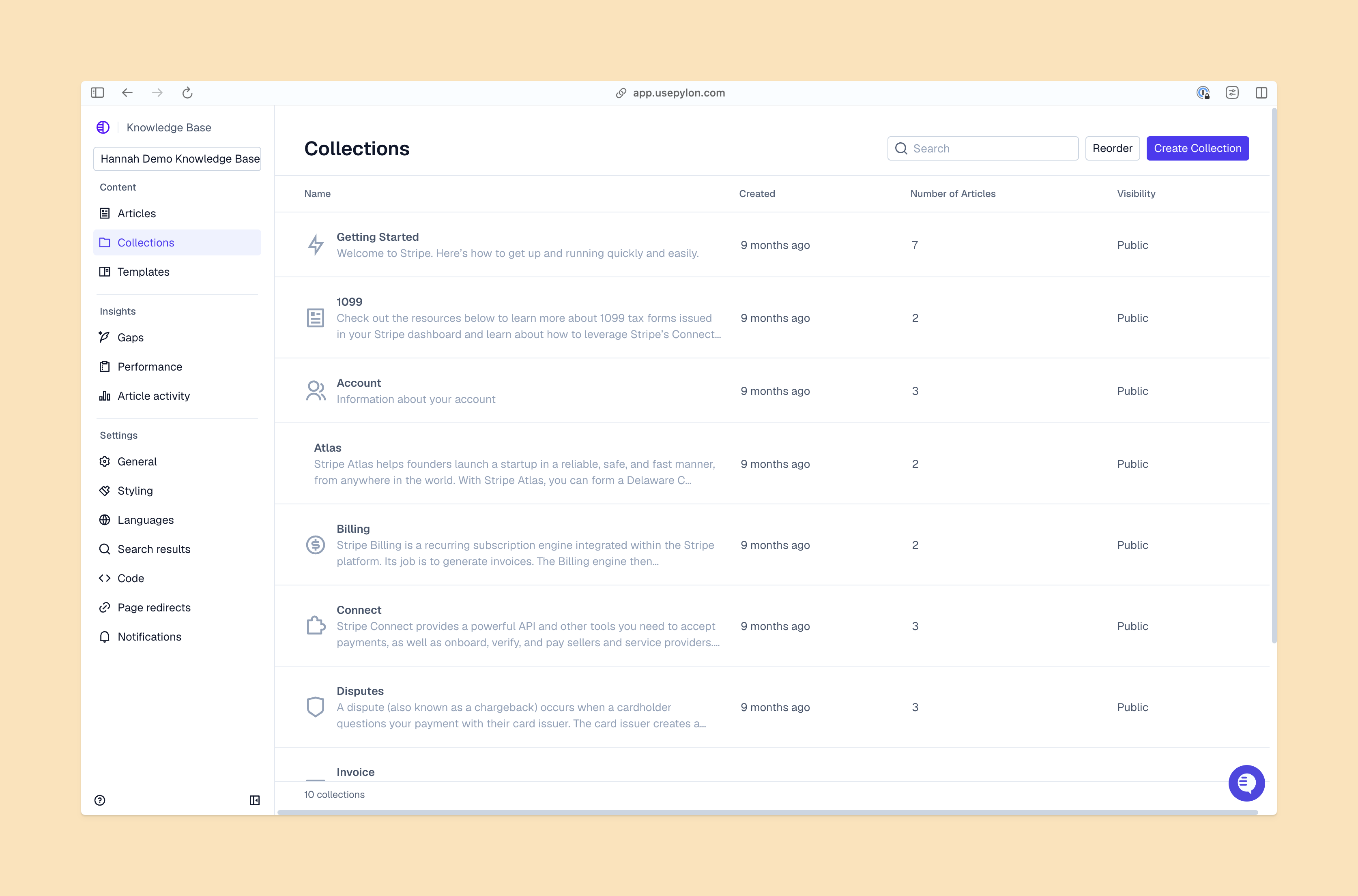
A long, unstructured list of questions and answers is hard to use. Group questions into categories and include subheadings for each section. You could also create a navigation menu, so customers can click on a category and see the questions for that topic.
Your FAQ format should be simple, since the goal is to help customers find the info they need fast. A list works well, with the questions formatted as subheadings and the answers in body text. And make sure the design works well on all devices, from large-screen displays to mobile.
It should be easy for customers to find your FAQ page, so link to it in sales copy and in your website’s menu or footer. If there’s a specific place where customers often look for help, like a support center or contact page, include your FAQ there too.
Your FAQ document can also be part of your knowledge base, so it’s easy for customers to move from one resource to another. In your FAQ answers, add links to articles for more details, and include a search bar that lets customers explore the FAQ and knowledge base.
Update your FAQ often. When you launch a new feature or product, add relevant questions and answers about it, and update FAQ entries where needed. Also, track customer messages and add new topics lots of people ask about.
Finally, measure how customers use the FAQ, so you know if it's helpful. Find out what questions people click on, and track knowledge gaps so you can make improvements. For example, if customers continue to look for help after they read an answer, you could add or update your FAQ so it gives them enough info.
Well-designed FAQ pages give customers quick answers and make it easy for your support team to improve satisfaction. Pylon’s support platform helps you identify the questions customers are commonly asking, so you can get an FAQ up and running.
Pylon is the modern B2B support platform that offers true omnichannel support across Slack, Teams, email, chat, ticket forms, and more. Our AI Agents and Assistants automate busywork and reduce response times. Plus, with Account Intelligence that unifies scattered customer signals to calculate health scores and identify churn risk, we're built for customer success at scale.
The best format is a list of real questions paired with concise answers. Use a clear layout (like accordions or a simple list), group related questions, and only include FAQs customers actually ask.
Common mistakes include guessing questions instead of using real ones, giving vague or technical answers, poor organization, lack of headings or search, and ignoring mobile-friendly design.
A typical FAQ page works well with 8 to 15 questions. For 10 to 15 questions you can include sections. If you have more than 15 questions, you might need subpages or a deeper structure.
Use heading tags to organize hierarchy. Usually, you’ll make “FAQ” an H2 or H3 heading depending on your page, and then each question can be an H3 or H4. The logical tags help with readability and SEO.
Pylon Workforce Management is available now. See it in action with a live demo.




