


A support workflow is the series of steps to resolve a customer inquiry, from the initial intake to the final feedback loop. As B2B companies scale and deal with higher ticket volumes, those steps get muddled and sluggish, which leads to reactive firefights and inconsistent customer experiences.
Teams need structure to manage their tasks. 77% of customer support reps say their workload increased since the past year. Clear, well-optimized workflows lead to higher productivity, faster response times, and improved retention of both customers and team members.
This article shows you how to create a repeatable, scalable customer support workflow. We’ll break down the main stages, explore the benefits, and tackle common challenges.
.png)
Here’s how to optimize each stage of the customer service workflow process.
Customers trigger the start of the customer support workflow. They send requests via different channels such as a Slack message or live chat. The next step is to organize those requests into a single, prioritized queue of tickets.
This is the stage where manual processes bottleneck. If your team has to monitor multiple channels and manually enter the data into a ticketing system, support slows down. There’s also a risk teammates miss messages or fail to capture customer information.
Automated intake and triage helps your team get to work faster. Use AI customer support software to automatically detect customer intent and sentiment, then prioritize them based on urgency. These tools also detect duplicates and merge them into a single issue to prevent redundant work.
Once the customer requests are organized into a queue, the next step is to route each ticket to the right team member.
Workflow automation helps here, too. After you define roles and approval rules, AI support tools assign tickets to the most appropriate person. For example, automated business processes often consider the team’s current workload and assign tickets to team members with the most capacity.
When systems efficiently route tickets, it speeds up workflows and lets teams focus on high-quality problem resolution. It also reduces unnecessary handoffs because it sends tickets to the right person the first time.
At this stage in the customer support workflow, your team troubleshoots and resolves issues. The goal is to maximize first contact resolution (FCR), which means team members solve problems in a single interaction.
To streamline this stage, teams need easy access to information. A centralized support platform provides full visibility into customer context, product usage data, and account health. These knowledge bases give human teammates valuable insights, and they fuel AI agents that automatically answer common questions with internal data.
Teams then resolve the issue and close the ticket, but the support workflow doesn’t end yet. There’s one more step: Follow up with the customer, confirm satisfaction, and ask for feedback.
Use AI automation to send automatic follow-ups after ticket resolution. Ask customers to rate their support experience in a standard survey, but also provide space for qualitative feedback.
Make sure you close the loop internally. Pass customer insights to relevant departments, like devs and pre and post sales teams. Use customer feedback to improve products, services, and the support workflow itself.
As your business grows and ticket volume increases, these are the challenges your support team may face:
Here are a few outcomes to expect from a strong support workflow:
A scalable customer support workflow depends on the smart use of automation. B2B support teams implement AI agents to answer simple customer queries and route the more complex ones to knowledgeable team members. The latest support platforms offer this automation built in, so you can easily streamline every stage of the support workflow.
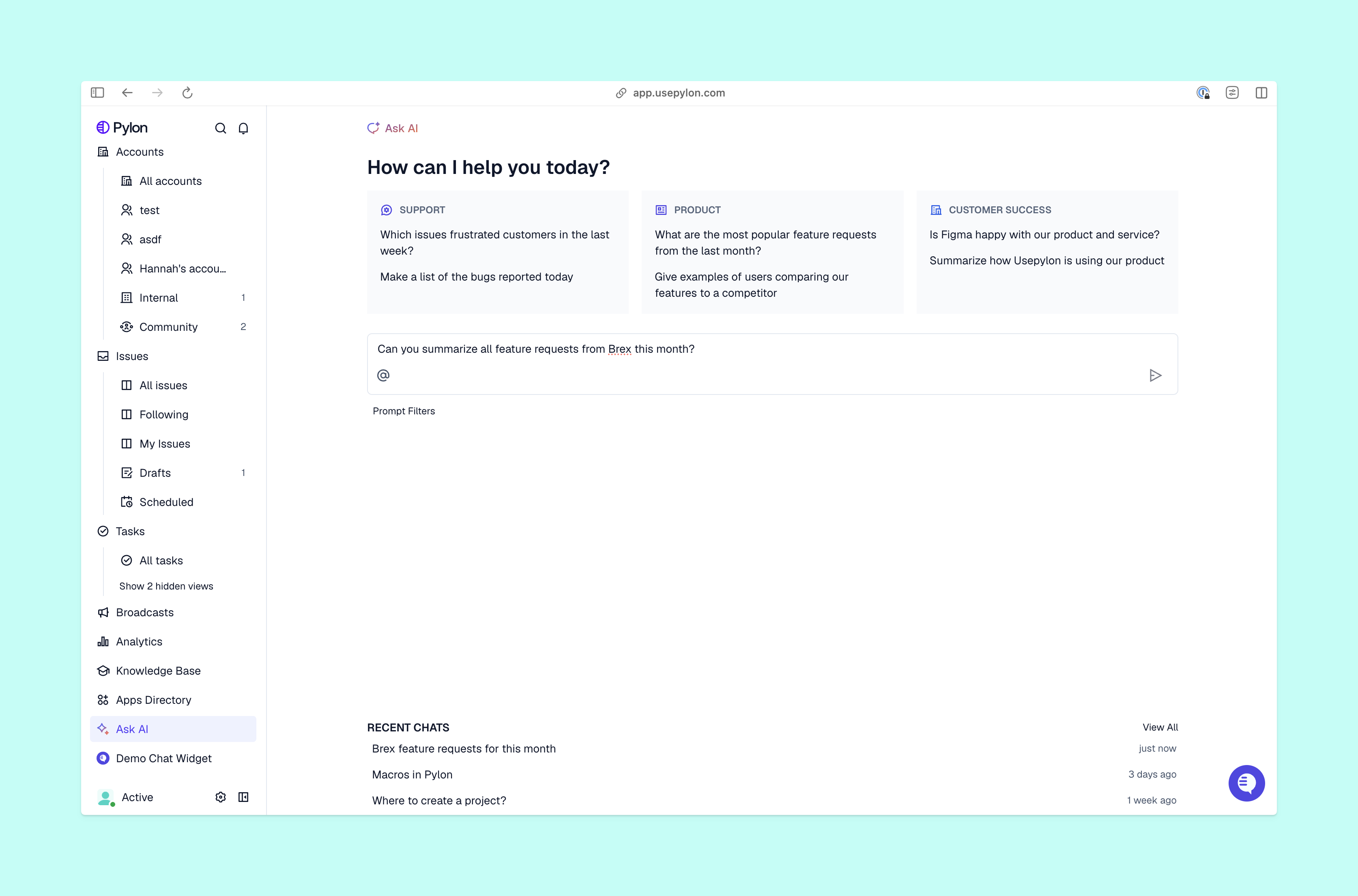
Pylon is the modern B2B support platform that offers true omnichannel support across Slack, Teams, email, chat, ticket forms, and more. Our AI Agents and Assistants automate busywork and reduce response times. Plus, with Account Intelligence that unifies scattered customer signals to calculate health scores and identify churn risk, we're built for customer success at scale.
The first step is to document your current “hidden” processes. Shadow your team to see exactly how they handle a ticket from start to finish. This helps identify the bottlenecks and manual steps that can be automated.
Workflows create a predictable and repeatable positive experience. When customers get fast, accurate answers every time they reach out, it builds the trust necessary to increase lifetime value and reduce churn.
While the basic steps remain similar, B2B teams often use tiered workflows in customer service. For example, enterprise accounts might trigger an automatic notification to a dedicated Account Manager, while standard users follow an automated self-service path.
The most effective metrics are first response time (FRT), customer satisfaction score (CSAT), and the customer effort score (CES), which measures how easy it was for the customer to get their issue resolved.
Pylon Workforce Management is available now. See it in action with a live demo.




