


When ticket volume outpaces your headcount, your support team usually hits a breaking point. Instead of resolving complex issues, your highly trained team members spend their days answering the same routine questions about billing and basic troubleshooting.
A customer support service chatbot fixes this constraint. It’s an autonomous system that handles those repetitive inquiries from start to finish, without human intervention.
While early bots were limited to specific scripts that often frustrated users, today’s AI-driven solutions are built to handle complex B2B workflows — and the gap between those two generations of technology is enormous.
In this guide, you’ll learn how to evaluate different types of automated assistants, the technical capabilities you need to scale, and how to build a support architecture that maintains 24/7 availability while keeping your headcount flat.

Choosing the right chatbot tool starts with understanding the limits of technology. Not every bot operates the same way, and deploying the wrong type for your use case will frustrate customers and create more work for your team.
Rule-based bots follow a predetermined script. When a customer types a specific keyword, the bot replies instantly with a pre-written answer. If the customer asks a question that falls outside that exact script, the bot usually breaks down and forces the user to start over or wait for a human.
They work for simple FAQ deflection but fail quickly in B2B environments where customers have specific, nuanced problems tied to their account configuration.
Modern AI agents don’t rely on scripts. They use natural language processing to understand conversational context and the underlying intent of a message, even when the customer phrases it in an unexpected way. Instead of just linking to a help article, an AI agent can pull data from your CRM, execute a runbook to reset a password, and confirm the full resolution with the customer.
They resolve issues end-to-end and learn from every interaction. Conversational AI for customer support has become the default architecture for AI-powered customer support operations.
A hybrid model uses an AI agent to handle the initial interaction, gathering account context in order to attempt a resolution. If the issue is too complex, the agent hands the conversation to one of your human team members with the full transcript and account history attached. That way, the customer never has to repeat themselves, and your team member can jump straight into solving the problem.
To make an automated assistant valuable to a sophisticated B2B customer base, the AI-powered chatbot platform needs specific technical capabilities. It must be an intelligent chatbot. A bot that lacks any of these will create gaps in your support coverage that customers will notice quickly.
Your bot needs to live where your customers work. A chat widget on your website isn’t enough in most cases. True omnichannel integration means your AI agents can resolve issues directly inside Slack, Microsoft Teams, and email.
For instance, when a customer opens a thread in a shared Slack channel, the agent should respond in that exact thread rather than redirecting the customer to a separate portal. Customer success platforms that treat Slack and Teams as first-class channels give your team a significant advantage in response speed and customer satisfaction.
Support issues typically don’t happen in a vacuum. That’s why an AI assistant needs to pull context from scattered signals across your tech stack. It should know the customer’s account tier, their recent feature requests, and their past tickets before it generates a response.
This context is what allows the bot to resolve issues accurately instead of giving generic advice that doesn’t apply to the customer’s specific setup. Account intelligence that unifies these signals is what separates a genuinely useful AI assistant from a glorified search bar — and it’s what can help drive down churn rate and increase customer satisfaction.
Natural language processing (NLP) allows your bot to understand nuance, slang, and human sentiment. Instead of forcing the user to type the exact right keyword, NLP models interpret what the user actually means. And this makes it possible to generate empathetic, natural-sounding responses, helping address your customer’s problems. Without it, customers quickly learn to avoid the bot entirely and go straight to your team. Once that habit forms, it’s very hard to break. You should set the bar high early and ensure your AI customer support software helps customers resolve issues quickly.
An isolated chatbot creates data silos and is often hampered by others in your stack. Your automated assistant must connect directly to your existing support ecosystem. It needs the ability to pull data from your CRM to verify a user’s identity and create or update tickets in your helpdesk when an issue escalates. Without this connectivity, your team is loaded with manual data entry to reconcile what the bot handled versus what landed in the queue, which defeats the purpose of automation.
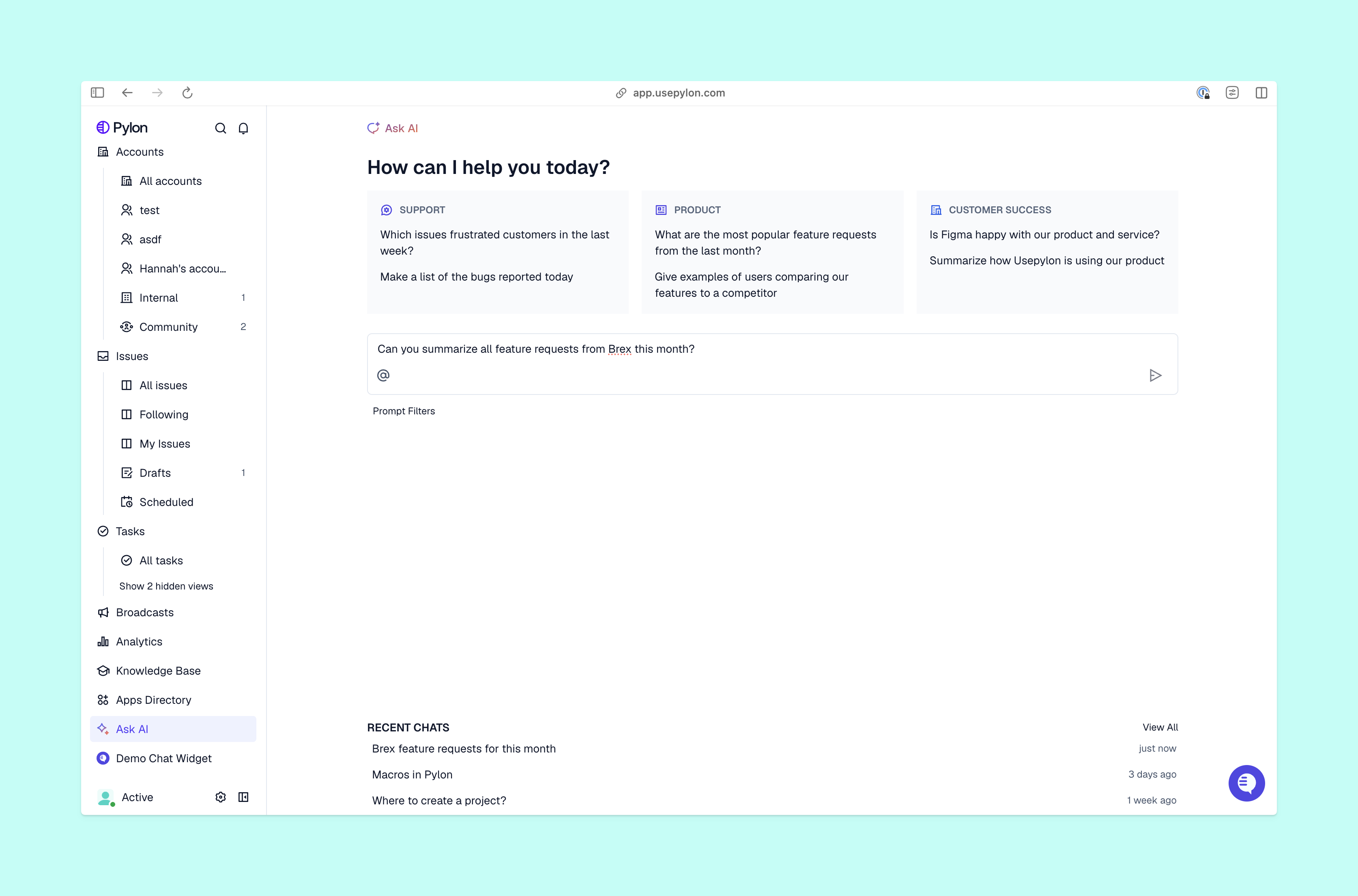
An autonomous layer in your support operations drives measurable impact for both your team and your customers.
With 24/7 support, customers get answers immediately regardless of their time zone. In B2B, it’s especially valuable for global customers who need help outside of your normal working schedule. You can offer round-the-clock coverage without having to cover night shifts or hire regional teams. For customer success leaders managing global businesses, this alone is often the deciding factor when you evaluate automation platforms.
When your AI agent can handle the repetitive request, those tickets never reach your human queue. This reduction in volume means your team has the time to focus on complex technical escalations and proactive customer operations. For VP-level CS leaders, ticket deflection most directly translates to headcount efficiency and cost per resolution.
Because the AI agent draws from your approved knowledge base and connects to your CRM, every response is accurate and tailored to the specific account. You deliver the same high-quality support standard to every user, every time. Customers who get accurate, account-specific answers on the first interaction are far less likely to escalate or churn — and that consistency compounds over the lifetime of the account.
A modern chatbot allows you to handle exponential increases in ticket volume without proportionally increasing your headcount. As your customer support and success organization grows, the bot absorbs volume spikes while your team focuses on accounts that need human attention. You can do proactive outreach and customer enablement while your AI agents take care of the routine support queue each day.
Deploying an automated support strategy needs a structured approach. Follow this framework to evaluate and launch your system effectively.
Start with an audit of your common support requests. Look at your ticket data from the last quarter to find the most repetitive questions your team answers. These are the workflows your AI agents should master first. To do that, build comprehensive documentation for these issues before you launch the bot. The AI is only as good as the information and training data it can access.
Enterprise customers won’t tolerate data leaks. Ensure the support tool you choose meets strict B2B standards for data privacy, including SOC 2 Type II compliance. The platform must have clear access controls so the bot never surfaces sensitive account information to the wrong user. This is especially important when the bot has access to your CRM and can pull account-level data in real time.
Track your resolution rates and monitor which types of requests are most often escalated. These escalations tell you exactly where your AI agent needs better training or where your knowledge base lacks information. Regularly review these interactions with your team to refine the bot’s responses and update its documentation. A bot that’s not actively maintained will degrade in quality as your product evolves, and customers will notice before you do.
The right chatbot changes the shape of your support operation entirely. Your team stops spending their day on low-level tasks like billing questions. And your customers get answers at 11:00 p.m. on a Tuesday without waiting for business hours. The technology to get there exists. And Pylon offers best-in-class customer connection and AI-powered support for B2B companies.
Pylon is the modern B2B support platform that offers true omnichannel support across Slack, Teams, email, chat, ticket forms, and more. Our AI Agents and Assistants automate busywork and reduce response times. Plus, with Account Intelligence that unifies scattered customer signals to calculate health scores and identify churn risk, we're built for customer success at scale.
Yes, modern AI driven chatbots use translation engines and multi language NLP models to detect a user's language and respond in kind, allowing for global support without a localized team.
Training usually involves feeding the AI existing knowledge base articles, previous ticket transcripts, and product documentation so it can learn your specific product terminology and common customer objections.
Customers are generally only frustrated by "dumb" bots that get stuck in loops. Modern AI agents that provide instant, accurate answers actually improve CSAT by removing the friction of human interaction.
Pricing varies widely from simple monthly subscriptions to usage based models where you pay per successful resolution. Most platforms scale their pricing based on the complexity of the AI and the volume of interactions.
Pylon Workforce Management is available now. See it in action with a live demo.




