


When teams can see the full history of an account, understand their product usage, and route their issue to the exact right technical specialist in seconds, support stops being a cost center. Instead, it becomes the engine that drives retention.
A ticket system for customer service makes this possible by centralizing incoming requests from multiple channels into trackable, actionable digital tickets. A structured system ensures every issue has an owner, a status, and a clear path to resolution.
In this guide, you’ll learn how your organization can leverage these systems to improve productivity, evaluate the features that matter most, and deliver more consistent experiences across your entire customer base.

Choosing the right tool means understanding the technical capabilities that separate legacy systems from modern solutions. A ticketing system built for today’s B2B environment needs to do more than just assign a number to an email. It must actively accelerate the resolution process with automation, triage, and full integration.
Your customers expect to reach you where they already work. Centralizing inquiries from Slack, Microsoft Teams, email, and web forms into a single unified view is non-negotiable. When a customer opens a thread in a shared Slack channel, the system should capture that context and allow your team to reply directly from the ticketing tools they use every day. Omnichannel integration eliminates the friction of forcing customers into a separate portal, and it prevents team members from constantly switching between different communication apps to track down context.
A modern ticket system for customer service uses AI to automate complex B2B workflows and reduce manual busywork. Instead of a team member manually reviewing every incoming request, an AI agent can handle the initial triage, categorize the issue, and route it to the correct department based on the customer’s intent. For repetitive questions, these agents can often resolve the issue entirely without human intervention, which drastically reduces your overall support ticket volume.
Service level agreements (SLAs) are the foundation of B2B support. Your software must include tools to monitor response and resolution times to ensure service commitments are met. When a ticket approaches an SLA breach, the system should automatically escalate the issue and alert the relevant team members before the deadline passes. This level of tracking is what makes modern ticketing systems essential for maintaining enterprise accounts and protecting your recurring revenue.
Surfacing health scores and other account signals directly in the ticket view helps personalize your support experience. If a user submits a ticket, your customer support team should instantly see their account tier and whether they’re currently flagged as a churn risk. Extra context helps you draft better responses and creates the framework for strategic interactions. It also allows your support team to tailor their tone, prioritize the fix, and loop in the account manager if necessary.
Without this layer, every ticket gets treated the same way regardless of the account’s value or urgency. For example, you wouldn’t want a $200k ARR customer with a critical integration failure handled with the same priority as a new trial user asking a basic onboarding question. Account intelligence makes triage and prioritization automatic.
Moving to a dedicated omnichannel platform gives you tangible outcomes that impact both your team’s daily workflow and your bottom line. Good ticket management systems change how your organization operates from the ground up. Here’s how.
When you remove the manual work of categorizing and assigning tickets, your team can focus on actually solving problems. AI ticket deflection handles the repetitive inquiries, while AI assistants draft responses and summarize long email threads for your team members handling the complex escalations. Combining autonomous resolution and AI-assisted drafting allows your customer support team to handle a much higher volume of requests without burning out.
A centralized system gives leadership a clear view of support operations. You can track which product features generate the most questions, identify bottlenecks in your resolution process, and monitor individual team performance. Ticket tracking tools generate the data necessary to make informed decisions about headcount and product development. When you can definitively show that a specific bug is driving twenty percent of your weekly volume, you can make a compelling business case for engineering to prioritize the fix.
Support issues often need input from engineering, sales, or product teams. A unified system allows different departments to collaborate on a single ticket without losing context. Team members can leave internal notes, tag specific engineers, and link related Jira issues directly to the customer’s request. The customer only sees the final, polished response, while your internal teams can debate the technical details in the background.
For example, say multiple support tickets reveal a product bug. Instead of the support team writing up a separate Slack message to engineering, the ticket itself becomes the source of truth. Engineering can see the exact error message, the customer’s environment details, and the full conversation history without anyone having to rewrite it.
As your customer base grows, your support volume will increase. The best ticketing systems are designed to handle this exponential growth without needing a proportional increase in headcount. The automation and routing rules absorb the volume spike, keeping your operations stable. That way, your support quality doesn’t degrade as your sales team brings on more accounts.
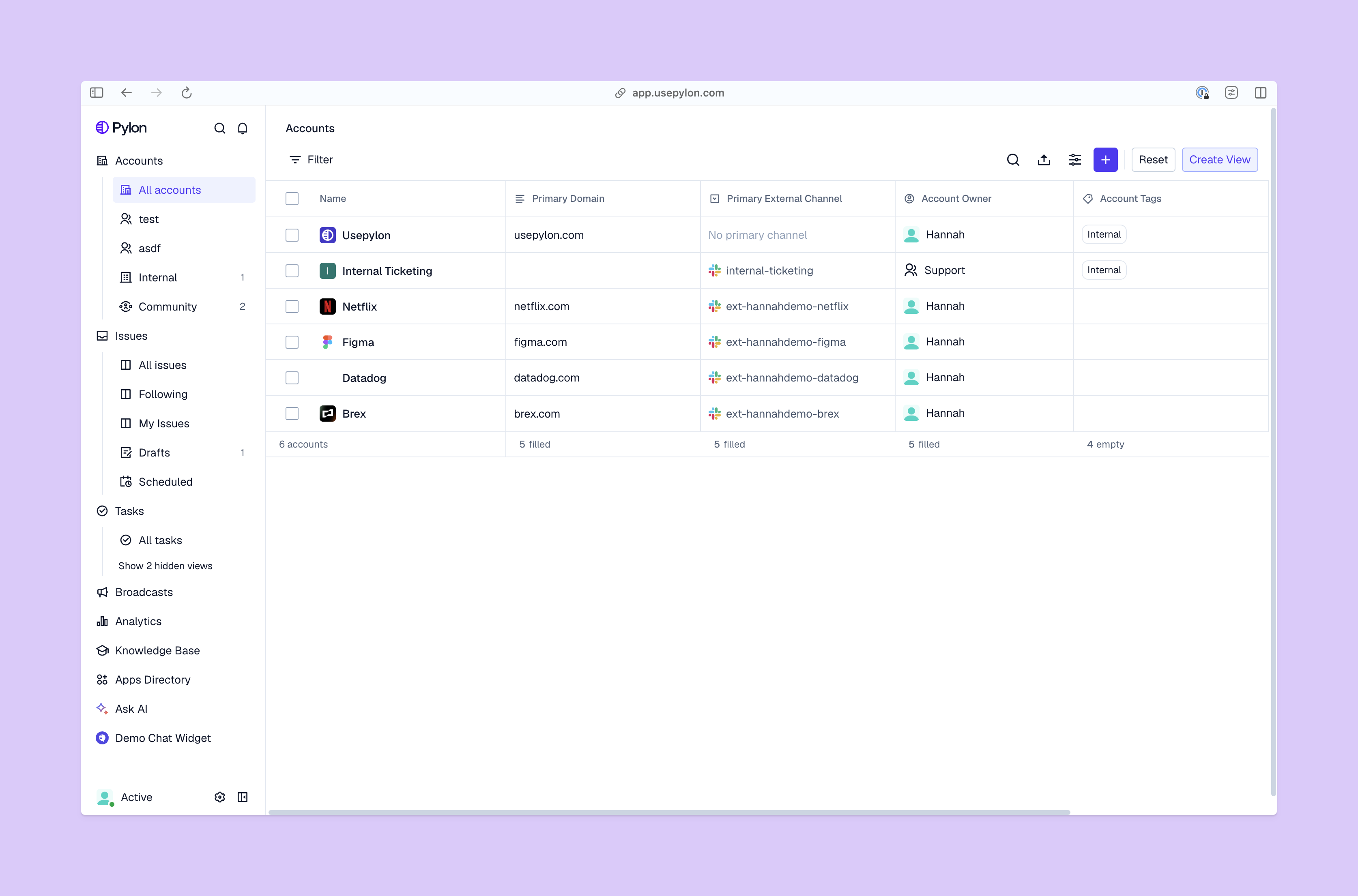
Every organization has unique operational needs. Use this framework to evaluate software and ensure you select a platform that aligns with your goals.
The best tool is one your team will actually use. Evaluate how easily the platform integrates with your existing tech stack, including your CRM, engineering tools, and communication channels. A system that takes months of custom development to deploy will delay your time to value and frustrate the team members who have to use it during the transition period.
Your support workflows will likely evolve as your company grows. The software must be flexible enough to accommodate custom ticket fields, unique routing rules, and specialized reporting dashboards. You need a platform that adapts to your processes, rather than forcing your team to adapt to rigid software constraints. If you can’t easily change a routing rule when you launch a new product line, the system is too rigid.
When you’re evaluating the best AI ticketing systems, look closely at how the platform implements automation. Does it rely on straightforward keyword matching, or does it use natural language processing to truly understand customer intent? The quality of the AI will directly impact your deflection rates. A system with poor NLP will simply frustrate customers by miscategorizing their issues and forcing them into loops.
Look beyond the monthly subscription price. Factor in the costs of implementation and ongoing maintenance of the ticket tracking tools you choose. Some legacy platforms need dedicated administrators just to manage workflow support ticket demand, which significantly increases the true cost of the software. A modern platform should be intuitive enough that your existing support leadership can manage the configuration.
When used right, a ticket management system is a growth lever that protects your existing customer base. While legacy systems focus heavily on internal tracking, modern platforms prioritize the customer’s preferred channel, like Slack, to build stronger relationships.
When your team has the right infrastructure, they stop reacting to emergencies and start proactively managing account health. They have the context to understand why a customer is reaching out, the tools to resolve the issue quickly, and the automation to handle the busywork in the background.
The decision comes down to whether your current setup can handle the complexity of your customers’ needs. If your team is still fighting with a shared inbox or a legacy platform that silos data, you’re actively introducing friction into your customer relationships.
Pylon is the modern B2B support platform that offers true omnichannel support across Slack, Teams, email, chat, ticket forms, and more. Our AI Agents and Assistants automate busywork and reduce response times. Plus, with Account Intelligence that unifies scattered customer signals to calculate health scores and identify churn risk, we're built for customer success at scale.
An email inbox is a flat communication tool where inquiries can easily be missed or duplicated. A ticketing system provides ownership, status tracking (Open, Pending, Closed), and performance metrics that a standard inbox lacks.
By using automated routing and AI agents, the system puts the inquiry in front of the right agent immediately. It can also send automated "receipt" messages and use AI assistants to suggest answers, significantly lowering wait times.
Yes. In fact, small teams benefit most from automation as it prevents them from being overwhelmed. A modern system allows a small team to manage high volumes by deflecting simple questions through AI and knowledge bases.
Modern B2B customers expect real-time communication. Integrating your ticket system for customer service with Slack or Teams allows your team to support customers in the channels they already live in, while still maintaining the tracking and reporting of a formal ticket.
Pylon Workforce Management is available now. See it in action with a live demo.





